Android customization tutorials, guides, tips & tricks mega round-up
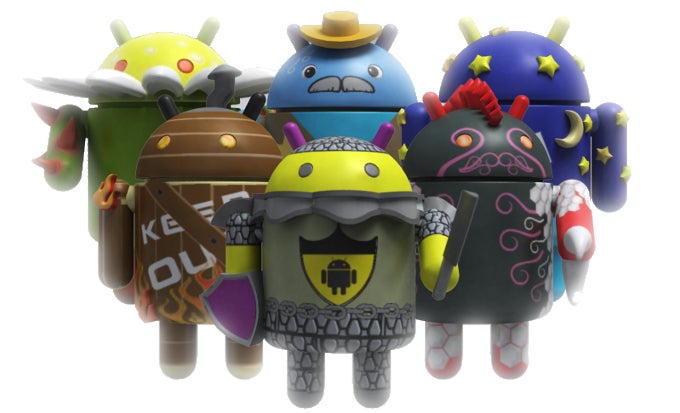
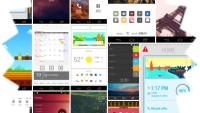
So, you've decided to hop on the customization bandwagon and modify the interface looks of your Android companion? Well, you can 'bend' Google's mobile OS to suit your liking and there are hardly any limitations to what you can achieve in the modification department. Changing the launcher, its layout, the keyboard, the icons and folders, the fonts, as well as many, many other aspects of your Android device are but a few of the ways you can customize your device and truly make it your own.
Be together, not the same
You want to achieve iOS looks? Check. You dig Windows Phone's Live Tiles? You can do that, too. You want a minimalistic, cluttered, or bizarre home screen setup? Well, whatever floats your boat! Nonetheless, this might be a double-edged sword, as some customization devotees rarely get satisfied with their phone's interface and always tinker with it, trying to strike the perfect balance between functionality and "beauty", at least as per their personal understandings.
For these users, as well as for the customization newbies alike, we've curated a selection of our own articles, guides, and picks that will help you customize your Android device. Apart from the essential articles we've put below, we've also thrown in some more advanced customization guides, most of which might require root access. Check them out below and feel free to share any thoughts that you might have.
Android 6.x Marshmallow tutorials, tips and tricks




Android 5.x Lollipop tutorials, tips, and tricks









General Android tutorials, tips, and tricks







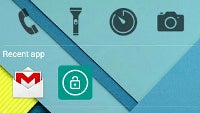

















To be continued...


Popular stories





Latest News

Things that are NOT allowed:
To help keep our community safe and free from spam, we apply temporary limits to newly created accounts: