Google reveals the Pixel devices getting Android 17 this summer
This will be the last year that all Tensor-powered Pixel devices will be updated to the new Android build.
Pixel models getting Android 17 | Image by Google
Android 17 is coming this summer, although for many, it is already here. If you subscribed to the Android Beta Program, you have had the opportunity to install the Android 17 Beta on eligible Pixel models. For example, my Pixel 6 Pro has been running the Android 17 Beta since February 13, 2026.
Certain phones made by these Android partners can install the Android 17 beta
Pixel models aren't the only phones able to join the Android 17 beta as select models from manufacturers that partner with Google can also join the beta. These partner brands include phones made by:
- OnePlus
- Oppo
- Xiaomi
- vivo
- iQOO
- Motorola
- realme
- Honor
- Lenovo
- Sharp
Eligible Samsung Galaxy handsets will receive the beta for Android 17 and the stable version of the operating system through the rollout of the One UI 9 Beta and the final version of the interface. As for Pixel devices, this will be the last year and the last build of Android that will include support for all Tensor-era Pixel phones.
These Pixel devices will receive Android 17
For now, Google says that the following Pixel models will receive Android 17 later this summer:
- Pixel 10
- Pixel 10 Pro
- Pixel 10 Pro XL
- Pixel 10 Pro Fold
- Pixel 10 a
- Pixel 9
- Pixel 9 Pro
- Pixel 9 Pro XL
- Pixel 9 Pro Fold
- Pixel 9a
- Pixel 8
- Pixel 8 Pro
- Pixel 8a
- Pixel 7
- Pixel 7 Pro
- Pixel 7a
- Pixel 6
- Pixel 6 Pro
- Pixel 6a
- Pixel Fold
- Pixel Tablet
How to subscribe to the Android Beta Program
All of the above models will be able to get the Android 17 beta if you've subscribed to the Android 17 Beta Program. To join the Beta Program, tap on this link. When you are sent to the Android Beta Program website, tap the rectangle that says "View your eligible devices."
Which of these was your fave Pixel model?
1869 Votes
Pixel 2 XL-the one everyone fondly remembers.
17.98%
Pixel 4/Pixel 4 XL-with Face Unlock that rivaled Face ID.
16.1%
Pixel 5-the mid-range model.
11.93%
Pixel 6/Pixel 6 Pro-debut of the camera bar.
29.37%
Another model.
24.61%
That will take you to an image of your phone and underneath it will be a box to press if you want to opt in to the Beta Program. Once you press it, you will receive an OTA update with the latest Android 17 beta software for you to install.
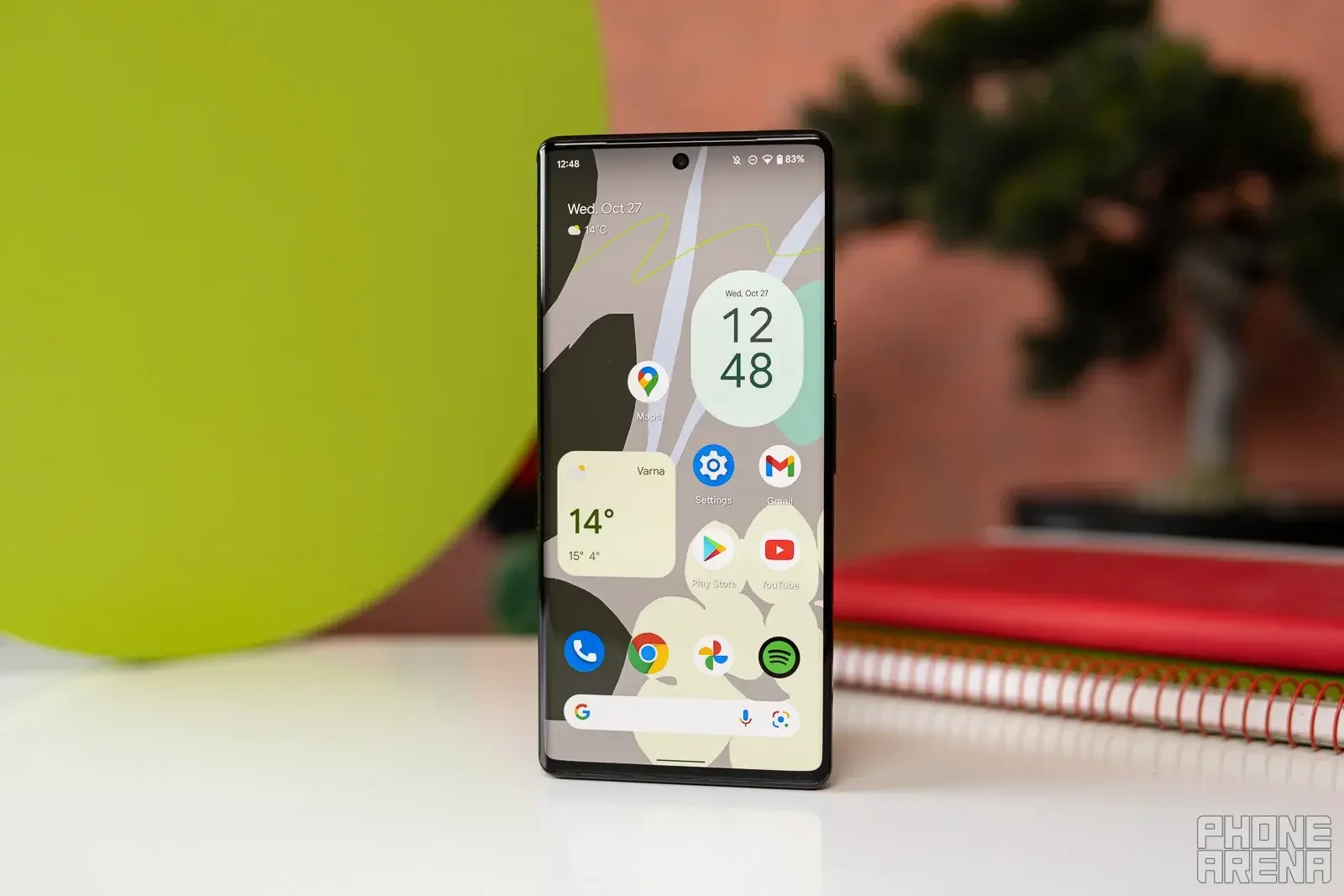
Android 17 is the last major Android update for the Pixel 6 and Pixel 6 Pro. | Image by PhoneArena
Before you do install the beta software, there are things you should know and do. First, back up your phone before you install the beta. You should know that some of the features of your phone that you might rely on daily might not work perfectly once you install the beta.
Also, once you install the beta you will not be able to return to the stable version of Android, at will, without wiping your phone and removing the data you've accumulated. There will be periods when Google will allow you to leave the beta without having to reset your phone.
Here are some of the new features expected to arrive with the update to Android 17
Some new features include:
- Notification cooldown: If you receive many messages in a short period from an app or group chat, the volume on consecutive alerts from the same sender will be automatically lowered.
- Rich Status Bar API: This will allow users to receive dynamic data in the status bar such as a countdown timer for the arrival of your rideshare.
- Saved App Pairs: A combination of two apps that you normally view in split-screen mode can be saved as a single shortcut icon on the home screen. Tapping that shortcut will automatically launch both apps in split-screen immediately.
- App Screen Sharing: Instead of showing your entire screen during a video call, you can choose a small app window that the other person can view. Everything else is hidden.
- Asset Protection Lock: Similar to what Apple is working on for iPhone, if the accelerometer in your Android 17 phone detects that your phone has been snatched out of your hand, the phone is locked and needs a biometric verification from a fingerprint or facial recognition to open.
- Integrated Satellite Connectivity: Android 17 adds OS-level native support to direct-to-cell satellite connectivity. Users on supported carriers will be able to send text messages and contact emergency services even in areas without cellular service.
- Advanced Background App Restrictions: To reduce battery drain, Android 17 changes how apps are allowed to run "foreground services." Apps will also face much stricter limits on what they can do in the background when you aren't actively looking at them.


Popular stories


Latest News
Things that are NOT allowed:
To help keep our community safe and free from spam, we apply temporary limits to newly created accounts: