The best tablets to buy in 2025
We may earn a commission if you make a purchase from the links on this page.
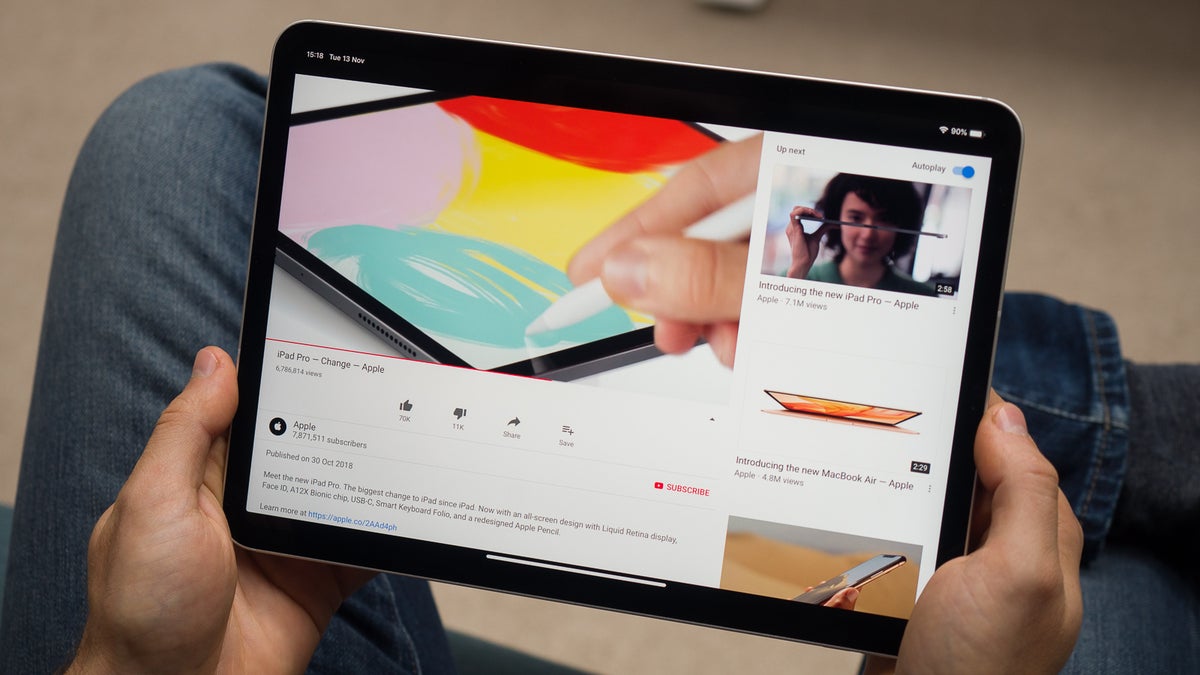
Few brands are still innovating at the high end of the tablet market, but Samsung continues to stand out with its Galaxy Tab S series. For those seeking something more budget-friendly, they offer the Tab S10 FE, and even lower-priced options like the Galaxy Tab A9+. In the midrange space, there are a lot more options, vying for your undivided attention. Google has made waves with the Pixel Tablet, offering a fresh perspective on how tablets can integrate into daily life. Meanwhile, OnePlus keeps pushing, now with the OnePlus Pad 3 — a well-equipped, high-performance device that clearly draws inspiration from the iPad Pro.
Still, Apple remains the dominant player in the tablet space. Its iPad lineup spans a wide range — from budget-friendly models starting at $350 to the ultra-premium iPad Pro, which can exceed $2,000 depending on configuration. With such a broad spectrum, there's truly an iPad for nearly every user and use case.
It’s a great time to be shopping for a tablet — but the sheer number of choices can be overwhelming. That’s where we come in. We've evaluated the current lineup of tablets to help you cut through the noise and choose the best option for your needs and budget.
It’s a great time to be shopping for a tablet — but the sheer number of choices can be overwhelming. That’s where we come in. We've evaluated the current lineup of tablets to help you cut through the noise and choose the best option for your needs and budget.
You'll also love these
No matter which side you're on, the list below surely contains a tablet that would serve you well.
Table of contents:
- Best iPad for Most People
- Best Android Tablet for Most People
- Best Premium iPad
- Best premium Android tablet
- Best Value tablet
- Best Budget Tablet
- Best Compact Tablet
- Benchmark Data
- What to consider when choosing the best tablet?
- FAQ
Best iPad for most people
Apple iPad Air M3 (2025)
Why did I pick it?
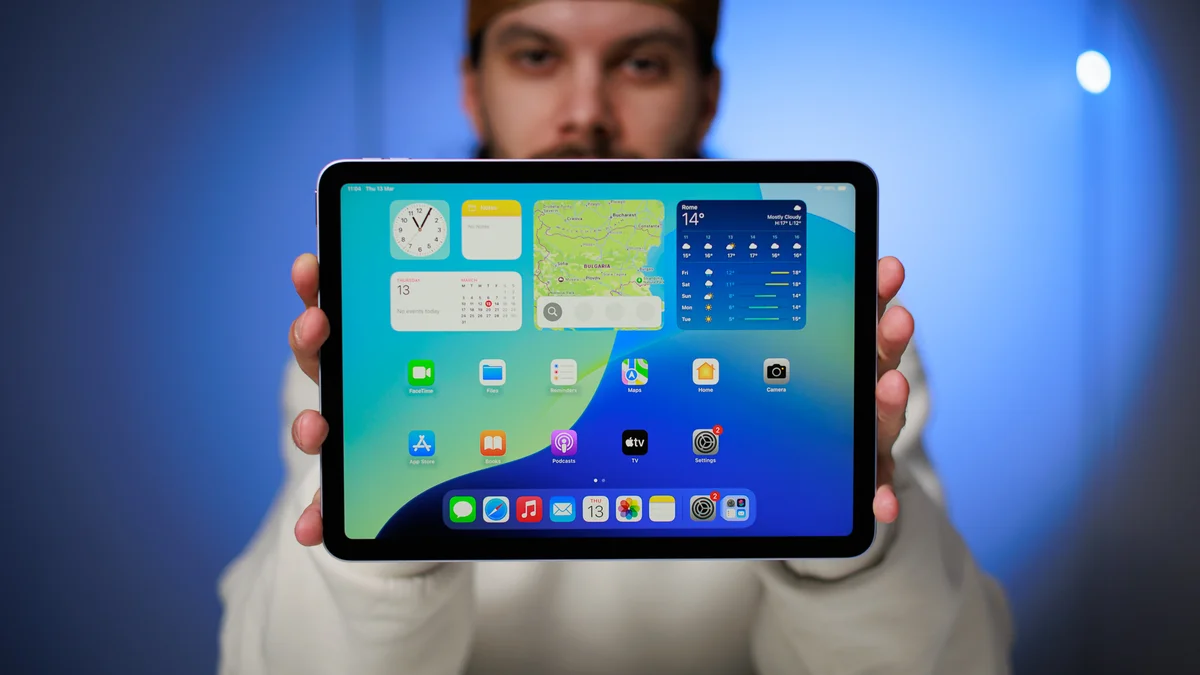
The iPad Air got an unexpected refresh in early 2025, now powered by an M3 chip. Kind of weird, it's probably that Apple just decided to free up the production lines and stop making the M2. I love that, and in my experience, an iPad Air is pretty much all you are ever going to need from a tablet in early 2026.
That said, some things remain unchanged. The iPad Air M3 still lacks a high refresh rate, sticking with a 60Hz LCD display — sharp and vibrant but not as smooth as the Pro’s OLED with the 120 Hz ProMotion refresh rate. The USB-C port is limited to USB 3 speeds (10 Gbps) rather than Thunderbolt (40 Gbps), meaning it’s fast but not the fastest, but certainly much better than the base iPad A16 with its USB 2 speeds.
It now supports a new Magic Keyboard for iPad Air, which is basically the OG Magic Keyboard for iPad from 2020, now with a function key row. The iPad Air M3 supports both the Apple Pencil USB C and Apple Pencil Pro.
And here’s the kicker: The M3 chip brings hardware-accelerated ray tracing, further closing the gap between the Air and the Pro. So remind me again—why do we even need an iPad Pro?
It now supports a new Magic Keyboard for iPad Air, which is basically the OG Magic Keyboard for iPad from 2020, now with a function key row. The iPad Air M3 supports both the Apple Pencil USB C and Apple Pencil Pro.
Who is it for?
The new 13-inch iPad Air is perfect for those who want a larger screen without the iPad Pro price tag. It starts at $799 for 128GB, while the 11-inch model comes in at $599 for 128GB. As always, accessories are sold separately.
Key specs
Read our review here: iPad Air M3 review: second verse, same as the first
Best Android Tablet for most people
Samsung Galaxy Tab S11
Why did I pick it?
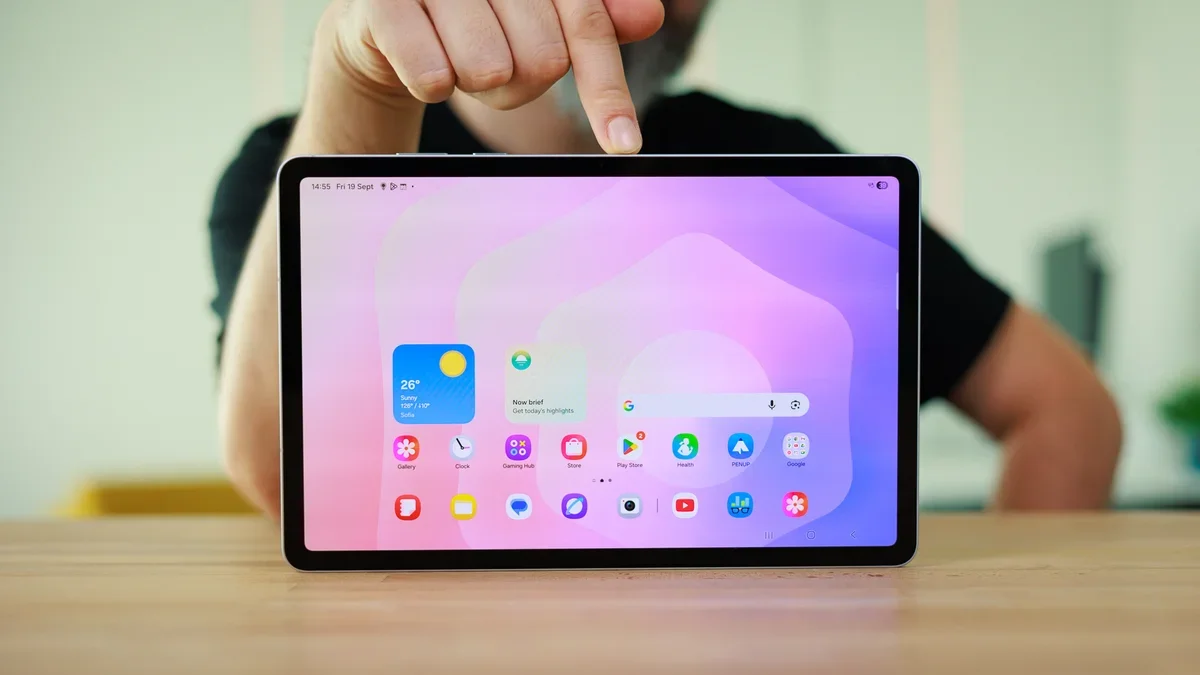
The Galaxy Tab S11 is pretty much the perfect Android tablet that I have been using ever since I finished my review earlier this year. It combines a very compact size with a large and beautiful 11-inch AMOLED display, powerful hardware, and Samsung's very user-friendly One UI interface with some pretty neat desktop-like functionalities, like improved DeX mode.
It's perfect for consuming media thanks to its sensible 16:10 aspect ratio. I love watching movies on this device as the letterboxing is minimal in comparison with something like the iPad, but watching TV shows is basically perfect, as you almost always get a fullscreen experience. The quad speakers are also loud and potent, making media the primary use of this tablet for me.
There's also an S Pen in the box, and it allows you to draw and write on your tablet.
Who is it for?
It's a pretty safe blind buy that is a good match for the largest denominator of Android users. It's challenging to find any fault for this tablet aside from the price tag, which is a bit higher than the average for a tablet. Definitely worth it, though.
Key specs
Read our review here: Samsung Galaxy Tab S11 review: Compact and capable, but not groundbreaking
Best premium iPad
Apple iPad Pro M5
Why did I pick it?
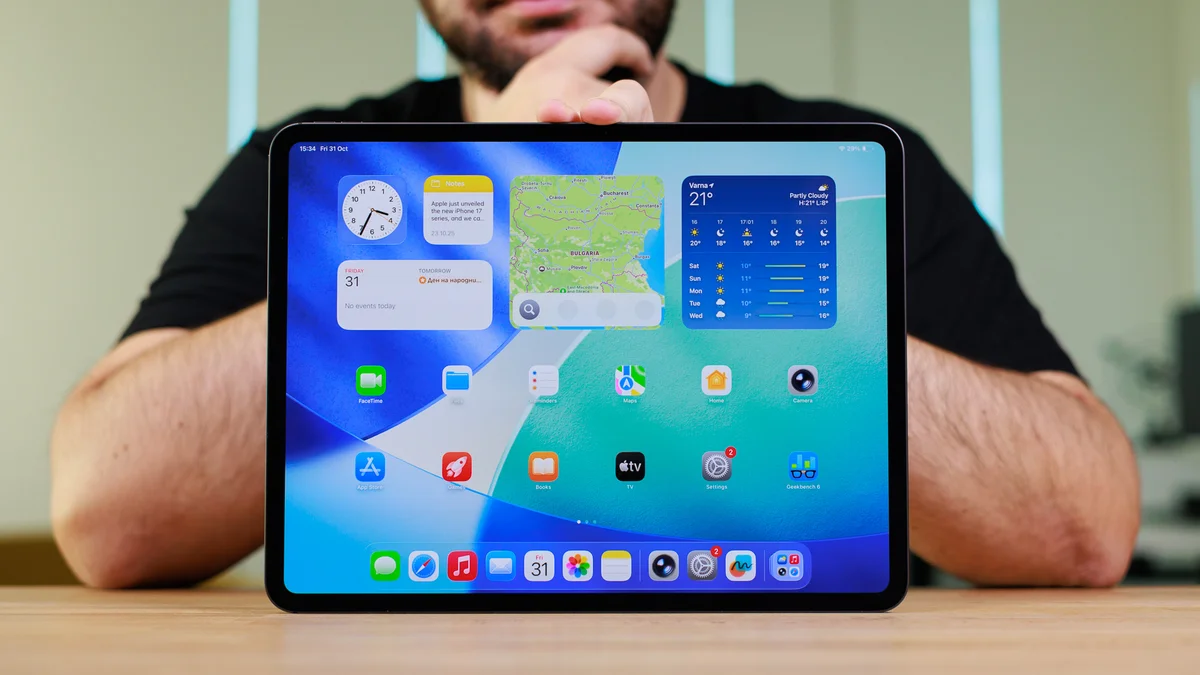
The iPad Pro models from 2025 are in a class of their own. With the Tandem OLED display system, they are bright, sharp, clear, with infinite contrast and no blooming effects like the mini-LED from the recent past. In my personal experience, the M5 chip is definitely a revelation when it comes to on-device performance, and you'd hardly need anything faster. Even intensive gaming feels like it barely scratches the surface of what the M5 chip is truly capable of.
Quad stereo speakers, excellent screens, and the best hardware you can find on a tablet — that's what both the iPad Pro M5 11" and 13" are. They do ask a pretty penny for it, but if you are an avid tablet user, you will be enjoying these every day for the foreseeable future.
Here's another tip — M4 models are also still out there and will be hitting clearance prices soon. These are absolutely nothing to snark at and get all the new features of iPadOS 26. Plus, they are the first models that got Tandem OLED, so you get to enjoy that as well!
Who is it for?
The latest iPad Pro M5 is undoubtedly a niche product. It's not for just about any user as the top-notch hardware commands a pretty expensive price tag that makes this one only recommended for the most demanding pro users in the Apple ecosystem out there.
Key Specs
Read our review here: Apple iPad Pro 13-inch (M5) review: A fantastic overkill!
Best premium Android tablet
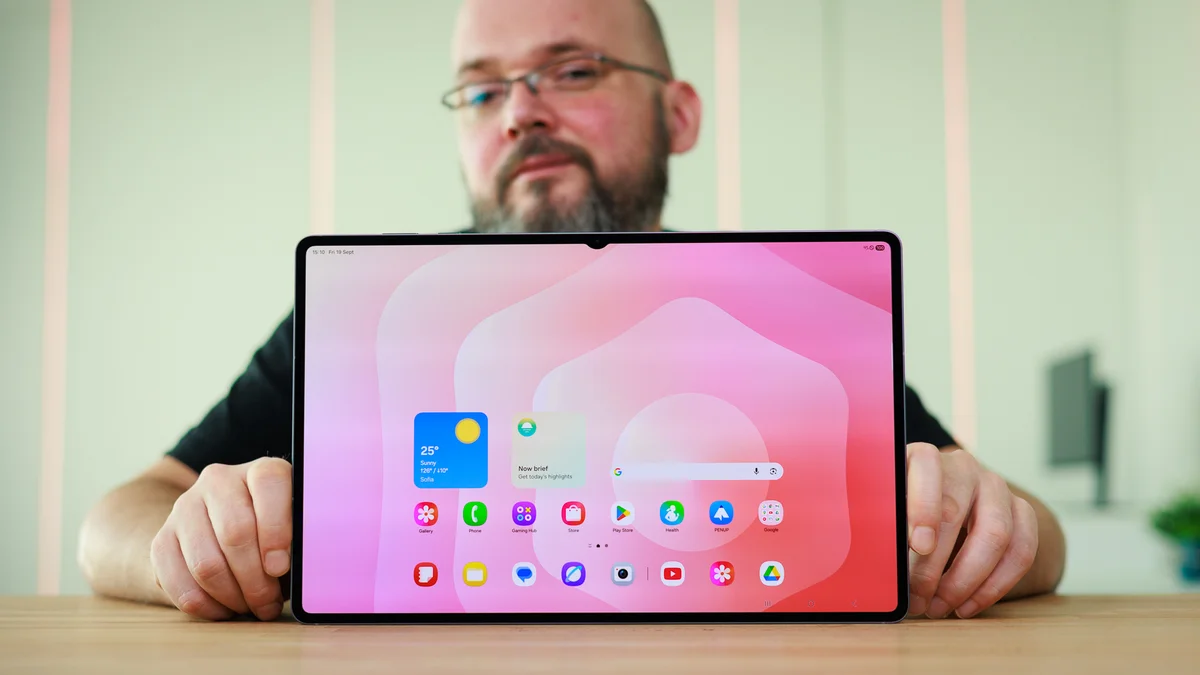
Samsung Galaxy Tab S11 Ultra
Why did I pick it?
The Galaxy Tab S11 Ultra is the most extreme tablet I've used in 2025. It's a massive device with a large 14.6-inch Dynamic AMOLED 2X display and top-end specs. It's the tablet you'd pick if neither price nor its large size were an issue, because let's face it-–this isn't a device you'd use to scroll through TikTok in bed, would you?
Equipped with the MediaTek 9400+ chip, it delivers excellent performance, but is a far-cry from something like the iPad Pro 13-inch with its desktop-grade Apple Silicon. But the real standout feature remains the display, which is larger than what many compact laptops out there pack. Thanks to its 16:10 aspect ratio, it's perfect for consuming media.
Do have in mind Samsung has cut some corners here. There is no longer a wide camera at the front, the S Pen no longer has Bluetooth connectivity, and the vibrator motor has been removed as well.
Who is it for?
The Galaxy Tab S11 Ultra isn't a device you should buy blindly. It's comically large and unwieldy, but the extra screen estate here would likely prove invaluable to those who need it and love the Galaxy ecosystem.
Key Specs
Read our review here: Samsung Galaxy Tab S11 Ultra Review: Big screen, big letdowns
Best value tablet
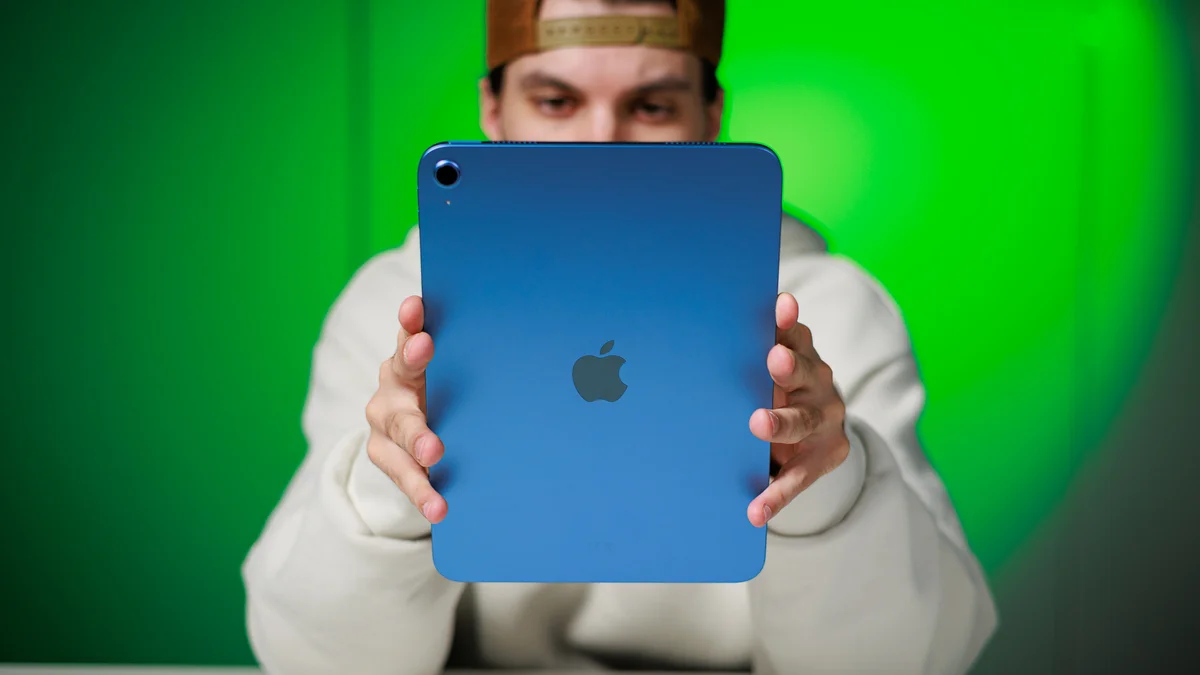
Apple iPad 11th Gen
Why did I pick it?
The base iPad is a smart buying choice for anyone who feels they'd benefit from a fairly affordable, but capable and reliable tablet. Although I am usually in love with the more premium tablets out there, I can't really find any major faults in this tablet. It's a cheap and affordable way to enrich your Apple ecosystem.
Powered by the Apple A16 chipset, the same one that was found inside the iPhone 14 Pro/Pro Max, iPhone 15 and iPhone 15 Plus. So, while not technically the fastest Apple chipset around, I find this one still a fairly decent pick for an affordable tablet like the base iPad.
The only major issue with the device is its display––the 10.9-inch non-laminated IPS LCD screen with just 500 nits of brightness isn't very boujee in late 2025 and is certainly outdated these days.
Who is it for?
The base Apple iPad is a perfect pick for just about anybody out there who just needs a reliable tablet and doesn't really care about having the latest top specs or the best hardware possible. The value here is excellent.
Key specs
Read our review here: Apple iPad (A16) review: The vanilla ice cream of tablets
Best budget tablet
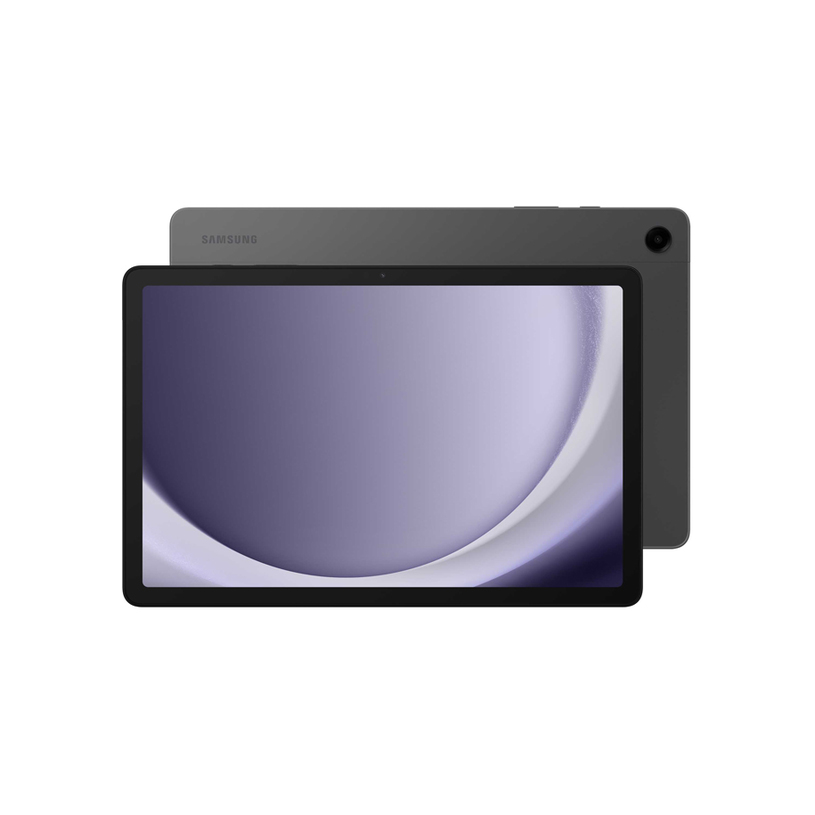
Samsung Galaxy Tab A9+ 5G
Why did I pick it?
The Samsung Galaxy Tab A9+ is one of the most affordable but still fairly decent Galaxy tablets out there. It's very compact, fairly decent, but don't expect wonders out of it. The display, hardware, and all internals are pretty entry-level, so you need to approach it with that in mind.
Who is it for?
This is a value proposition for anyone who wants to experience an affordable Android tablet and value having a large display above anyting else.
Key specs
Best compact tablet
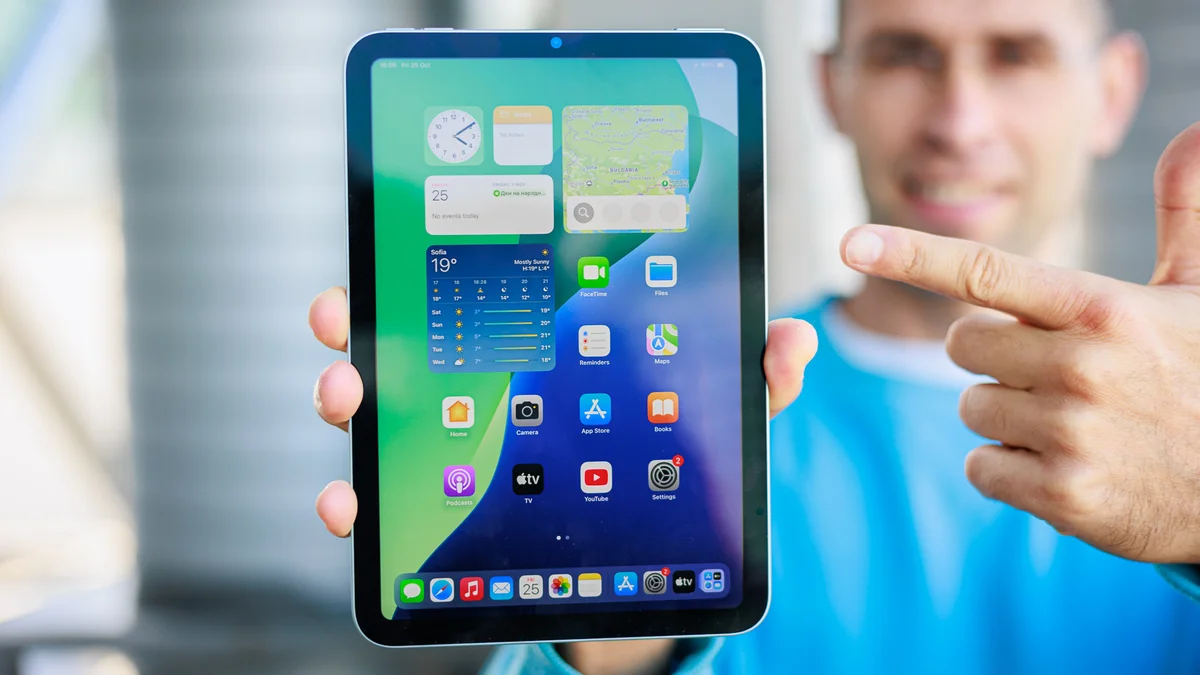
Apple iPad mini (A17 Pro)
Why did I pick it?
I was pretty surprised when the iPad mini got a silent refresh with just a press release, as the most compact iPad is . It's now powered by an Apple A17 Pro processor inside and the main point of the update was to bring Apple Intelligence to the smallest iPad, it seems.It definitely lives up to its name — it's smaller than most other tablets on the market, yet it packs a punch. It has a long battery life, and still supports the high quality apps that inhabit the Apple ecosystem. It will also work with the Apple Pencil Pro and Apple Pencil USB C.
The iPad mini starts at $500 which is a bit steep, but you have to take in account the Apple tax included here (it's a premium ecosystem after all). Definitely a device geared only towards those that are looking for a compact tablet experience, which I absolutely love, especially for reading e-books. It's not ideal for watching videos or playing games, and it doesn't support enhanced features like Stage Manager, so it's a pretty limited experience even for iPad standards.
If you are not after the compact size of the iPad mini, but on the hunt for a bargain tablet — look at other iPad models.
If you are not after the compact size of the iPad mini, but on the hunt for a bargain tablet — look at other iPad models.
Who is it for?
If you are looking for a more affordable iPad experience, that'll come from the iPad 10th gen. However the latter was released in 2022 and is a bit old now. It definitely won't get Apple Intelligence features with its old A14 Bionic chip. Whether Apple will refresh this basic iPad is still a mystery.
Key specs
Read our review here: iPad mini (A17 Pro) review: small, now smarter
Benchmark data
What to consider when choosing the best tablet?
Performance
There's a very wide variety when it comes to performance in the world of tablets. Apple's iPad Pros literally have desktop-grade processors in their thin bodies, and even Microsoft packs Intel Core CPUs in the Surface Pros.The question is — what are you going to do with this tablet? A multimedia machine for Netflix binging? Then you really don't need the cutting-edge hardware. Light mobile gaming? You will do fine with a mid-ranger, as mobile games are usually optimized to work on any type of hardware.
Screen size
For most people's use cases, tablets are supposed to feel portable. We find that an 11-inch screen, a-la iPad Pro / Air or Galaxy Tab S11 kind of hits the sweet spot. The screen feels large enough to be comfortable for most uses, yet the entire device is easy to slip into almost any kind of bag.Artists, multi-taskers, and those looking to legitimately replace their laptop with a tablet may find better use from the bigger tablets — the likes of the Pad Pro 13-inch, or Tab S11 Ultra.
Storage
In 2025, mid-tier tablets and above typically start at 128 GB. That's usually good enough for most users. Typically, smartphone people might consider this to be on the low side, but keep in mind that you won't be shooting pictures or 4K video with that tablet on the regular, right?Gamers should be fine, as mobile games don't take a whole lot of space (well, unless you plan on installing 20 or so). And casual media enjoyers will probably be streaming their entertainment from the cloud, so storage isn't a huge concern.
Battery life
Most tablets, even the iPad mini, usually meet somewhere between 6 and 10 hours of screen-on time. It depends on what type of apps they are running, but if you are browsing battery life tests online, see that it can hit about 7 hours of YouTube streaming or more. You should be good then.FAQ
Is Android or iPadOS tablet?
As such, there are plenty of hardware accessories, and a ton of apps for many, many use cases. From musicians, to artists, to photographers — everyone can find something to do on an iPad. Then, there's gaming and Apple Arcade, Apple TV+ for your entertainment needs. For a long time, even Android fans would have an Android phone and an iPad for a tablet.
We still lean towards iPadOS due to the robustness of the ecosystem and it readily being able to handle more specific tasks for artists and professionals, but there are definitely Android tablets out there that can get the job done for general use cases.
Which tablet size do you need?
Tablets come in all diffferent sizes, so it's imperative to find the one size that works for you. For most people, a standard tablet would be anything in the 10 to 11-inch category, and it's no surprise that most of the common tablets on the market are usually employing such a size. The other two extremes––the ultra-compact and comically large tablets––are also present on the market, but either one of those is more of a niche product rather than the norm.
So, if you don't have any specific size requirements, a 10-inch base iPad or an 11-inch Galaxy Tab S11 are pretty decent picks.
Should you buy a Wi-Fi only or a cellular tablet?
As most tablets out there are available in either one of those connectivity options, with the Wi-Fi or GPS-only versions being always on the more affordable side. Naturally, having cellular connectivity is cool and all, but you have to factor in the extra cost of a data plan as well as the cellular version of your tablet pick itself.
If you absolutely want to use your tablet independently, it's a viable option, but for most users, sharing their phone's cellular connectivity via hotspot or using a nearby Wi-Fi network is a decent and more value-oriented alternative way of doing things.
What should you look for when buying a tablet?
First things first, you need to determine what you need a tablet for and shortlist what features you absolutely need and what you could do without.
If you need a tablet for gaming, a high-end device, preferrably running Android due to the larger variety of emulators available, is a great bet. For game streaming through Steam Link, Moonlight/Sunshine, and GeForce Now, pretty much any tablet would do just fine.
For streaming media like movies and shows, a fairly large AMOLED tablet with a wide aspect ratio would be the best pick (Galaxy Tab S10 Plus, Galaxy Tab S11 Ultra). For productivity, drawing, and taking notes, an iPad would do great.
Finally, for a more powerful e-book reader, a small and affordable tablet, be it an iPad mini or any other small Android tablet would be okay.
How much should you spend on a tablet?
This largely depends on what you need your tablet for and how much you're willing to splurge on. Naturally, the top offerings in Apple's and Samsung's portfolios costs thousands of dollars, depending on the connectivity, storage, and any screen coatings you might opt for.
On the other side of the spectrum, both Apple and Samsung have their affordable options that aren't too great but exist to satisfy a certain demand.
The tablets you should consider getting are the ones positioned in the middle: Samsung and Apple's regular models, like the iPad Air and the Galaxy Tab S11 are both the ones you should pick among from.
Can a tablet replace a laptop?
Largely depends on your unique laptop usage. If you only browse the web and watch YouTube videos, paired with some light productivity in mostly web-based apps, then a tablet can absolutely replace a laptop, especially if you get a laptop-like keyboard cases.
However, for more specific use cases, a tablet can't really replace the utility of a laptop. The problem isn't the hardware but the software. Both Android and iPadOS are still mostly mobile-first oriented, so you'd struggle with a strictly laptop workflow.
How we test the best tablets out there?
Just like with all other devices that we review, we test the battery life, display quality, camera quality, and overall performance of each tablet that arrives in the PhoneArena office.
Battery life is measured with the phones' displays set at 200 nits and connected to Wi-Fi, with three different use case tests being run on each device: video streaming, 3D gaming, and our custom web browsing test. Display qualities are measured with professional equipment by qualified personnel.
We also test the charging speeds of each tablet with the manufacturer-recommended battery charger, and if the device has a charger in the box, we use that one.
We also test the charging speeds of each tablet with the manufacturer-recommended battery charger, and if the device has a charger in the box, we use that one.
The camera quality, arguably not that important on a tablet, is still relevant when you consider video-conferencing and video calls.


Popular stories

Latest News



Things that are NOT allowed:
To help keep our community safe and free from spam, we apply temporary limits to newly created accounts: