
Android 17 QPR1 Beta 3 is here for Pixel 6 and newer models
The latest Beta release for the June Pixel Feature Drop arrives.
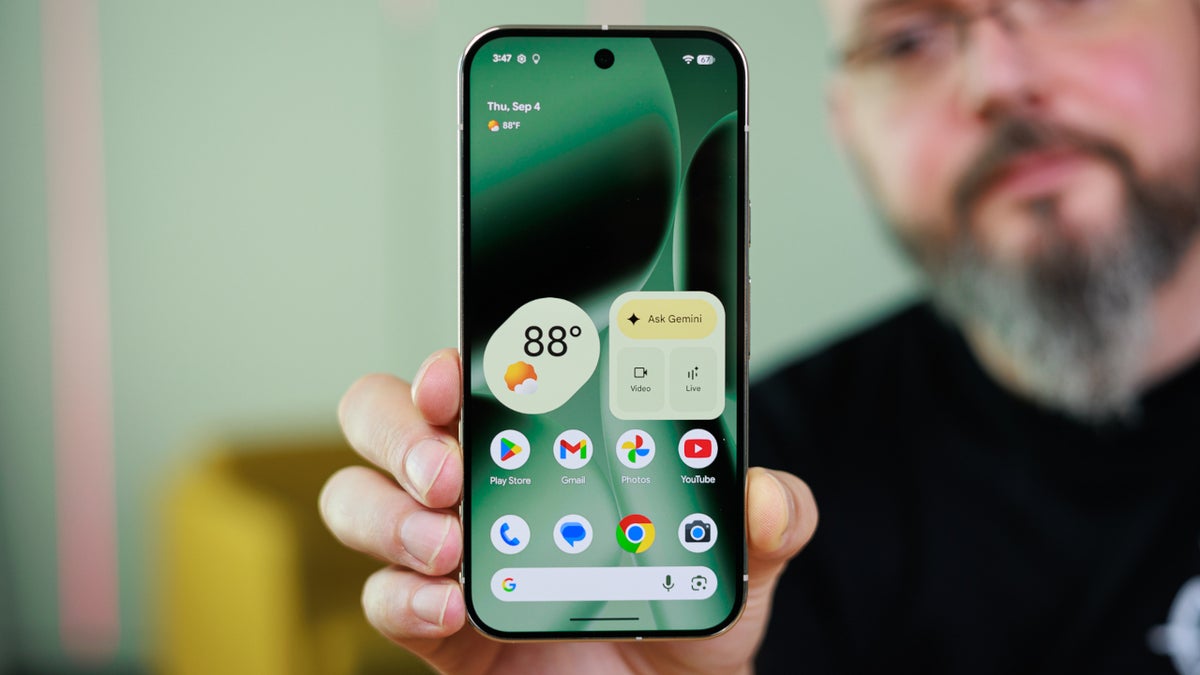
Pixel 6 and later receive latest Pixel Feature Drop Beta release. | Image by PhoneArena
Google pushed out Android 17 QPR1 Beta 3 today, which is the new Beta release for the next Pixel Feature Drop expected in June. If you are a member of the Android 17 QPR Beta program, go to Settings > System > Software updates > System update. Follow the directions to download and install the update.
There are two different versions of the Beta release
Version CP31.260508.005.A1 was released for the Pixel 6, Pixel 6 Pro, Pixel 6a, Pixel 7, Pixel 7 Pro and Pixel 7a. Version CP31.260508.005 was released for all other models. To be clear, the models that received Android 17 QPR1 Beta 3 include the Pixel 6, Pixel 6 Pro, Pixel 6a, Pixel 7, Pixel 7 Pro, Pixel 7a, Pixel 8, Pixel 8 Pro, Pixel 8a, Pixel 9, Pixel 9 Pro, Pixel 9a, Pixel 10, Pixel 10 Pro, Pixel 10 Pro XL, Pixel 10 Pro Fold, Pixel 10a, and Pixel Tablet models.
The update exterminates several bugs
Some of the issues fixed by the update include:
- Users experienced frequent issues during media playback from any source such as crackling or distorted audio.
- Wi-Fi disconnects unexpectedly because of an issue that caused the device to act as though a Wi-Fi connection with strong signal strength had a low-quality connection instead.
- After rebooting a device, widgets on the home screen disappear or become unavailable in the widget picker.
- After enabling Airplane mode on a device, the Mobile data icon in Quick Settings erroneously remained on.
Android 17 QPR1 Beta 3 adds a "bounce-back" effect to Quick Settings
Android 17 QPR1 Beta 3 adds the blur UI to the Power menu when long-pressing the power button or from Quick Settings. Another change takes place when you pull down the Quick Settings tray. Similar to when you drop the notification shade, there is a little bounce-back that might remind you of the "rubber-band effect" you get on an iPhone when you scroll up or down to the end of a page.
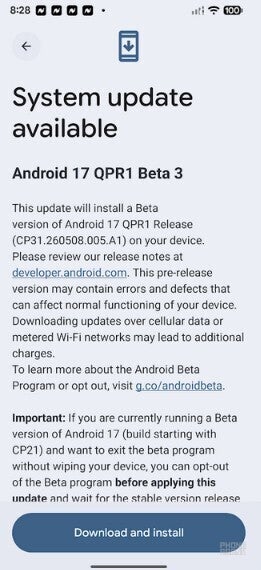
Google releases Android 17 QPR1 Beta 3. | Image by PhoneArena
How to opt out of the Beta program without triggering a data wipe
Before you install the update, you should know that you can leave the Beta program by not installing Android 17 QPR1 Beta 3. Instead, you need to choose to opt out of today's update and any other future update until the public stable version of Android 17 is released. If you opt out after installing Android 17 QPR1 Beta 3, or any future update before the stable version of Android 17, your phone will be wiped of all user data.
Why are you looking to leave the Android 17 Beta program?
183 Votes
I am having issues with the Beta.
3.28%
I want my battery life to return to normal.
94.54%
I don't want to leave because I'm not running a Beta.
1.64%
Some other reason.
0.55%
If you do want to opt out, select that option and when the OTA (Over-the-Air) "Downgrade" update arrives, ignore it and wait for the public stable Android 17 release. That should take place some time next month.


Popular stories




Latest News

Things that are NOT allowed:
To help keep our community safe and free from spam, we apply temporary limits to newly created accounts: