More Android phones are adopting Google's answer to Apple's Handoff service

Nothing Phone (2). | Image credit – PhoneArena
Initially launched for Chromebooks and select Android phones, this feature has now been spotted making its way to Nothing OS. Earlier this year, a Google Play Services update extended cross-device services to certain Android phones, and it looks like Nothing devices are now following suit.
- Go to Settings
- Select Google
- Tap Device and sharing
- Choose Cross-device services
- Once there, you can connect all supported devices using your Google account.
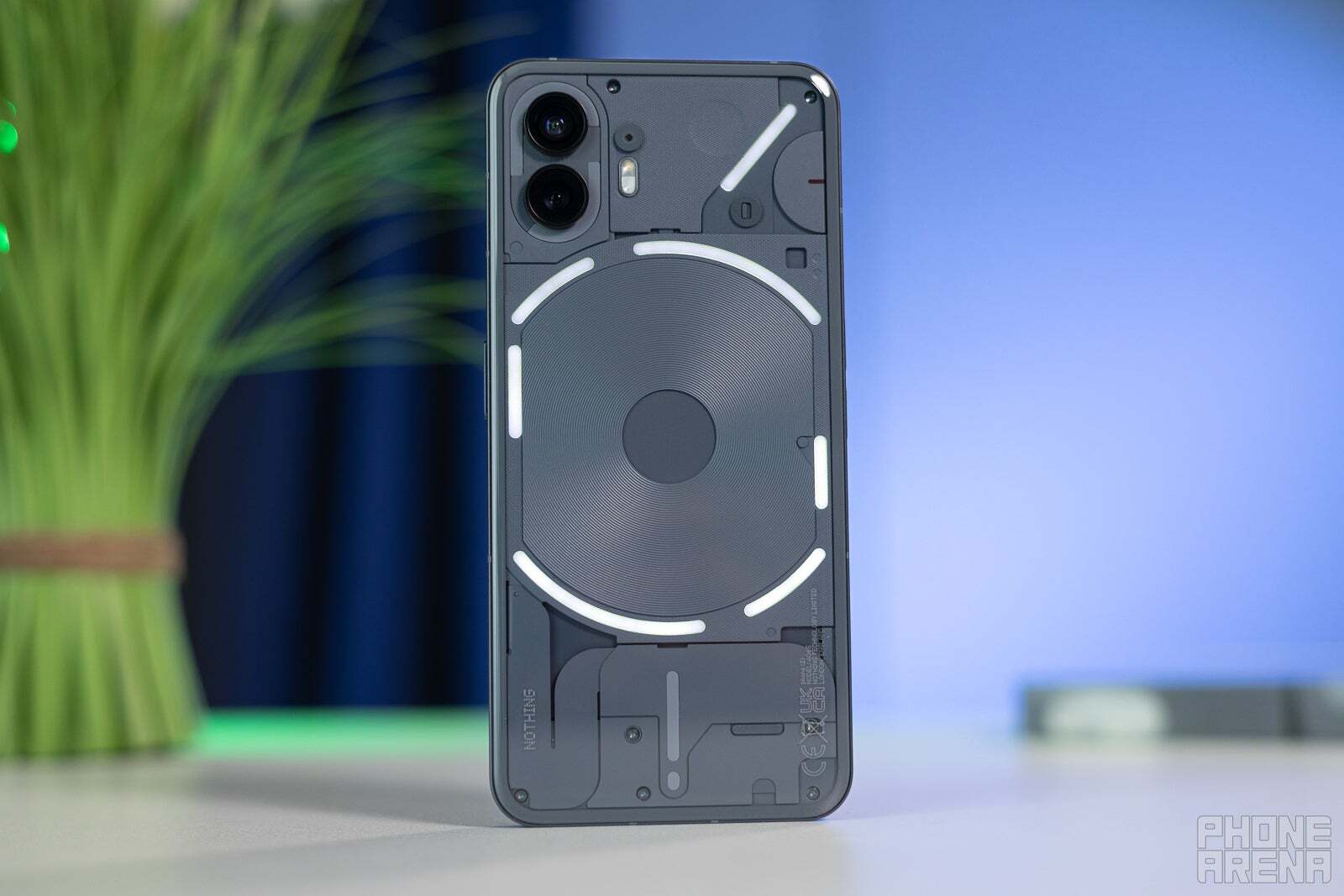
Nothing Phone (2) shown here gets cross-device services. | Image by Image credit – PhoneArena
Cross-device services kicked off with Google's Pixel phones and were quickly extended to select Samsung phones. At first, the focus was on something simple: syncing notification dismissals across devices. But that was just the beginning. Google has rolled out even more features, such as casting video calls and sharing internet connections (on Samsung phones, it's Auto Hotspot).
That said, the rollout is understandably slower. Unlike iOS, which is exclusive to Apple, Android is spread across countless brands, so fine-tuning cross-device services for each one takes some time.


Popular stories






Latest News






Things that are NOT allowed:
To help keep our community safe and free from spam, we apply temporary limits to newly created accounts: