Google is making a small but important change to what happens when you take a scrolling screenshot on Android smartphones.
It should have always been like this
Whether you want to share an interesting image you found online or proof of a successful online transaction, you can quickly take a screenshot and share it with someone else. However, there may be times when what you want to capture doesn't fit on your smartphone screen, such as one of PhoneArena's articles. You can always share the link to the content you want to screenshot, but in addition to that, you also have the option to take a scrolling screenshot.
Unlike regular screenshots, a scrolling screenshot lets you capture more than what's currently visible on your smartphone screen. However, there's an annoying issue with scrolling screenshots on Android.
When you take a scrolling screenshot, your Android smartphone keeps the original screenshot along with the long screenshot you captured in the gallery. This eventually clutters your device storage since you only wanted the long screenshot and not the standard one. It's like an uninvited person showing up at your party and taking one of the few available seats, which could have been used by other invited guests.
Recommended For You
This behavior is going to change soon. Reputable Android analyst Mishaal Rahman reports that in the Android 2512 Canary release, the OS automatically deletes the standard screenshot once you save its scrolling version. The original screenshot is removed, and the long version is saved to storage even if you shared the screenshot before hitting the Save button after capturing it. However, Android will retain the standard screenshot if you start the process of taking a long screenshot but cancel it midway by tapping the Cancel button.
As mentioned earlier, this change was spotted in the Canary channel, meaning only those enrolled in it will see it on their devices. It is expected to be made available in the Android 16 QPR3 beta update, whose stable version will most likely go live in March next year.
Why do you mainly take scrolling screenshots?
16 Votes
To capture an entire webpage.
43.75%
To capture long conversations.
31.25%
To capture wide content that requires horizontal scrolling.
6.25%
For something else.
18.75%
A clutter-free gallery
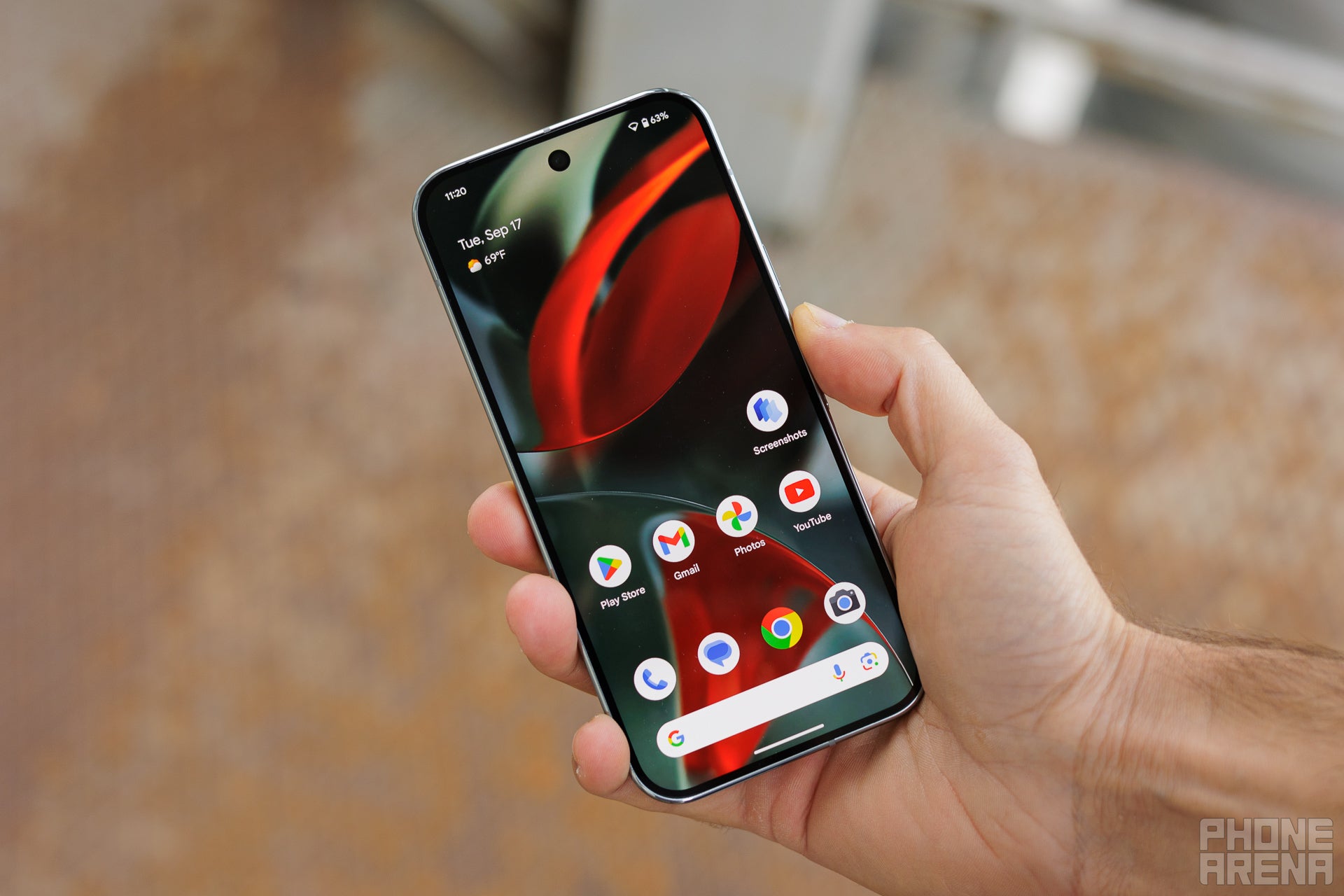
A man holding the Pixel 9 Pro. | Image by PhoneArena
The ability to capture scrolling screenshots has been available on Android since Android 12, which was released back in 2021. That means Google took more than four years to introduce a change that should have been there since day one. It's a truly welcome improvement for someone like me who takes a lot of scrolling screenshots.
The last time I checked, more than 500 MB of space on my Pixel 10 was taken up by unwanted standard versions of scrollable screenshots. Because of this, I also considered installing a third-party scrollable screenshot app on my device, since most of them don't save the original copy of the screenshot like Android's built-in screenshot mechanism does.
I also have an iPhone 15, and thankfully, you don't experience the same behavior on iOS. It only saves the full-page screenshot instead of the standard version that was visible on the screen at the time of capture. So, better late than never, this feature is finally coming to Android as well.
Tello Halloween Promo: $10GB for $10/mo
Don’t miss this scary-good deal: 10 GB for $10/mo. Save $5/mo for your first 3 months. Offer valid now through November 9, 2026.
Aman Kumar is a news writer at PhoneArena covering Google Pixel phones, Android features, AI-powered smartphone tools, and mobile tech news. Before joining PhoneArena, he spent over five years writing about consumer technology for publications like MakeUseOf, How-To Geek, and Guiding Tech. His current daily drivers are the Pixel 10 and Samsung Galaxy S26 Plus, while his red iPhone SE (2nd gen) remains a personal favorite. Aman also appreciates bold smartphone experiments and still considers the Nokia N-Gage one of the industry’s most iconic designs.
A discussion is a place, where people can voice their opinion, no matter if it
is positive, neutral or negative. However, when posting, one must stay true to the topic, and not just share some
random thoughts, which are not directly related to the matter.
Things that are NOT allowed:
Off-topic talk - you must stick to the subject of discussion
Offensive, hate speech - if you want to say something, say it politely
Spam/Advertisements - these posts are deleted
Multiple accounts - one person can have only one account
Impersonations and offensive nicknames - these accounts get banned
To help keep our community safe and free from spam, we apply temporary limits to newly created accounts:
New accounts created within the last 24 hours may experience restrictions on how frequently they can
post or comment.
These limits are in place as a precaution and will automatically lift.
Moderation is done by humans. We try to be as objective as possible and moderate with zero bias. If you think a
post should be moderated - please, report it.
Have a question about the rules or why you have been moderated/limited/banned? Please,
contact us.














Things that are NOT allowed:
To help keep our community safe and free from spam, we apply temporary limits to newly created accounts: