Google is adding its Gemini AI to Google TV to make finding content and adjusting settings much easier. The update lets you fix picture and sound issues just by talking, rather than digging through confusing menus.
Gemini takes over the living room
At CES 2026, Google showed off a new update that changes how you use your TV. Instead of just being a place to pick a movie, the TV is getting smarter features powered by Gemini, Google's artificial intelligence. The main goal is to make the TV easier to talk to and more useful when you aren't watching a show.
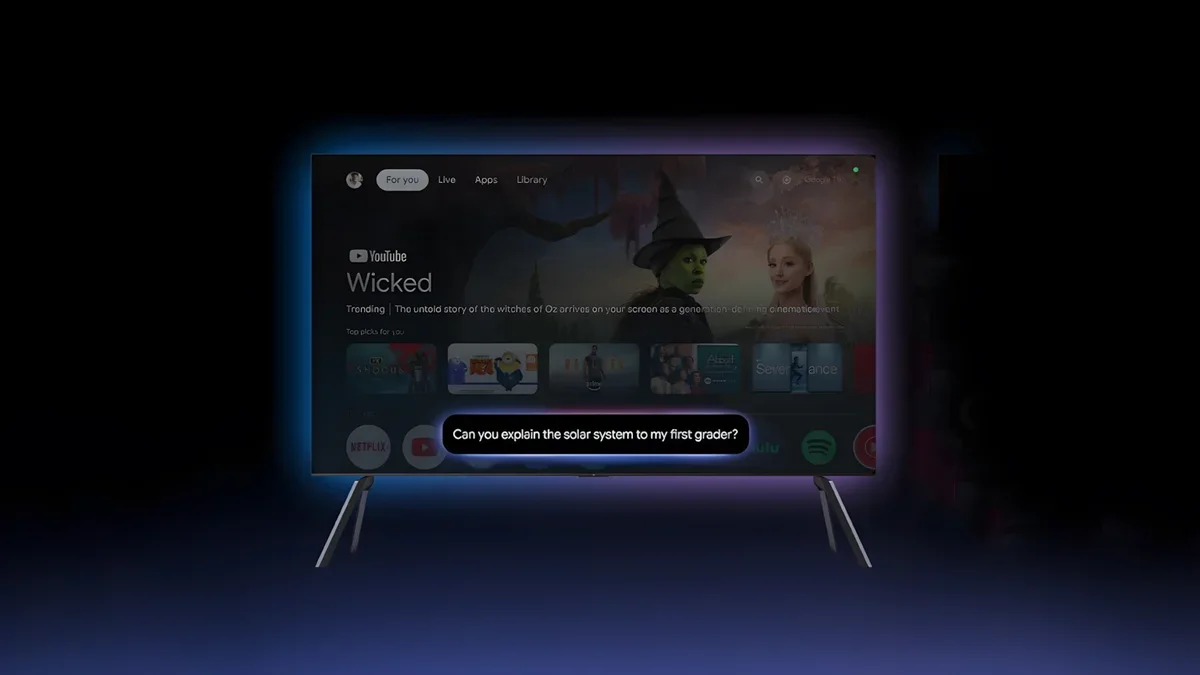
Instead of just giving you a list of text when you search for something, the TV will now show you pictures, videos, and summaries. For example, if you ask about a complex topic, a new feature called "Deep dives" will create a narrated guide that is easy for the whole family to understand.
What is coming to the big screen
Easier settings: You can now fix your TV’s picture or sound by just describing the problem. Saying "the screen is too dim" or "I can't hear the voices" will automatically adjust the settings for you.
Fun with photos: You can search your Google Photos for specific people or memories right on the TV.
Creative tools: New features like Photos Remix, Nano Banana, and Veo let you turn your photos into art or create new images from scratch.
Smarter answers: Search results will look better, using images and videos to answer your questions instead of just text.
These features are launching first on TCL TVs and will come to other Google TV brands in the coming months.
Recommended For You
Why this matters for your living room
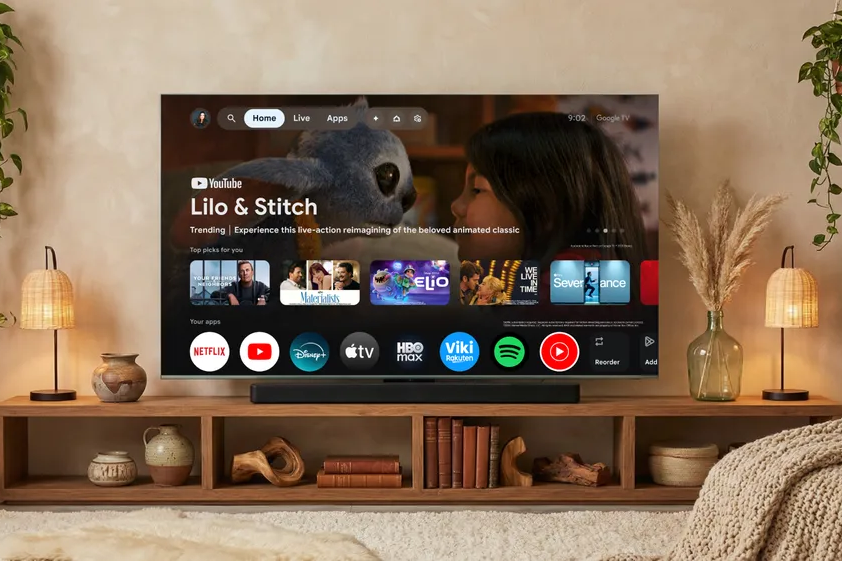
Gemini on Google TV. | Image credit — Google
Smart TVs have become very complicated over the years. While they have tons of features, actually using them can be a headache. Most people never change their picture or sound settings because the menus are full of technical terms and hard to navigate. By letting you just say what is wrong in plain English, Google is fixing one of the biggest annoyances of modern TVs.
This update also tries to make the TV useful even when you aren't watching a movie. By adding tools to search through your family photos or create digital art, Google is trying to make the TV the center of the home, rather than just a black screen that sits there when it's off.
What is the hardest part about using your smart TV?
15 Votes
Adjusting the settings
13.33%
Finding something to watch
13.33%
Typing with the remote
66.67%
Nothing. I find my TV very easy to use.
6.67%
No more clicking through menus
The ability to control settings with natural voice commands is the standout feature here. The creative tools also sound fun, specifically for people who like to use their TV as a digital picture frame. However, the real win is simplicity. We will have to wait and see if these features are fast and responsive once they land on actual devices, specifically the upcoming TCL models.
Mint Mobile is celebrating its 10-year anniversary with a special offer on its six-month subscription plans. For a limited time, you can get your preferred tier (6GB, 17GB, 23GB or unlimited) for just $10/mo. That saves you between 50% and 71% on the carrier's mobile plans, making it way easier to recommend.
Johanna Romero is a Senior News Writer at PhoneArena, covering mobile technology news across Android, iOS, wearables, and the Google ecosystem she knows best. Drawing on 15 years in IT and tech support from 2007 to 2022, she brings a user-friendly eye for the practical features and lesser-known tricks readers care about. Google named her an official #TeamPixel member in 2022, and she also reviews the latest devices on her YouTube channel, JoJo the Techie.
A discussion is a place, where people can voice their opinion, no matter if it
is positive, neutral or negative. However, when posting, one must stay true to the topic, and not just share some
random thoughts, which are not directly related to the matter.
Things that are NOT allowed:
Off-topic talk - you must stick to the subject of discussion
Offensive, hate speech - if you want to say something, say it politely
Spam/Advertisements - these posts are deleted
Multiple accounts - one person can have only one account
Impersonations and offensive nicknames - these accounts get banned
To help keep our community safe and free from spam, we apply temporary limits to newly created accounts:
New accounts created within the last 24 hours may experience restrictions on how frequently they can
post or comment.
These limits are in place as a precaution and will automatically lift.
Moderation is done by humans. We try to be as objective as possible and moderate with zero bias. If you think a
post should be moderated - please, report it.
Have a question about the rules or why you have been moderated/limited/banned? Please,
contact us.













Things that are NOT allowed:
To help keep our community safe and free from spam, we apply temporary limits to newly created accounts: