Samsung spent the One UI 9 buildup teasing the big, shiny stuff, but the change worth your attention is one you would never notice unless someone tried to steal your phone. It lives in the power menu of all places.
What actually changed in the power menu
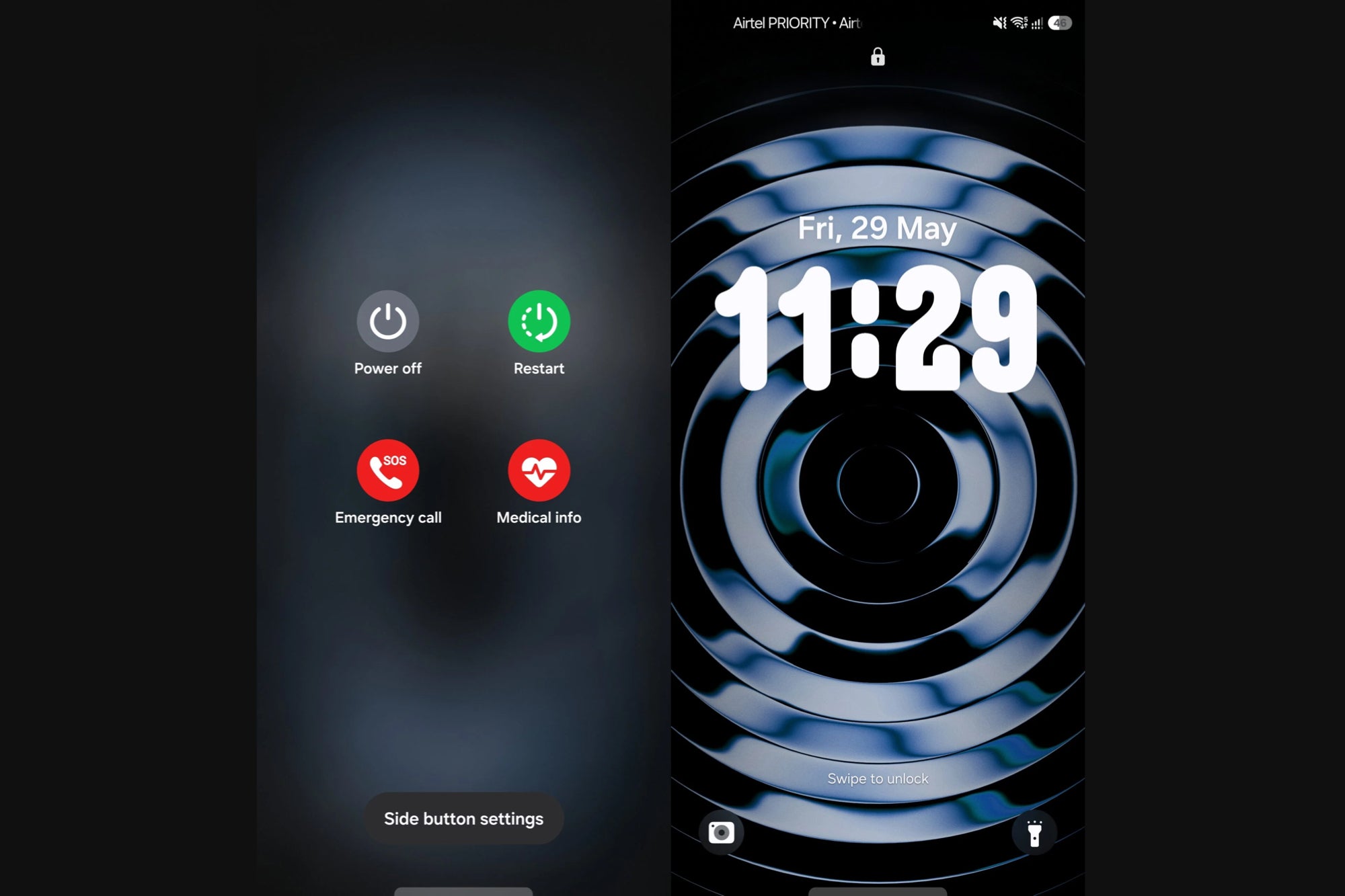
Open the power menu on a Galaxy phone running One UI 9 and you still see the same four options: Power Off, Restart, Emergency Call and Medical Info. Nothing new there.
The twist is what happens when you back out. Instead of dropping you back on the screen you were using, the phone now jumps straight to the lock screen, according to this report.
So the moment anyone pulls up that menu, the phone is locked. No PIN, no entry, full stop.
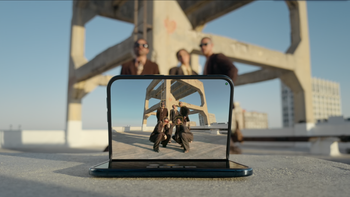
One UI 9 Power Menu and Lock Screen. | Image by SamMobile
Why such a small tweak slipped past everyone
One UI 9 (built on Android 17) is a light update on the surface, especially next to the feature-heavy One UI 8.5. The security footnotes never made the headline list when we previously laid out what to expect from the One UI 9 rollout.
The change showed up with the build that reached the Galaxy S26 series this week. However, it is not yet clear whether it arrived in the first beta or the second.
What gives you peace of mind if your phone gets stolen?
53 Votes
My lock screen and biometrics, I trust them fully
28.3%
Remote wipe, if it's gone the data goes with it
39.62%
Nothing, a determined thief always finds a way in
24.53%
These quiet security tweaks add up more than I'd admit
7.55%
Why this matters more than the flashy stuff
Picture the classic snatch-and-run: someone grabs your phone while it is still unlocked and tries to kill the power so it cannot be tracked. That power-off attempt is the exact moment One UI 9 now blocks, because reaching for the menu locks the phone on the way out.
Recommended For You
Samsung is not the first to think of this. Apple already demands a passcode or Face ID before an iPhone will fully power down, and Google has spent the past year hardening Android against theft, as we saw with its multi-layered anti-theft update.
The boring wins are the ones that actually save you
This beats most of the AI party tricks Samsung loves to put on stage. A feature that protects your data the second your phone leaves your hand is worth more than another summarizer you will open twice and forget.
The only real knock is that Samsung never announced it, so most owners will benefit without ever knowing why. That is mostly fine, the best security is the kind you never have to think about, but one line in the changelog would not have hurt.
Free Galaxy A17 5G with Straight Talk
Get a free Galaxy A17 with Straight Talk. To claim this deal, you need to pair the phone with activation on a Silver Unlimited Plan or higher. This tier costs $45 per month. Offer valid through 01/10/27 while supplies last online.
Johanna Romero is a Senior News Writer at PhoneArena, covering mobile technology news across Android, iOS, wearables, and the Google ecosystem she knows best. Drawing on 15 years in IT and tech support from 2007 to 2022, she brings a user-friendly eye for the practical features and lesser-known tricks readers care about. Google named her an official #TeamPixel member in 2022, and she also reviews the latest devices on her YouTube channel, JoJo the Techie.
A discussion is a place, where people can voice their opinion, no matter if it
is positive, neutral or negative. However, when posting, one must stay true to the topic, and not just share some
random thoughts, which are not directly related to the matter.
Things that are NOT allowed:
Off-topic talk - you must stick to the subject of discussion
Offensive, hate speech - if you want to say something, say it politely
Spam/Advertisements - these posts are deleted
Multiple accounts - one person can have only one account
Impersonations and offensive nicknames - these accounts get banned
To help keep our community safe and free from spam, we apply temporary limits to newly created accounts:
New accounts created within the last 24 hours may experience restrictions on how frequently they can
post or comment.
These limits are in place as a precaution and will automatically lift.
Moderation is done by humans. We try to be as objective as possible and moderate with zero bias. If you think a
post should be moderated - please, report it.
Have a question about the rules or why you have been moderated/limited/banned? Please,
contact us.











Things that are NOT allowed:
To help keep our community safe and free from spam, we apply temporary limits to newly created accounts: