It's a new month, meaning it's time for a new monthly update for Pixel phones. This one is definitely not as huge as the June Pixel Drop that introduced the stable Android 17 build, but it does come with some noticeable fixes. Here's everything you get on installing the July 2026 Pixel update and the devices that are compatible with it.
Pixel phones that will get the July 2026 update
The Pixel 6 series phones have been missing some updates recently. While not officially confirmed, it is believed that it's because the lineup will reach the end of its software support in October this year.
Fortunately, Google was kind enough to include all the Pixel 6 family phones in the list of devices that are getting the July update. Here's the entire list of supported Pixel phones.
Pixel 6
Pixel 6 Pro
Pixel 6a
Pixel 7
Pixel 7 Pro
Pixel 7a
Pixel Tablet
Pixel Fold
Pixel 8
Pixel 8 Pro
Pixel 8a
Pixel 9
Pixel 9 Pro
Pixel 9 Pro XL
Pixel 9 Pro Fold
Pixel 9a
Pixel 10
Pixel 10 Pro
Pixel 10 Pro XL
Pixel 10 Pro fold
Pixel 10a
The July update apparently resolves a serious Pixel issue
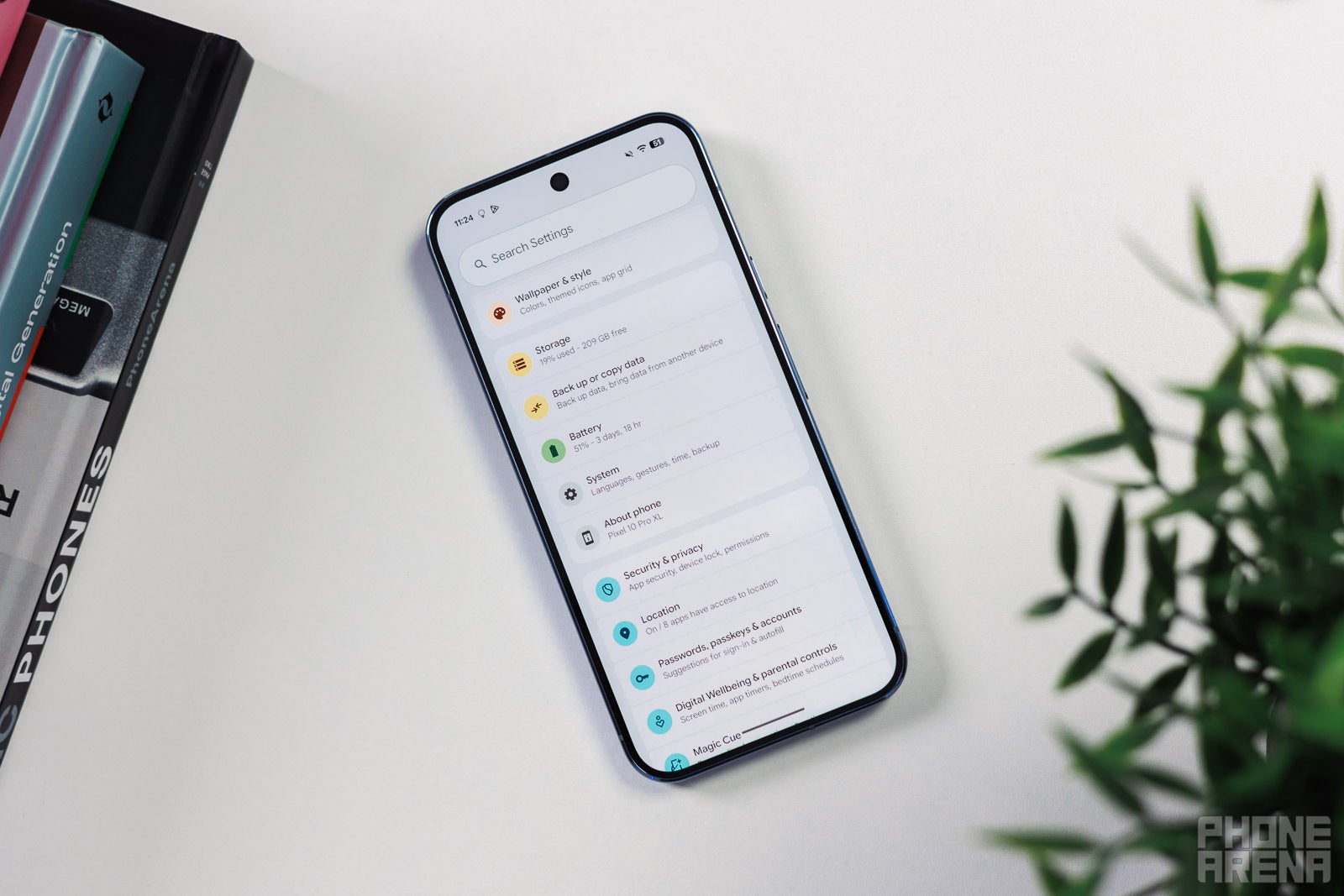
Th settings menu of a Google Pixel phone. | Image by PhoneArena
Pixel phones are definitely great, but things have really gone downhill since the March Feature Drop. Users have reported experiencing serious problems after downloading that update, one of which is the boot loop issue. For reference, a good number of Pixel users have reported that their phones are stuck at the G logo that appears during the boot process.
Reports indicate that the problem isn't exclusive to a particular model, and it is being experienced across the Pixel 6 to Pixel 10 lineup. The affected users received nothing but disappointment with each update that was released ever since the problem was first reported, as none of them came with a solution to this problem. But a ray of hope came last month when the tech giant announced that it finally has a solution for its most embarrassing bug.
Recommended For You
Then, my colleague Alan reported a couple of days ago that Google is soon going to release a fix for a bug that turned some Pixel 4 series phones into paperweights. The fix is finally here with the July update. The release note says that the update contains a solution for a problem where "some devices would fail to load the Android system or become stuck in a boot loop under certain conditions."
So, if your Pixel phone was also stuck in the same situation, you must download the latest update on it.
Which issue are you still facing on your Pixel even after installing the July update?
237 Votes
Battery drain.
71.31%
My Pixel is producing a strange popping noise.
6.33%
My Pixel is ignoring incoming calls.
17.3%
Gaming performance has become worse.
5.06%
Other small but important fixes
Boot loop complaints aren't the only thing Google is addressing in the latest update. Many users reported issues with widgets on their Pixel phones. The July update contains a solution for this as well.
The release note also mentions that it fixes a bug that was causing applications to close automatically or fail to launch at all. The navigation buttons were reportedly changing their alignment after folding and unfolding the Pixel 10 Pro Fold. The update resolves this problem as well.
Lastly, the latest Pixel update also contains a fix for a problem where the wallpaper shape effect would incorrectly cover the subject instead of appearing in the background.
Google's job isn't over yet
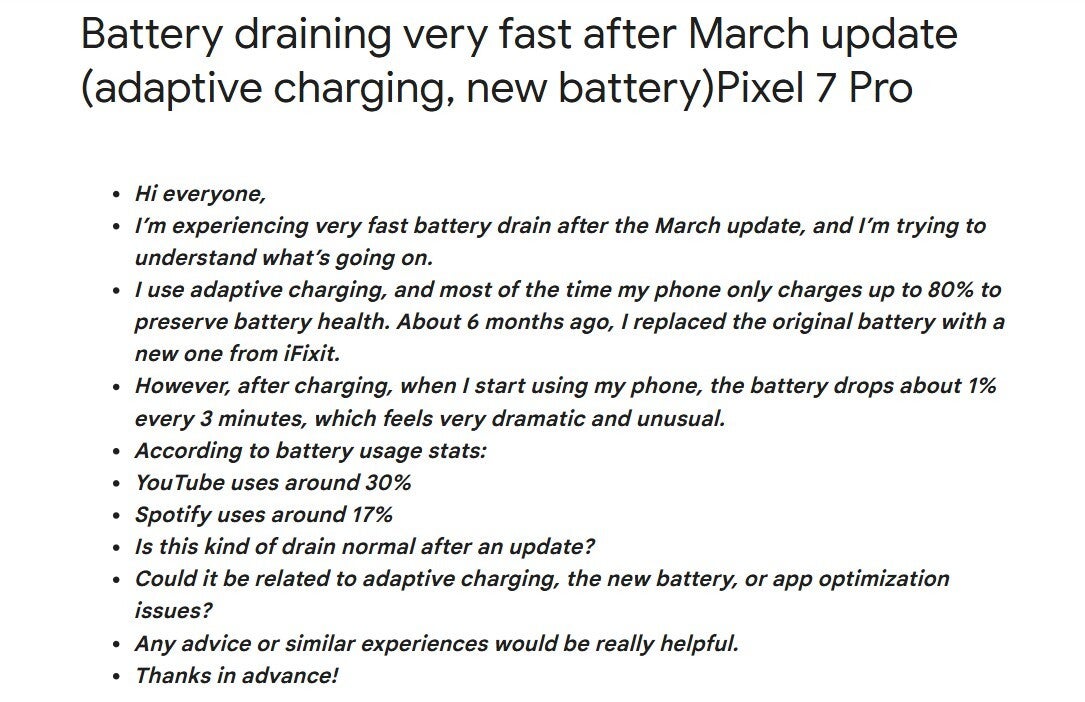
Complaint about battery drain on Pixel phones. | Image by Google community forum
As aforementioned, the latest update resolves the boot loop problem that has been haunting Pixel users for many months. The widgets' issue is also gone for good, as per comments on Reddit. However, there are plenty of bugs that the tech giant still needs to address.
For instance, a user mentioned that their Pixel phone automatically disconnects from Android Auto. The lock screen has also been freezing for some users, and a fix for it is yet to be released. And most importantly, the battery drain problem that Pixel users have been experiencing since the March Pixel Drop hasn't been addressed yet.
Google is slowly bringing Pixel back on track
You buy Pixel for a smooth Android experience; however, that's not how the Google phones have been performing for the last few months. Performance degradation, battery drain, bootloop, and a few more serious issues have been reported on Pixel phones recently. But as you would expect from a big name like Google, all these problems are slowly getting addressed.
I, personally, noticed that my Pixel 10 performance was really affected after installing the March update. Fortunately, this was fixed in the June Pixel drop. And the boot loop problem has finally been resolved this month.
I am pretty confident that the Mountain View giant would roll out a solution for all the other known issues in the coming months. That said, to download the July patch, open the Settings app, and then navigate to System, Software Update, and then System.
Mint Mobile's 6-month plans now cost $10/mo
$10
/mo
$35
$25 off (71%)
Mint Mobile is celebrating its 10-year anniversary with a special offer on its six-month subscription plans. For a limited time, you can get your preferred tier (6GB, 17GB, 23GB or unlimited) for just $10/mo. That saves you between 50% and 71% on the carrier's mobile plans, making it way easier to recommend.
Aman Kumar is a news writer at PhoneArena covering Google Pixel phones, Android features, AI-powered smartphone tools, and mobile tech news. Before joining PhoneArena, he spent over five years writing about consumer technology for publications like MakeUseOf, How-To Geek, and Guiding Tech. His current daily drivers are the Pixel 10 and Samsung Galaxy S26 Plus, while his red iPhone SE (2nd gen) remains a personal favorite. Aman also appreciates bold smartphone experiments and still considers the Nokia N-Gage one of the industry’s most iconic designs.
A discussion is a place, where people can voice their opinion, no matter if it
is positive, neutral or negative. However, when posting, one must stay true to the topic, and not just share some
random thoughts, which are not directly related to the matter.
Things that are NOT allowed:
Off-topic talk - you must stick to the subject of discussion
Offensive, hate speech - if you want to say something, say it politely
Spam/Advertisements - these posts are deleted
Multiple accounts - one person can have only one account
Impersonations and offensive nicknames - these accounts get banned
To help keep our community safe and free from spam, we apply temporary limits to newly created accounts:
New accounts created within the last 24 hours may experience restrictions on how frequently they can
post or comment.
These limits are in place as a precaution and will automatically lift.
Moderation is done by humans. We try to be as objective as possible and moderate with zero bias. If you think a
post should be moderated - please, report it.
Have a question about the rules or why you have been moderated/limited/banned? Please,
contact us.






Things that are NOT allowed:
To help keep our community safe and free from spam, we apply temporary limits to newly created accounts: