A huge time-saving feature arrives on the Pixel 10 line in the U.S.
Gemini can now shop for your groceries, order dinner, and even get you a rideshare in the U.S.
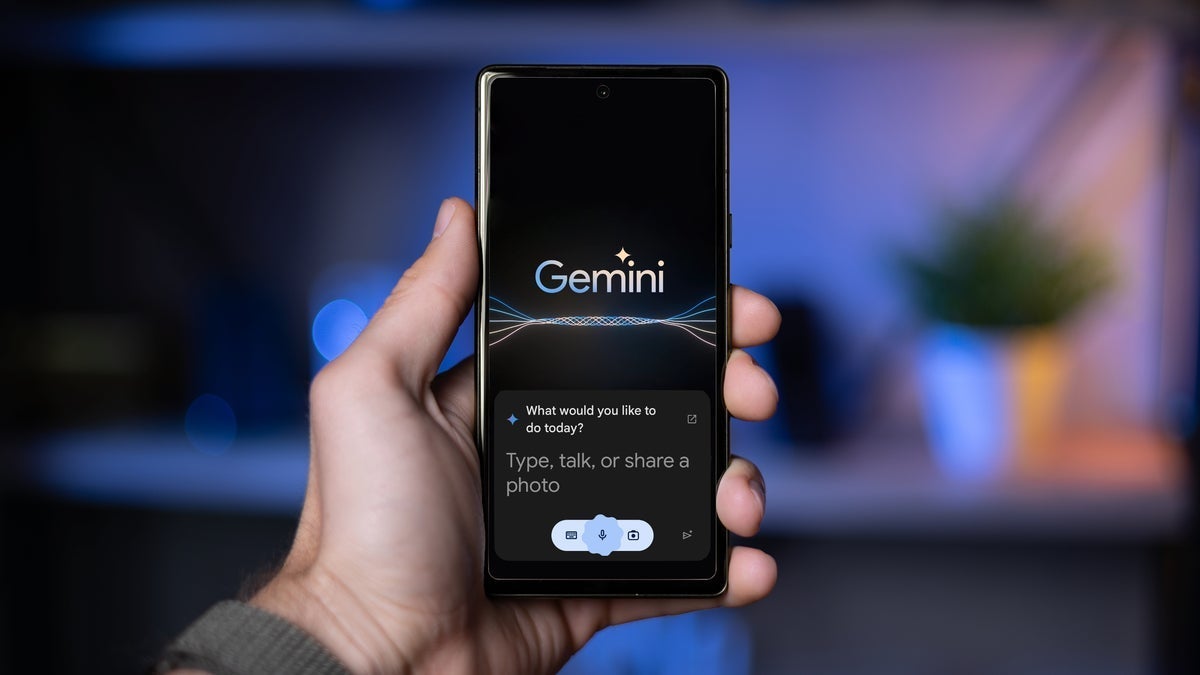
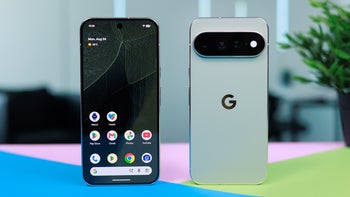
A new feature released for the Pixel 10 series is a major time saver. | Image by PhoneArena
Users of any one of the Pixel 10 series handsets in the U.S. have now received the Gemini screen automation feature that was announced by Google last month. The update to Android 16 QPR 3 will allow the user of a Pixel 10, Pixel 10 Pro, Pixel 10 Pro XL, and Pixel 10a to make a food order, request a rideshare and more. You can be doing something else with your phone while Gemini is performing its agentic capabilities. We should point out that while the Pixel 10 Pro Fold is not officially listed as one of the Pixel 10 models receiving the feature, it has shown up on the device.
Gemini can now order your rideshare, groceries, coffee, and more
You're probably very eager to try this out. Open the Gemini prompt by long-pressing the power button. When the prompt appears, type in what you want and Gemini goes to work. The app being used will open up in a secure window while Gemini scrolls, taps, and types to enter your order. Because we know that AI is subject to hallucinations, before any order is actually submitted, Gemini turns over control to you to confirm any transaction. This way you won't find yourself coming home to a package containing 10,000 cases of Rice-A-Roni that you didn't order, without having to appear on The Price is Right.
This is a huge step forward in the use of AI on smartphones. Right now we are at the point where AI chatbots make a great digital assistant. Now that they are being used as agents, the usefulness of having Gemini on your Pixel 10 series phone increases exponentially. As good as Google is at backporting new features, I don't expect to see this anywhere near any models older than the 2025 Pixel releases.
These are the apps that currently support the feature
As you might have surmised, the Gemini screen automation will work with a limited number of apps including:
RIDESHARE APPS
- Uber
- Lyft
FOOD DELIVERY APPS
- DoorDash
- GrubHub
- Uber Eats
- Starbucks
- Instacart (coming soon)
If you use Gemini for free, you are limited to five automations per day. Those paying $7.99 per month for AI Plus can use the feature up to 12 times a day. AI Pro users, shelling out $19.99 each month for the service, are allowed to have up to 20 screen automations daily. For the $249.99 that AI Ultra subscribers pay monthly for the service, they can have Gemini screen automation handle as many as 120 transactions in a single day.
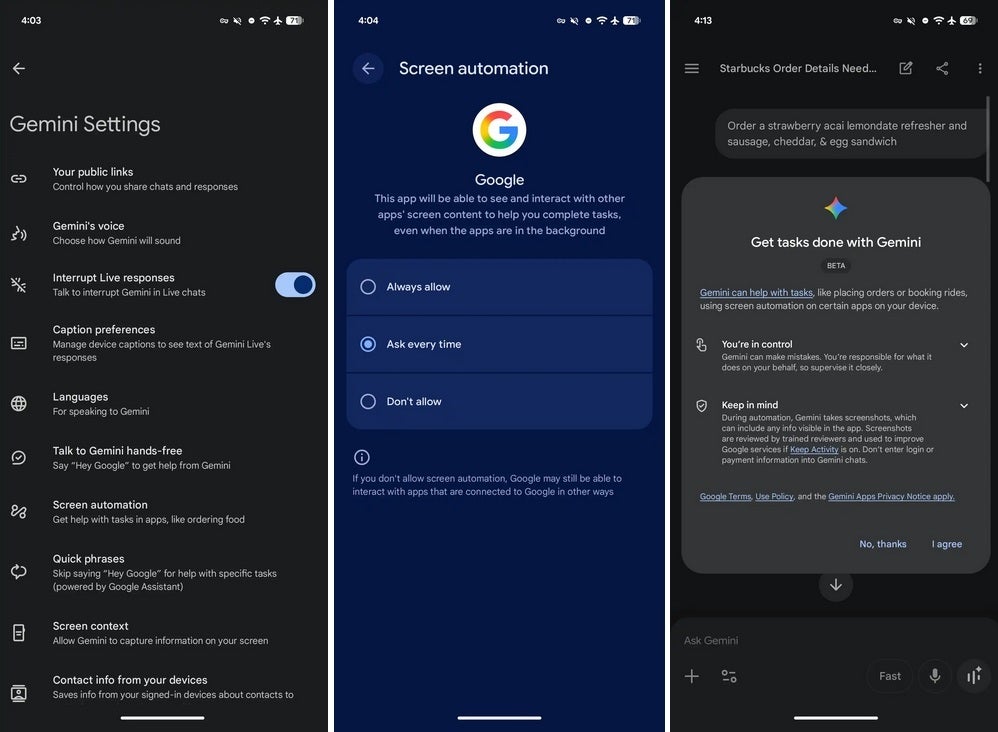
Screenshots related to Gemini screen automation. | Image by 9to5Google
Before you use this feature on your Pixel 10 series phone, you'll need to enable it. Open the Gemini app and tap the profile icon in the upper right corner. Press "Settings" and make sure that the Screen automation option is turned on. You can toggle it to Always allow or Ask every time and then grant the necessary system permissions.
Think about how useful this feature could be for you. Personally, being disabled I have used Instacart for nearly a decade to do my personal shopping. Having this feature would really be useful once it supports the Instacart app. The only problem is that Gemini screen automation won't work on my Pixel 6 Pro.
This feature is a legitimate time saver
If you have a Pixel 9 or older Pixel phone, and you use rideshares or food delivery apps often, you might consider upgrading to a Pixel 10 model just for the opportunity to use Gemini screen automation. Currently, if you want to order a car from Lyft or Uber, you have to open the app, type in your destination, and choose the ride that is appropriate for you. If you're ordering groceries from Instacart, you have to pick the store you want to shop at and select the groceries you want.
Having Gemini do the actual shopping is sure to be a time saver. If an app you use frequently does not have Gemini support currently, it just might be added in the near future. By the way, while the feature works with Pixel 10 models in the U.S., it also can be used in South Korea with the Samsung Galaxy S26 line.


Popular stories





Latest News

Things that are NOT allowed:
To help keep our community safe and free from spam, we apply temporary limits to newly created accounts: