Gemini has received plenty of interesting upgrades lately. For instance, we recently shared that it will soon get a floating button that will allow you to control it while working in any app on your smartphone. Now, a teardown of the latest Google app beta suggests that Google's AI will soon be able to use the applications installed on your device.
Ask Gemini to do everything on your behalf
Currently, if you want to book a ride to your office, you would manually open Uber or any other ride-hailing service available in your region, select the drop-off location, and confirm your booking. But soon, you won't need to do all this manual work.
Google is working on a new "Get tasks done with Gemini" feature, which has reportedly been spotted in the Google app beta version 17.4. Strings attached to this feature indicate that it is codenamed "bonobo" and will initially be available only as an experimental feature in Google Labs. It will basically allow Gemini to interact with certain installed apps and take actions on your behalf through screen automation.
For instance, it will allow you to instruct Gemini to book a ride to a location or order particular food from a food delivery app like Uber Eats. All that without you having to manually open apps and choose different options in them.
Recommended For You
App developers often change the UI of their respective applications, so it makes sense that this capability will initially be available only for a limited number of apps, mainly those where users are most likely to use it. Although the teardown doesn't mention it, I believe the tech giant will start rolling out this screen automation feature to its own apps before making it available in third-party ones.
That said, it comes with the general warning you often see with all AI tools: it can make mistakes. However, for this particular feature, you will reportedly see an additional warning stating that you are responsible for any actions Gemini takes on your behalf based on your instructions. That's why you are advised to supervise this feature closely. If you find that the agent isn't performing as intended, you can stop it and take over the task.
The screen automation feature is built on Android 16 QPR3, so you need at least this Android version installed on your device to enjoy all the capabilities mentioned above. The Mountain View giant is also prioritizing privacy, as it's been spotted recommending that you should not share personal information like login or payment details with Gemini. If you have the Keep Activity option enabled, the company will allow trained reviewers to examine the screenshots Gemini takes of the apps it interacts with in order to improve its overall services.
How much control do you want AI to have over your smartphone?
31 Votes
I'm okay as long as it helps with my daily tasks.
54.84%
I want an AI-free smartphone experience.
32.26%
I use AI, but don't want it to control other installed apps.
12.9%
Manual intervention is becoming less necessary every day
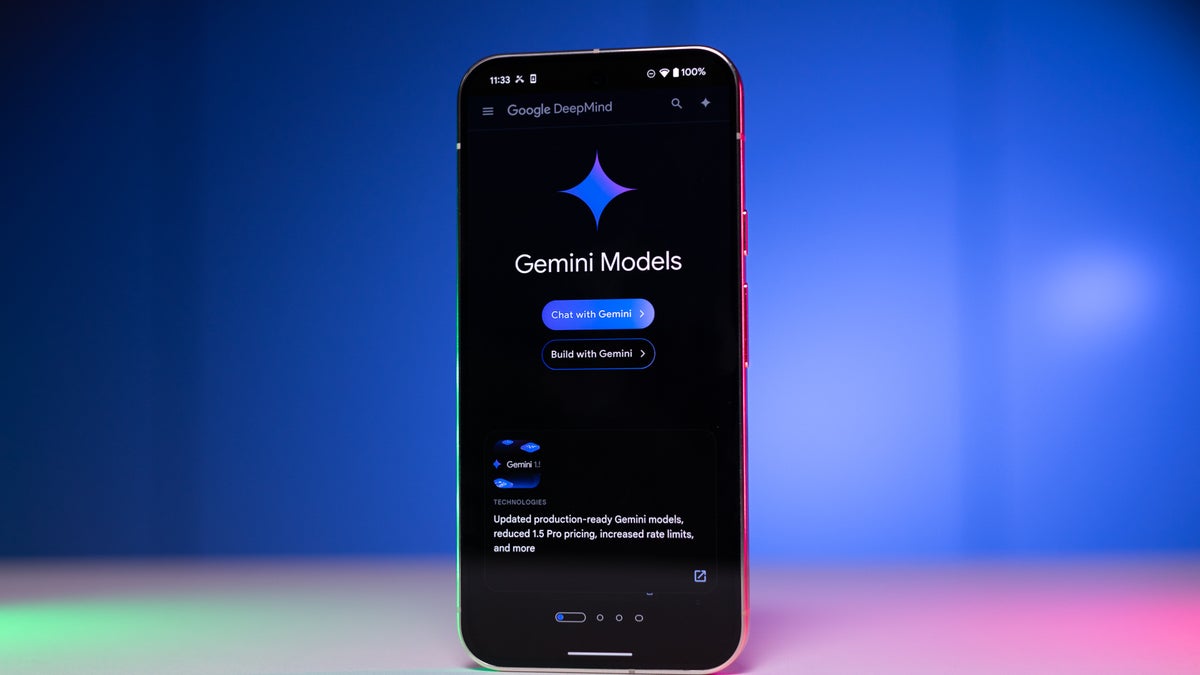
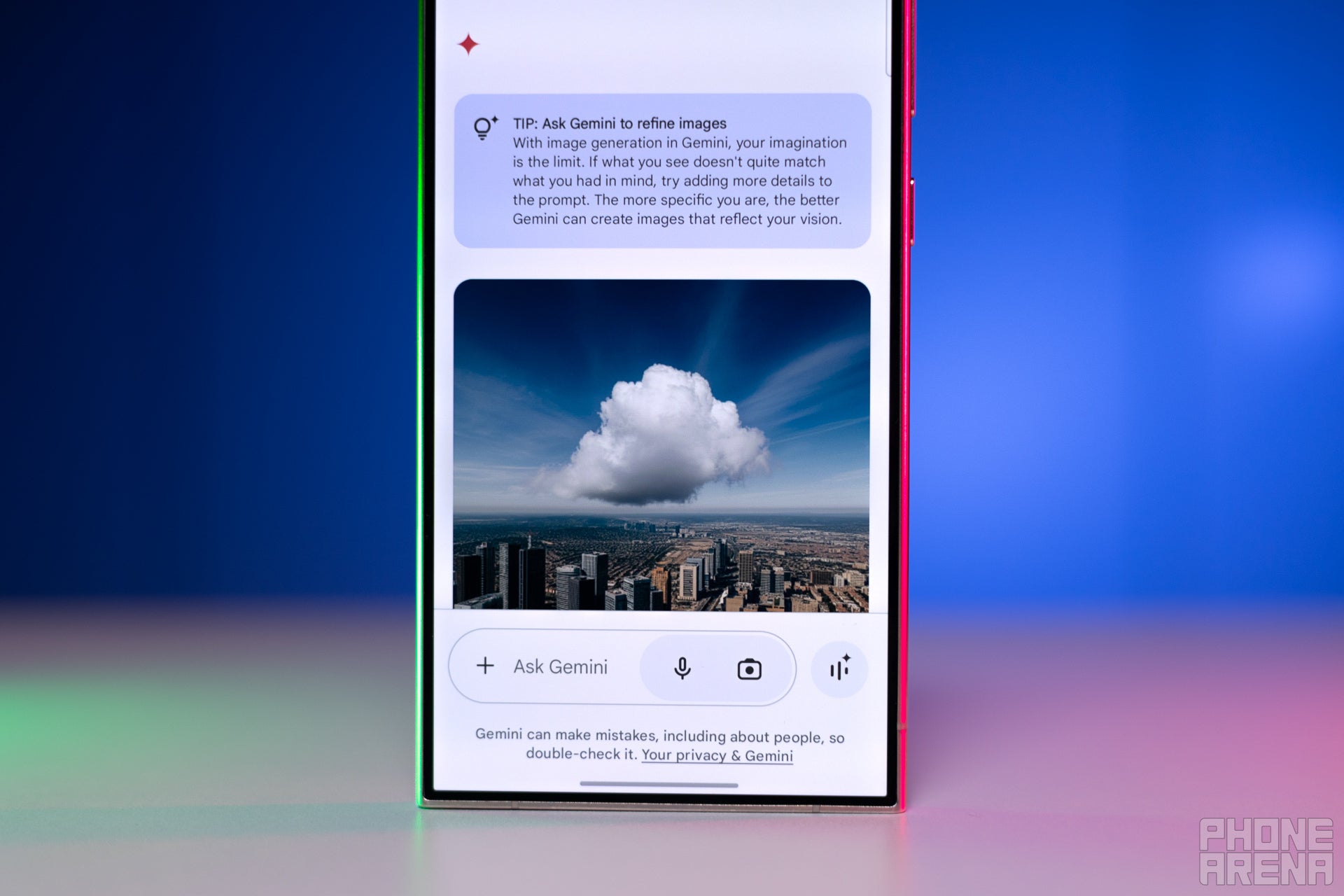
Gemini app interface on a smartphone. | Image by PhoneArena
When Google introduced Gemini, it could only perform basic tasks like correcting grammar in a draft or solving math problems. But with the addition of agentic capabilities, it can now do much more, and that too without requiring much manual intervention from you.
For instance, Google Chrome recently received the Auto Browse feature, powered by Gemini 3. Currently limited to the Pro and Ultra tiers, it basically gives the browser the power to handle boring workflows like automatically filling out forms. A similar feature is being added to Gemini on Android.
AI chatbots have already eliminated the need for most manual tasks. For instance, unlike before, you don't have to manually go through different websites to prepare an itinerary for a trip. Instead, you can simply ask any AI chatbot to do that for you.
Now that you'll soon be able to book rides and order food just by instructing Gemini, the manual work we currently do to perform these actions will no longer be needed in the future. Whether this is a good or bad thing will differ from person to person, depending on how much they want AI to control their smartphone. I, personally, am excited for this change.
Aman Kumar is a news writer at PhoneArena covering Google Pixel phones, Android features, AI-powered smartphone tools, and mobile tech news. Before joining PhoneArena, he spent over five years writing about consumer technology for publications like MakeUseOf, How-To Geek, and Guiding Tech. His current daily drivers are the Pixel 10 and Samsung Galaxy S26 Plus, while his red iPhone SE (2nd gen) remains a personal favorite. Aman also appreciates bold smartphone experiments and still considers the Nokia N-Gage one of the industry’s most iconic designs.
A discussion is a place, where people can voice their opinion, no matter if it
is positive, neutral or negative. However, when posting, one must stay true to the topic, and not just share some
random thoughts, which are not directly related to the matter.
Things that are NOT allowed:
Off-topic talk - you must stick to the subject of discussion
Offensive, hate speech - if you want to say something, say it politely
Spam/Advertisements - these posts are deleted
Multiple accounts - one person can have only one account
Impersonations and offensive nicknames - these accounts get banned
To help keep our community safe and free from spam, we apply temporary limits to newly created accounts:
New accounts created within the last 24 hours may experience restrictions on how frequently they can
post or comment.
These limits are in place as a precaution and will automatically lift.
Moderation is done by humans. We try to be as objective as possible and moderate with zero bias. If you think a
post should be moderated - please, report it.
Have a question about the rules or why you have been moderated/limited/banned? Please,
contact us.













![Another batch of Galaxy S26 series users in the US are getting a nice surprise today [UPDATED]](https://m-cdn.phonearena.com/images/article/183643-wide-two_350/Another-batch-of-Galaxy-S26-series-users-in-the-US-are-getting-a-nice-surprise-today-UPDATED.webp)
Things that are NOT allowed:
To help keep our community safe and free from spam, we apply temporary limits to newly created accounts: