It's always recommended to download security updates, as they may contain fixes for known bugs and issues. But what if a security update itself introduces a bug?
That's probably what happened with the update that Samsung released last month. After installing it, many users reported experiencing battery drainage problems on their Galaxy S24 and S25 series phones. Fortunately, Samsung has identified the culprit and shared a solution that you can try.
Where it all started
The Samsung Galaxy S25 line phones first received the April 2026 update, and it was then rolled out to the Galaxy S24 family as well a couple of days later. The update featured solutions for some known bugs in the Galaxy smartphones. However, after updating the devices, many users started reporting that their phones weren't lasting as long as before.
An affected user mentioned on Reddit that their Galaxy S25 Ultra used up around 43% of the battery in an hour when its screen was on. Surprisingly, almost 23% of the charge was lost within an hour when the device was kept idle with the screen off. There are also reports where users mention that their phone goes from 90% to 0% within just a couple of hours.
The rapid drainage of the battery isn't the only problem Galaxy users were facing after installing the April 2026 security update. I was also able to spot a few complaints saying that the phone is getting significantly warmer and also isn't charging properly.
Recommended For You
As it happens most of the time, affected users started investigating what exactly could be causing the issue. While different users suspected different things behind the problem, most of the affected users doubted that Knox Matrix was responsible. Other than this, some also believed that Mobile Services could be the culprit.
So, what's actually causing the issue?
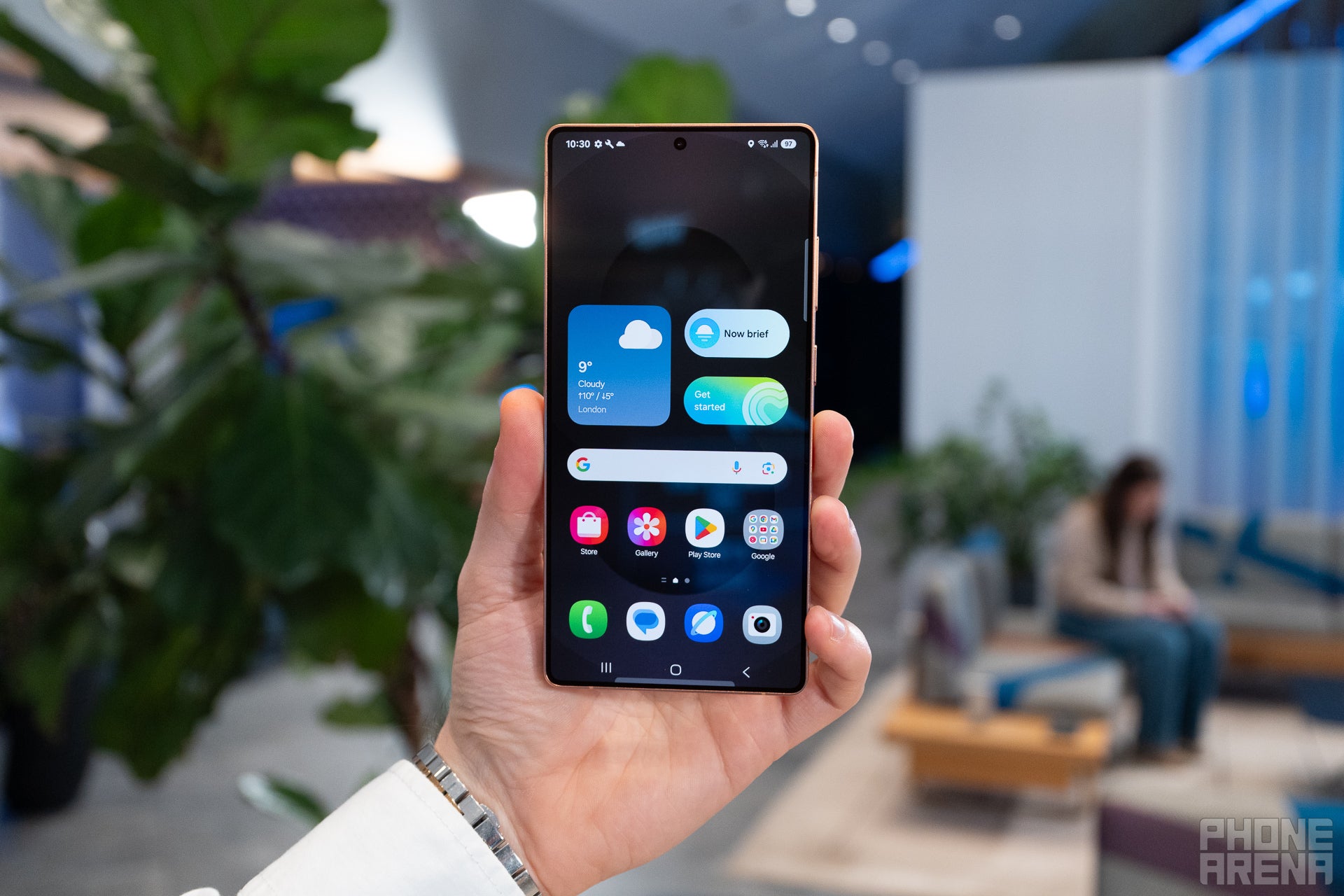
Display of the Galaxy S25 Ultra. | Image by PhoneArena
The tech giant has apparently identified the thing that's causing the battery drainage in the Galaxy S25 and Galaxy S24 series phones. According to an official Samsung moderator, the problem is mainly occurring on devices that are running on the T-Mobile network in the US, and it's stemming from the Mobile Services app. For reference, it's a core Samsung service and takes care of all network-related services on your smartphone.
The latest update of the app reportedly contains a bug that is causing the battery drainage issue on Galaxy smartphones. The solution that you can try in this case is to roll back the app to its previous build. This will effectively remove the bug from your device.
Are you happy with the battery life of your Galaxy smartphone?
146 Votes
It lasts long enough to get through an entire day.
16.44%
My battery life has really gone down after the update.
45.89%
Battery life is good, but I want more mAh in Galaxy phones.
37.67%
How to uninstall the update
It's pretty straightforward to uninstall the latest update that you downloaded for the Mobile Services app. To do this, open the Settings app on your Galaxy smartphone, select Apps, then tap the Filter and sort icon, and enable the "Show system apps" toggle that appears in the new window.
Choose Mobile Services from the list of apps and services installed on your phone. Then, open the app usage and take note of the current app version. Lastly, tap Uninstall updates and choose OK to confirm your decision.
After the process is complete, compare the current app version with the one you noted before uninstallation to ensure that the downgrade worked correctly.
A permanent solution might be on the way
The moderator didn't mention whether a permanent solution is on the way, but I'm pretty confident that one is coming. That's because uninstalling updates can provide a temporary fix, but it definitely isn't the right solution. Hopefully, we'll see Samsung roll out an update that permanently fixes the problem.
All that said, I'm feeling a bit jealous of Galaxy users right now. That's because, unlike Samsung, which quickly shared a fix, even though it's only temporary, Google has yet to acknowledge the issue, let alone discuss rolling out a fix for the severe battery drain problem Pixel users have been facing after installing the March update.
Galaxy Watch Ultra 2: up to $250 off
$449
99
$699
99
$250 off (36%)
The Galaxy Watch Ultra 2 is a premium wearable with a rugged yet lightweight design and all sorts of high-end features. It's also equipped with an 800mAh battery, offering plenty of battery life on a single charge. Right now, you can get it with a $250 discount, but an eligible device trade-in is required.
Aman Kumar is a news writer at PhoneArena covering Google Pixel phones, Android features, AI-powered smartphone tools, and mobile tech news. Before joining PhoneArena, he spent over five years writing about consumer technology for publications like MakeUseOf, How-To Geek, and Guiding Tech. His current daily drivers are the Pixel 10 and Samsung Galaxy S26 Plus, while his red iPhone SE (2nd gen) remains a personal favorite. Aman also appreciates bold smartphone experiments and still considers the Nokia N-Gage one of the industry’s most iconic designs.
A discussion is a place, where people can voice their opinion, no matter if it
is positive, neutral or negative. However, when posting, one must stay true to the topic, and not just share some
random thoughts, which are not directly related to the matter.
Things that are NOT allowed:
Off-topic talk - you must stick to the subject of discussion
Offensive, hate speech - if you want to say something, say it politely
Spam/Advertisements - these posts are deleted
Multiple accounts - one person can have only one account
Impersonations and offensive nicknames - these accounts get banned
To help keep our community safe and free from spam, we apply temporary limits to newly created accounts:
New accounts created within the last 24 hours may experience restrictions on how frequently they can
post or comment.
These limits are in place as a precaution and will automatically lift.
Moderation is done by humans. We try to be as objective as possible and moderate with zero bias. If you think a
post should be moderated - please, report it.
Have a question about the rules or why you have been moderated/limited/banned? Please,
contact us.













Things that are NOT allowed:
To help keep our community safe and free from spam, we apply temporary limits to newly created accounts: