T-Mobile G2's Google Goggles problem fixed
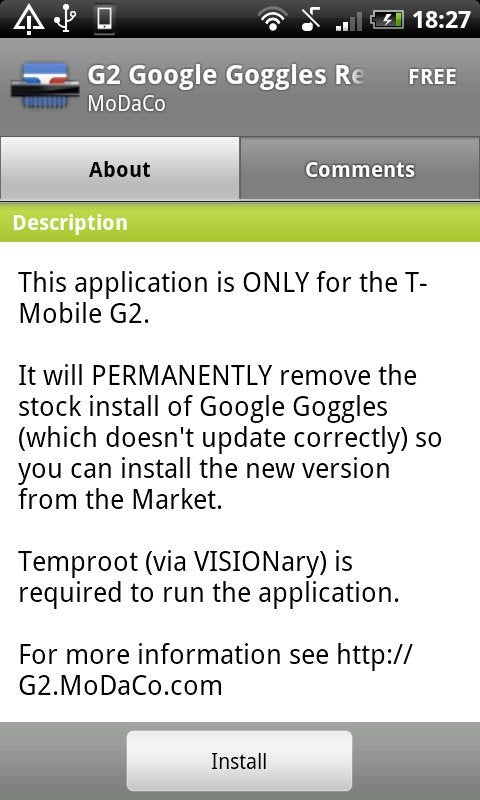
It was worked out thanks to an Android developer who created an app that manages to remove Google Goggles (it's aptly named Google Goggles Remover). To do that, you need to run Temproot (via VISIONary) together with the app and then to download manually Google Goggles from the Android Marketplace after the version on the G2 is removed. Your G2 will reboot twice during the removal process and you have to uninstall the app after the procedure is over. All in all, that will mean that you'll not be struck with T-Mobile G2's Google Goggles version until you change the handset.
source: MoDaCo


Popular stories

Latest News






Things that are NOT allowed:
To help keep our community safe and free from spam, we apply temporary limits to newly created accounts: