Every product we review or recommend is thoroughly tested by our in-house experts in real-world conditions, following our
review methodology
and
ethics statement
to ensure honest, independent, and data-driven results.
We may earn a commission if you make a purchase from the links on this page.
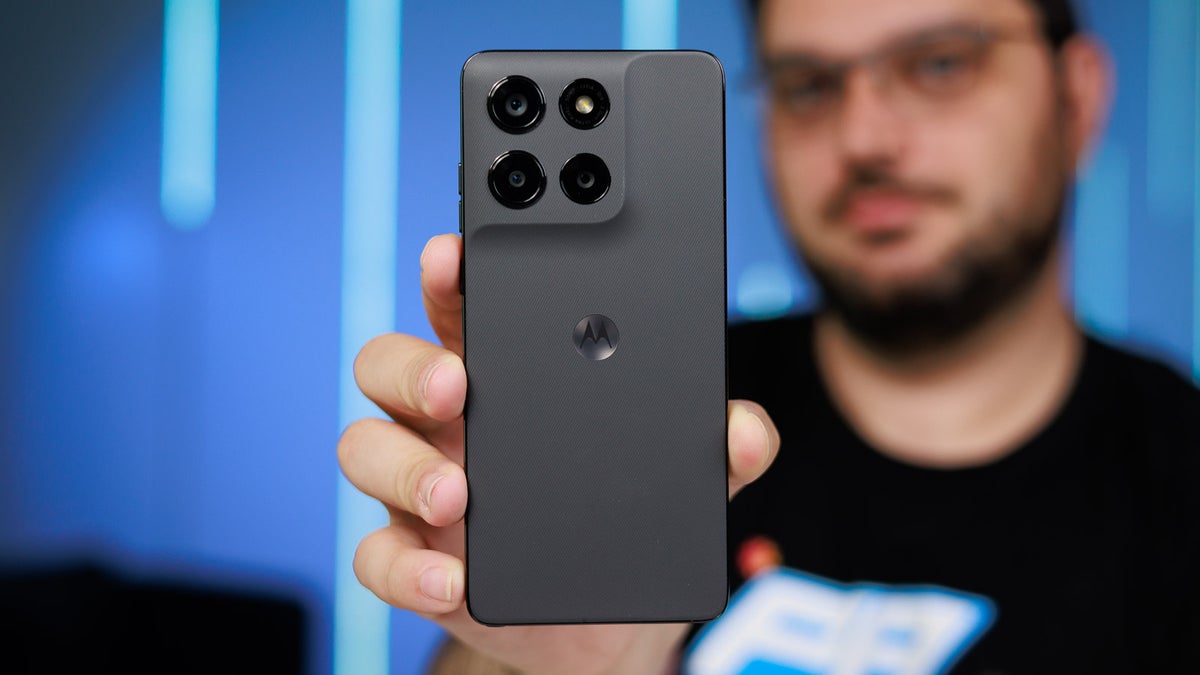
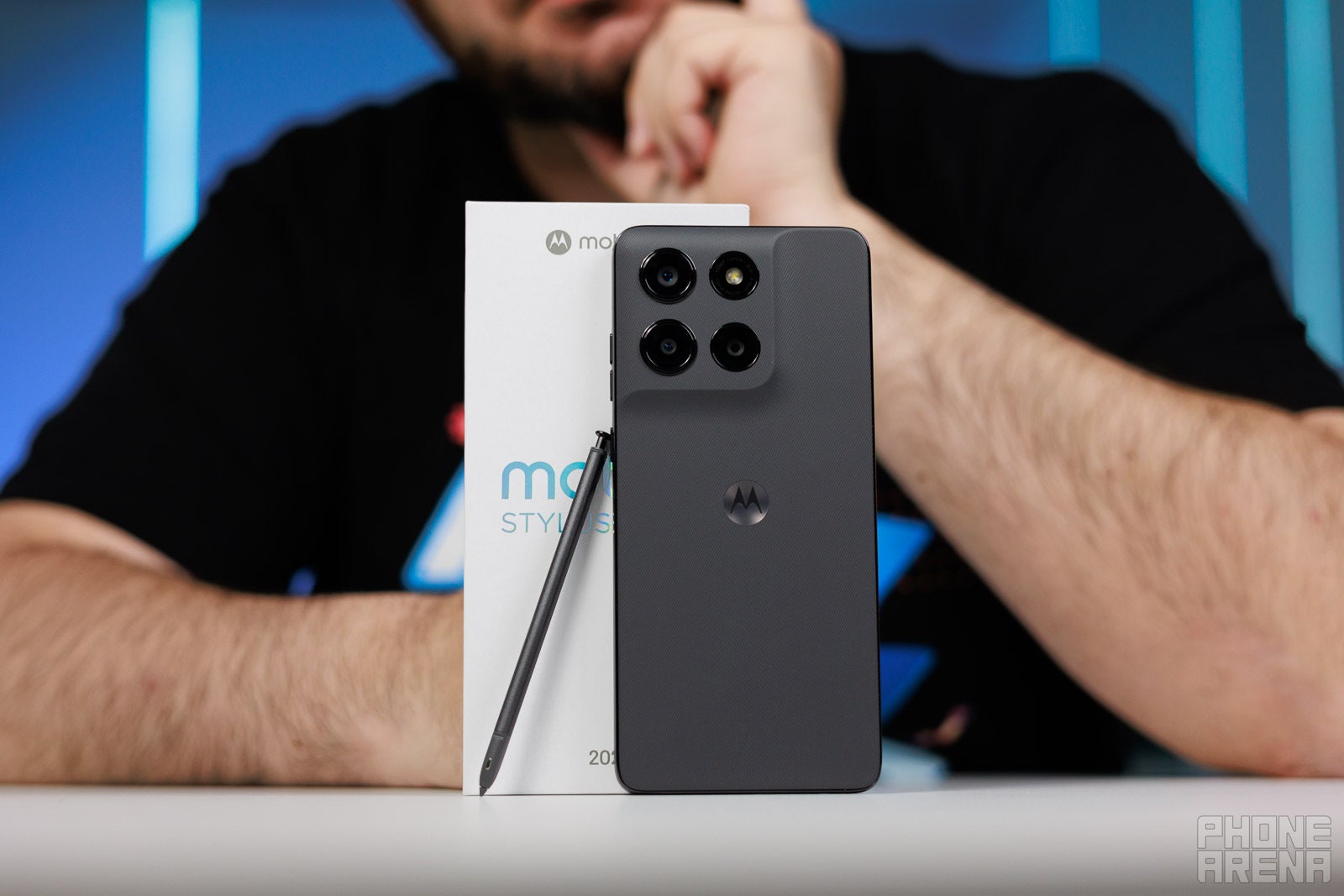
You're better off with last year's Moto G Stylus. | Image by PhoneArena
Motorola's latest refresh of the Moto G Stylus 5G is undoubtedly a weird release.
For starters, it's now "patched" with the latest developments in the world economy and is $100 pricier than last year's model, bringing the price tag from $499 to $599 for the entry-level model.
You might think that Motorola would have introduced a handful of awesome upgrades to offset this serious price hike, but that isn't the case. There's just a slightly larger 5,200 mAh battery and a display that's brighter on paper, but apart from that, the Moto G Stylus 2026 is largely identical to the one that launched last year at the same time.
But you know what, even with that in mind and considering the serious price hike, the Moto G Stylus is still one of the smarter budget phones you can get in the affordable segment. It's also one of the few phones with a built-in stylus, a very exclusive club.
Currently, the device can be purchased from Motorola directly and is also available on Best Buy and Amazon. It will most likely arrive on most major carriers and MVNOs in the coming weeks.
Moto G Stylus (2026): now with $430 in gifts
$599
99
You can now grab the Moto G Stylus (2025) with $430 in gifts. Those are the Moto Watch, a Moto Tag, and a pair of the Moto Buds Loop. The promo is only available on the 256GB variant, so keep that in mind.
Terrible value due to unchanged hardware and higher price than the older model
6.1
PhoneArena Rating
6.7
Price Class Average
Battery Life
7.6
8.1
Photo Quality
5.9
6.2
Video Quality
4.9
4.9
Charging
8.2
7.3
Performance Heavy
3.9
5.9
Performance Light
5.9
6.9
Display Quality
7
7.5
Design
6
7.1
Wireless Charging
5.4
5.7
Biometrics
6
6.9
Audio
6
6.5
Software
4
6.3
Why the score?
This device scores 9% worse than the average for this price class, which includes devices like the Xiaomi Poco X8 Pro Max, Nothing Phone (4a) Pro and RedMagic 11 Air
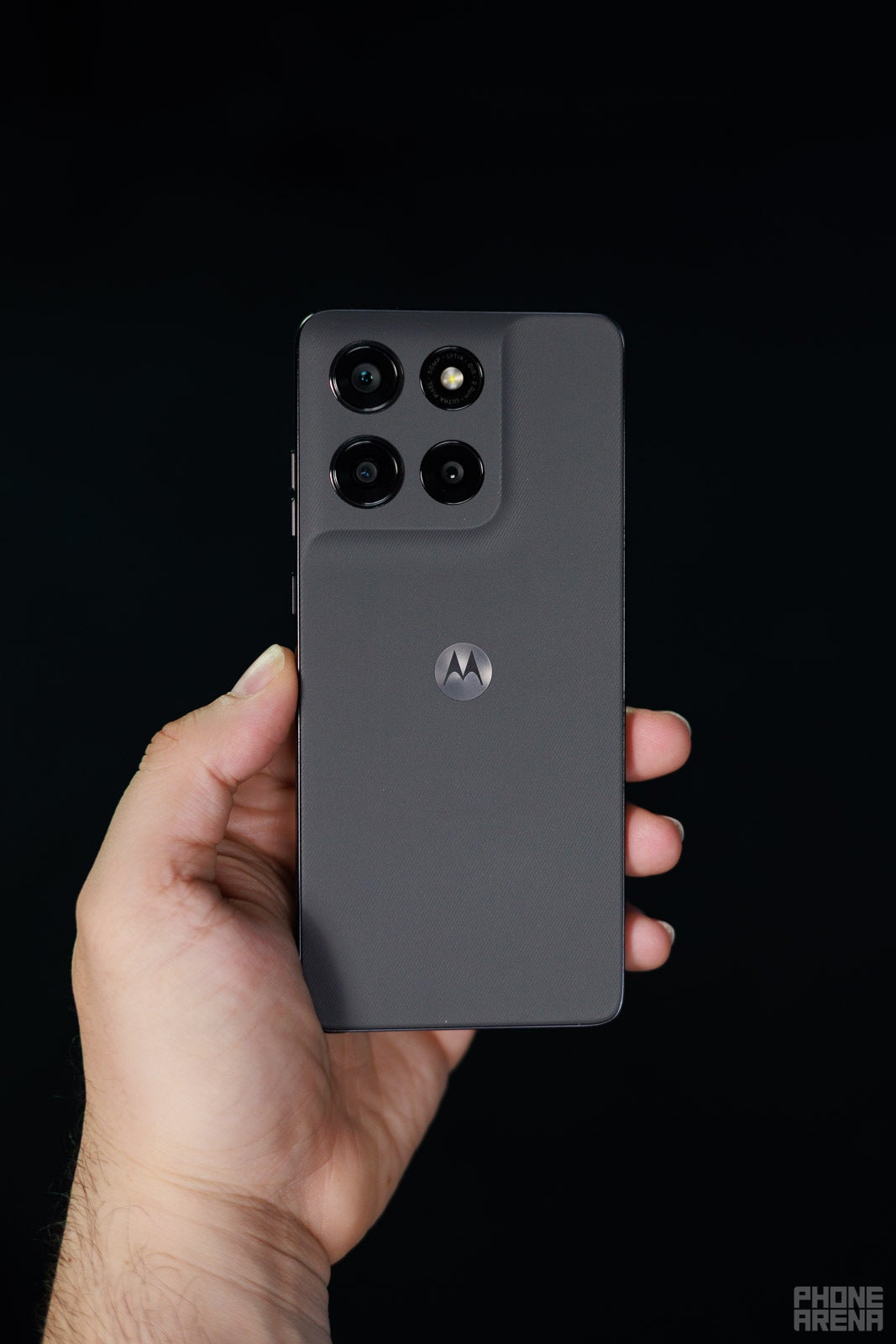
Like pretty much all Motorola phones residing in the same price bracket, the Moto G Stylus proudly flaunts a mostly plastic build, featuring a plastic frame and a neatly ridged plastic backplate that emulates a fabric. It's pleasant to the touch, but make no mistake—you will always know it's a fully plastic phone.
In terms of size and dimensions, I have only high praise for this Motorola. It's a sleek device that feels more compact than its dimensions suggest. Granted, the phone is identical to the older G Stylus in terms of dimensions and is just a gram heavier.
Notable here is the addition of an even tighter IP69 rating in addition to the already standard IP68 one. This means the Moto G Stylus is now protected against high-temperature water jets from any direction. There's also military-grade shock protection (MIL-STD-810H) that will protect your device from falls of up to five feet, which is great to have.
Recommended For You
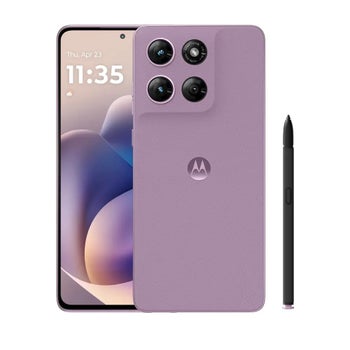
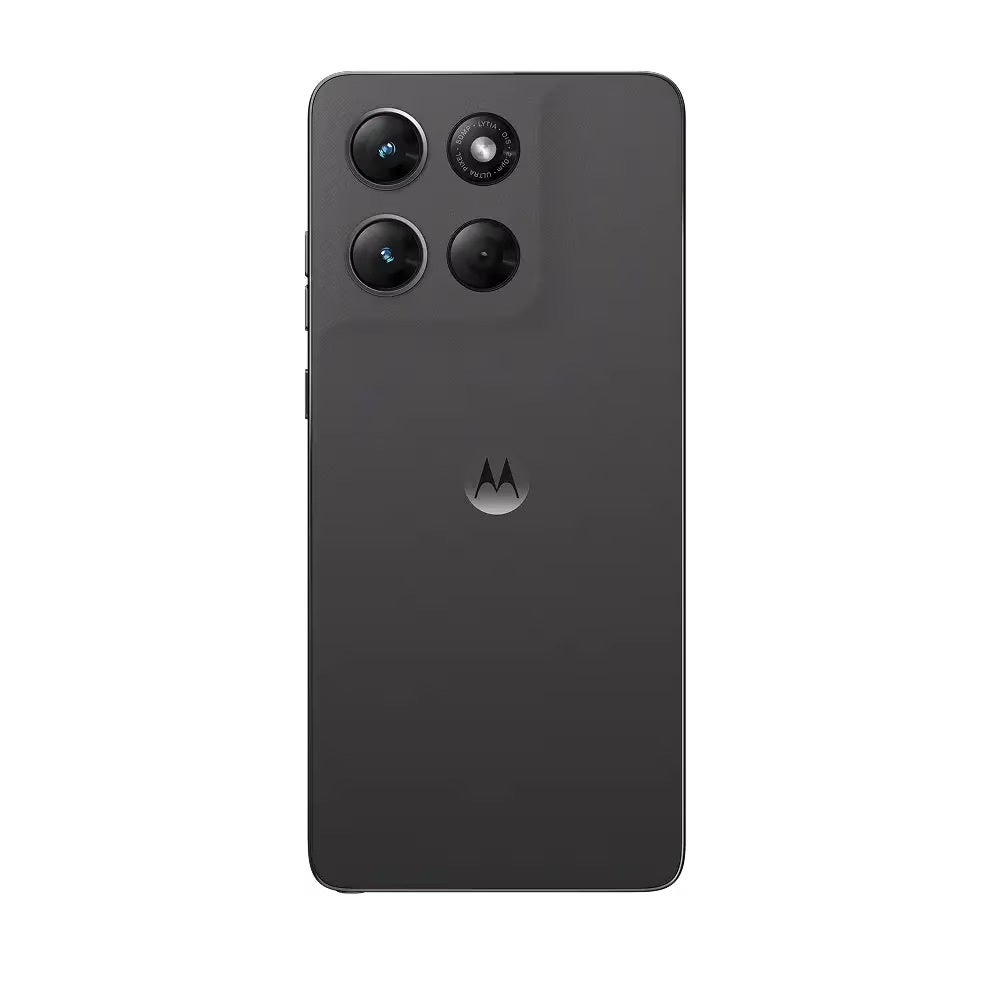
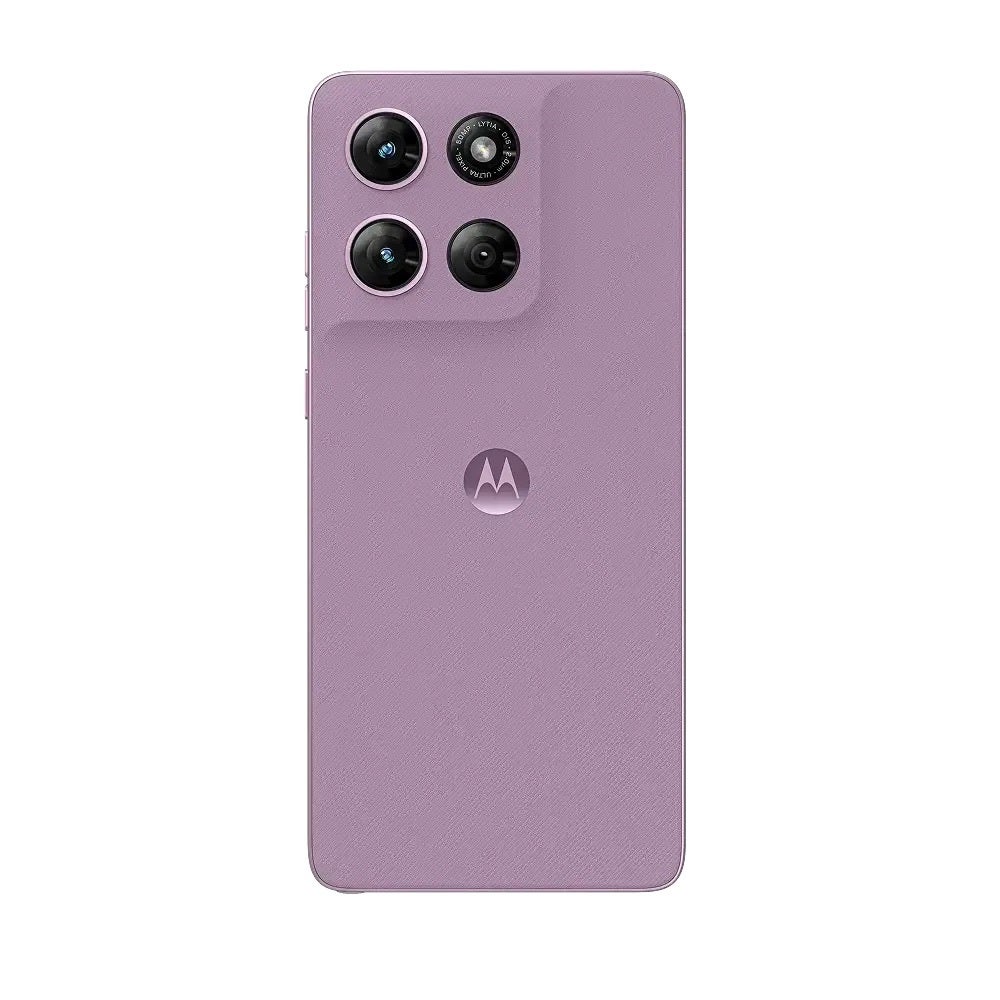
The phone comes in two colors, Pantone Coal Smoke and Pantone Lavender Mist. The black one I reviewed is a bit drab and understated, leaving me yearning for the pinkish variant.
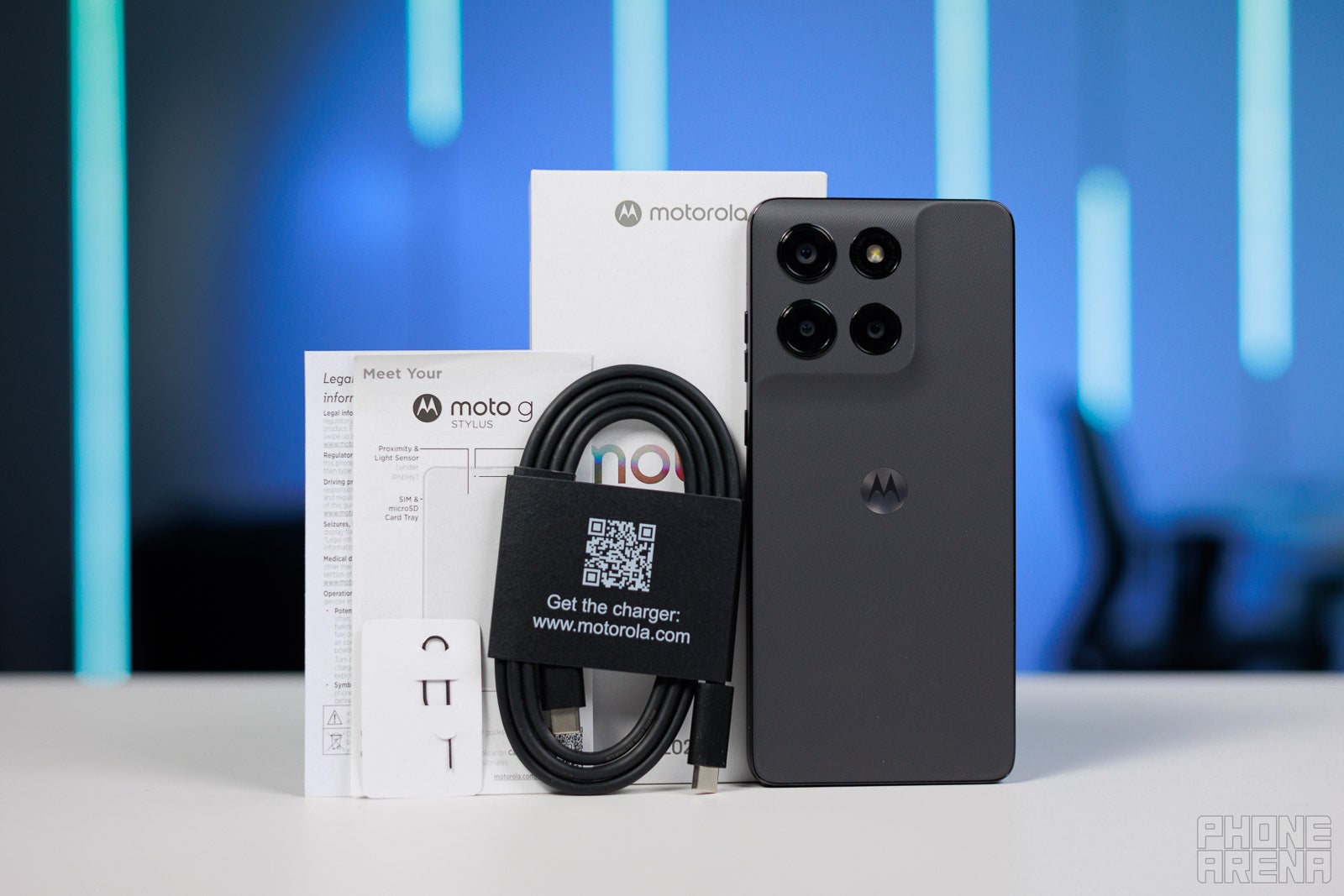
Inside the box, there isn't anything other than the phone itself, a USB-C cable, a SIM ejector, and some manuals.
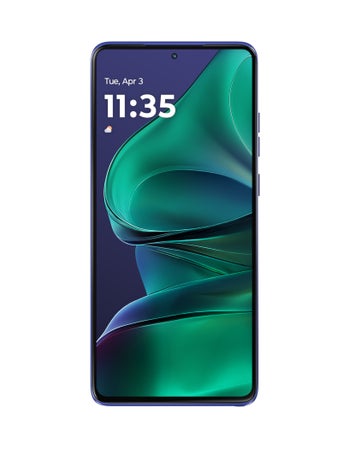
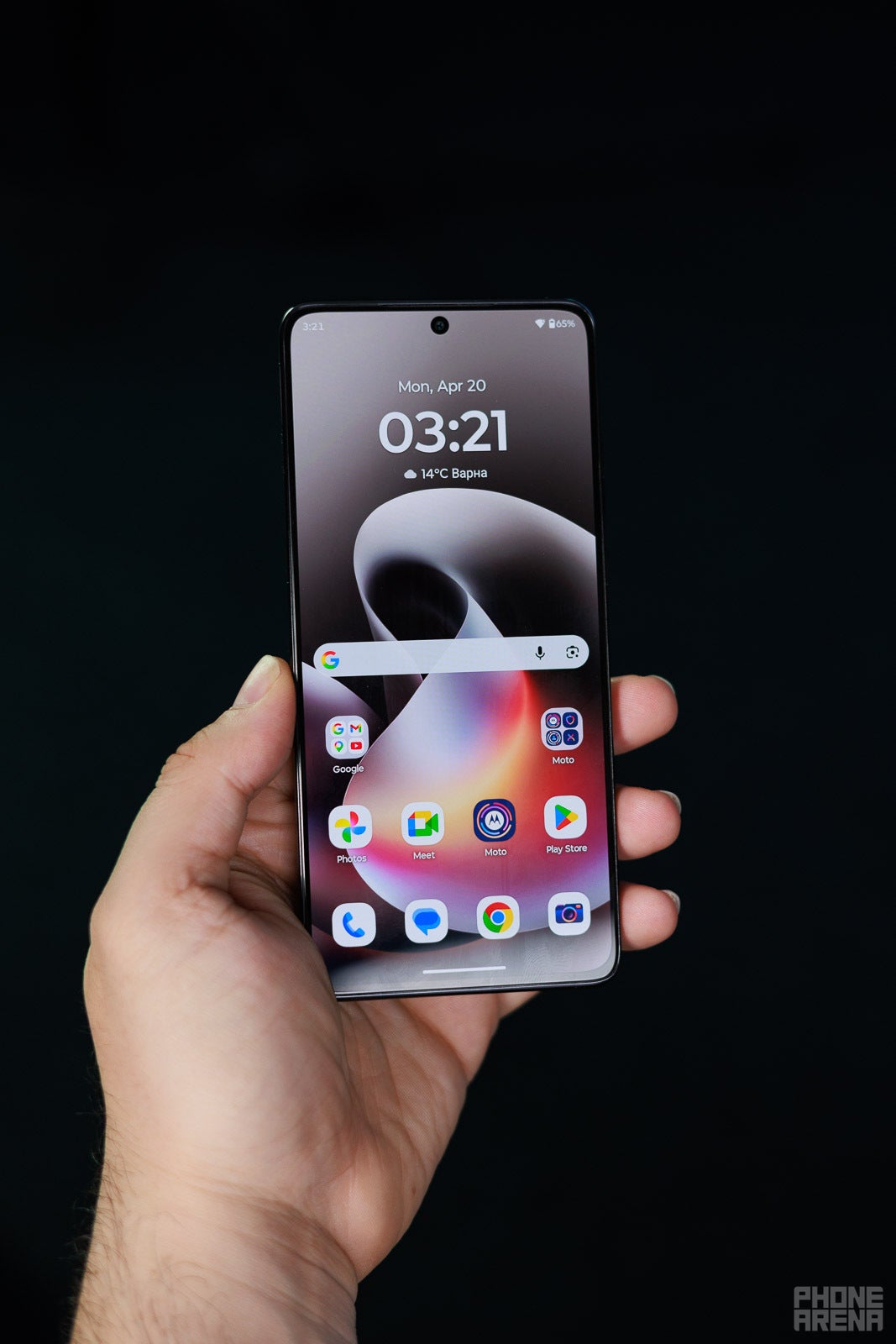
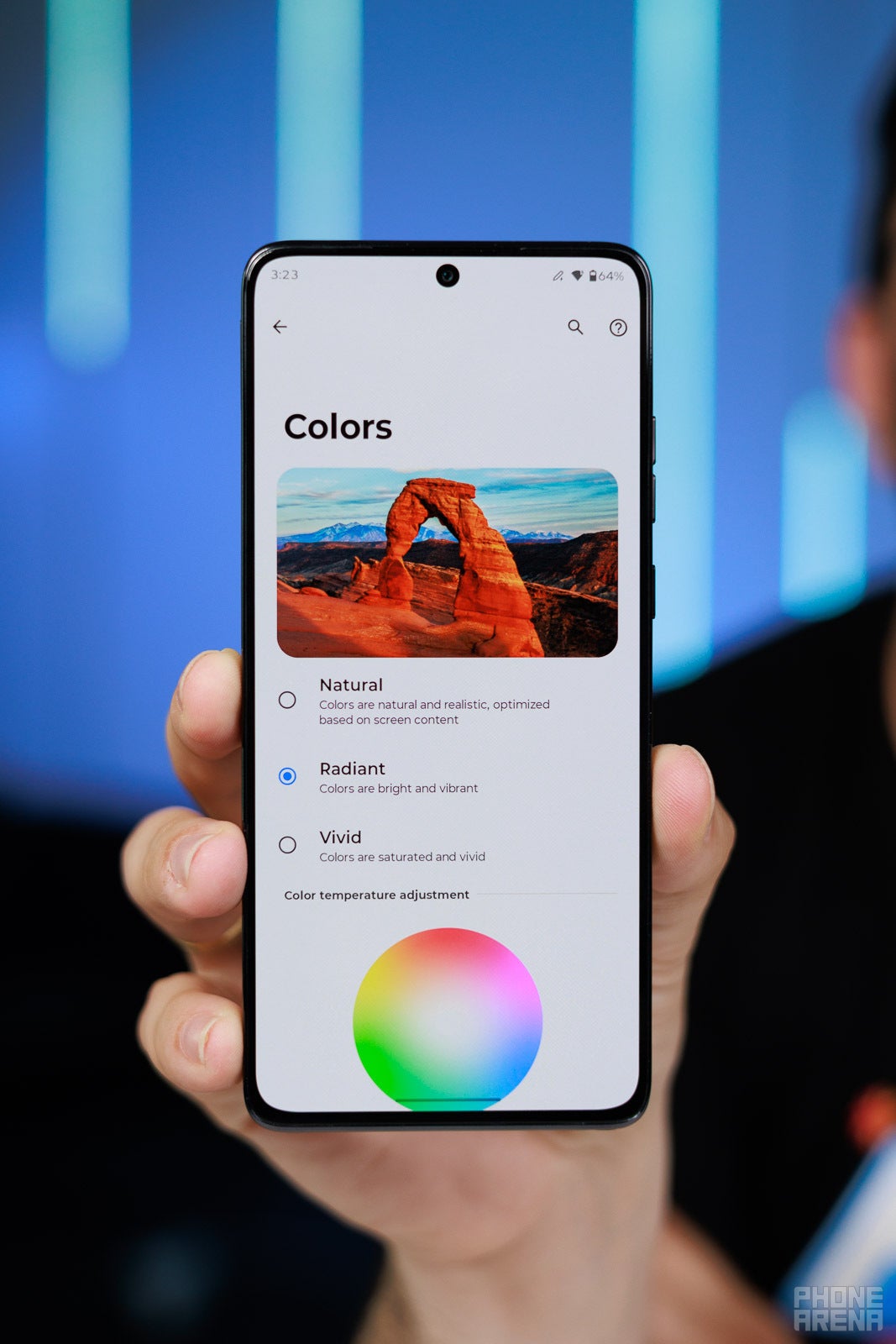
Moving to the display, it's identical to the one on last year's Moto G Stylus in terms of properties. This means it's a 6.7-inch AMOLED that can go up to 120 Hz.
While Motorola says the big upgrade here is the brightness increase to 5,000 nits, those levels can only be achieved only when a couple of display pixels are illuminated. In real life, we struggled to bring the screen past 2,000 nits of brightness, but rest assured it packs sufficient brightness to be well legible even under the bright noon sun. If brightness is important, go with the Pixel 10a.
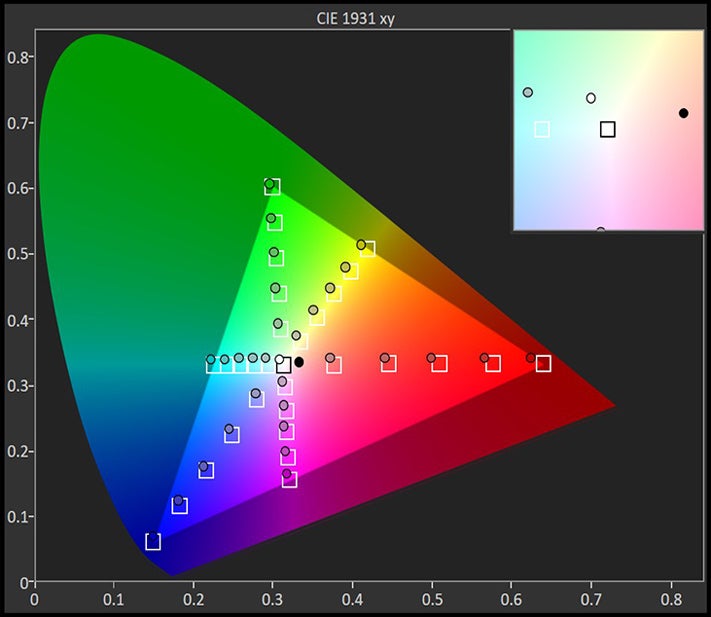
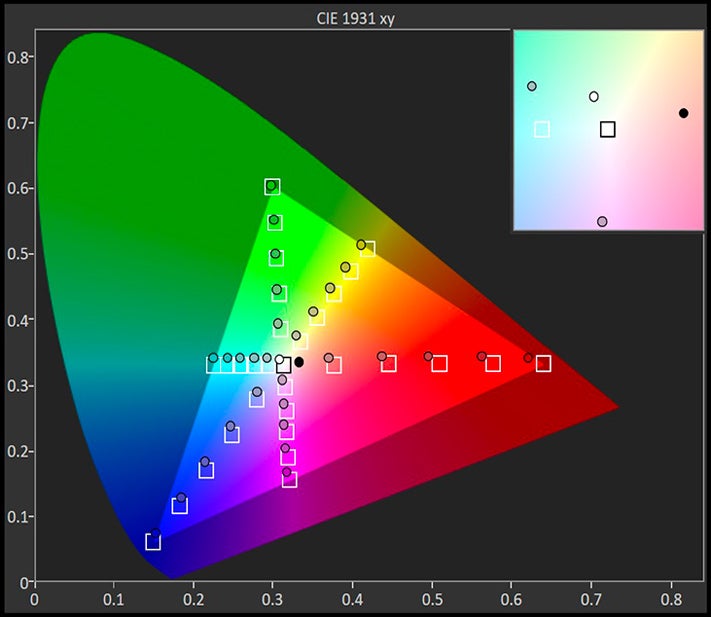
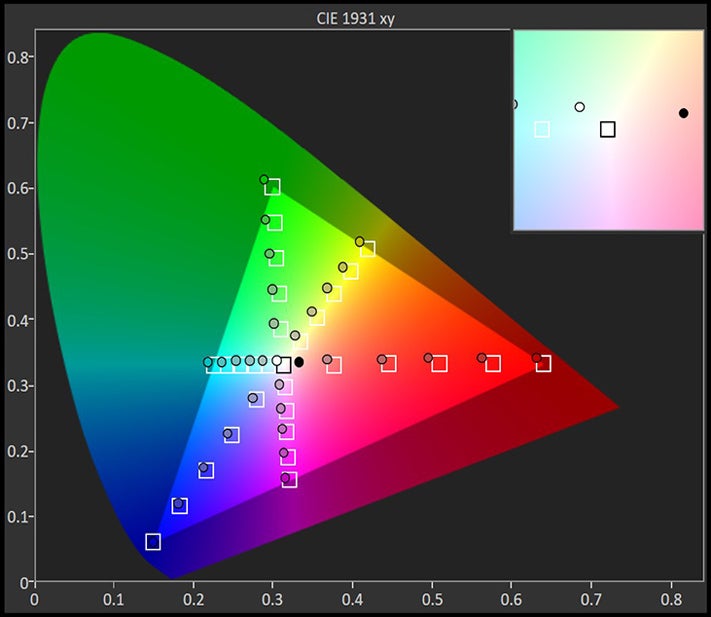
The CIE 1931 xy color gamut chart represents the set(area)of colors that a display can reproduce,with the sRGB colorspace(the highlighted triangle)serving as reference.The chart also provides a visual representation of a display's color accuracy. The small squares across the boundaries of the triangle are the reference points for the various colors, while the small dots are the actual measurements. Ideally, each dot should be positioned on top of its respective square. The 'x:CIE31' and 'y:CIE31' values in the table below the chart indicate the position of each measurement on the chart. 'Y' shows the luminance (in nits) of each measured color, while 'Target Y' is the desired luminance level for that color. Finally, 'ΔE 2000' is the Delta E value of the measured color. Delta E values of below 2 are ideal.
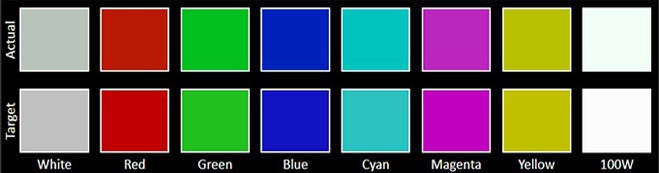
The Color accuracy chart gives an idea of how close a display's measured colors are to their referential values. The first line holds the measured (actual) colors, while the second line holds the reference (target) colors. The closer the actual colors are to the target ones, the better.
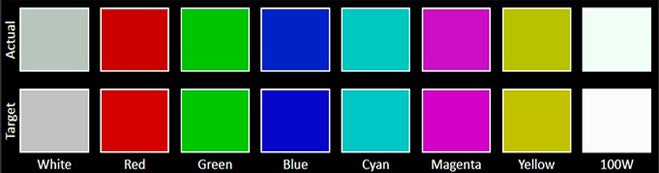
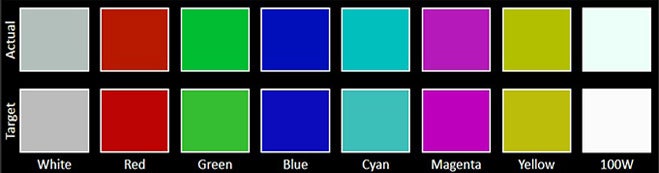
The Grayscale accuracy chart shows whether a display has a correct white balance(balance between red,green and blue)across different levels of grey(from dark to bright).The closer the Actual colors are to the Target ones,the better.
The Moto G Stylus (2026) comes with an optical fingerprint scanner baked into the display, which is accurate but sometimes slow to react, rather typical of these fingerprint sensors.
The stylus
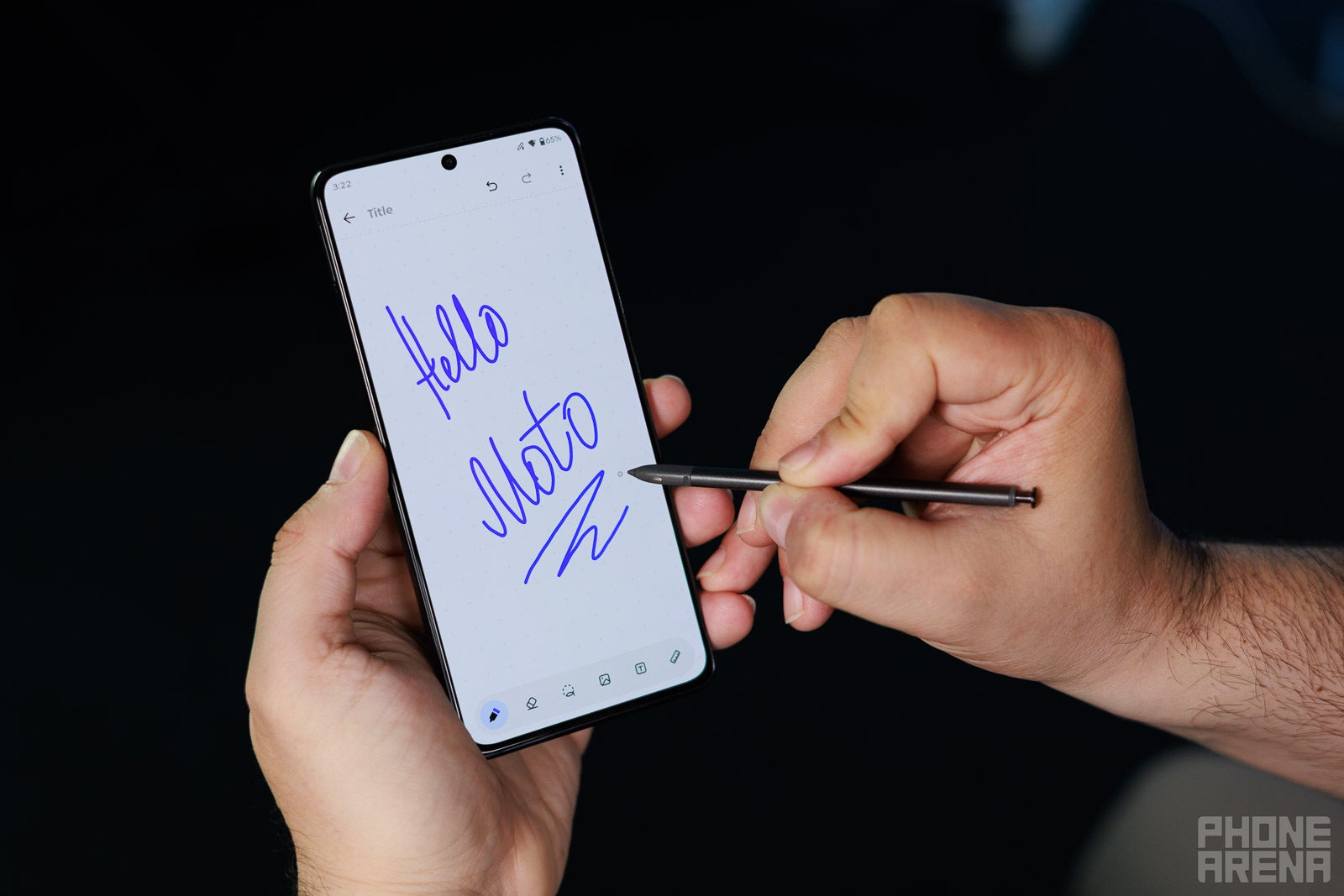
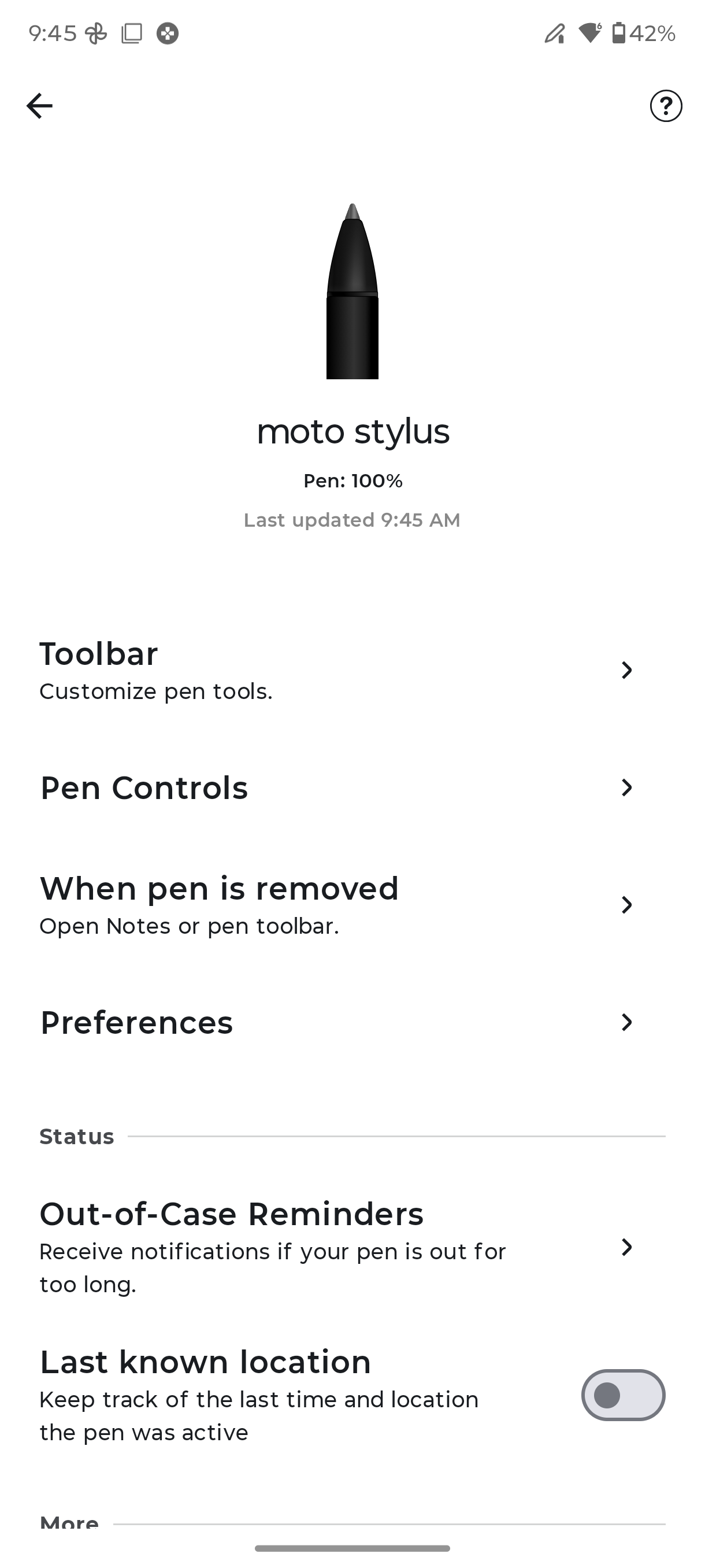
The star of the show here is the built-in stylus at the bottom, and interestingly, this one has been greatly upgraded. Last year's Moto G Stylus (2025) featured a passive stylus that wasn't very sophisticated, but the new phone switches to an active stylus that supports very handy features like tilt detection and pressure sensitivity, as well as pretty decent palm rejection.
The stylus itself is a smidgen thicker and easier to write with. Taking notes is a pleasure, and the stylus also supports useful features like interface magnification, note-creation shortcut, sketch to image, and more, all tucked away in a neat toolbar.
It's a joy to use the improved new stylus | Image by PhoneArena
You can also add app shortcuts to said toolbar, but it only has four customizable positions. A useful way to access Circle to Search is also present––you simply press and hold the button on the stylus and circle around on the screen to get instant search results.
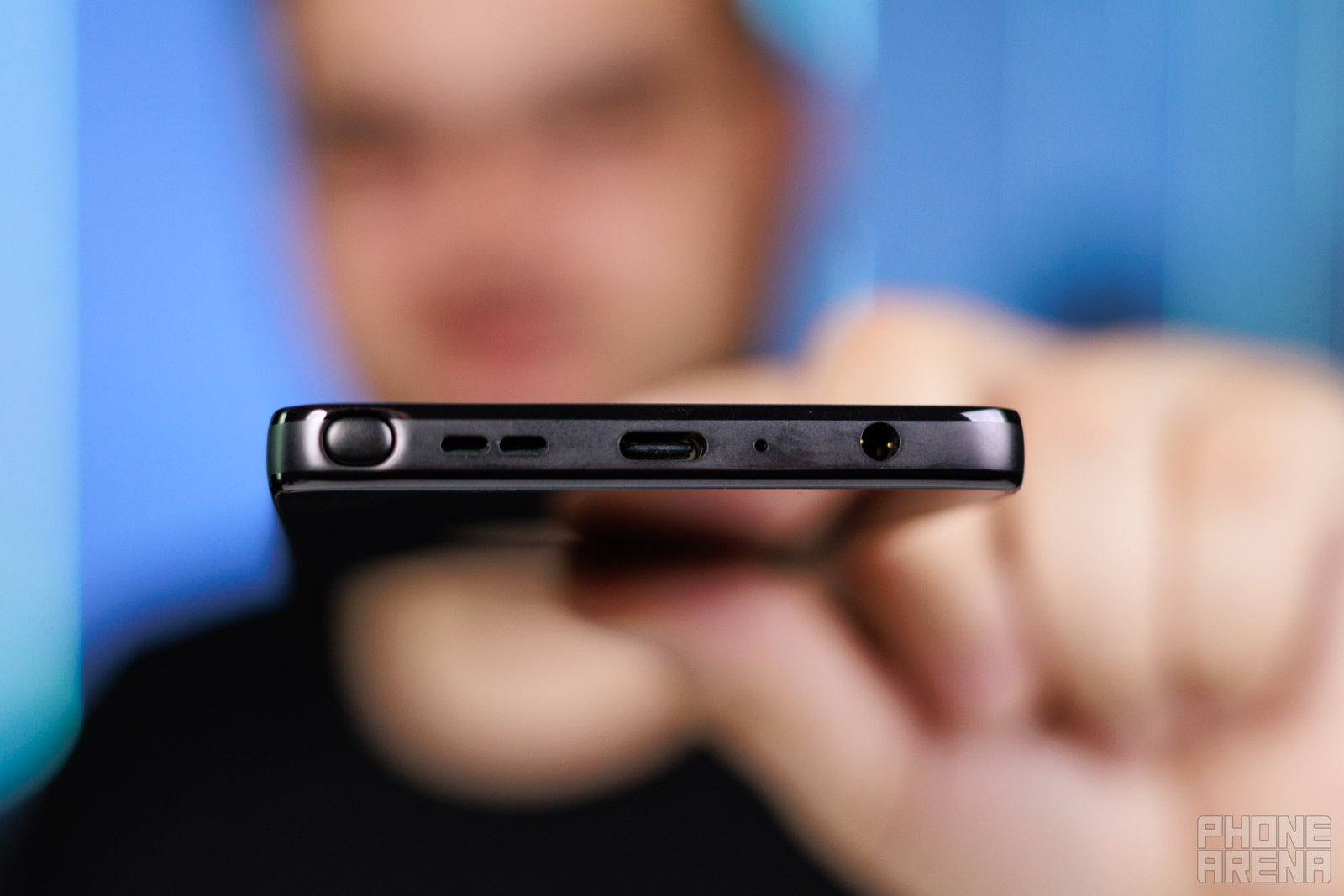
There's also no wrong way to insert the stylus inside the phone, which isn't something I can say about Samsung's latest Galaxy S26 Ultra. Either way, the stylus improvements are a massive win for the Moto G Stylus (2026).
Moto G Stylus (2026) Camera
Does the job well, but don't expect miracles
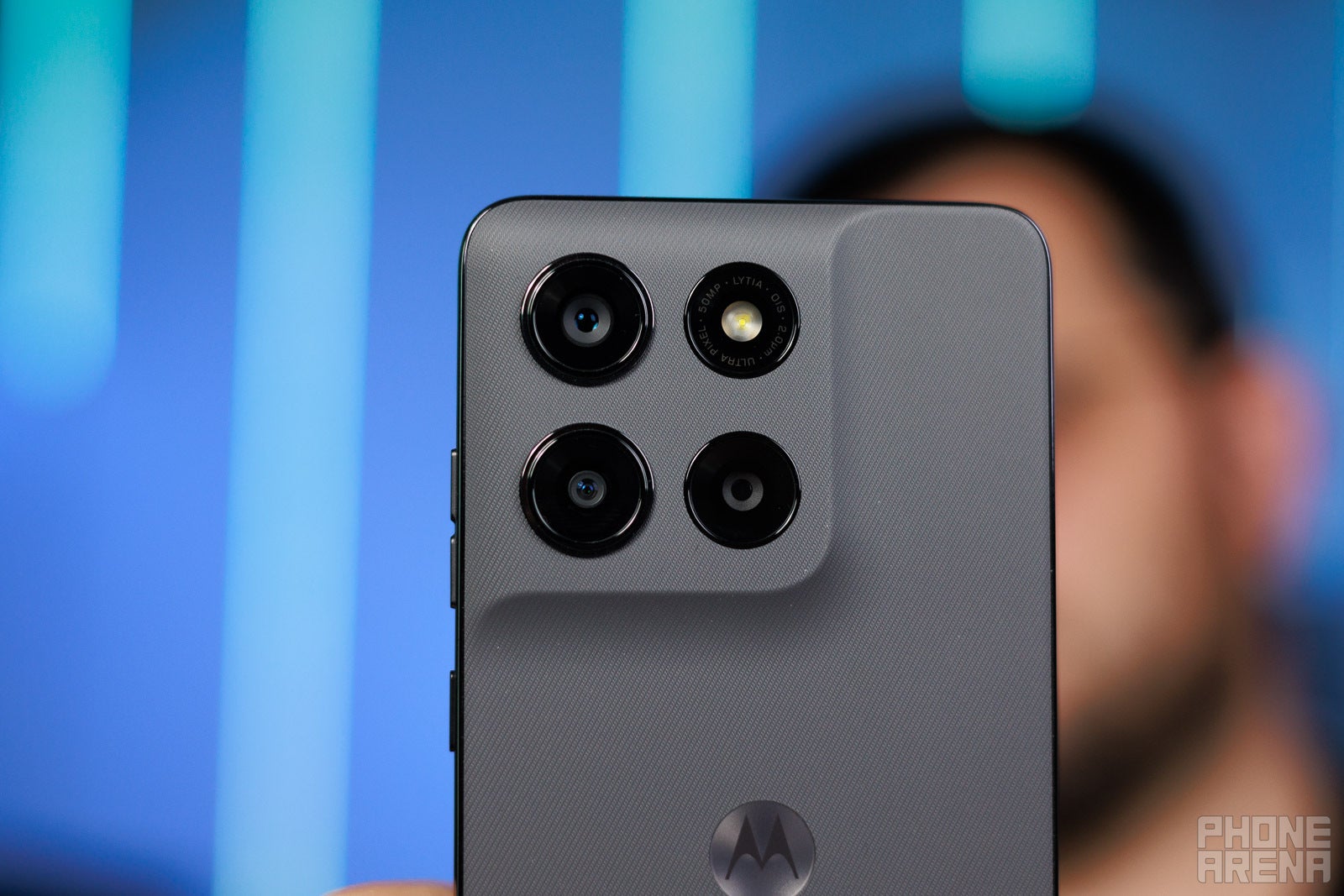
The phone comes with a very familiar camera setup in the rear, one that packs dual real cameras. There's a 50 MP main camera with the Sony LYT-700C 1/1.56" sensor, as well as a 13 MP ultrawide with a small-ish 1/3" sensor.
There's also a third camera at the rear, but it's a dummy one. At first I thought Motorola might have surprisingly added a dedicated macro camera, but the phone uses the ultrawide sensor to capture such photos.
In terms of features, the Moto G Stylus is well-equipped with features, both useful and fun ones, though the occasional gimmick resides in the camera app as well. Aside from the key portrait and pro modes, you also have access to slow-mo videos, time-lapse, dual-video capture, and a dedicated night mode.
Image quality is surprisingly decent when the light is ample, with good dynamics and plenty of detail. There's some oversharpening going on in some of the image samples we took, as well as some weird artifacts in some use cases (like branches or intricate textures). Overall, things are great until you pixel-peep, par for the course with a budget device like this one.
The phone can also capture 4K 60fps videos. The quality is acceptable, but there's lots of focus-hunting, which isn't great. The stabilization is also mostly average.
Moto G Stylus (2026) Performance & Benchmarks
Unproblematic but also unimpressive
The phone uses the Snapdragon 6 Gen 3 for a second year in a row, and while it's a decent mid-range chip, it's starting to get a little long in the tooth already. The Snapdragon 6 Gen 4 exists and would have been a better match that would have made the new Moto G Stylus a bit more futureproof, but seeing the short device support window, it probably doesn't matter.
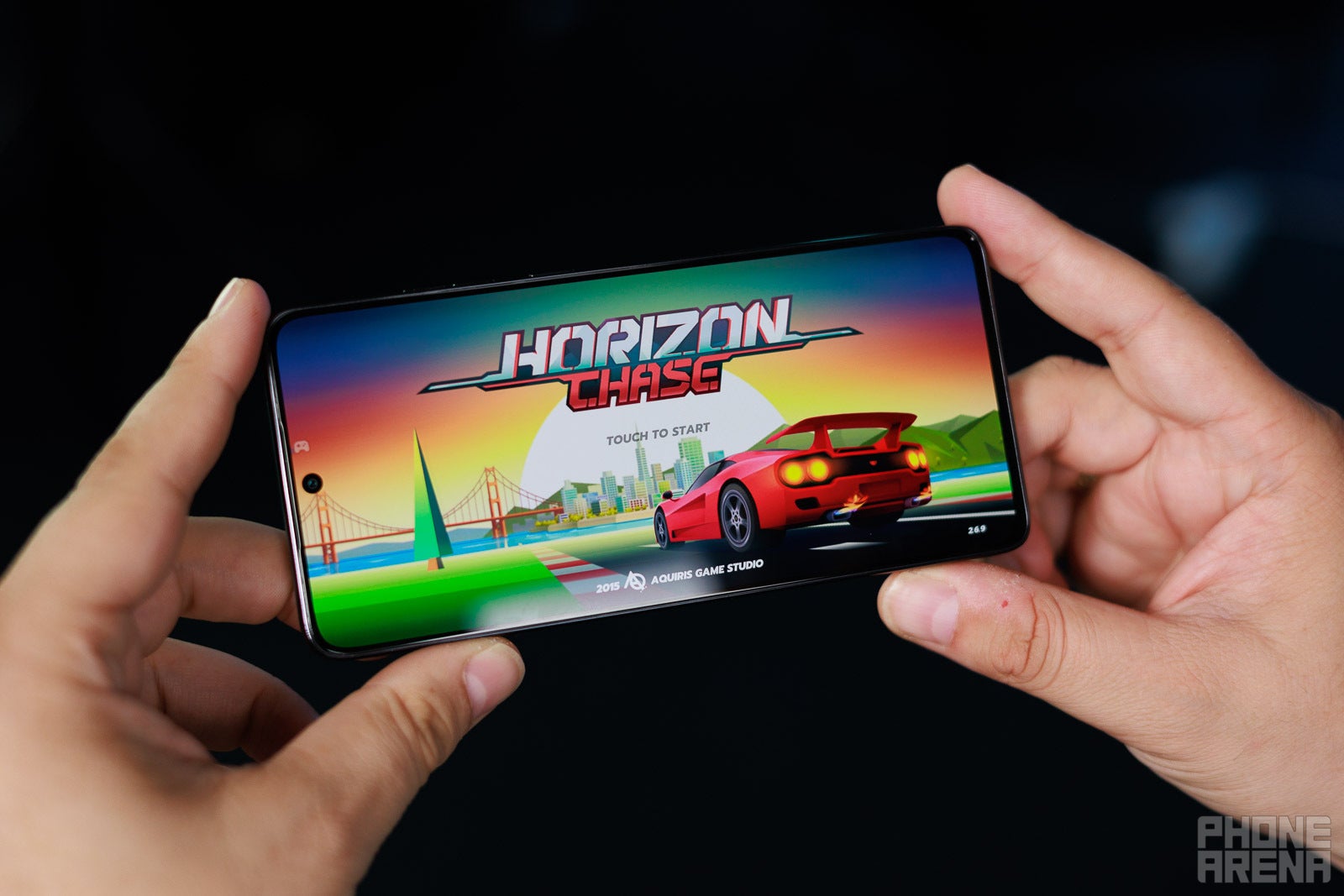
Thing is, the Moto G Stylus (2026) boasts enough oomph to get you through a full day of standard everyday tasks like browsing the web, social media, web streaming, and light gaming.
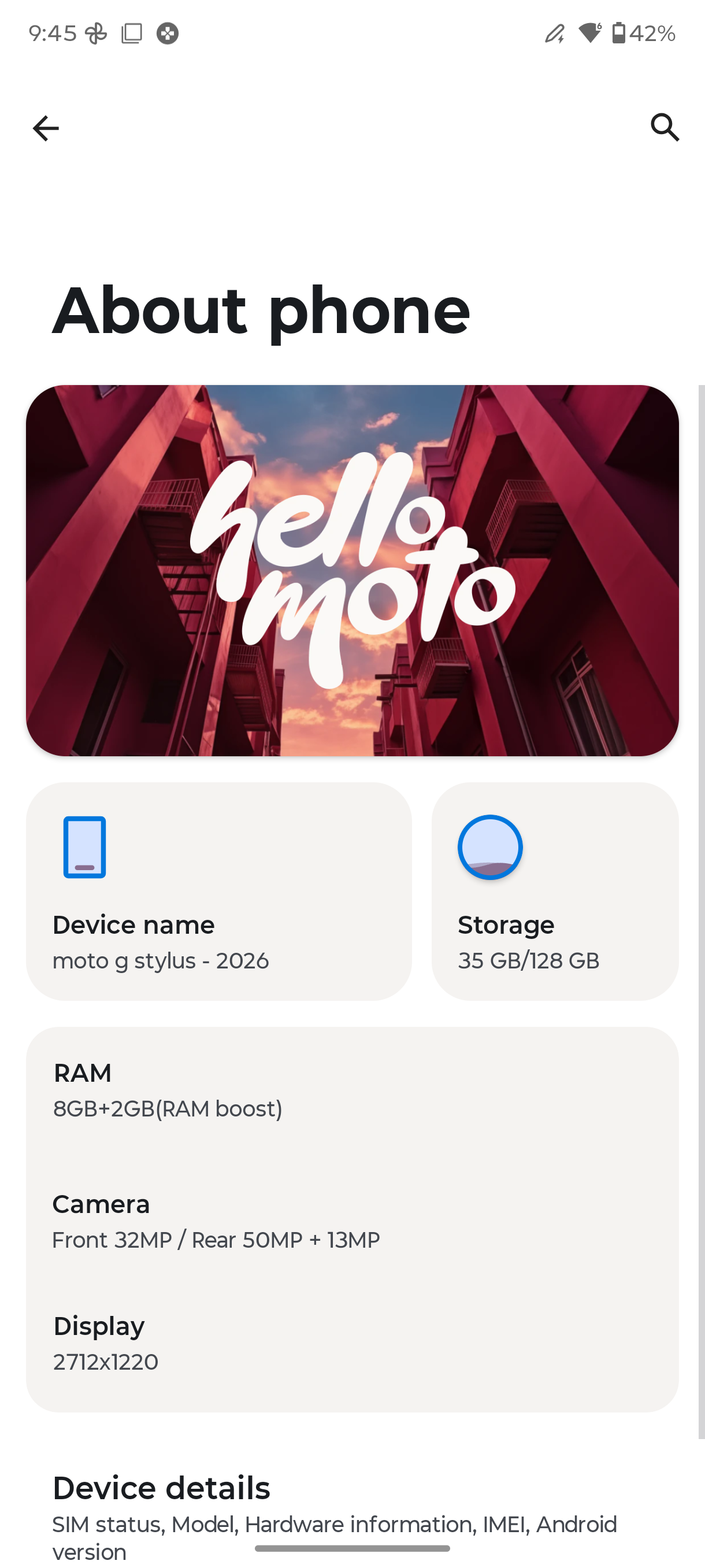
The device comes with 8 GB of memory and 128 GB of storage, which is now UFS 3.1 in comparison with UFS 2.2 on the previous model. There's also a 256 GB variant, and signature for the series, a microSD card slot that supports cards of up to a terabyte in size.
CPU Performance Benchmarks:
Geekbench 6 Single Higher is better
Motorola Moto G Stylus 5G(2026)1000
Motorola Moto G Stylus 5G(2025)1019
Google Pixel 9a1687
Geekbench 6 MultiHigher is better
Motorola Moto G Stylus 5G(2026)2986
Motorola Moto G Stylus 5G(2025)2894
Google Pixel 9a4385
Geekbench 6: A high single-core score is what makes your phone feel snappy during everyday tasks like opening apps, typing and browsing. The multi-core score matters most when doing heavier work like video editing or gaming.
Totally unsurprisingly, the Moto G Stylus (2026) performs identically to its predecessor.
GPU Performance
3DMark Extreme(High)Higher is better
Motorola Moto G Stylus 5G(2026)1715
Motorola Moto G Stylus 5G(2025)845
Google Pixel 9a2625
3DMark Extreme(Low)Higher is better
Motorola Moto G Stylus 5G(2026)1486
Motorola Moto G Stylus 5G(2025)839
Google Pixel 9a2124
Wild Life Extreme is a heavy graphics workload used to measure a device's sustained GPU performance and thermal throttling. It uses older mobile rendering techniques and is friendly to older or lower-end mobile devices.
In our benchmarks, the graphics performance shows improvements despite the lack of GPU upgrades. The phone will, of course, struggle a bit if you set a high graphics preset in Call of Duty: Mobile –– and that's because it's not a dedicated gaming device.
Moto G Stylus (2026) Software
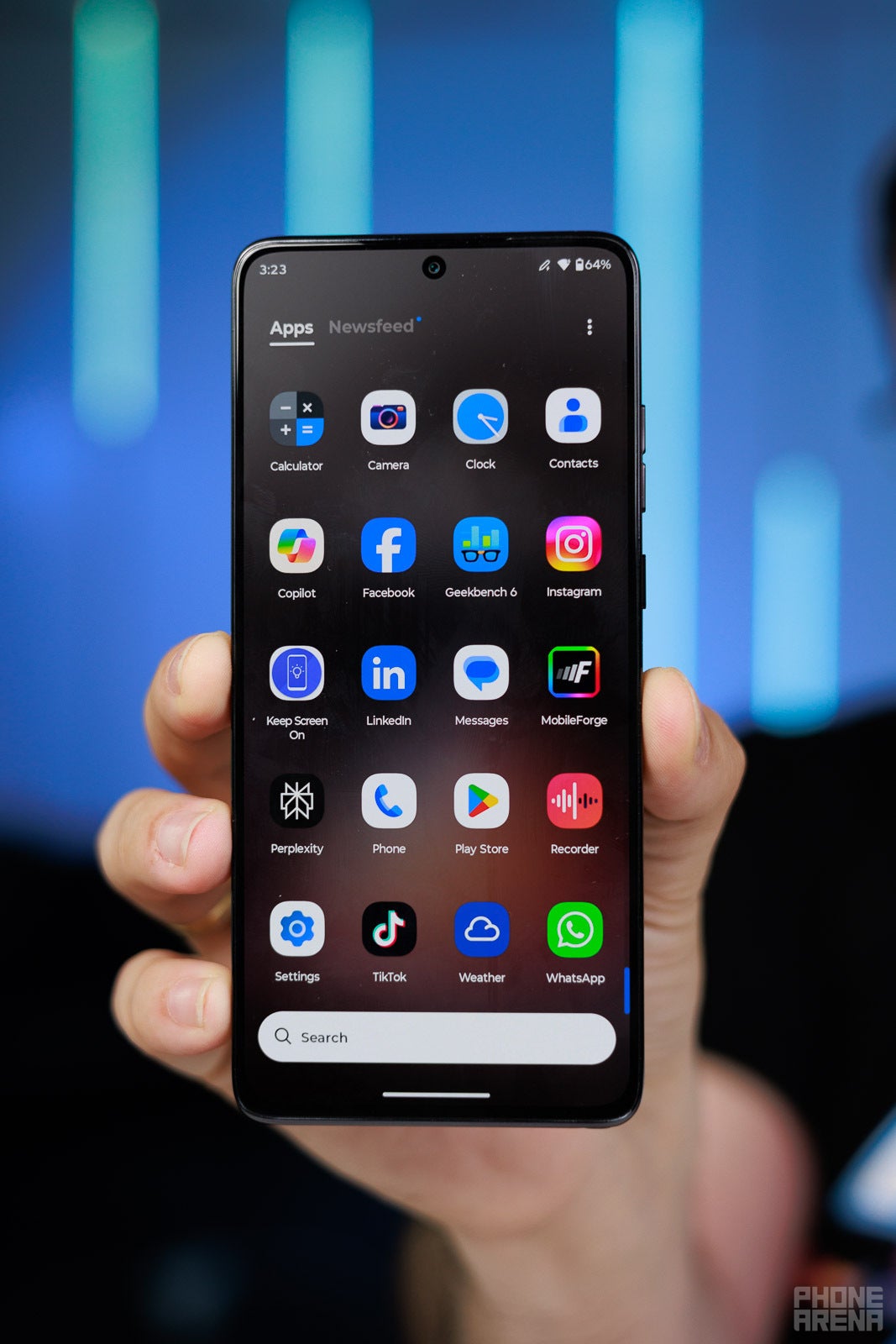
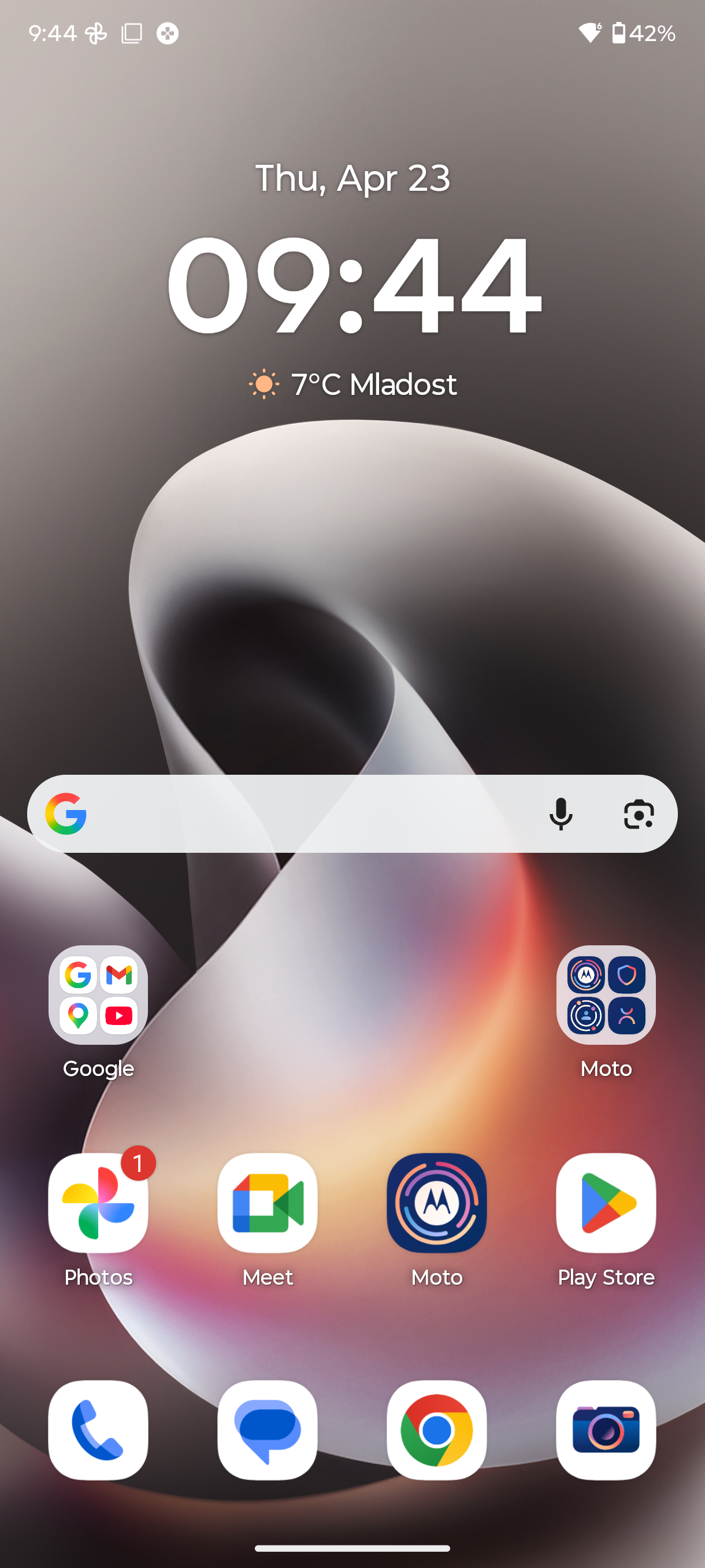
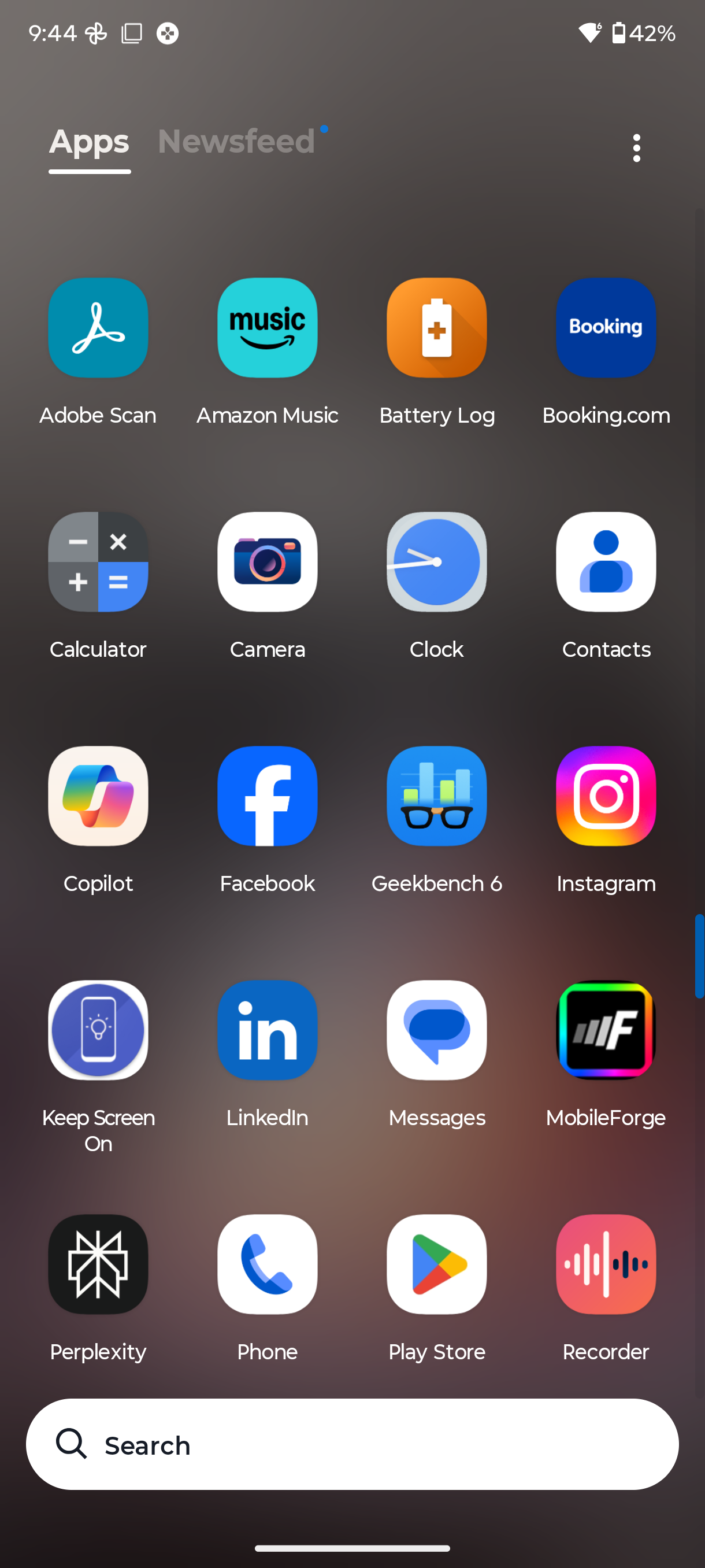
Motorola's take on Android 16 hasn't changed and is the familiar stock-ish approach that's similar to the Pixel interface rather than any other one out there. There are many unique Motorola features on board, including some AI features, but these aren't immediately shoved into your face.
Sadly, while higher-end Motorola phones got an industry-matching seven-year software support, the newest G Stylus will still suffer from a very short support window. The phone will be supported for three years only and will receive just two major Android software updates, which means it won't get Android 19.
Motorola recently took up a deal with GrapheneOS Foundations, which is responsible for one of the last privacy-oriented custom Android firmwares. This means that select Motorola devices could eventually score GrapheneOS support. Fingers crossed the Moto G Stylus (2026) would be part of that list, as this could extend its life past the short official support window.
One of the few upgrades on the new Moto Stylus is the marginally larger battery: 5,200 mAh vs 5,000 mAh.
In our custom battery tests, it fares well in the web browsing and video streaming test, scoring 17 and a half hours and nearly 12 hours, respectively. A similarly priced phone like the Pixel 9a or Pixel 10a has better battery life, though.
Charging speeds are pretty fast: 68 W wired and 15 W wireless. Provided you have a fast enough wall adapter, the phone can fully charge in roughly 45 minutes, which is decent enough.
The USB-C at the bottom is still only meeting the USB 2.0 standard, which is terribly outdated in 2026.
Moto G Stylus (2026) Audio Quality and Haptics
The Motorola G Stylus (2026) has dual speakers, which produce surprisingly decent sound with crisp highs and detailed mids. There's minimal distortion at maximum volume. The only issue here is the bass––it's okay, but naturally a far cry from an iPhone, a Galaxy, or a Pixel.
The Motorola G Stylus (2026) retains the lineup's signature 3.5mm audio jack for another year.
Haptics are average. Vibrations are high-pitched and weak, lacking the specific thump of higher-end devices.
Should you buy it?
Honestly, if viewed in a vacuum, the Moto G Stylus (2026) is a decent phone that offers good value and many features that have essentially become extinct on the average smartphone. The combination of a stylus, a card slot, and a 3.5 mm audio jack is very rare these days.
Sadly, we can't view the Moto G Stylus (2026) in a vacuum because it doesn't exist in one, and I can't beat around the fact that it's a pricier version of last year's Moto G Stylus (2025). All the core tenets that matter remain unchanged: the Snapdragon 6 Gen 3 is quickly becoming ancient news, and the cameras have many shortcomings. Our in-house tests didn't reveal a significant brightness increase for the display.
The improvements to the stylus, the IP69 water- and dust-resistance, and the slightly better battery life are good upgrades, but I'm not sure if I'd be willing to stomach the $100 price increase for these alone. You're better off getting the older Moto G Stylus if you can still find one on the cheap, as it's virtually the same device.
Peter is a skilled writer with over 13 years of experience at PhoneArena. He has published nearly 300 phone reviews and comparisons. This vast experience helps him navigate the mobile tech landscape with ease. He enjoys everything Android but relies on a MacBook Pro daily.
A discussion is a place, where people can voice their opinion, no matter if it
is positive, neutral or negative. However, when posting, one must stay true to the topic, and not just share some
random thoughts, which are not directly related to the matter.
Things that are NOT allowed:
Off-topic talk - you must stick to the subject of discussion
Offensive, hate speech - if you want to say something, say it politely
Spam/Advertisements - these posts are deleted
Multiple accounts - one person can have only one account
Impersonations and offensive nicknames - these accounts get banned
To help keep our community safe and free from spam, we apply temporary limits to newly created accounts:
New accounts created within the last 24 hours may experience restrictions on how frequently they can
post or comment.
These limits are in place as a precaution and will automatically lift.
Moderation is done by humans. We try to be as objective as possible and moderate with zero bias. If you think a
post should be moderated - please, report it.
Have a question about the rules or why you have been moderated/limited/banned? Please,
contact us.




















Things that are NOT allowed:
To help keep our community safe and free from spam, we apply temporary limits to newly created accounts: