If you need to name an underrated feature, the built-in document scanner inside Google Drive should be very high on your list. Equipped with some very useful capabilities, the tool is finally getting an overhaul that may come with big requirements, but it’s worth it.
The Google Drive document scanner is getting a massive update
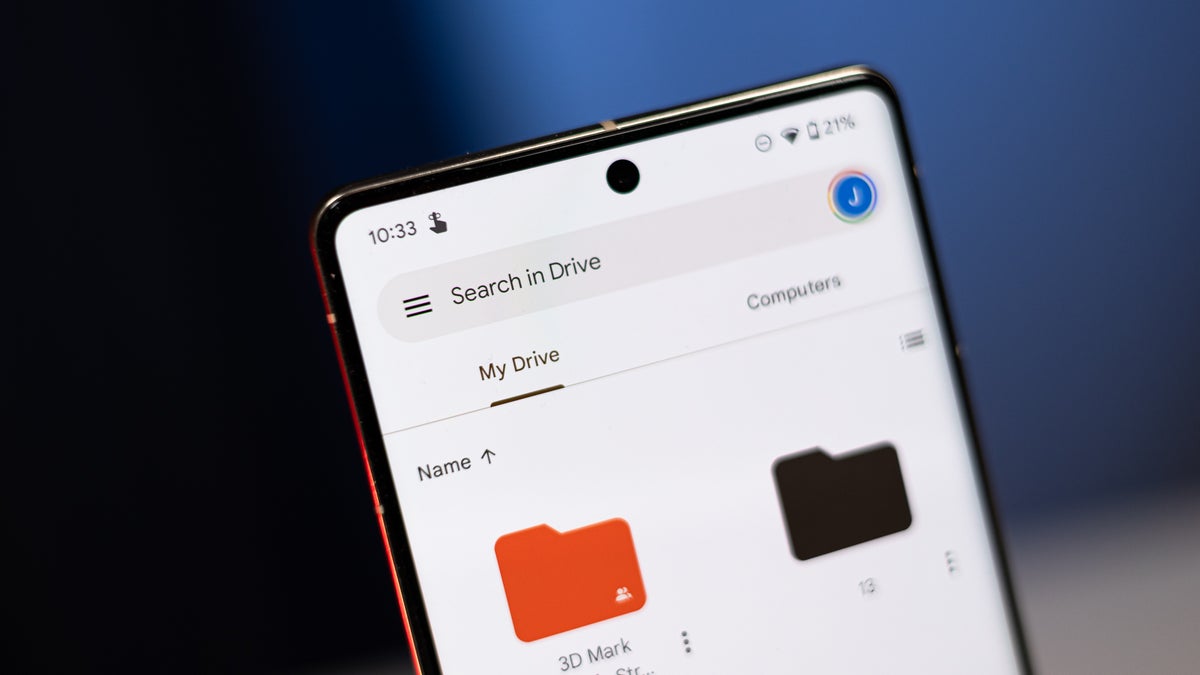
Google is rolling out an update for the document scanner tool inside Google Drive, which includes a Material 3 Expressive viewfinder and several new features. A screen recording with the update in action was shared by Android Ecosystem president Sameer Samat in an X post.
The new document scanner in action. | Image by Sameer Samat on X
The biggest new addition is a Smart Batch Scanning feature, which allows you to just hover over the pages you want to scan instead of taking pictures one at a time. Using this feature feels more like a video recording than scanning, with previews of the scanned pages quickly appearing at the bottom of the app.
Scanning made easier
Since you may hover over the same pages multiple times, Duplicate Detection takes care of skipping the ones you’ve already scanned.
The Auto-Best Frame feature automatically chooses the best possible shot of every document and replaces blurry scans. Gone is the beaker icon in the top right corner, making the interface cleaner and simpler to use.
Recommended For You
How often do you scan documents with your phone?
40 Votes
I use a third-party app because I scan all the time
32.5%
I use the built-in app
15%
I just take photos of whatever I may need
40%
I don’t ever scan any documents with my phone
12.5%
You can also pause the auto-scanning with a dedicated button and use the system file picker to make a scan from an image you’ve already taken. The document scanner is powered by Google Play Services, which means it will also be available in apps like Files by Google.
Only for flagship devices
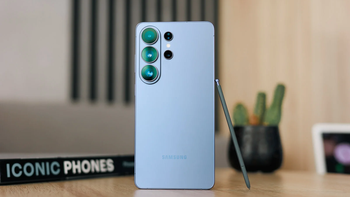
You can’t use just any device for the new Google Drive features. | Image by PhoneArena
The whole experience relies on 100% on-device processing. This means you get lightning-fast performance and complete privacy, and the feature works while offline, but there’s a downside to that.
Google says the feature is only available for higher-end Android phones that have at least 8GB of RAM. That’s unsurprising, as the on-device features put more strain on the phone’s hardware.
Apple needs to catch up
There’s a document scan feature on iOS, but it’s far from what Google is demonstrating with this new update. Available on apps such as Notes, Files, and Mail, the feature can be a little clunky and lacks some advanced tools.
Google has been firmly ahead of Apple in terms of AI, but iOS 27 is expected to catch up. I doubt that a document scanning feature would be a central part of the WWDC 26 keynote, but I’d love to see a similar upgrade. After all, borrowing from the competition is not the worst thing ever.
Mint Mobile's 6-month plans now cost $10/mo
$10
/mo
$35
$25 off (71%)
Mint Mobile is celebrating its 10-year anniversary with a special offer on its six-month subscription plans. For a limited time, you can get your preferred tier (6GB, 17GB, 23GB or unlimited) for just $10/mo. That saves you between 50% and 71% on the carrier's mobile plans, making it way easier to recommend.
Ilia, a tech journalist at PhoneArena, has been covering the mobile industry since 2011, with experience at outlets like Forbes Bulgaria. Passionate about smartphones, tablets, and consumer tech, he blends deep industry knowledge with a personal fascination that began with his first Nokia and Sony Ericsson devices. Originally from Bulgaria and now based in Lima, Peru, Ilia balances his tech obsessions with walking his dog, training at the gym, and slowly mastering Spanish.
A discussion is a place, where people can voice their opinion, no matter if it
is positive, neutral or negative. However, when posting, one must stay true to the topic, and not just share some
random thoughts, which are not directly related to the matter.
Things that are NOT allowed:
Off-topic talk - you must stick to the subject of discussion
Offensive, hate speech - if you want to say something, say it politely
Spam/Advertisements - these posts are deleted
Multiple accounts - one person can have only one account
Impersonations and offensive nicknames - these accounts get banned
To help keep our community safe and free from spam, we apply temporary limits to newly created accounts:
New accounts created within the last 24 hours may experience restrictions on how frequently they can
post or comment.
These limits are in place as a precaution and will automatically lift.
Moderation is done by humans. We try to be as objective as possible and moderate with zero bias. If you think a
post should be moderated - please, report it.
Have a question about the rules or why you have been moderated/limited/banned? Please,
contact us.











Things that are NOT allowed:
To help keep our community safe and free from spam, we apply temporary limits to newly created accounts: