A tale of two updates: Samsung fixes Android's most annoying flaw while Google strips Pixel features
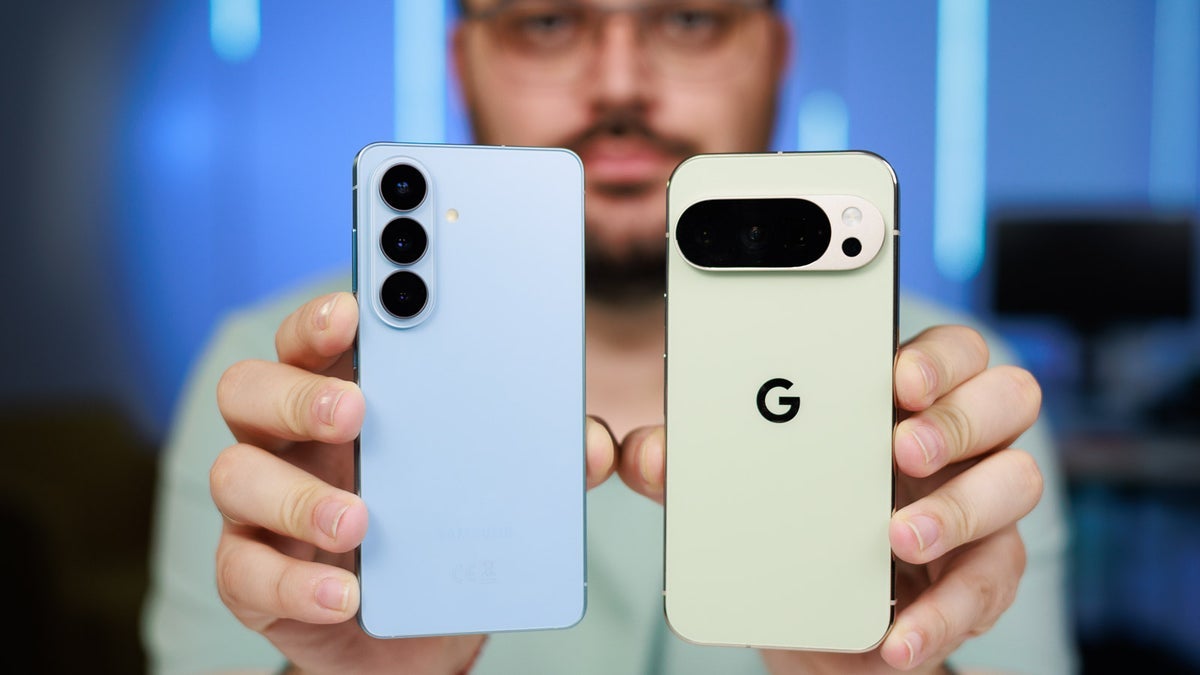
March has brought two different small tweaks to Android – one from Samsung, one from Google. Curiously enough, these two takes reflect two different philosophies.
We all know that one of the key aspects of Android is choice. However, in 2026, that choice is starting to look like two very different philosophies. On one side, we have Samsung, which seems determined to fix the tiny annoyances of daily life. On the other hand, we have Google, a company that sometimes treats its most helpful features like, well... digital clutter.
This month, we're seeing two very different updates from two companies that use Android on their phones. Samsung solved a years-long headache for anyone who uses a screen protector, while Google stripped away a shortcut that many users liked. And that showcases two entirely different opinions on what users need.
Samsung finally solves your fingerprint frustration
We've all been there: you buy a premium Galaxy S device and slap on a screen protector. Later on, it gets scratched, because that's what screen protectors are for. At some point, you change the protector because you want your phone to look premium and not battered down. But then, all of a sudden, the ultrasonic sensor starts acting like a moody teenager.
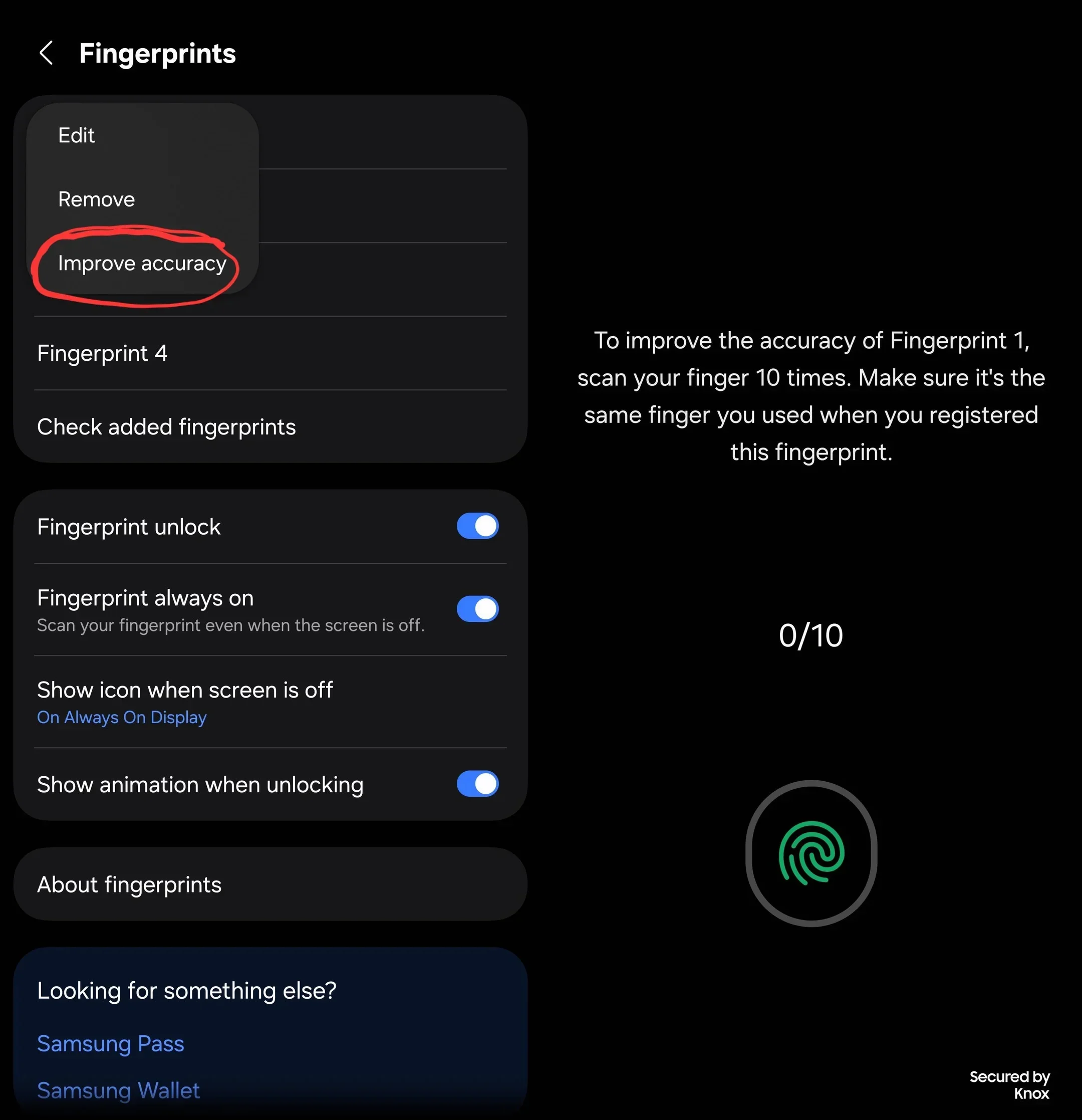
Up until now, the fix was actually a chore: you had to delete your fingerprint and re-register it. However, with One UI 8.5, Samsung is finally offering users a better solution. There's a new Improve Accuracy feature that lets you add data to your existing fingerprint without deleting it.
Recommended For You
The new feature in One UI 8.5. | Image by Redditor joel-d2709
That feature also eliminates the need to sign back into every banking and payment app just because you swapped a screen protector.
It's a small tweak, sure, but it's also thoughtful and shows that Samsung is paying attention.
Meanwhile, Google strips the Pixel of a fan-favorite feature
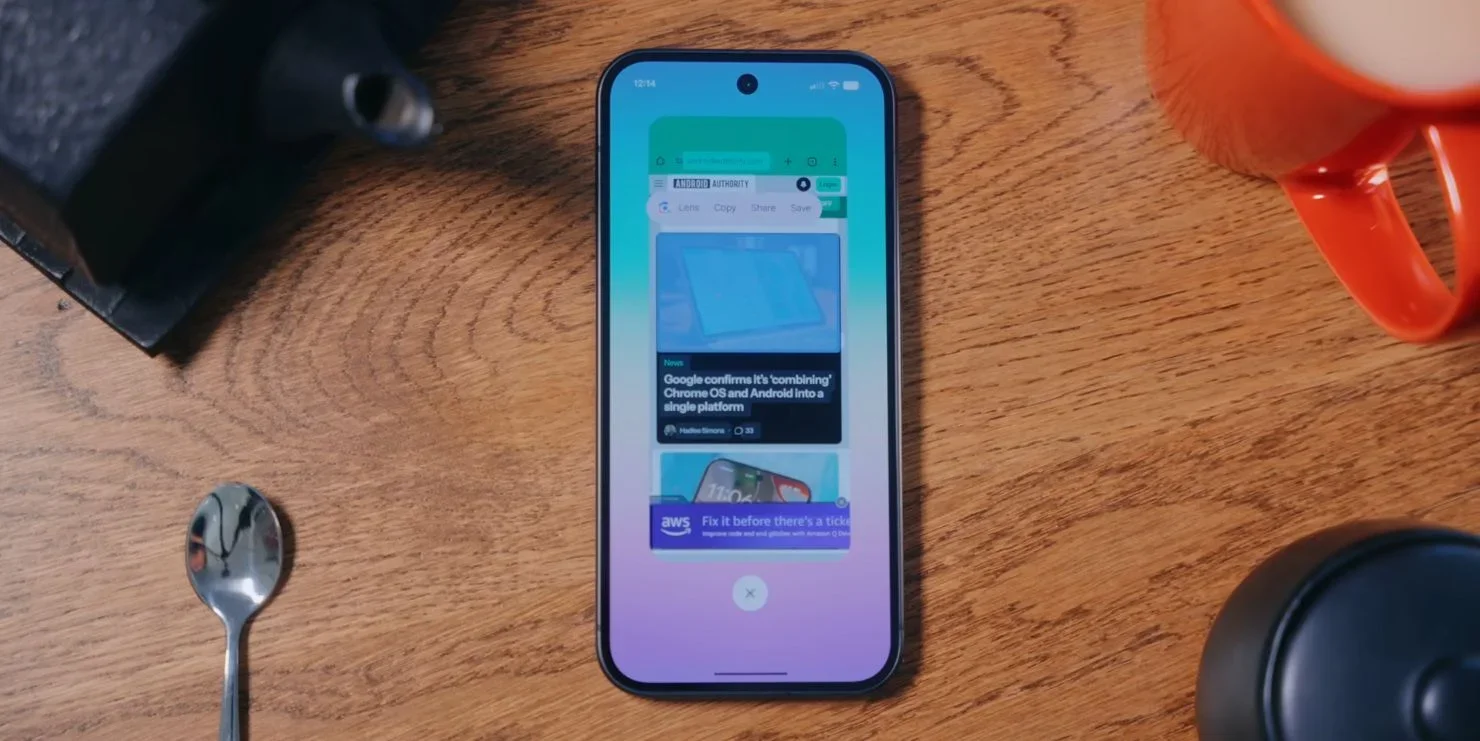
Samsung added convenience, now Google seems to be going the total opposite route. Pixel users have long loved the Recent Apps screen, and it's not only for switching tasks. It's a productivity hub, and there you could simply tap a "Lens" icon or long-press an image (for example, that was in a browser) and save it directly.
The pop-up menu in Recents has less options now. | Image by AndroidAuthority
Well, with the March 2026 update, these shortcuts are gone. Google has silently removed these buttons (it removed Lens and Save), forcing you to take extra steps to do the same thing. Now, you need to open the Lens app or take a screenshot for something that just took one tap before.
Honestly, for a phone that's marketed severely on AI helpfulness, removing the quickest way to use Google Lens is strange. And a step backwards, somehow. It's a classic Google thing – removing a feature that people actually used and loved.
Two different takes on the Android experience
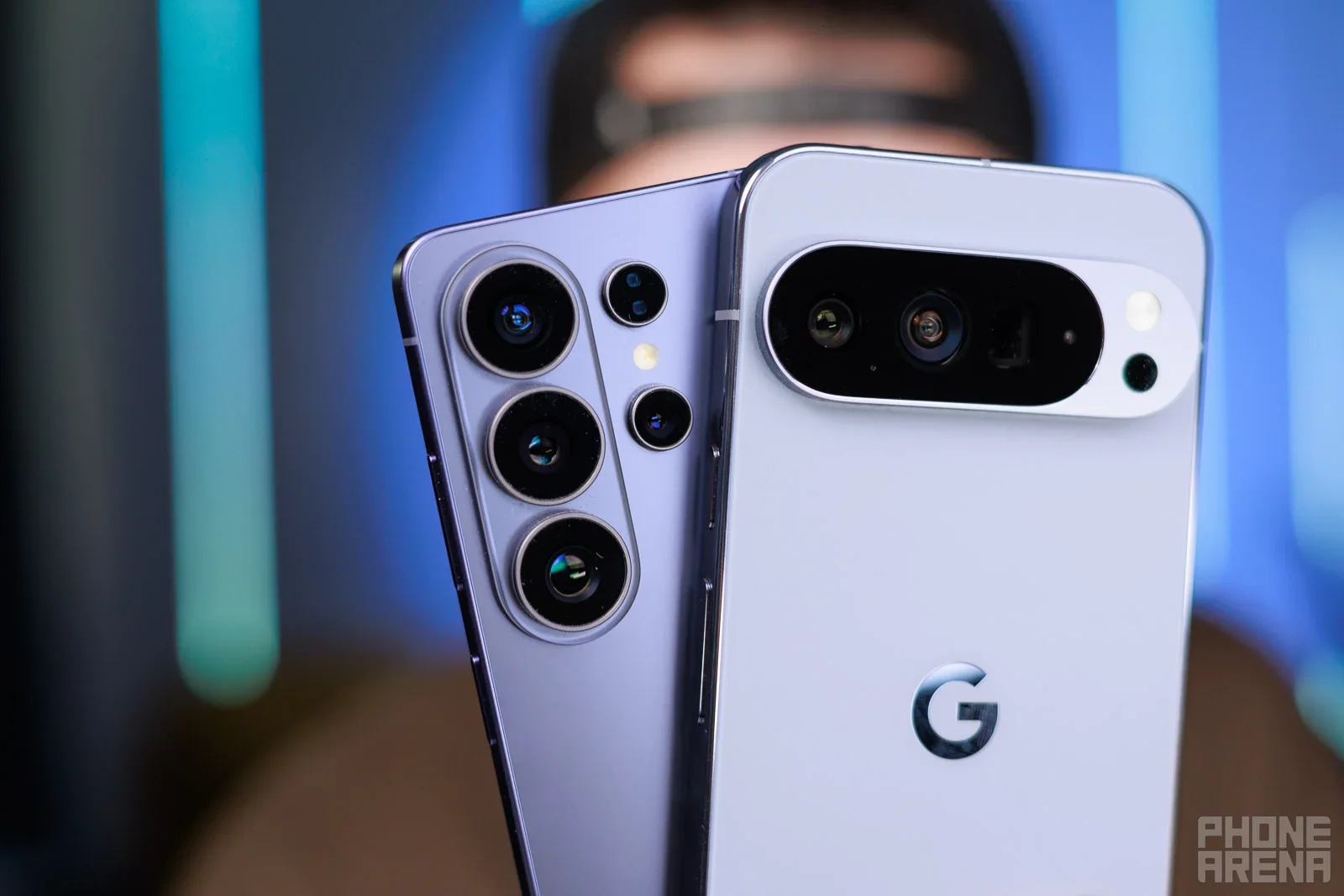
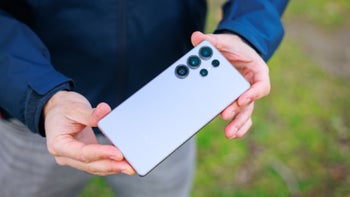
Galaxy S26 Ultra and Pixel 10 Pro XL. | Image by PhoneArena
Looking at these updates side-by-side reveals what could be a clear split in philosophy. It appears that Samsung is leaning into the power user mindset, into the utility mindset. The company seems to realize that software should adapt to the user's hardware choices (like screen protectors).
Software should make life easier. Samsung is currently polishing the rough edges of the Android experience with this in mind, it seems.
Google, on the other hand, seems to be chasing simplicity. Simplicity is a cool concept on its own, and I'm generally in favor of it. But unfortunately, this appears to sometimes be crossing out usefulness. Yes, thinning out the Recent Apps screen makes the interface look cleaner. But in practice, we've lost a feature. And that's something.
Obviously, we want tools that save us time, not updates that make us tap more.
The hidden cost of "clean" software
This difference raises a bigger question for Android fans. Is "stock Android" still the gold standard? For years, Android enthusiasts raised the Pixel up for its minimalist approach and clutter-free experience. However, Google doesn't seem to be stopping, and the minimalism may start to feel a bit... too minimal.
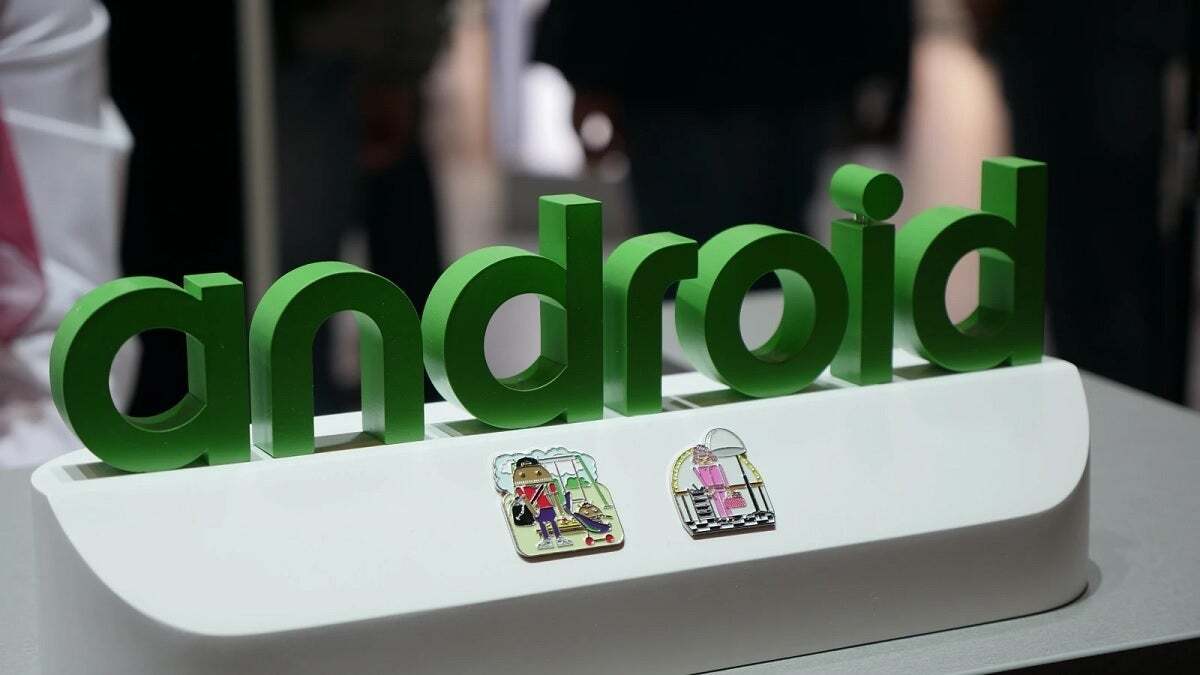
Who will end up doing the Android experience right? | Image by PhoneArena
Meanwhile, Samsung's One UI, which has previously been criticized by some for being bloated, is now showing us that having more tools isn't a bad thing. If those tools actually solve problems, that is. And that's precisely the case with the recent fingerprint update.
When a piece of software can save you from re-registering your biometrics for the fourth time, "bloat" starts to look like, well, convenience.
I'm curious to see how these different approaches will progress in 2026, including when it comes to AI and its growing influence on software in phones. Let's see which company manages the right approach to the Android experience, shall we?
Free Galaxy A17 5G with Straight Talk
Get a free Galaxy A17 with Straight Talk. To claim this deal, you need to pair the phone with activation on a Silver Unlimited Plan or higher. This tier costs $45 per month. Offer valid through 01/10/27 while supplies last online.
Iskra Petrova is a news writer at PhoneArena, where she covers mobile tech news and maintains the site’s device hubs with the latest leaked specs, rumors, and official details for upcoming phones. She joined PhoneArena in 2020 after three years in technical support for Microsoft Exchange, giving her practical experience with software infrastructure and troubleshooting. Iskra holds a Master’s Degree in Literature, which helps her translate complex tech details into clear, reader-friendly coverage. She is a daily Apple ecosystem user, while also closely following Sony Xperia’s camera-focused phones and Samsung’s Galaxy Z Flip series.
A discussion is a place, where people can voice their opinion, no matter if it
is positive, neutral or negative. However, when posting, one must stay true to the topic, and not just share some
random thoughts, which are not directly related to the matter.
Things that are NOT allowed:
Off-topic talk - you must stick to the subject of discussion
Offensive, hate speech - if you want to say something, say it politely
Spam/Advertisements - these posts are deleted
Multiple accounts - one person can have only one account
Impersonations and offensive nicknames - these accounts get banned
To help keep our community safe and free from spam, we apply temporary limits to newly created accounts:
New accounts created within the last 24 hours may experience restrictions on how frequently they can
post or comment.
These limits are in place as a precaution and will automatically lift.
Moderation is done by humans. We try to be as objective as possible and moderate with zero bias. If you think a
post should be moderated - please, report it.
Have a question about the rules or why you have been moderated/limited/banned? Please,
contact us.






Things that are NOT allowed:
To help keep our community safe and free from spam, we apply temporary limits to newly created accounts: