The Samsung Messages app will soon join the list of discontinued Samsung apps. Samsung has announced July as the month when the app will officially retire, and Google Messages will become the default messaging app on Galaxy smartphones. However, your votes indicate that you still prefer Samsung Messages as the best messaging app out there.
Samsung Messages is still better than Google Messages for many users
Samsung recently made it official that its native messaging app will go offline sometime in July. I covered this story and added a poll in it asking whether you are happy with Samsung's decision to kill its messaging app.
The poll has received 624 votes as of this writing, with more than 80% of voters selecting the option that reads, "Samsung Messages is the best." While I, personally, prefer Google Messages for its RCS support, I also believe Samsung Messages has some really cool features that give it an edge over competitors. Let's dive into those features in detail.
A cleaner inbox
If you receive tons of messages daily, you know how difficult it is to find one that actually matters to you. In this situation, the best feature you would want from your messaging app is some kind of categorization capability, and unlike Google Messages, the Samsung Messages app provides it.
Recommended For You
It allows you to categorize messages into different built-in categories. For instance, I usually move all important messages to the Personal section, bank-related messages to the Transactions section, and all other non-important SMS to the Miscellaneous section.
Now, whenever I need to check a particular message, I simply go to its assigned section instead of searching through the thousands of messages I've received. Furthermore, I find the search functionality in the Samsung app far superior to that in the Google app.
When you type a particular part of the message you're searching for, Samsung Messages shows the entire message in the search results. Google Messages, on the other hand, only displays a snippet of the text. This means I have to open that particular message to confirm whether it's actually the one I was looking for.
Plenty of visual benefits
Google's own messaging app offers plenty of customization options, but it's nothing compared to what you get in Samsung's messaging app. Compared to Google Messages, which allows you to only change the theme from dark to light and configure different chat colors for different chats, Samsung Messages offers all these plus a few extra benefits.
It lets you choose an image from the gallery as the background. You have manual control to manage the opacity of the chat bubbles. Furthermore, you can adjust the text contrast as well.
There's also a built-in translation feature. All you need to do is select the message and choose the Translate option to translate it into any language of your choice.
No AI bloatware
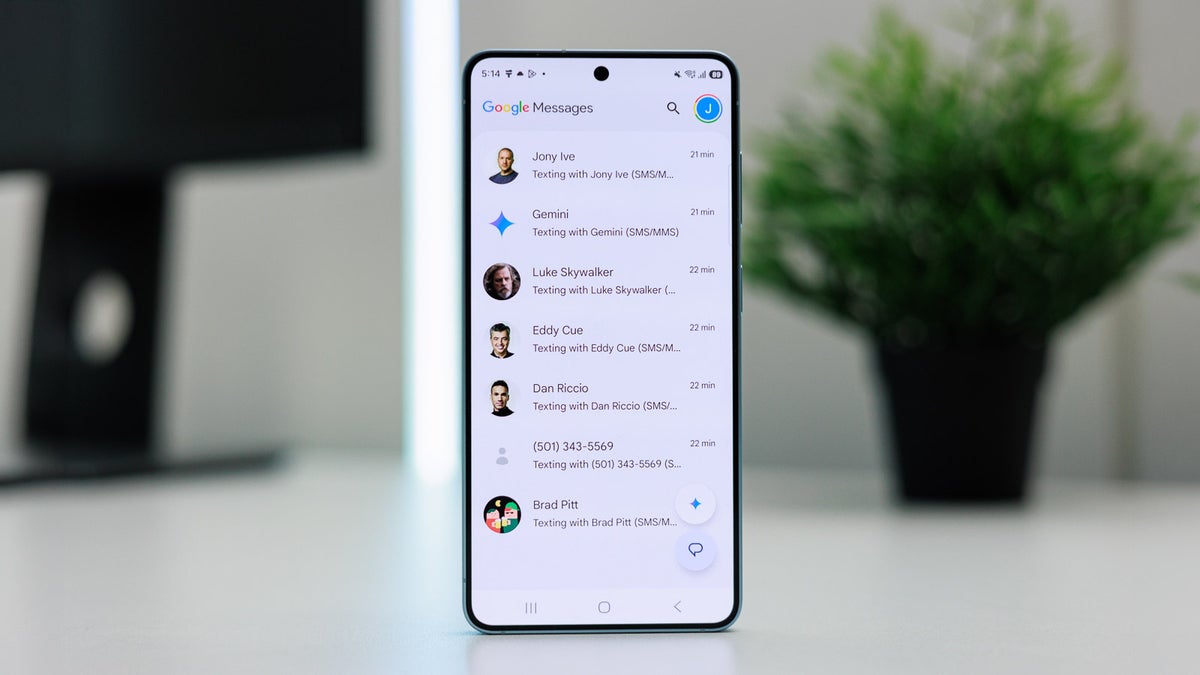
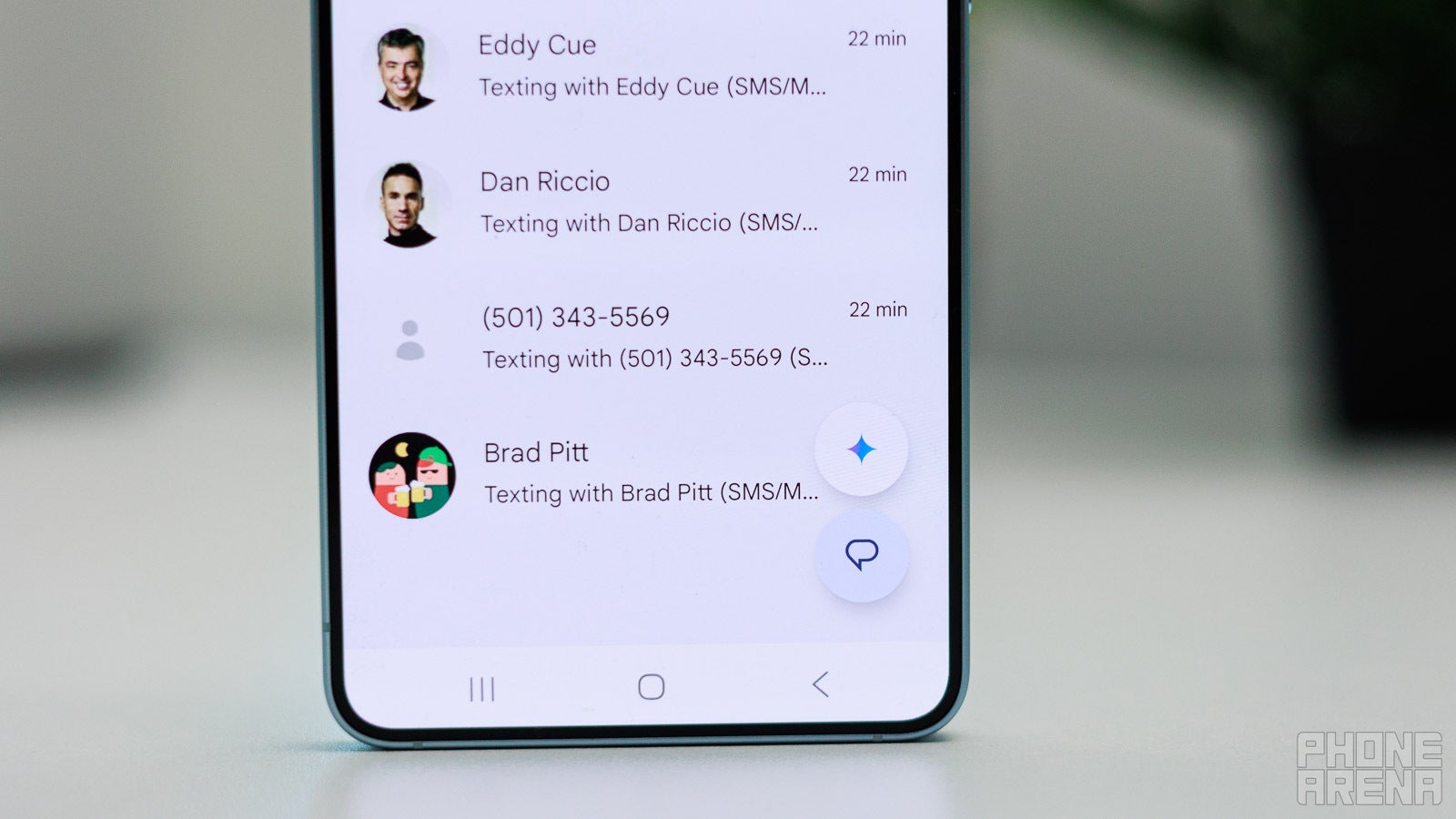
Gemini icon on the Google Messages app homepage. | Image by PhoneArena
I honestly think that the job of apps like Samsung Messages and Google Messages should be only to send and receive messages. While the former does exactly this, the latter comes with built-in Gemini support, which I really don't know why it has been added.
Google says that you can use it to draft messages, ask questions, and get help with a few other tasks. But doesn't the dedicated Gemini app perform all these functions too?
If I've really become so dumb that I need AI support to draft an SMS, then I'll just open the Gemini app directly. Adding Gemini to Google Messages sounds utterly useless to me. Samsung Messages, on the other hand, doesn't have any such AI distractions.
Do you think Samsung is doing the right thing by killing its Messages app?
1107 Votes
Yes, Google Messages is way superior.
13.1%
No, Samsung Messages is the best.
83.92%
Don't care, as I use third-party apps.
2.98%
Despite all these benefits, we have no choice
Since Samsung has officially announced the end date for its Messages app, discussing its advantages over Google Messages makes little sense. I can only hope that Google adds all the above-mentioned features to its messaging app so that it becomes easier for veteran Samsung Messages users to move on.
Fortunately, Google has adopted a couple of features from the Samsung Messages app in the past. For instance, it recently added a completely new Trash folder, which was previously available on Samsung Messages.
Free Galaxy A17 5G with Straight Talk
Get a free Galaxy A17 with Straight Talk. To claim this deal, you need to pair the phone with activation on a Silver Unlimited Plan or higher. This tier costs $45 per month. Offer valid through 01/10/27 while supplies last online.
Aman Kumar is a news writer at PhoneArena covering Google Pixel phones, Android features, AI-powered smartphone tools, and mobile tech news. Before joining PhoneArena, he spent over five years writing about consumer technology for publications like MakeUseOf, How-To Geek, and Guiding Tech. His current daily drivers are the Pixel 10 and Samsung Galaxy S26 Plus, while his red iPhone SE (2nd gen) remains a personal favorite. Aman also appreciates bold smartphone experiments and still considers the Nokia N-Gage one of the industry’s most iconic designs.
A discussion is a place, where people can voice their opinion, no matter if it
is positive, neutral or negative. However, when posting, one must stay true to the topic, and not just share some
random thoughts, which are not directly related to the matter.
Things that are NOT allowed:
Off-topic talk - you must stick to the subject of discussion
Offensive, hate speech - if you want to say something, say it politely
Spam/Advertisements - these posts are deleted
Multiple accounts - one person can have only one account
Impersonations and offensive nicknames - these accounts get banned
To help keep our community safe and free from spam, we apply temporary limits to newly created accounts:
New accounts created within the last 24 hours may experience restrictions on how frequently they can
post or comment.
These limits are in place as a precaution and will automatically lift.
Moderation is done by humans. We try to be as objective as possible and moderate with zero bias. If you think a
post should be moderated - please, report it.
Have a question about the rules or why you have been moderated/limited/banned? Please,
contact us.





Things that are NOT allowed:
To help keep our community safe and free from spam, we apply temporary limits to newly created accounts: