Do we even need tablets in 2026? What do you use your tablet for? It's a strange device, especially in the era of book-style foldable smartphones and tri-folds. Tablet popularity exploded back in 2010 with the launch of the first iPad, then slowly reached a plateau.
Nowadays, tablets are these sideline devices everyone has in their home but rarely uses for anything other than lazy Netflix marathons in bed.
This got me thinking: what are tablets good for besides watching movies and series? For me, personally, tablets have a couple of niche use cases that are quite interesting and somewhat unique. I decided to ask my colleagues to contribute to the strange and unique scenarios in which one would use a tablet device, and the results were quite interesting.
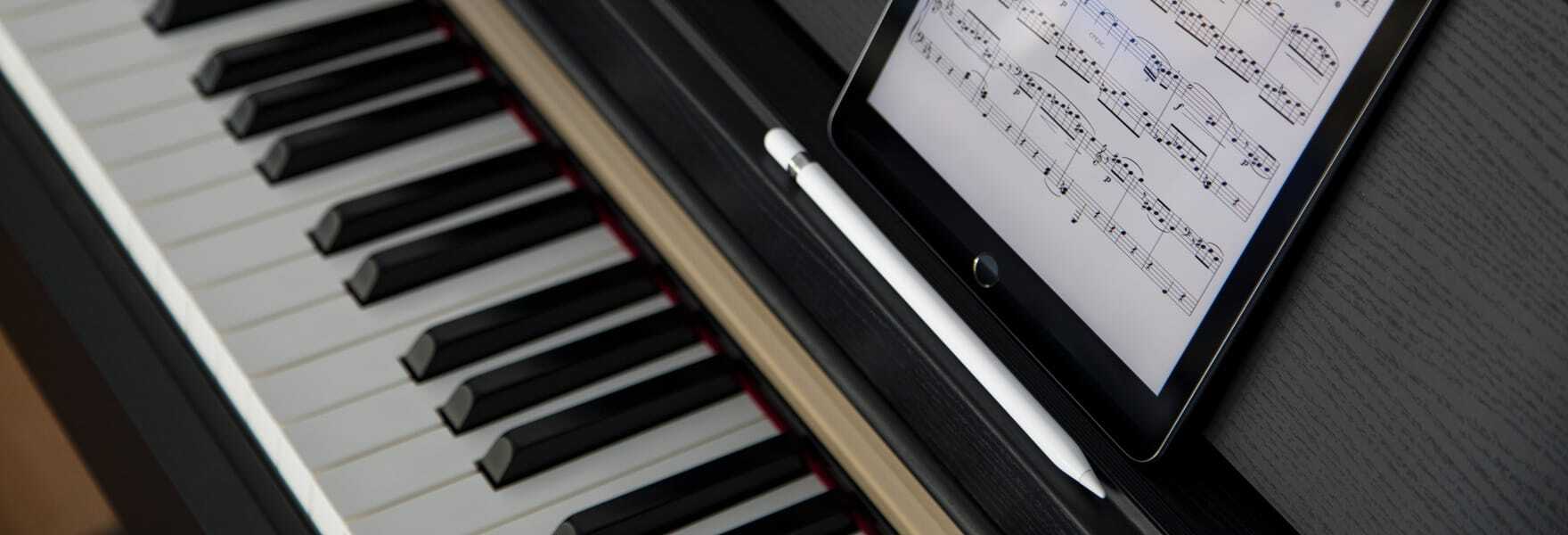
Music score on the piano
If you're a pianist, a tablet could do wonders | Image by forScore
I've been playing guitar for more than 20 years now; I even had my 5 minutes of fame with my band back in 2015 when we played in a couple of local clubs. Last year I decided I wanted to take on piano. I bought a digital one and started learning.
I quickly found out that two of my old Android tablets have a perfect place on the piano stand. Rather than printing paper and contributing to the world's deforestation, I set one of the tablets to be a dedicated music score.
Recommended For You
You can use the tablet as is, and view music scores as PDFs or on the web, or you can get a dedicated app such as ForScore and MobileSheets and take things even further. ForScore costs $24.99 USD (one-time purchase) or you can subscribe for the Pro version at $14.99 USD per year, if you’re serious about your notation. MobileSheets is $15.99 and I think it adds a lot to the whole experience.
All in all using a tablet for music score is quite convenient; you can set it to automatically scroll and turn pages, you can use a metronome along with the notation, and you can even record yourself while playing. The other slate I used for YouTube lessons, teaching the same score of music that I was reading on the first tablet.
I know it's quite a niche scenario, but using my smartphone wouldn't have worked because of the small screen, and my laptop can't fit on the piano stand. And speaking of music, my colleague and a gigging musician, Preslav, shared another interesting use for the tablet device.
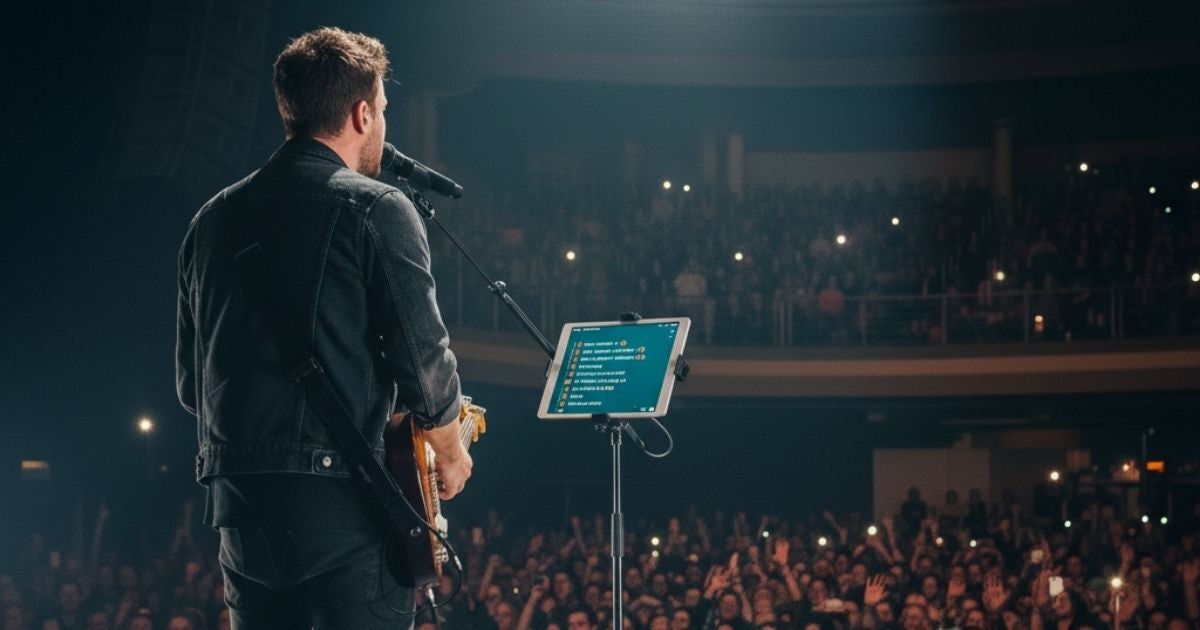
AutoQ on stage
Never forget your lyrics again | Image by LyricsFlow
Judging by the gray hair in his beard, Preslav is at least 100 years old. Ancient! And old men can't remember lyrics, right? So instead of taping A4 paper sheets on the stage's floor, Preslav is using a tablet to refresh his memory (come on, he's reading all of it).
It's much more convenient, especially in the rather dark (not only metaphorically) rock stage environment. You can also set it to scroll the lyrics in sync with the song you're singing and even connect a Bluetooth remote for extra flexibility and control.
Now, if you ask me, you should always know your song lyrics by heart, but I'm younger than Preslav, so my time to resort to "memory refreshers" is still some time away. As with the piano scenario, you can further enhance the experience and add some features with a dedicated app. Focus Auto Q is a very popular choice both for Android and iPad users, and it’s completely free.
I realize most of you out there aren't musicians, and this one's another pretty niche use for a tablet, but I remember well (because I'm not as old as Preslav) one time I used a tablet in a smart and not-so-niche way.
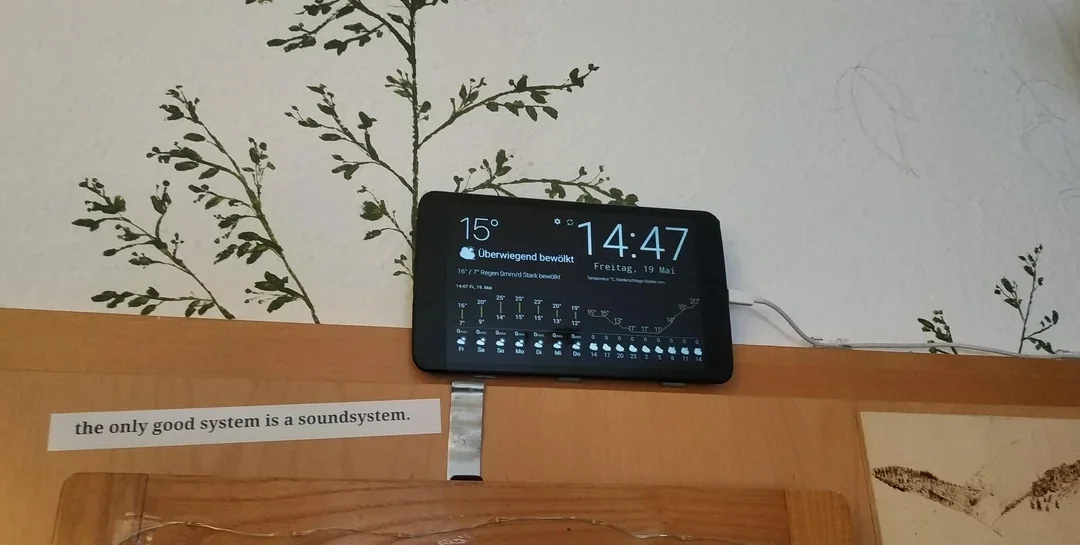
Weather station on the wall
10-year old tablet as a weather station | Image by Reddit
When my ex-wife and I were still living together (and she was missing the "ex" prefix), she dug up an obscure tablet from an even more obscure brand. It was called Avion or something. It ran Android 4.1, but it still worked.
In a sudden "Eureka!" moment, I loaded a weather app on that old thing, velcroed it on the wall, and turned it into a weather station. This was important because her job at the time required constantly checking the weather situation, even when we were at home.
The downside was that the tablet needed to be plugged in all the time, because its battery was pretty much dead or very close to dying. But for the purpose of a dedicated weather station, it was perfect. I think she still uses it to this day.
Android Auto/Apple Car Play replacement
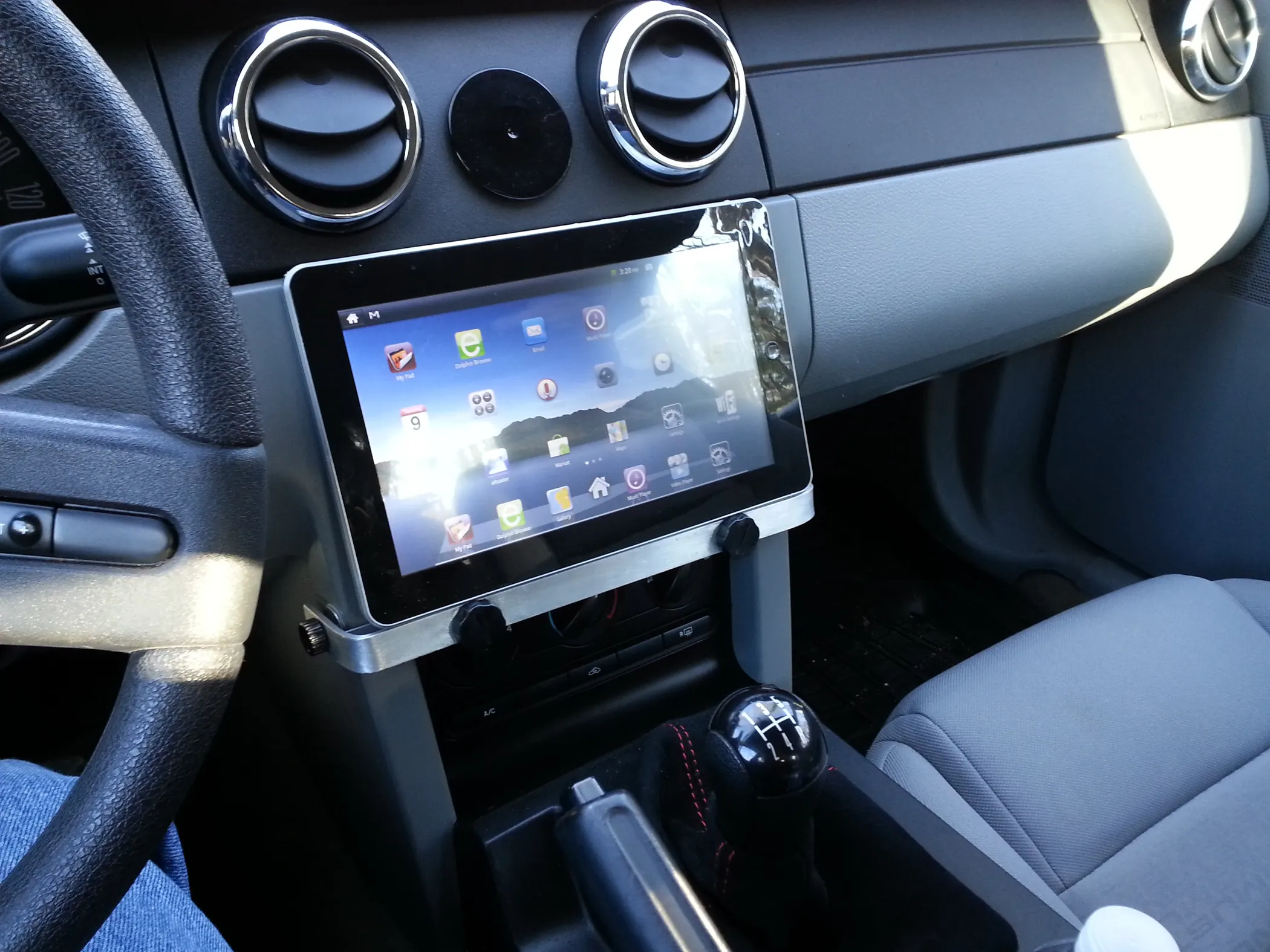
Car multimedia system done the cheap way | Image by Instructables
My colleague Peter surprised me with the ingenious way he found to upgrade his old Kia Ceed. He practically duct-taped a Galaxy Tab S7+ to a MagSafe and put it on a car stand inside his Kia. Then he used Samsung routines to set the tablet to connect to his smartphone's hotspot when it's in range, and voila! Android Auto.
Of course, there are some drawbacks. It's kind of a big smartphone just planted on a car stand. There's no integration with most of the systems on the car, no rear camera view for parking, no diagnostics, flat tire monitoring, gas mileage on a tank, etc.
But it does have navigation and multimedia functionality, and most people use their built-in car multimedia systems primarily for those purposes. So, if your car doesn't support Android Auto or Apple Car Play, you can use an old tablet and keep your phone in your pocket while driving.
Sketching/writing on the go
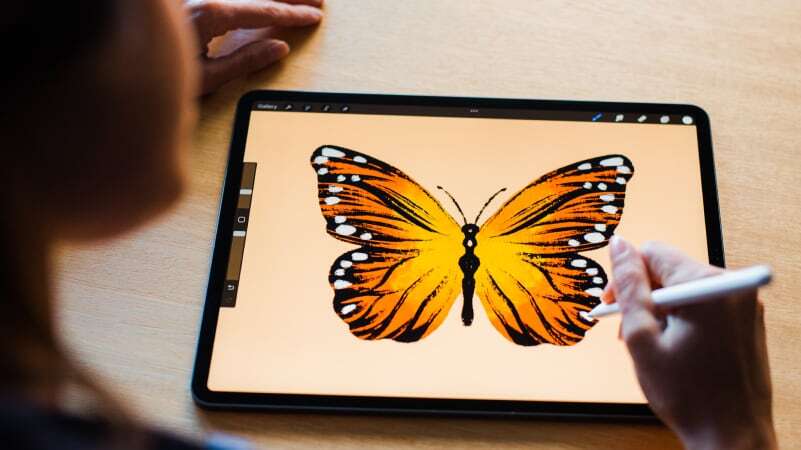
Tablets can be great tools for creativity | Image by Procreate
Another artistic use for tablets is sketching. You might not know this, but my colleague Iskra is a talented painter with her own portfolio and dozens of paintings sold. She was quite intrigued by the last batch of Paper Matte screen tablets tailored specifically toward artists, as she was using an iPad and Procreate.
Now she uses a tablet on a daily basis to make quick sketches on the go when she feels inspired. This specific use case requires some additional hardware — a good smart pencil — but it's still a unique way to use a tablet, and one that made old dedicated drawing pads obsolete.
The same goes for writing, although you probably don't carry your tablet with you all the time, unlike your smartphone.
Conclusion
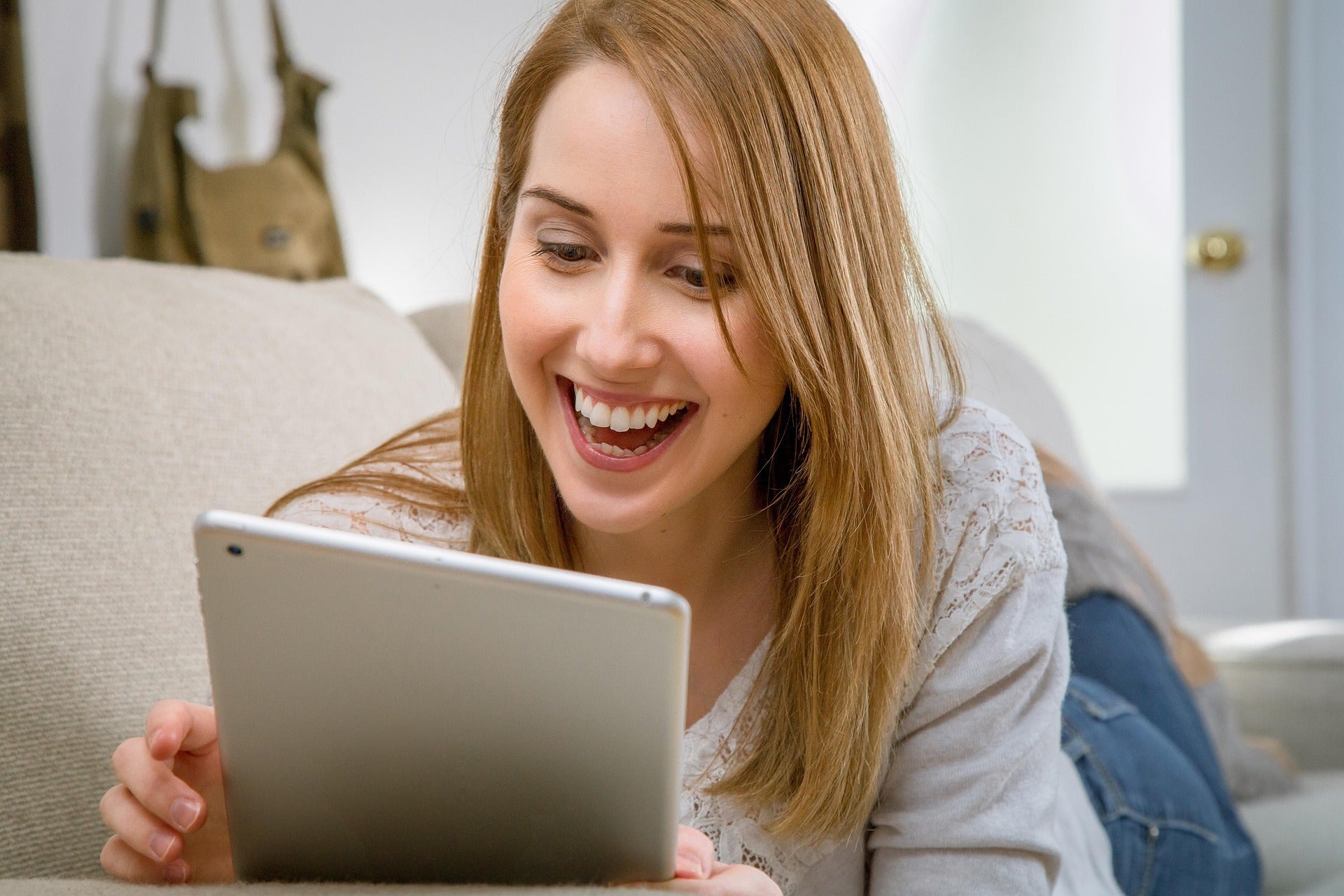
Netflix and chill is cool and all but tablet have other uses too | Image by PixaBay
Well, there you have it. Initially, I was wondering why smartphone brands even bother to dish out tablet models every year. But, as it turned out, tablets have some quite interesting and unique, albeit niche at times, uses. From a dedicated weather station to smart multimedia for your car, these slates can be put to good use.
What are your niche and out-of-the-box use scenarios for the tablet?
Tello Halloween Promo: $10GB for $10/mo
Don’t miss this scary-good deal: 10 GB for $10/mo. Save $5/mo for your first 3 months. Offer valid now through November 9, 2026.
Mariyan, a tech enthusiast with a background in Nuclear Physics and Journalism, brings a unique perspective to PhoneArena. His childhood curiosity for gadgets evolved into a professional passion for technology, leading him to the role of Editor-in-Chief at PCWorld Bulgaria before joining PhoneArena. Mariyan's interests range from mainstream Android and iPhone debates to fringe technologies like graphene batteries and nanotechnology. Off-duty, he enjoys playing his electric guitar, practicing Japanese, and revisiting his love for video games and Haruki Murakami's works.
A discussion is a place, where people can voice their opinion, no matter if it
is positive, neutral or negative. However, when posting, one must stay true to the topic, and not just share some
random thoughts, which are not directly related to the matter.
Things that are NOT allowed:
Off-topic talk - you must stick to the subject of discussion
Offensive, hate speech - if you want to say something, say it politely
Spam/Advertisements - these posts are deleted
Multiple accounts - one person can have only one account
Impersonations and offensive nicknames - these accounts get banned
To help keep our community safe and free from spam, we apply temporary limits to newly created accounts:
New accounts created within the last 24 hours may experience restrictions on how frequently they can
post or comment.
These limits are in place as a precaution and will automatically lift.
Moderation is done by humans. We try to be as objective as possible and moderate with zero bias. If you think a
post should be moderated - please, report it.
Have a question about the rules or why you have been moderated/limited/banned? Please,
contact us.














Things that are NOT allowed:
To help keep our community safe and free from spam, we apply temporary limits to newly created accounts: