Your Android phone just got a small but potentially life-saving upgrade, and you didn't even have to do anything to get it. Google is rolling out a new feature through Google Play Services that adds a visual map directly inside Wireless Emergency Alerts, and it's the kind of thing that probably should have existed from the start.
Google adds a map view to emergency alerts on Android
With the latest Google Play Services v26.12 update, Wireless Emergency Alerts on Android can now display a map view right inside the notification itself. That means when a tornado warning, AMBER alert, or any other emergency notification hits your phone, you'll be able to see the affected area and your location without having to scramble to open another app.
For those unfamiliar, Wireless Emergency Alerts (WEA) are government-issued notifications sent through a dedicated cellular channel. They can reach your phone even when regular networks are jammed, which is exactly the kind of reliability you need during an actual emergency.
Why a map makes all the difference
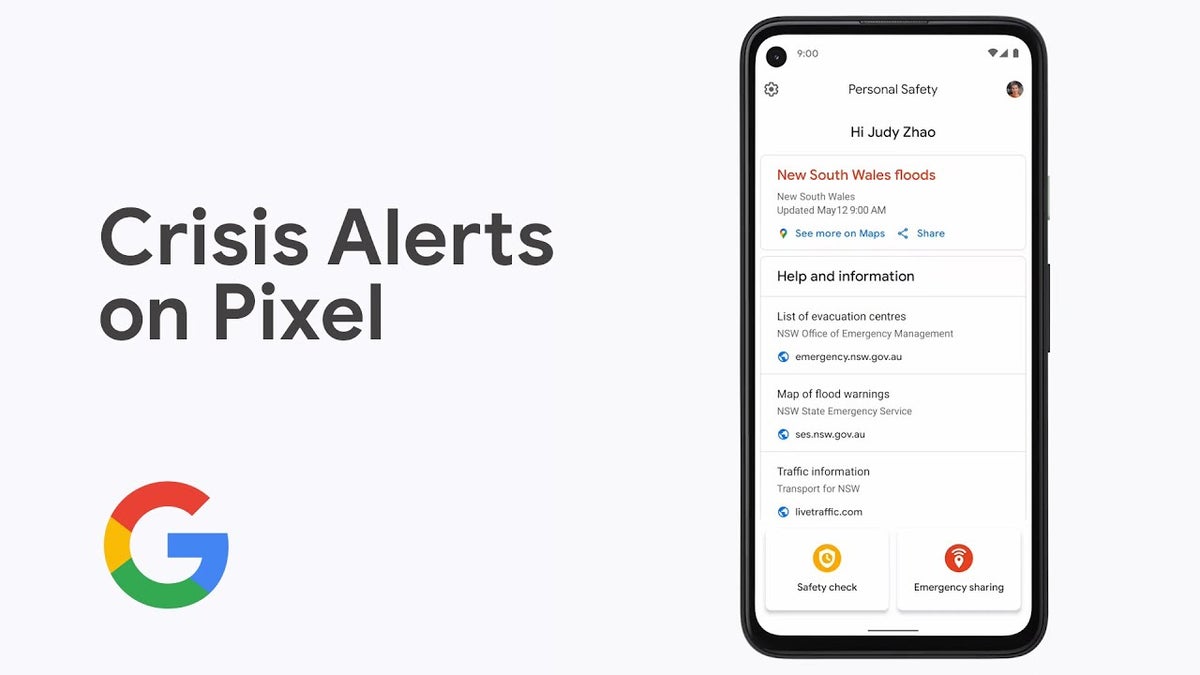
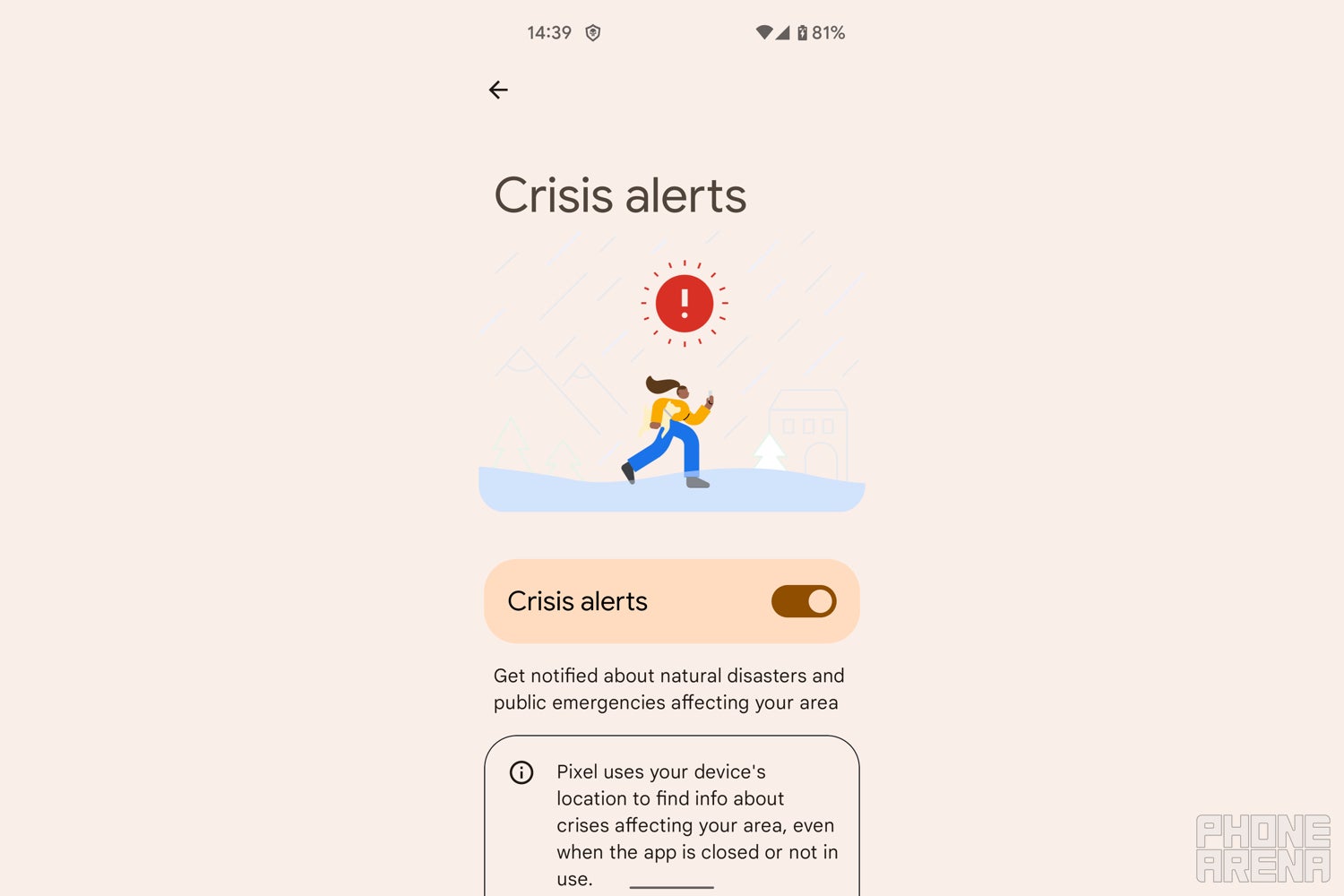
Crisis alerts on Pixel haven't had a map view in the past. | Image by PhoneArena
Until now, these alerts have been purely text-based. You'd get a message saying something like "tornado warning in your area," but figuring out whether "your area" meant your neighborhood or a county 30 miles away required you to open a weather app or start Googling.
Recommended For You
That's a problem. In an emergency, every second counts, and forcing people to leave the alert to figure out if they're actually in danger is a design flaw, not a feature. This update fixes that by putting the critical context right where it belongs: front and center, the moment you see the alert.
Google Play Services continues to quietly do the heavy lifting
This is one of those updates that highlights just how important Google Play Services is to the Android experience. It's the behind-the-scenes engine that powers everything and it doesn't require a full OS update to deliver them.
The fragmented nature of Android updates means millions of users are stuck waiting on manufacturers and carriers. Google Play Services sidesteps that bottleneck entirely, which is precisely why features like this map view can reach virtually every Android phone without the usual waiting game.
How do you feel about emergency alerts on your phone?
23 Votes
They're critical, I want all the info I can get
52.17%
I keep them on but rarely pay close attention
8.7%
I've turned most of them off, they're annoying
17.39%
I didn't even know I could customize them
4.35%
I only care when severe weather is involved
17.39%
Credit where it's due, but let's keep the momentum going
I'll give Google credit here. This is a thoughtful upgrade.
It's not flashy, it won't make headlines the way a new Pixel feature drop does, but it addresses a real gap in how emergency information gets communicated to you. Being able to see whether you're inside a danger zone versus just near one could change how you react in those first critical moments.
The rollout is gradual, as is typical with Play Services updates, so don't worry if you don't see it right away. My hope is that Google doesn't stop here. Emergency preparedness on smartphones still has a long way to go, and small, smart updates like this one prove that the company knows how to deliver when it focuses on what actually matters to people's safety.
Get iPhone 18 Pro with Visible, get $480 off!
$719
/mo
$1199
$480 off (40%)
On the Visible+ Pro plan, you get access to 5G Ultra Wideband data on Verizon's fastest network. Along with unlimited roaming across Mexico and Canada, 2 days of Global Pass per month, 3x hotspot speeds, 4K streaming, and Smartwatch service.
Johanna Romero is a Senior News Writer at PhoneArena, covering mobile technology news across Android, iOS, wearables, and the Google ecosystem she knows best. Drawing on 15 years in IT and tech support from 2007 to 2022, she brings a user-friendly eye for the practical features and lesser-known tricks readers care about. Google named her an official #TeamPixel member in 2022, and she also reviews the latest devices on her YouTube channel, JoJo the Techie.
A discussion is a place, where people can voice their opinion, no matter if it
is positive, neutral or negative. However, when posting, one must stay true to the topic, and not just share some
random thoughts, which are not directly related to the matter.
Things that are NOT allowed:
Off-topic talk - you must stick to the subject of discussion
Offensive, hate speech - if you want to say something, say it politely
Spam/Advertisements - these posts are deleted
Multiple accounts - one person can have only one account
Impersonations and offensive nicknames - these accounts get banned
To help keep our community safe and free from spam, we apply temporary limits to newly created accounts:
New accounts created within the last 24 hours may experience restrictions on how frequently they can
post or comment.
These limits are in place as a precaution and will automatically lift.
Moderation is done by humans. We try to be as objective as possible and moderate with zero bias. If you think a
post should be moderated - please, report it.
Have a question about the rules or why you have been moderated/limited/banned? Please,
contact us.









Things that are NOT allowed:
To help keep our community safe and free from spam, we apply temporary limits to newly created accounts: