Software updates are usually associated with getting new features, experiencing a smoother UI, and an optimized battery. But that doesn't appear to be a universal truth. Recent Galaxy Watch updates, for instance, reportedly bring big problems to users, particularly those with older devices.
Forced updates: a real thing?
Some users on r/GalaxyWatch have reported that their Galaxy Watch is updating to One UI 8 on its own. Even with auto updates toggled off, some smartwatch owners have spotted the update starting to download as soon as the watch connects to a phone via the Wearable app.
Reportedly, this issue has been spotted on older devices, particularly Galaxy Watch FE and Galaxy Watch 6 Classic models.
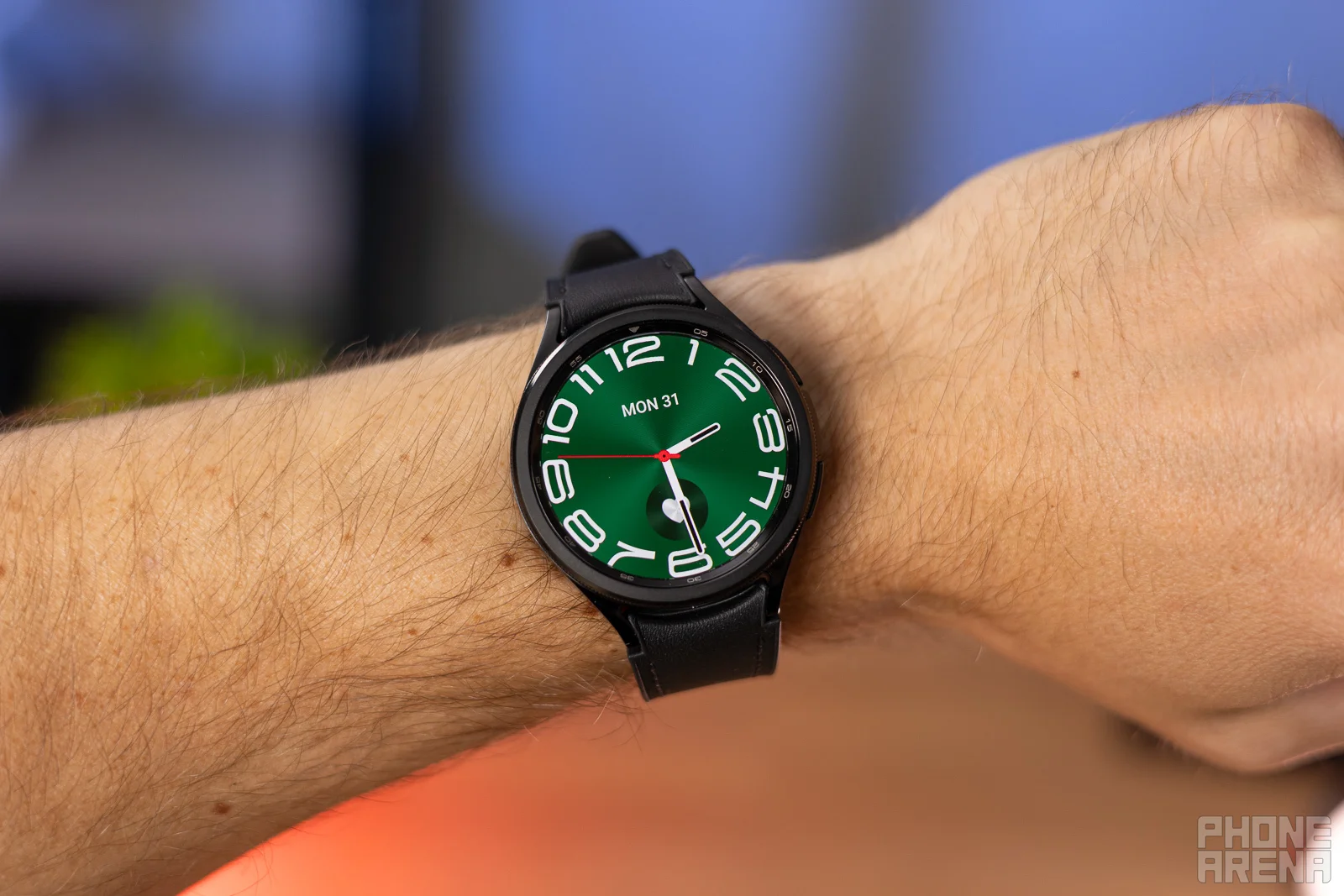
Older Galaxy Watches are being 'forced' into new software versions. | Image by PhoneArena
Although this might not seem like a big problem, it certainly feels like a loss of control over the device. If a user deliberately wants to stay on an older One UI build, turning the auto-update feature off should be the solution. Apparently, it's not — at least not for everyone.
What matters most in a smartwatch?
98 Votes
UI stability
7.14%
Long battery life
60.2%
Sensor accuracy
20.41%
Special features
7.14%
Affordable price
5.1%
Is there a workaround?
Having your Galaxy Watch push updates you don't really want can be unnerving. However, there could be a workaround.
One Redditor has explained that it's possible to block the update servers via ADB (Android Debug Bridge) commands. This process, however, requires a PC and can be too complicated for most users.
Recommended For You
For those already "stuck" on the One UI 8, they could have to wait for Samsung to eventually come up with a solution that limits auto updates from happening on their own.
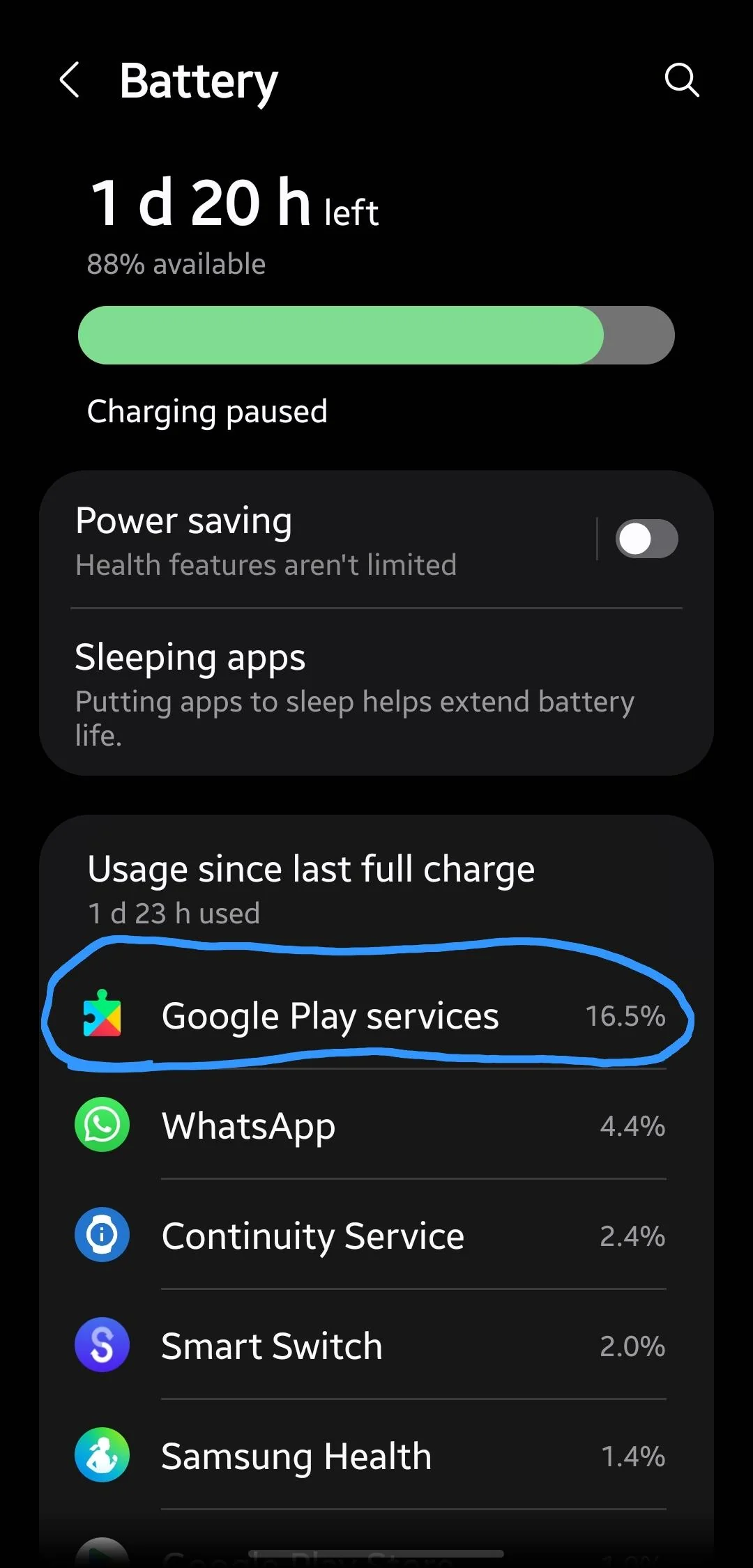
Google Play Services has suddenly started taking more and more battery life. | Image by Reddit
Most Redditors comment that it all happened after a recent update. Immediately after, some users noticed that Google Play Services began consuming significantly more power than before.
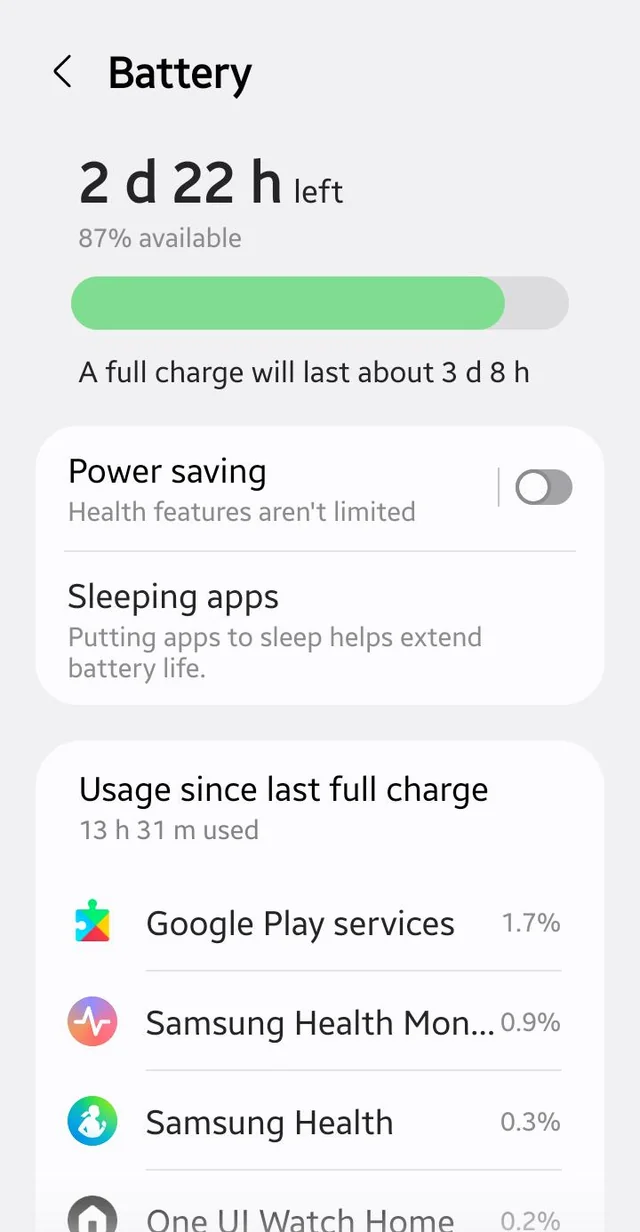
One user in particular has noted their Watch 6 Classic, Watch 8 Classic and Watch Ultra (2025) are all experiencing the same issue. They explain their Ultra wearable barely lasts two days between charges, with Play Services draining the battery at an alarming rate.
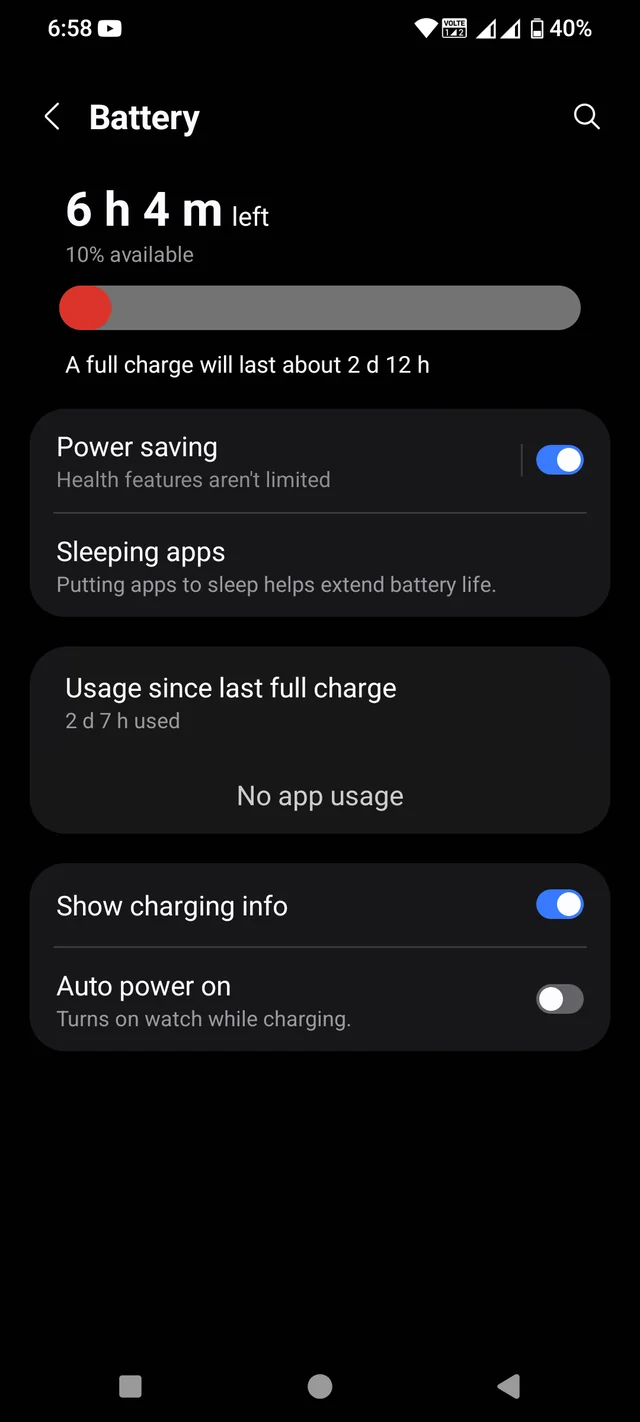
Another user has noticed a secondary glitch. After restarting their device to resolve the problem, they can no longer see which apps are consuming battery life in the settings menu.
One fix creates another issue, as one user found out. | Image by Reddit
However, it appears that not every Galaxy Watch owner is experiencing the sudden battery life drains caused by Google Play Services. One Redditor, for example, who uses a Galaxy Watch 6 Classic, has explained that the wearable works perfectly fine after the recent update. Another one with the Galaxy Watch Ultra (2024) also experiences steady battery life.
This Redditor doesn't experience any problems with their wearable. | Image by Reddit
For those who have seen this issue, Redditors advise that restarting the device and clearing the cache could be a solution. That said, some users comment it's only a short-term fix, indicating this could be a result of a deeper software error.
Is all of this deliberate?
While I wouldn't think these issues are done deliberately, I can't help but feel that Samsung should have done more to stabilize its recent updates. On the one hand, older hardware naturally takes longer to optimize and patch.
But, on the other hand, there are those who invested nearly $600 for the flagship Galaxy Watch Ultra (2025). This is a high-end device marketed for its endurance and high performance and it certainly shouldn't have the same flaws as a wearable from three generations ago.
Call me demanding, but when you're paying a premium price, stability becomes a baseline — not an extra.
Free Galaxy A17 5G with Straight Talk
Get a free Galaxy A17 with Straight Talk. To claim this deal, you need to pair the phone with activation on a Silver Unlimited Plan or higher. This tier costs $45 per month. Offer valid through 01/10/27 while supplies last online.
Polina Kovalakova, a News and Affiliate Content Writer, has nurtured a passion for mobile technology since the era before smartphones. With a history of exploring a variety of devices, her insights into the mobile world are both broad and nuanced. Polina's non-partisan view extends to appreciating nearly every smartphone brand, a reflection of her open-minded approach to technology. Polina is equally passionate about uncovering the best online deals, tirelessly working to ensure her readers snag top-tier tech at unbeatable prices.
A discussion is a place, where people can voice their opinion, no matter if it
is positive, neutral or negative. However, when posting, one must stay true to the topic, and not just share some
random thoughts, which are not directly related to the matter.
Things that are NOT allowed:
Off-topic talk - you must stick to the subject of discussion
Offensive, hate speech - if you want to say something, say it politely
Spam/Advertisements - these posts are deleted
Multiple accounts - one person can have only one account
Impersonations and offensive nicknames - these accounts get banned
To help keep our community safe and free from spam, we apply temporary limits to newly created accounts:
New accounts created within the last 24 hours may experience restrictions on how frequently they can
post or comment.
These limits are in place as a precaution and will automatically lift.
Moderation is done by humans. We try to be as objective as possible and moderate with zero bias. If you think a
post should be moderated - please, report it.
Have a question about the rules or why you have been moderated/limited/banned? Please,
contact us.














Things that are NOT allowed:
To help keep our community safe and free from spam, we apply temporary limits to newly created accounts: