
Huawei FreeClip 2 Review: Unique design with an asterisk
The Huawei FreeClip 2 buds are the company's second iteration of the open-wear design and come with some improvements and cool new colors.
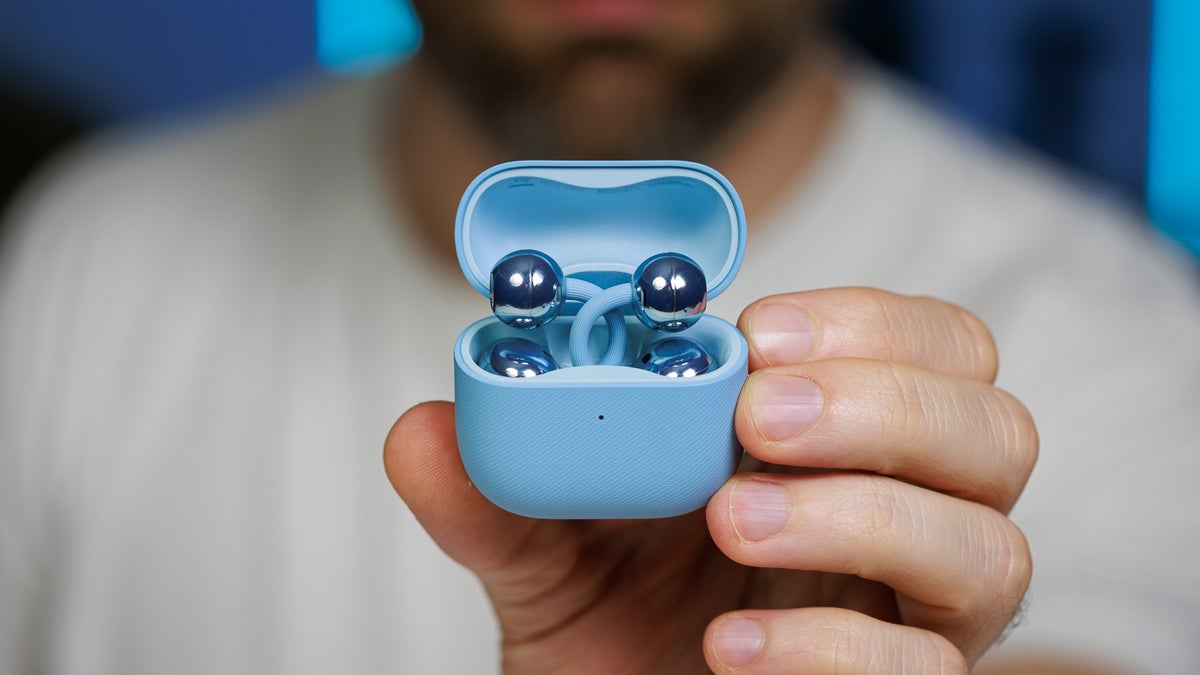
The Huawei FreeClip 2 is the latest open-ear model on the market. These earbuds are the second iteration of the design and come with some improvements and cool new colors.
The buds hug your earlobe and stay in place thanks to the tension between the part behind your ear and the one that lies on your ear canal. It's a very interesting design with some pros and cons, slightly different from the hook-over earbuds we've been seeing more and more recently.
Huawei has improved the weight of the buds, added some new features, and extended the battery life compared to the first-generation FreeClip. These compact and ergonomic earbuds start at £179.99 from Huawei.com ($230 approx.), and let's see what that kind of money buys you in terms of audio quality and features.
The buds hug your earlobe and stay in place thanks to the tension between the part behind your ear and the one that lies on your ear canal. It's a very interesting design with some pros and cons, slightly different from the hook-over earbuds we've been seeing more and more recently.
Huawei has improved the weight of the buds, added some new features, and extended the battery life compared to the first-generation FreeClip. These compact and ergonomic earbuds start at £179.99 from Huawei.com ($230 approx.), and let's see what that kind of money buys you in terms of audio quality and features.
- 10.8 mm dual-diaphragm dynamic drivers
- Airy C-bridge design
- Custom EQ
- Touch controls
- Adaptive sound and Spatial sound
- 5.1 grams per earbud
- Small and compact case
- IP57 resistance on the buds
- L2HC audio support
- Dual-device connection
- 9 hours battery life (buds only)
Jump to section
Also read: Xiaomi OpenWear Stereo Pro review
Huawei FreeClip 2 specs
| Color options | Sand Gold Titan Gray Graphite Black |
|---|---|
| Audio | Bluetooth 5.4 HFP / A2DP / AVRCP Bluetooth codec AAC/SBC/L2HC |
| Noise cancelation | None |
| Connectivity | BT multipoint (dual device) |
| Battery life | 9 hours from buds, 45 hours with charging case |
| Wireless charging case | Yes + USB-C charging |
| Ingress resistance | IP57 buds |
Pairing and App
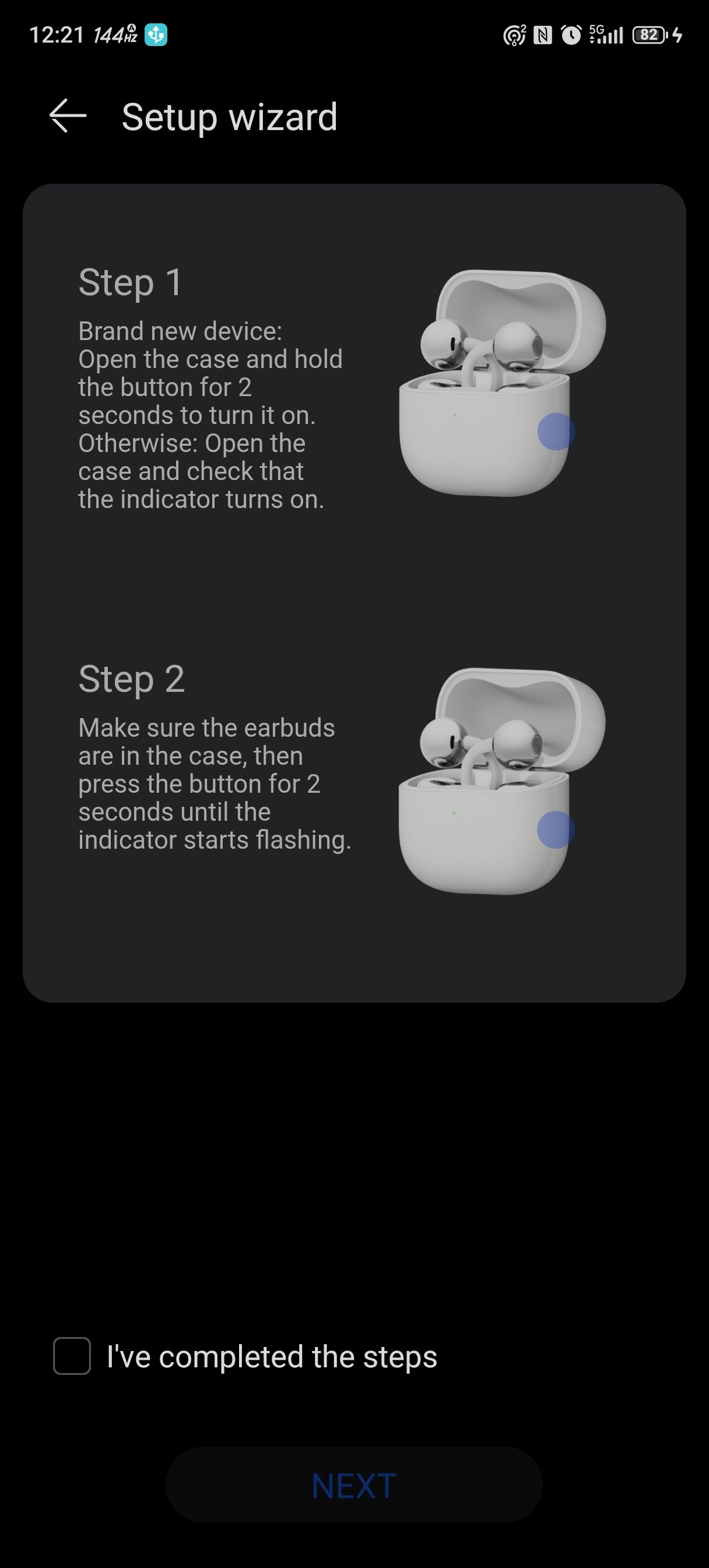
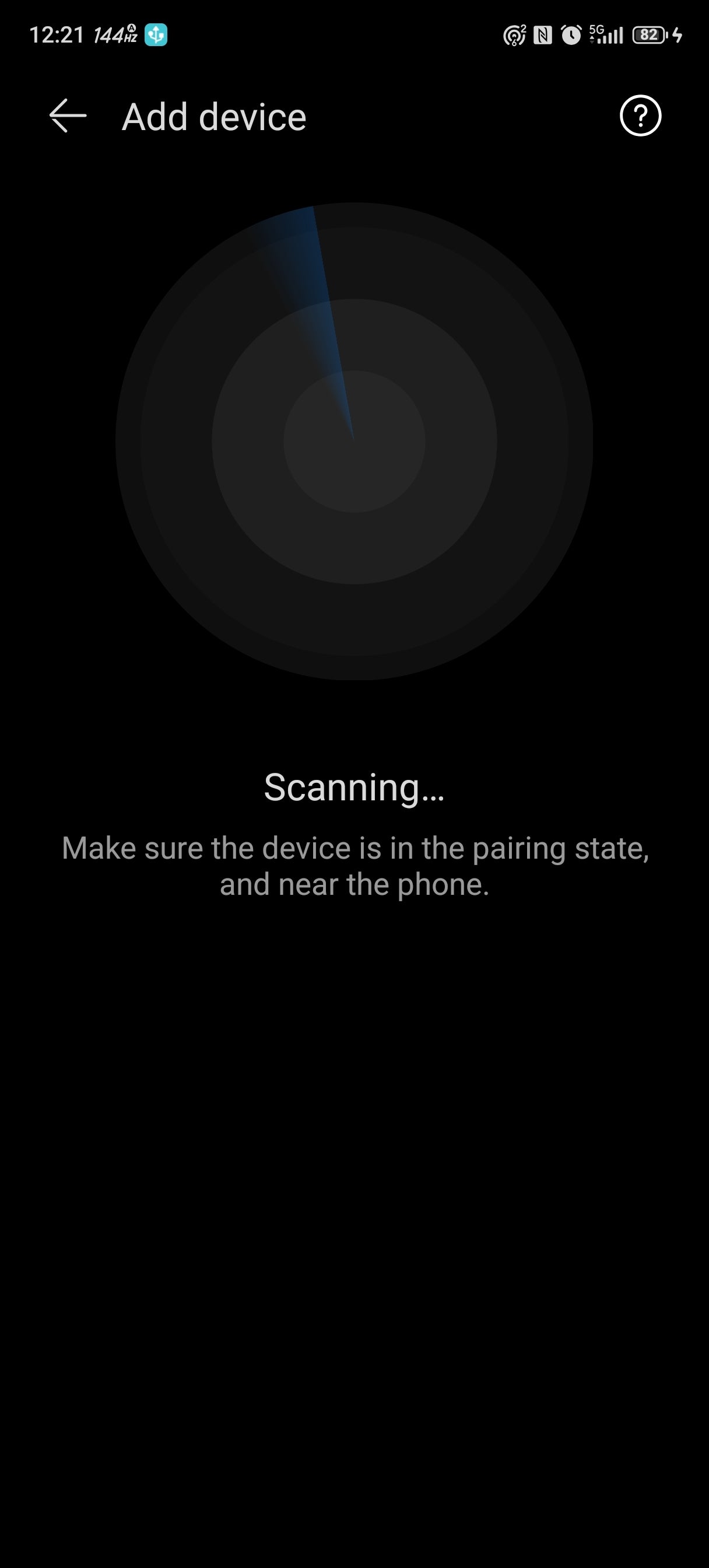
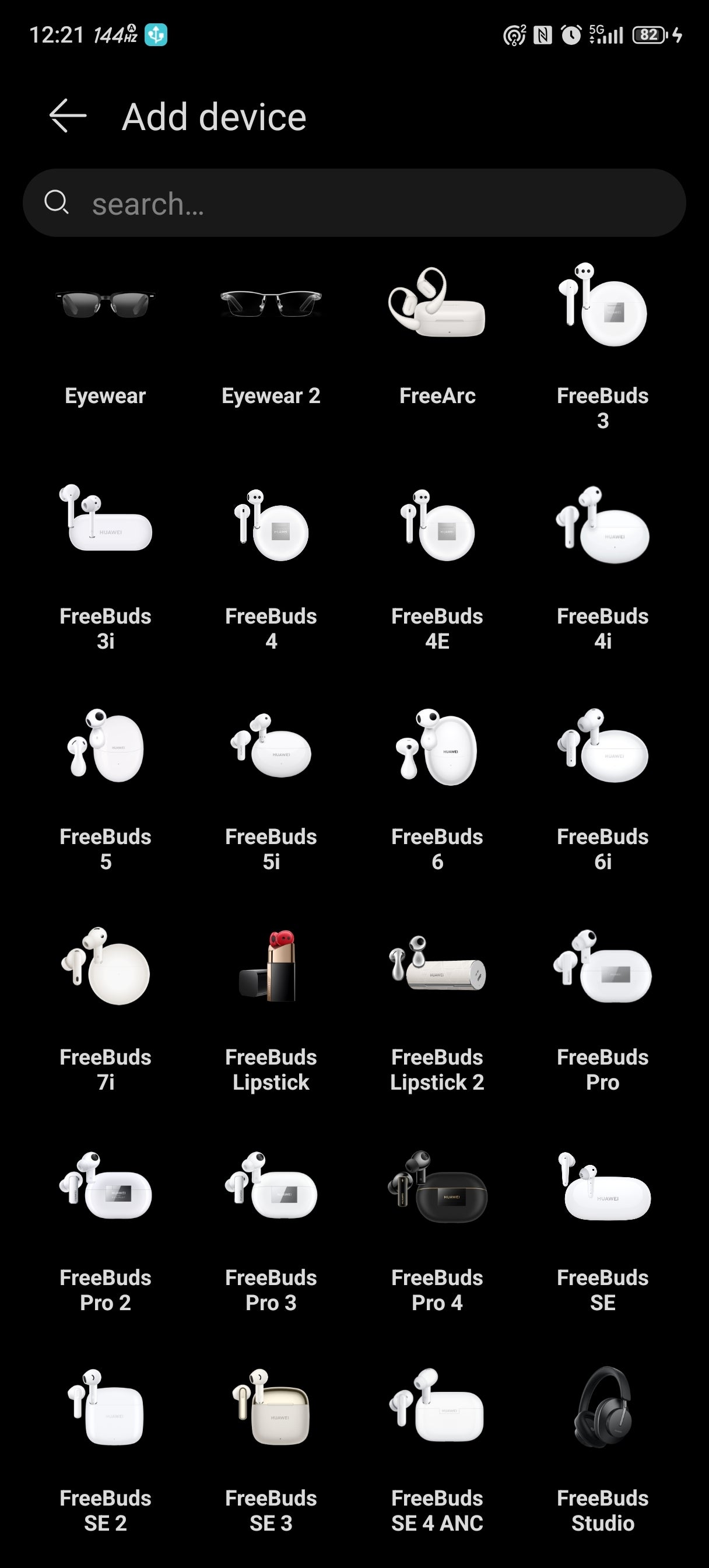
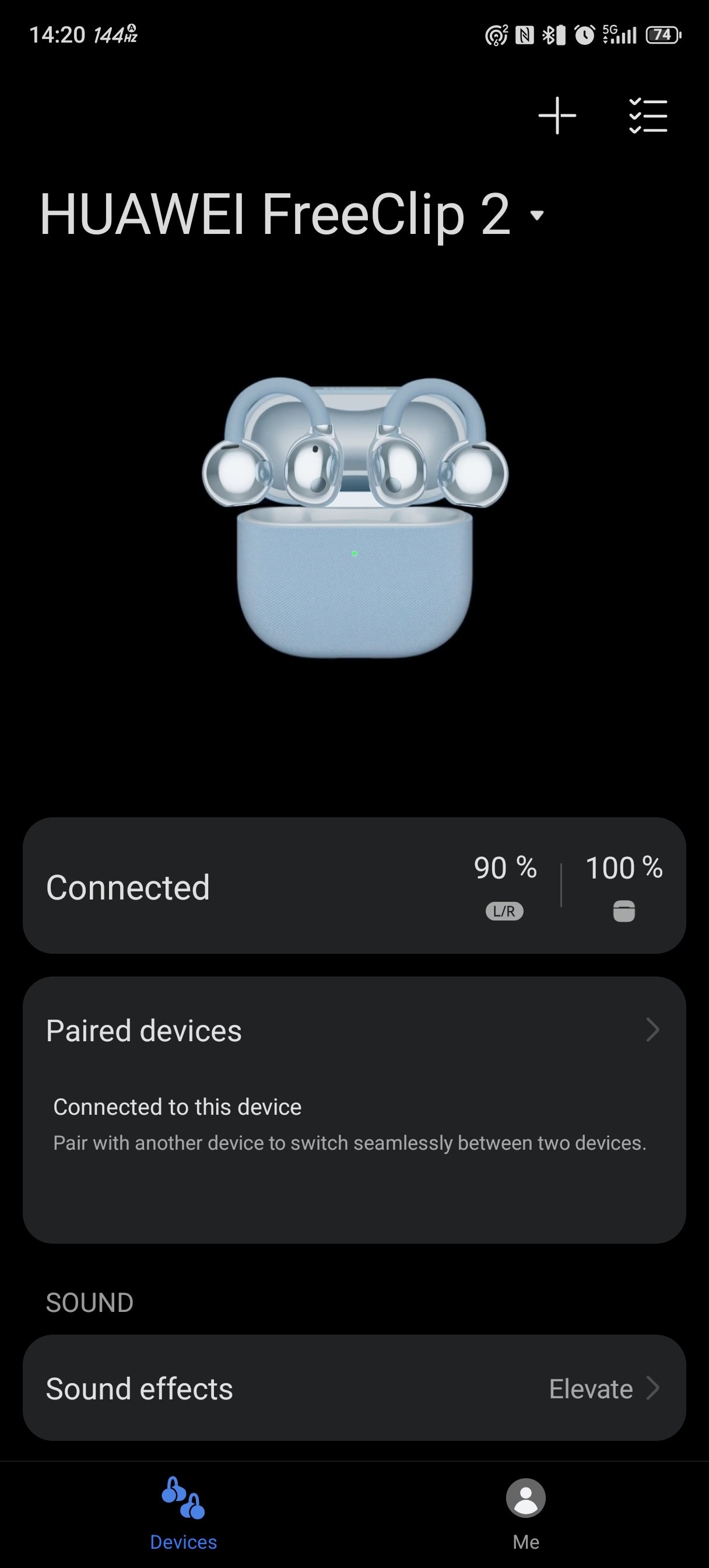
Pairing is your usual affair of either scanning manually or just opening the case to prompt a pairing screen. You need the Huawei Audio Connect app for the best experience, as all the features, such as the 10-band EQ and the spatial audio, are in there, and the FreeClip 2 earbuds work on both Android and iOS devices.
During the initial pairing, you get a couple of tutorials about the gesture controls, the auto-volume feature, and spatial audio. These are nice and needed, as there are some peculiarities in how gestures work, and they involve using the silicone cable connecting the two parts of each bud. More on this later.
Once you connect the FreeClip 2 buds to the app, you'll see the battery levels of each bud and the case and tweak various settings, such as the audio presets, the adaptive volume features, and many more.
Time to clip those on my ears and see how comfortable they actually are.
Once you connect the FreeClip 2 buds to the app, you'll see the battery levels of each bud and the case and tweak various settings, such as the audio presets, the adaptive volume features, and many more.
Design and Comfort

These earbuds look like alien tech right off the bat. When you open the carrying case, you're greeted with two spheres hanging on wire stems like some exotic flowers. Poke the spheres, and they start trembling as if the mysterious wind of a distant planet has moved their petals.
Poetic interludes aside, the design of the FreeClip 2 earbuds is just great. The buds look like a piece of jewelry, and the way they attach to your ears emphasizes this effect. There are three colors available—white, black, and blue—with a special rose gold option on the way, too.
Poetic interludes aside, the design of the FreeClip 2 earbuds is just great. The buds look like a piece of jewelry, and the way they attach to your ears emphasizes this effect. There are three colors available—white, black, and blue—with a special rose gold option on the way, too.
The charging case also deserves some credit—it's extremely small and compact, square in shape, and measures just 50 x 50 x 25 mm. These numbers become even more impressive when you factor in that the case supports wireless charging.
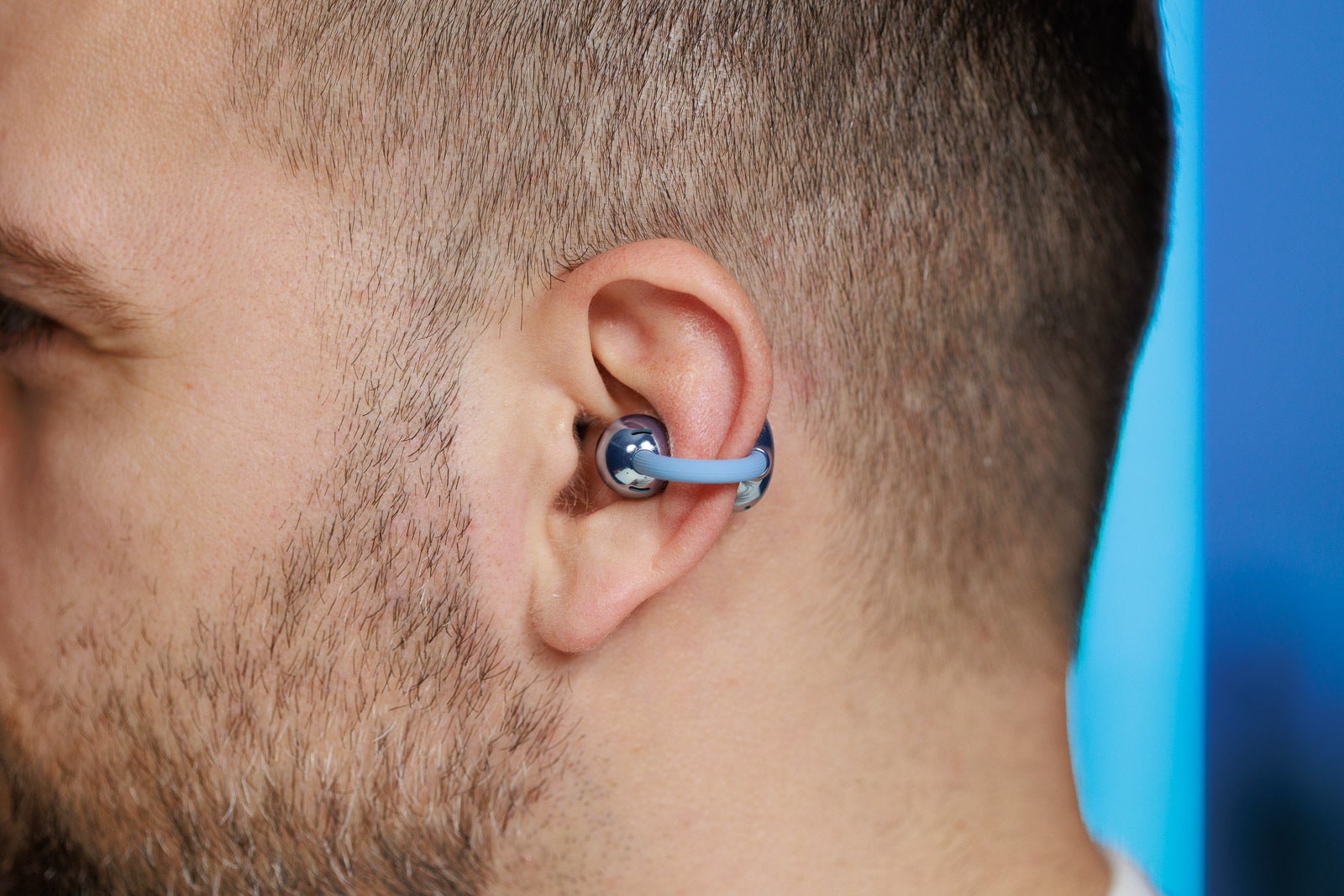
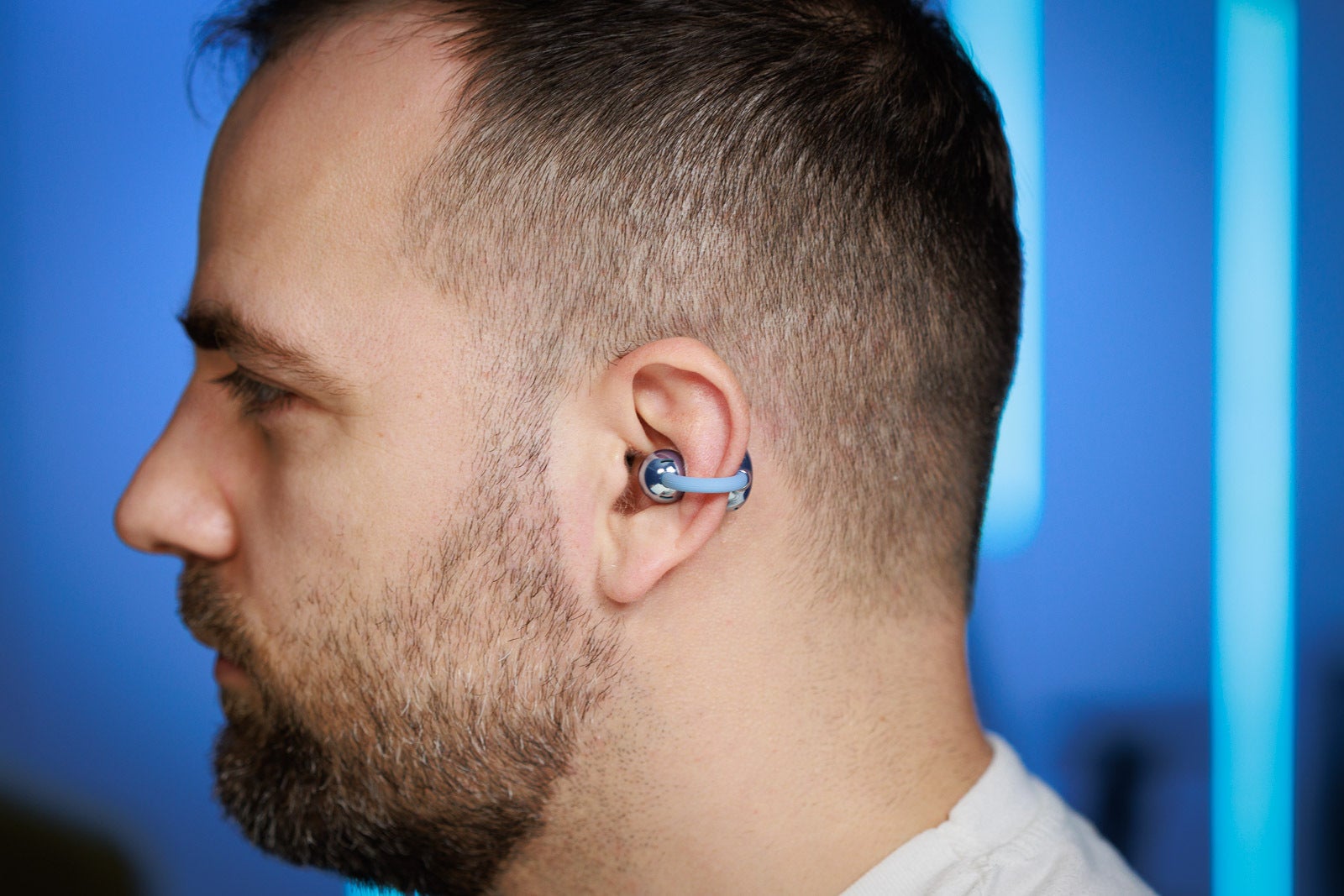
The idea behind open-wear earbuds is to have the driver resting on your ear canal rather than having a silicone tip going inside it. It's godsent for people with sensitive ears, myself included, as most earbuds either fall off my ears or start causing pain after 15 minutes or so.
You place the FreeClip 2 buds in the middle of your earlobe; one part goes behind the ear, and the other one rests on your ear canal. The tension of the wire that connects these two parts holds the bud in place.
It's an interesting choice, and it really feels like nothing else. Each bud weighs only 5.1 grams—you can barely register such weight. Five minutes in and you forget you're wearing earbuds. Now, there's one big drawback to this particular design.
Speaking of sports, the FreeClip 2 buds feature an IP57 dust- and water-resistance rating, so you can sweat all you like, and a jog in the rain won't do any harm as well.
Controls and Features
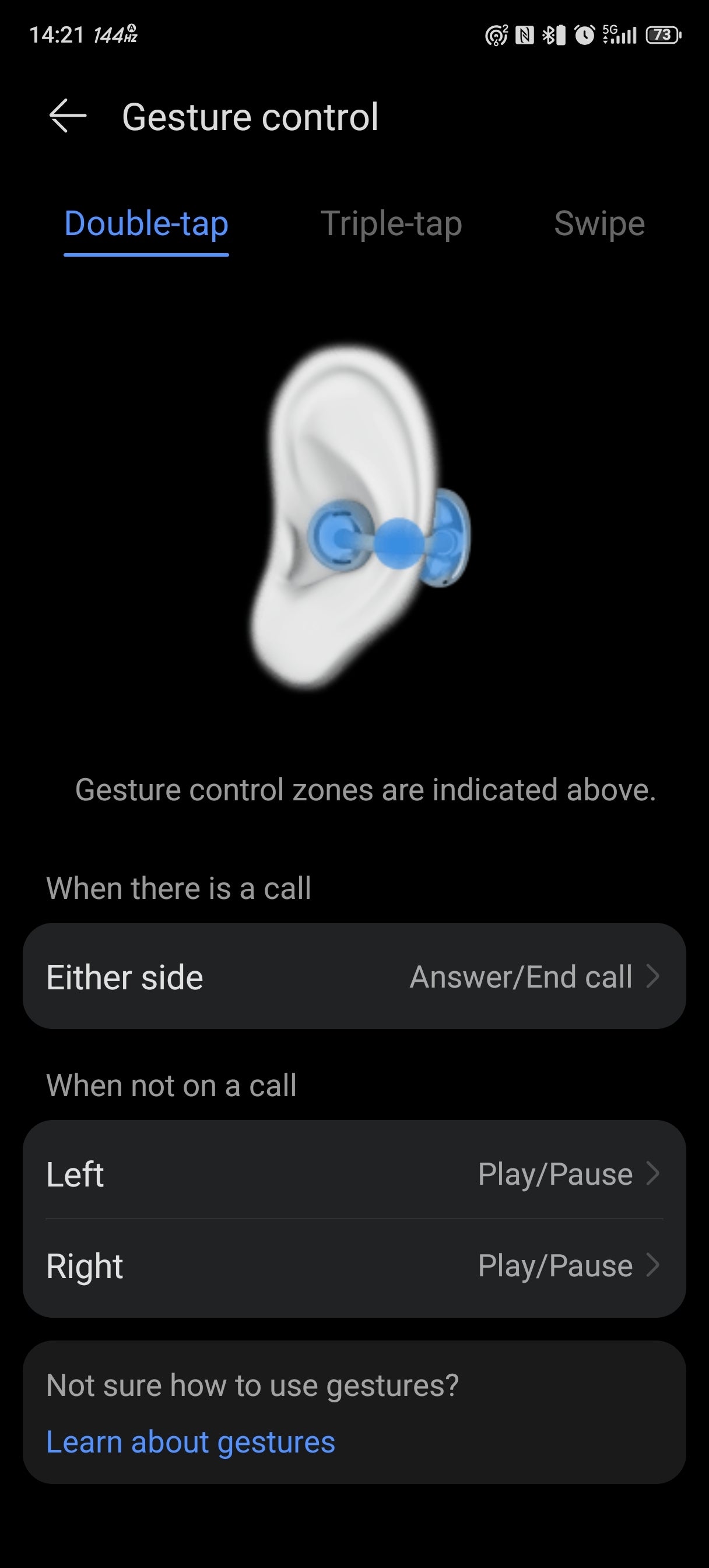
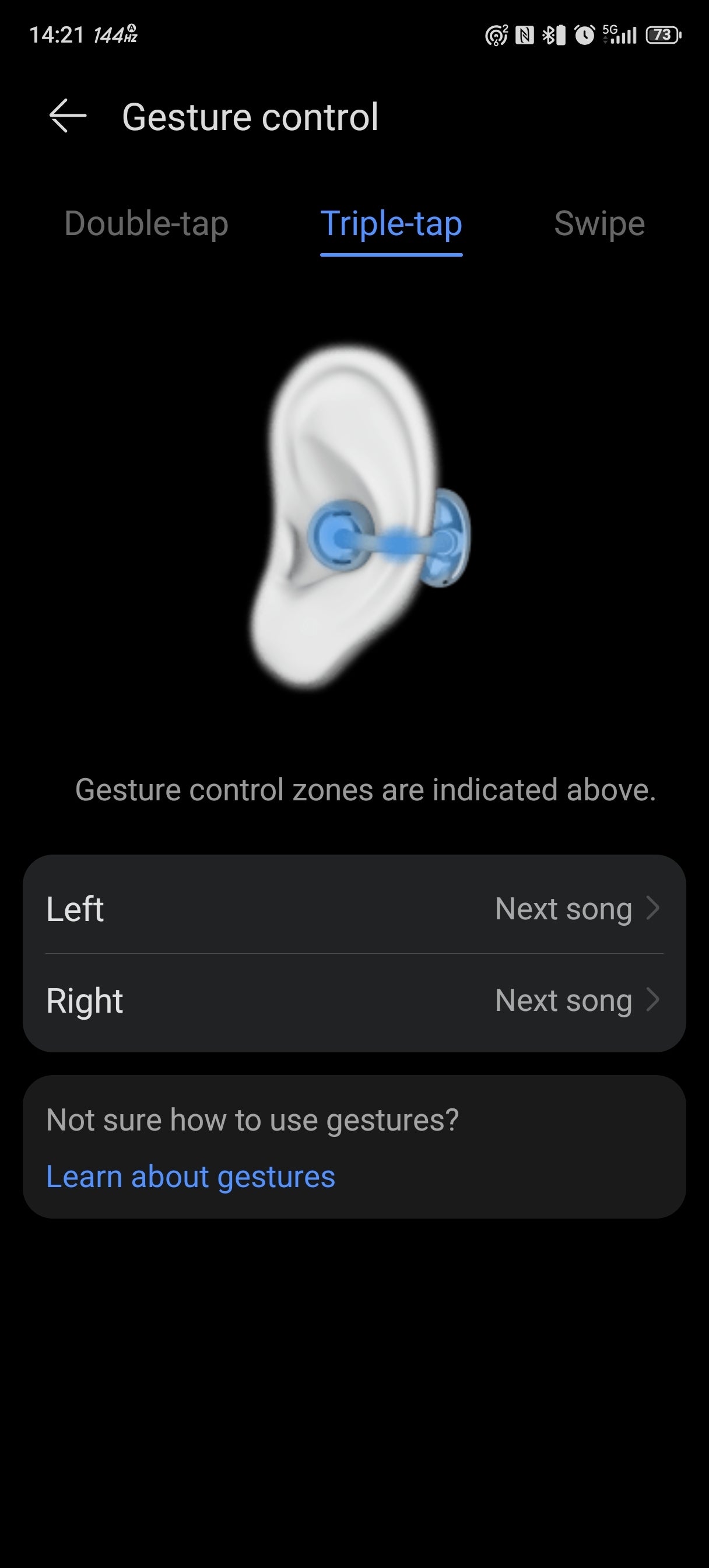
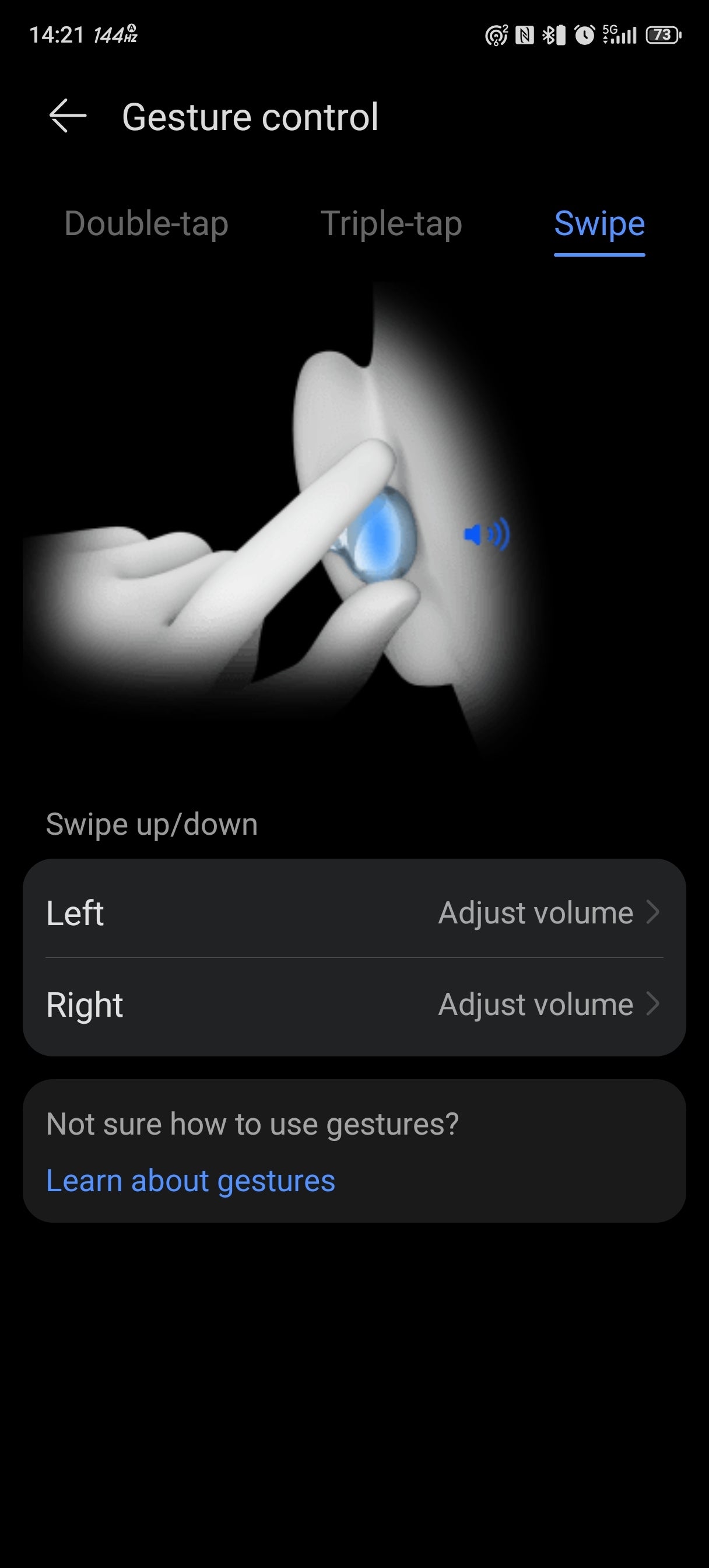
The Huawei FreeClip 2 earbuds support touch and swipe controls, which is a new feature compared to the previous model. You can double-tap and triple-tap—the usual affair—but what is unusual is that you need to tap the cable and not the spherical part of the bud or the one behind your ear.
A double tap answers and ends calls or pauses/plays the song you're listening to, tapping three times skips the song, and swiping on the front sphere adjusts the volume level. You can also customize these gestures and activate your smart assistant of choice using the buds.
I found the touch controls a bit of a mixed-bag experience. The cable is rather small, and you forget where it is quite fast due to these buds being so lightweight. I often missed hitting the cable, especially on the initial tap after wearing the buds for some time. Swiping is much better, as it uses the surface of the front part of the bud.
I found the touch controls a bit of a mixed-bag experience. The cable is rather small, and you forget where it is quite fast due to these buds being so lightweight. I often missed hitting the cable, especially on the initial tap after wearing the buds for some time. Swiping is much better, as it uses the surface of the front part of the bud.
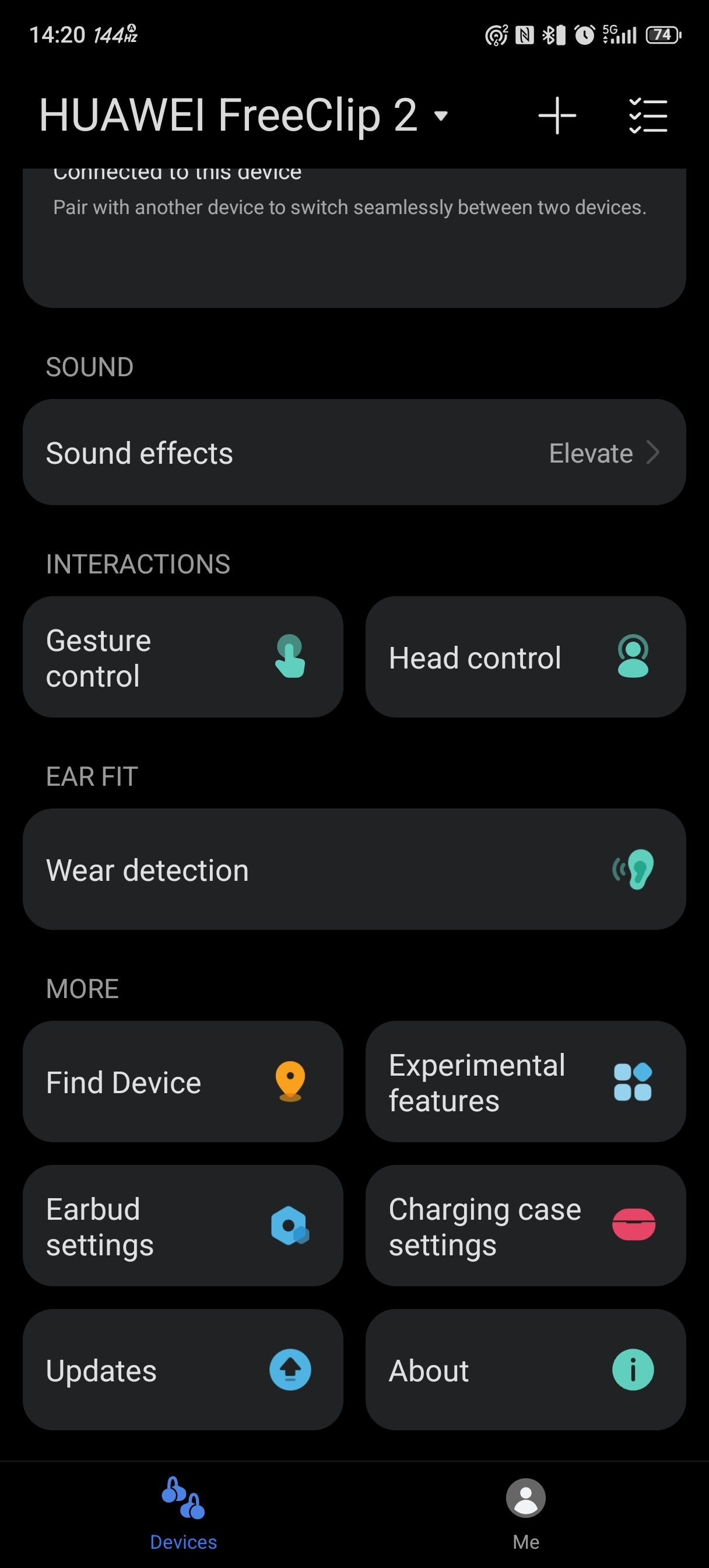
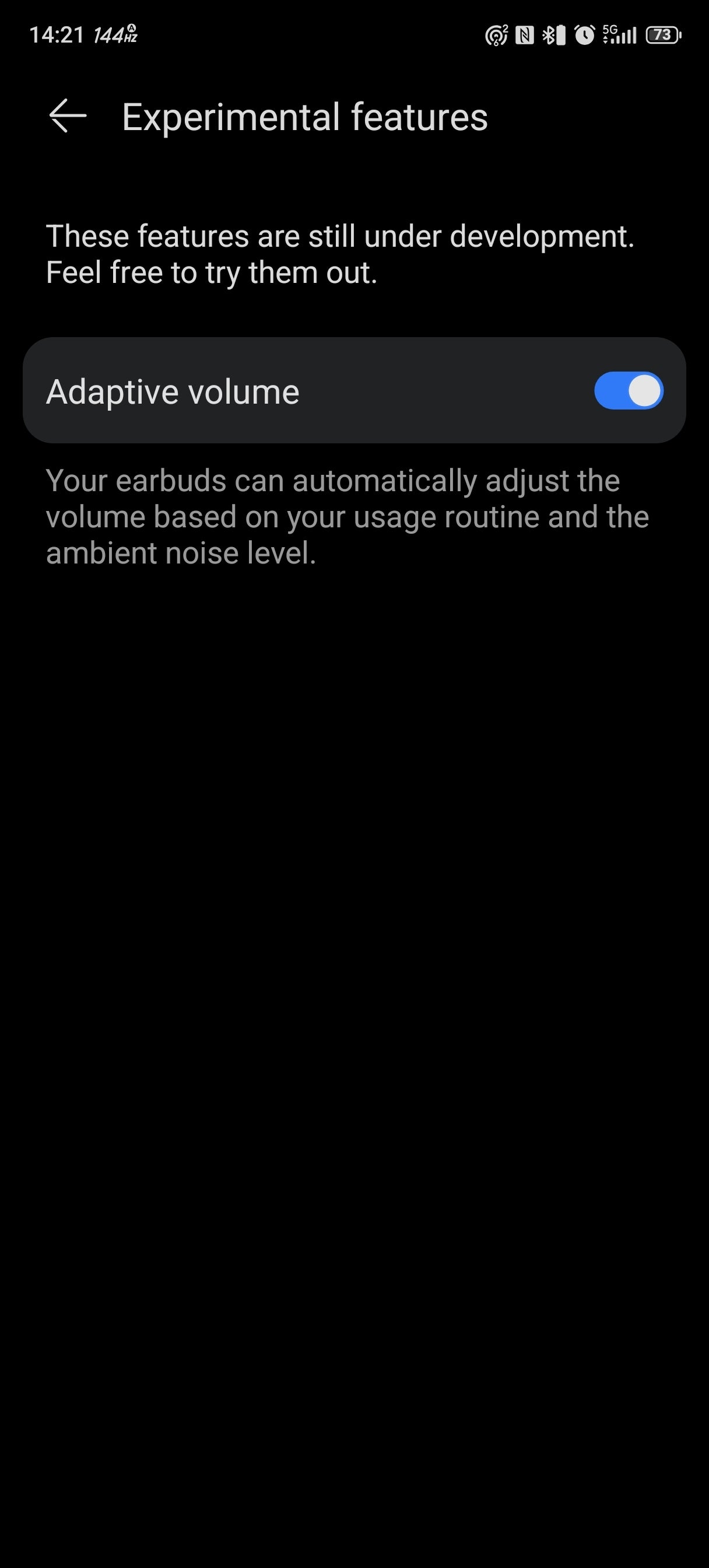
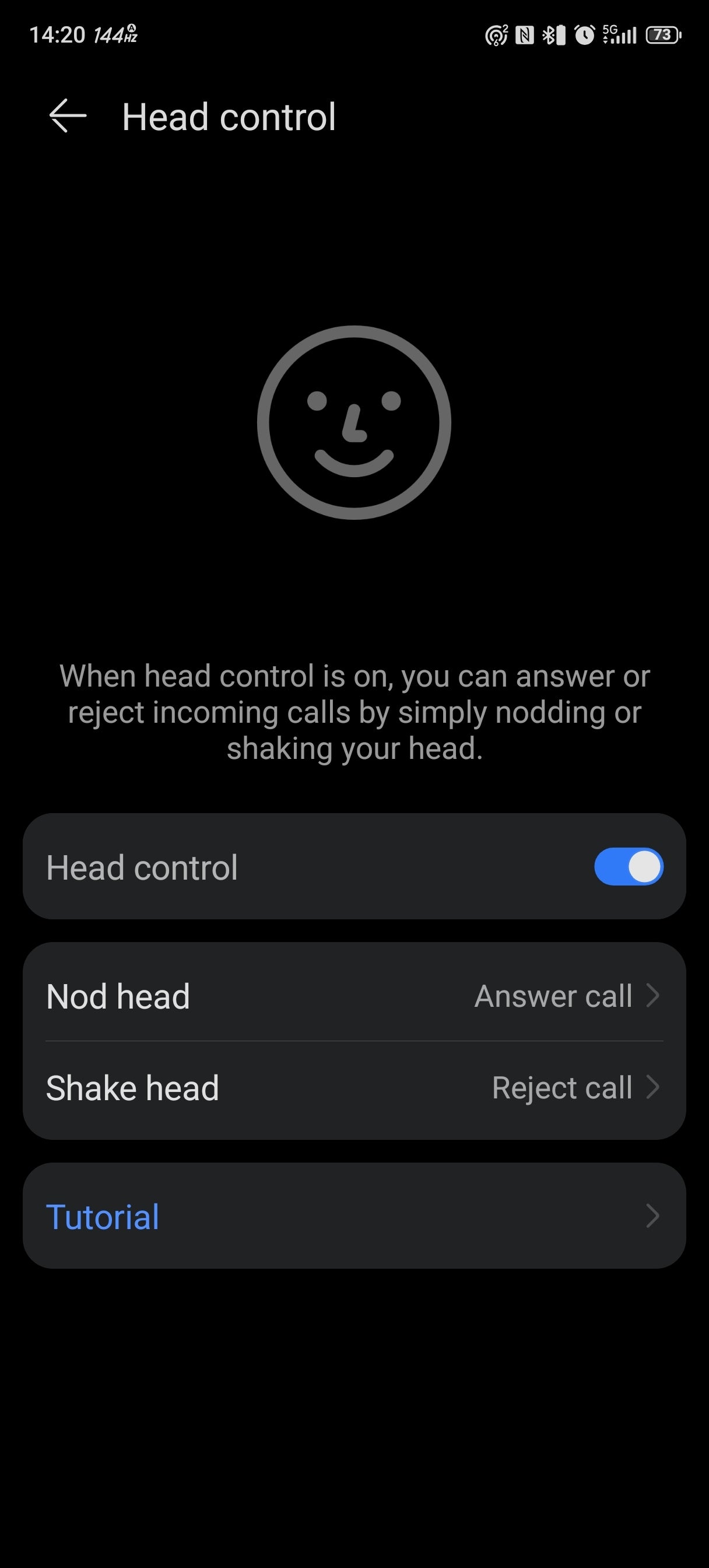

There are some new and advanced features on the FreeClip 2 buds. These include the adaptive volume feature, head controls, the auto-switch left-and-right bud option, drop detection, and spatial audio.
The adaptive volume feature works quite well; it uses the microphones to track the noise level around you and adjust the volume accordingly. Now, the head gestures are hit and miss—you're supposed to be able to answer calls by simply nodding and reject them by shaking your head.
I prefer to do it by tapping on the buds; it's more reliable. If the buds fail to recognize your nods, for example, by the time you do it right, the person who's calling you might've lost patience.
Spatial audio is an interesting one—I found its effect quite subtle, probably due to the open-ear design of the buds. Bear in mind that you need a Huawei phone to use this feature, and it's not available on other Android devices.
The auto-switch feature is great; in my opinion, it is one of the best quality-of-life improvements that you will use and feel every day. The ability to just pop in your buds without thinking which is which is just great.
But the most important feature of every pair of headphones and earbuds out there is the sound.
I prefer to do it by tapping on the buds; it's more reliable. If the buds fail to recognize your nods, for example, by the time you do it right, the person who's calling you might've lost patience.
Spatial audio is an interesting one—I found its effect quite subtle, probably due to the open-ear design of the buds. Bear in mind that you need a Huawei phone to use this feature, and it's not available on other Android devices.
But the most important feature of every pair of headphones and earbuds out there is the sound.
Sound Quality
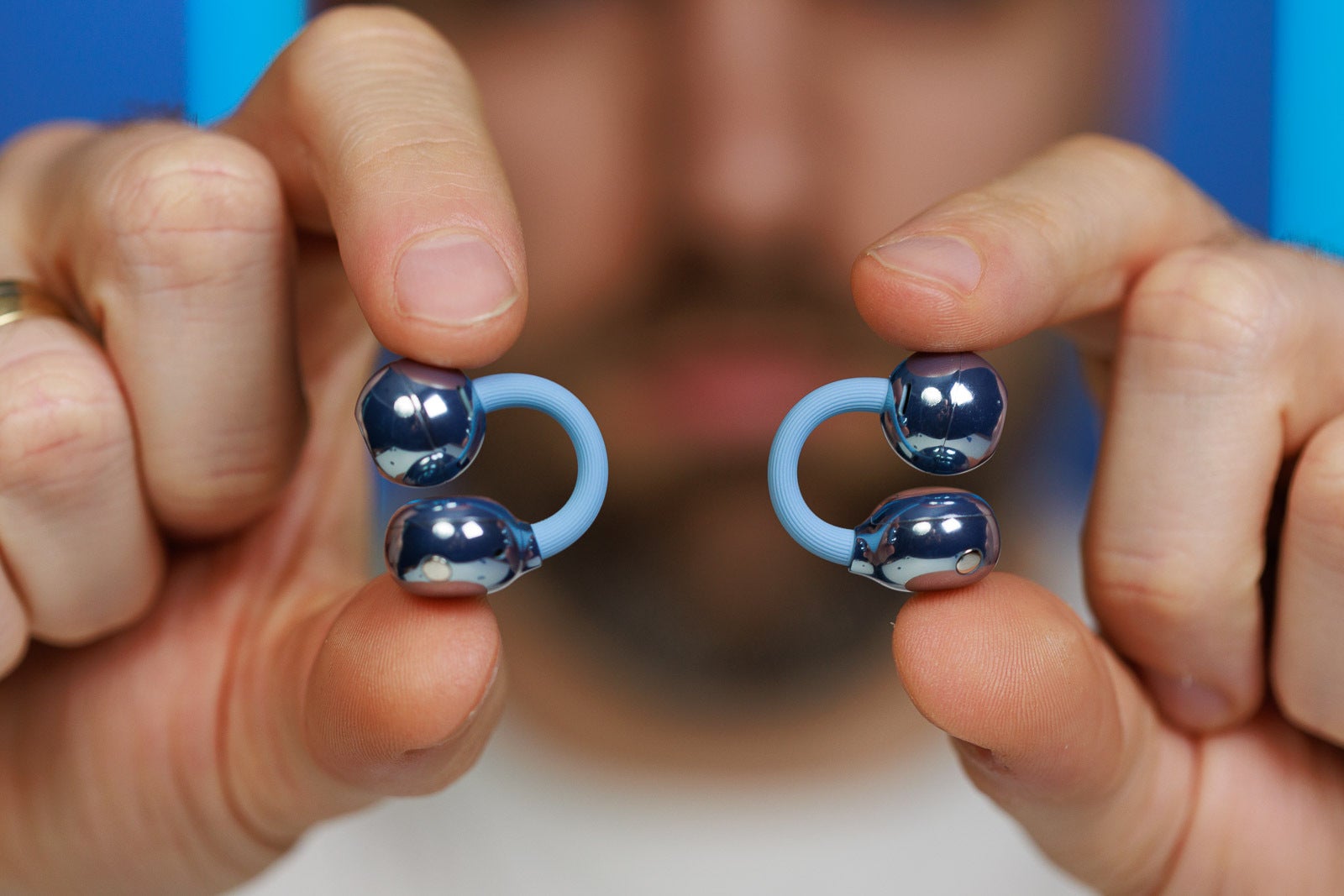
The Huawei FreeClip 2 buds feature 10.8 mm dual-diaphragm dynamic drivers, which is not a small feat considering the small size of each bud. However, due to the unique design, your sound experience may vary wildly. The placement of the driver over your ear canal will determine how punchy and bassy a song will sound.
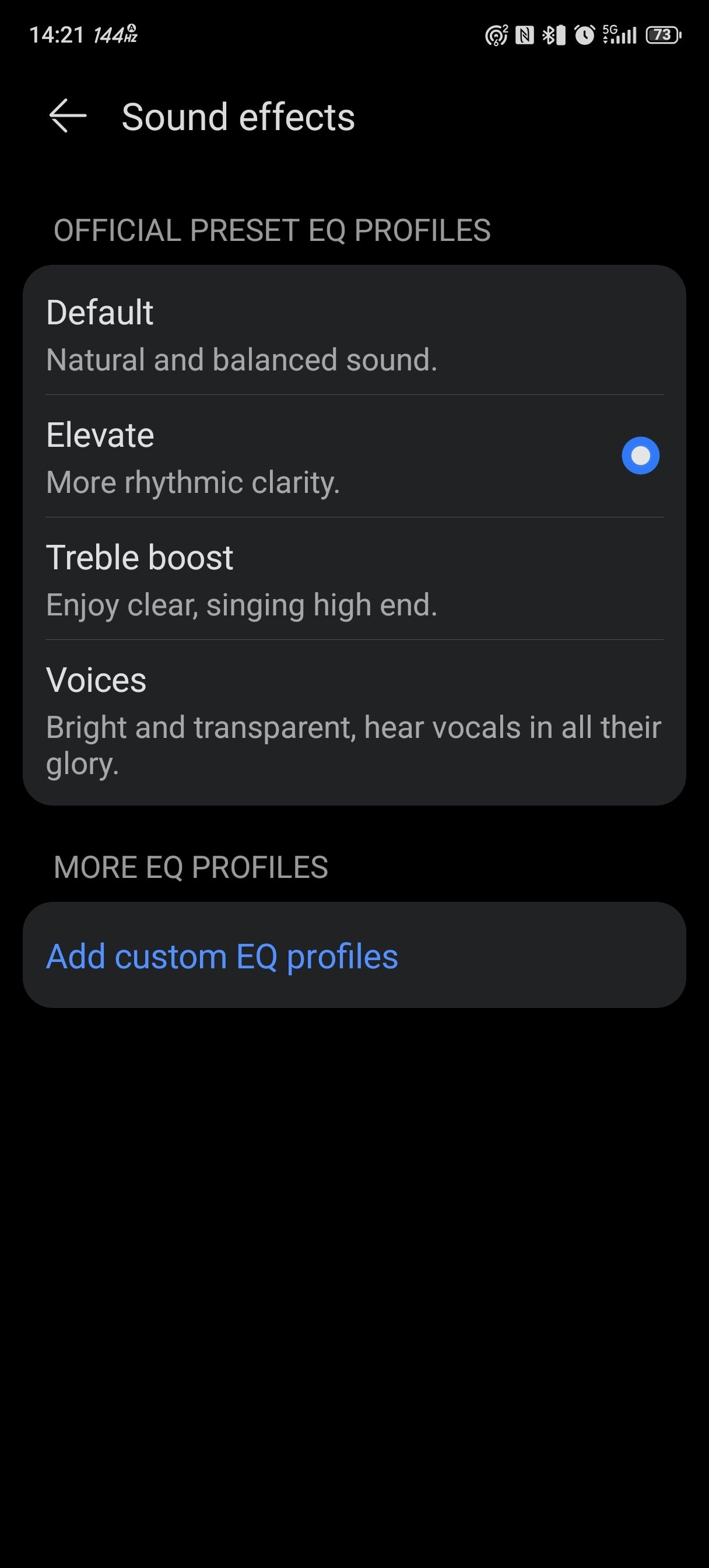
The overall sound quality is decent, but nothing to write home about. The buds sound clear, and there's enough detail to the sound. There are four sound presets in the app—default, elevate, treble boost, and voice.
On the default setting, the buds sound pretty flat, but when you switch to Elevate, some harmonic distortion creeps in, especially in the low-frequency range. Treble boost makes everything clearer, but there's some harshness at the top of the range.
The overall sound quality is decent, but nothing to write home about. The buds sound clear, and there's enough detail to the sound. There are four sound presets in the app—default, elevate, treble boost, and voice.
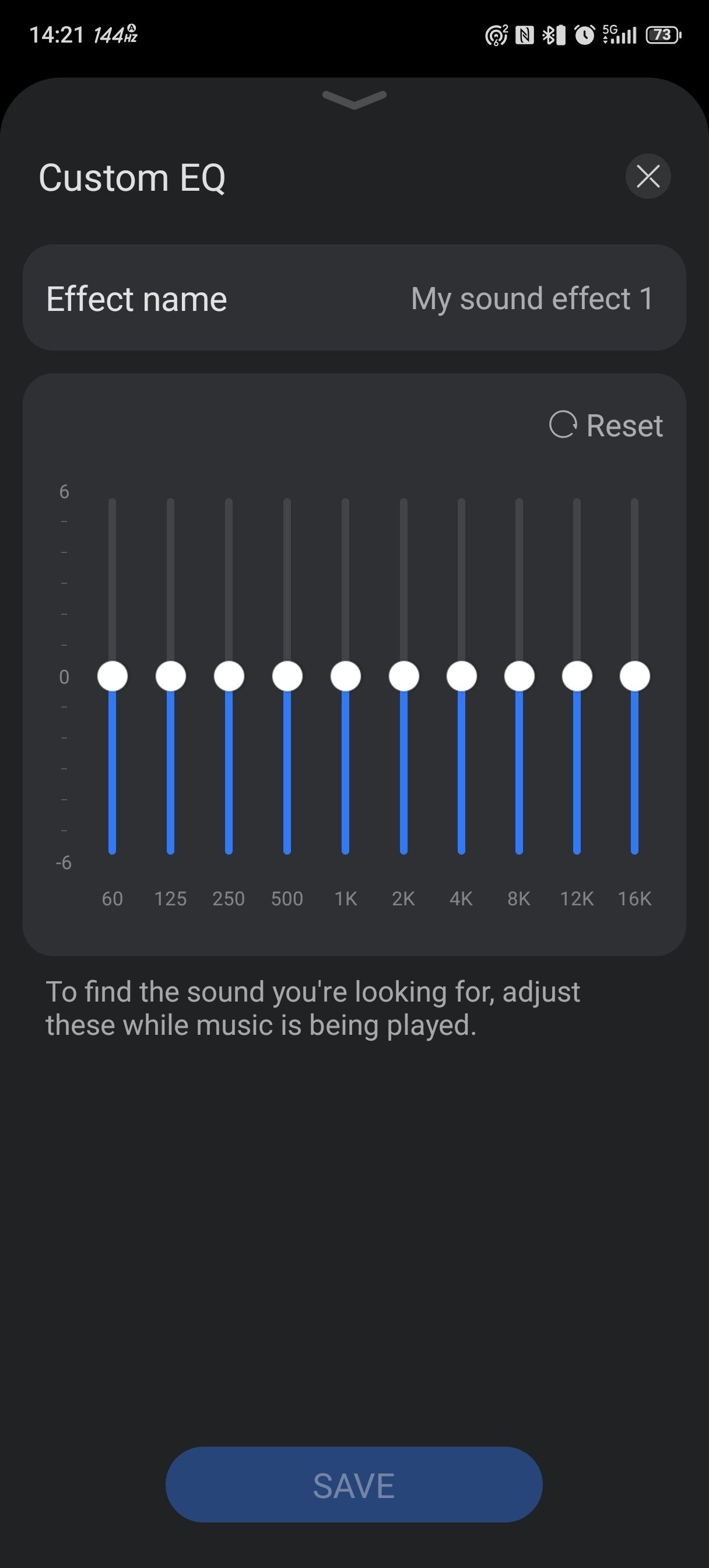

Luckily, all these sound artifacts can be dialed out by spending a minute in the EQ portion of the app. The 10-band EQ helps a ton, and in my opinion, a custom preset sounds the best. At the end of the day, however, I think competitors in the open-ear design scene, such as the Honor EarBuds Open and the Xiaomi OpenWear Stereo Pro, did a better job when it comes to sound quality.
When it comes to call quality, the FreeClip 2 performs adequately. I was able to hear the other side clearly, and my friends had no trouble hearing me when I called them. There's no noise cancellation of any kind on these buds, so the environment will play a huge role in the quality of your calls (and music, for that matter).
Battery life and charging
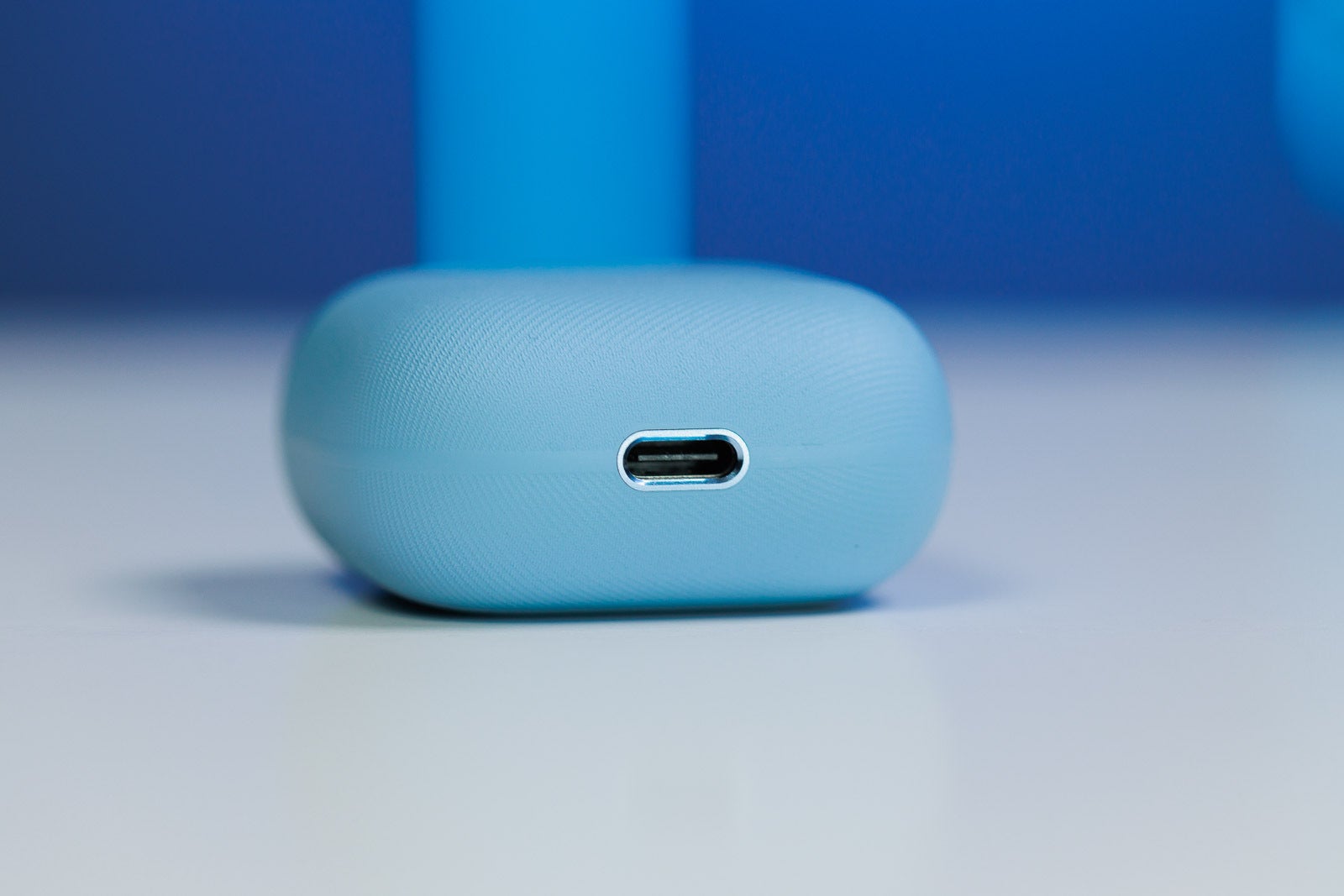
Huawei cites 9 hours of nonstop playtime for the FreeClip 2 earbuds and 38 hours if you include the charging case, which are impressive numbers considering the small size of both the buds and the case.
There's a 60 mAh battery in each bud, and the case sports a 537 mAh one, and I have no idea whether these batteries are of the new silicon-carbon type or just conventional lithium-ion ones.
I was able to get a solid 8 hours of listening time out of the buds, which is not a bad result. Given there's no active noise cancellation, and if you leave advanced features off and you don't push up the volume too much, you probably can reach the advertised 9 hours.
The case supports wireless charging, as well as charging via a USB-C cable. Wired charging takes about one hour for a full charge, while leaving the case on a wireless charging pad will take twice as long to fill the case with juice from zero to full.
I was able to get a solid 8 hours of listening time out of the buds, which is not a bad result. Given there's no active noise cancellation, and if you leave advanced features off and you don't push up the volume too much, you probably can reach the advertised 9 hours.
The case supports wireless charging, as well as charging via a USB-C cable. Wired charging takes about one hour for a full charge, while leaving the case on a wireless charging pad will take twice as long to fill the case with juice from zero to full.
Conclusion
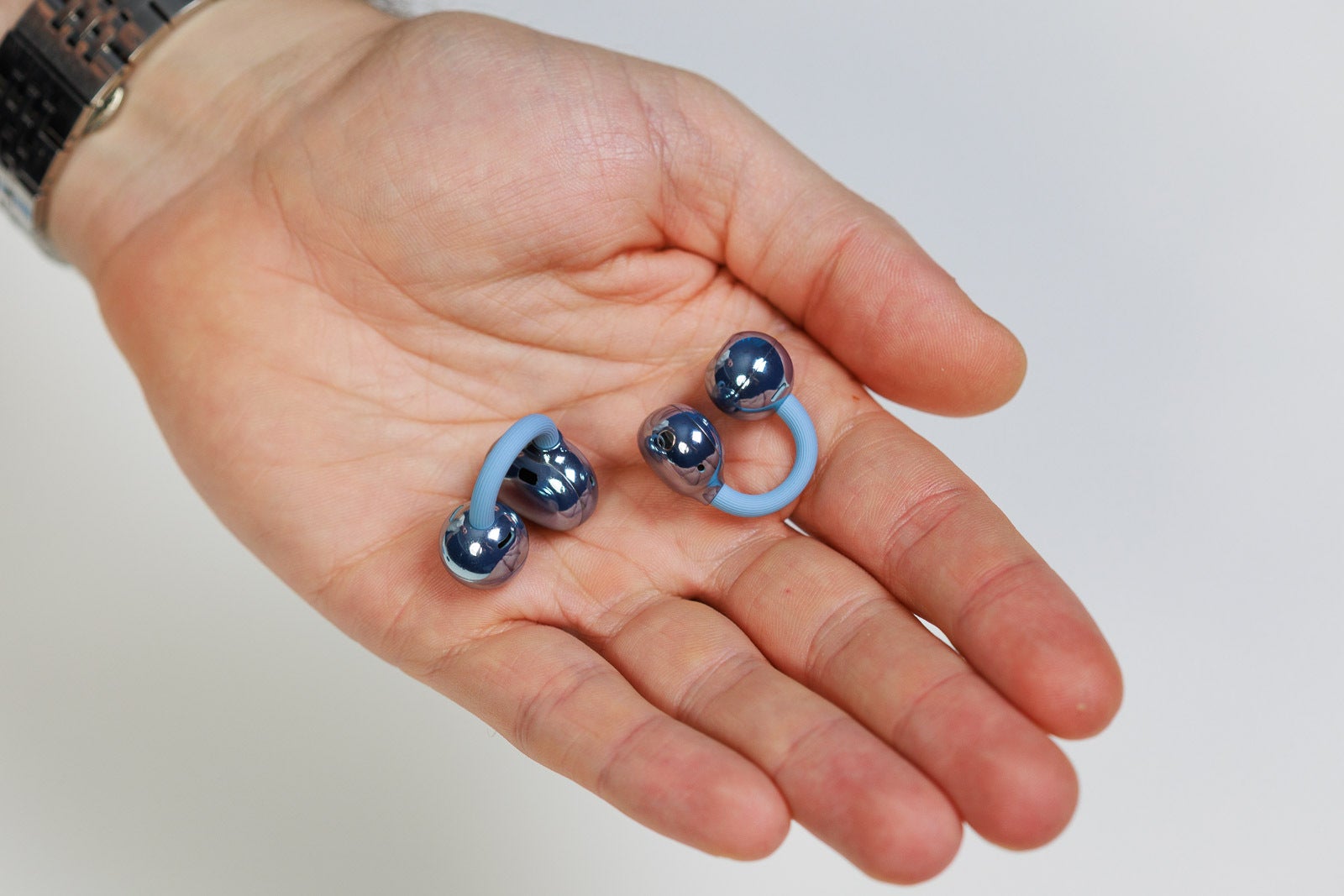
The FreeClip 2 earbuds are unique, there's no doubt about that. They feature a stylish design, long battery life, great features, and are extremely comfortable to wear. If you're a fan of the open-ear design, you might want to check these bad boys out.
Now, are the FreeClip 2 a good buy? At £179.99 ($230 approx.), these buds are not cheap. Both the aforementioned Xiaomi OpenWear Stereo Pro buds and the Honor EarBuds Open are cheaper and sound better. What the FreeClip 2 buds have that these competitors don't is unprecedented comfort.
So, if you like buds that look great, you can wear them for hours without even feeling them, and you're prepared to deal with the drawbacks, then yes, the FreeClip 2 is a good buy.


Popular stories


Latest News


Things that are NOT allowed:
To help keep our community safe and free from spam, we apply temporary limits to newly created accounts: