Both Microsoft and Samsung have announced that the support for OneDrive gallery sync is officially coming to an end. We've been getting hints about this major move for almost a year, and we now have an exact date for when this is going to happen.
Only a few months are left
Back in 2019, Samsung collaborated with Microsoft to integrate its cloud storage option, OneDrive, into its Galaxy phones. Since then, it has become the default option to back up photos and videos from the Gallery app. It's very similar to iCloud that you get in iPhones and Google Photos in Pixel devices.
The functionality is also very similar: when any item is added to Samsung Gallery, and you have the OneDrive sync enabled and are connected to an internet connection, that new item is automatically uploaded to the connected OneDrive account. The advantage of this is that you can access that image or video from anywhere and any device on which you have your OneDrive account logged in.
Sounds like a really useful feature, right? However, the collaboration between the two tech giants is finally coming to an end, as both have mentioned in their respective support forums that the OneDrive Gallery sync will end on September 30, 2026.
What does it mean for Galaxy users?
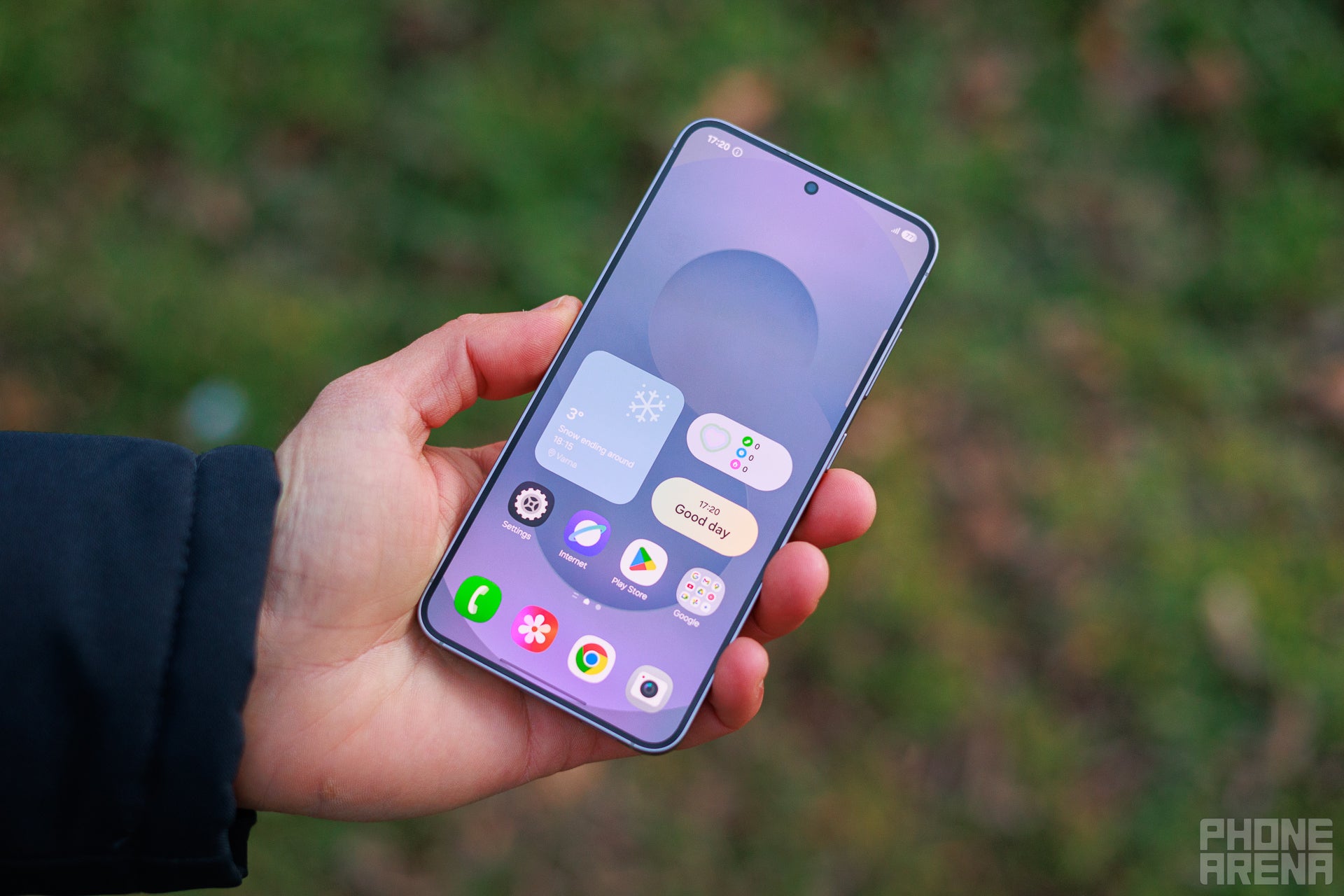
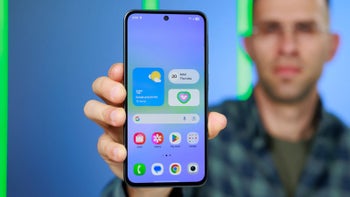
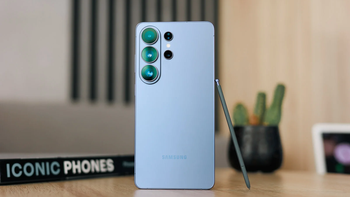
Display of the Galaxy S25. | Image by PhoneArena
There are a few things that you need to be aware of if you have been using OneDrive for backing up the data of your Samsung Gallery. The first is definitely that the whole syncing process will no longer work, meaning new images that are added to the Gallery won't be uploaded to the connected OneDrive account.
Recommended For You
Photos and videos that are stored in OneDrive will be removed from your Gallery app. However, they will still be available on the OneDrive website or through the OneDrive official app. Furthermore, you can also download the items that you want to keep on your Samsung smartphone from the OneDrive app or use the Download originals option that you see in the Gallery app.
What will you do after Samsung ends Gallery sync?
64 Votes
Continue relying on the OneDrive app.
14.06%
Switch to Google Photos.
18.75%
I'm already using Google Photos.
34.38%
Rely on local storage or an SSD backup.
32.81%
You can still back up to OneDrive
While the direct integration of OneDrive from the Samsung Gallery app is going away, you still have the option to back up your data to the Microsoft cloud storage platform. The only difference you will notice in the workflow is that, unlike before, you now need to have the OneDrive app installed on your device and have your account logged into it.
Additionally, you need to provide the app with complete rights to fully access the photos and videos on your phone. Here's exactly what you need to do:
Download and install the OneDrive app on your smartphone
Open the app and log in with your Microsoft account
Tap on your profile picture, and then select Camera backup
Select your account, and then turn on Camera backup
Allow the app to access the photos and videos stored on your device
That's about it. Everything new that will be added to the gallery will automatically be uploaded to OneDrive.
The grass is apparently greener on the other side
It isn't that Samsung or Microsoft officials woke up from a good sleep today and decided to stop the OneDrive Gallery sync that they have been offering for many years. We've been getting signs that something like this could happen since September last year. While it's not officially confirmed, I believe the decision has been taken because very few Galaxy users were in fact taking advantage of this feature.
I personally think there are better cloud storage options available. OneDrive is definitely best for someone who has been using the Microsoft software suite, but I personally prefer Google Photos, as it offers better functionality for backing up photos and videos. So, on my recently purchased S26 Plus, I am going to download Google Photos and set it as the default option to back up all my data, instead of going with the OneDrive method I mentioned above.
Free Galaxy A17 5G with Straight Talk
Get a free Galaxy A17 with Straight Talk. To claim this deal, you need to pair the phone with activation on a Silver Unlimited Plan or higher. This tier costs $45 per month. Offer valid through 01/10/27 while supplies last online.
Aman Kumar is a news writer at PhoneArena covering Google Pixel phones, Android features, AI-powered smartphone tools, and mobile tech news. Before joining PhoneArena, he spent over five years writing about consumer technology for publications like MakeUseOf, How-To Geek, and Guiding Tech. His current daily drivers are the Pixel 10 and Samsung Galaxy S26 Plus, while his red iPhone SE (2nd gen) remains a personal favorite. Aman also appreciates bold smartphone experiments and still considers the Nokia N-Gage one of the industry’s most iconic designs.
A discussion is a place, where people can voice their opinion, no matter if it
is positive, neutral or negative. However, when posting, one must stay true to the topic, and not just share some
random thoughts, which are not directly related to the matter.
Things that are NOT allowed:
Off-topic talk - you must stick to the subject of discussion
Offensive, hate speech - if you want to say something, say it politely
Spam/Advertisements - these posts are deleted
Multiple accounts - one person can have only one account
Impersonations and offensive nicknames - these accounts get banned
To help keep our community safe and free from spam, we apply temporary limits to newly created accounts:
New accounts created within the last 24 hours may experience restrictions on how frequently they can
post or comment.
These limits are in place as a precaution and will automatically lift.
Moderation is done by humans. We try to be as objective as possible and moderate with zero bias. If you think a
post should be moderated - please, report it.
Have a question about the rules or why you have been moderated/limited/banned? Please,
contact us.






Things that are NOT allowed:
To help keep our community safe and free from spam, we apply temporary limits to newly created accounts: