
Android 17 may allow Pixel users to create the home screen of their dreams
Pixel users have wanted more home screen customizations, and it might happen with the Android 17 update.
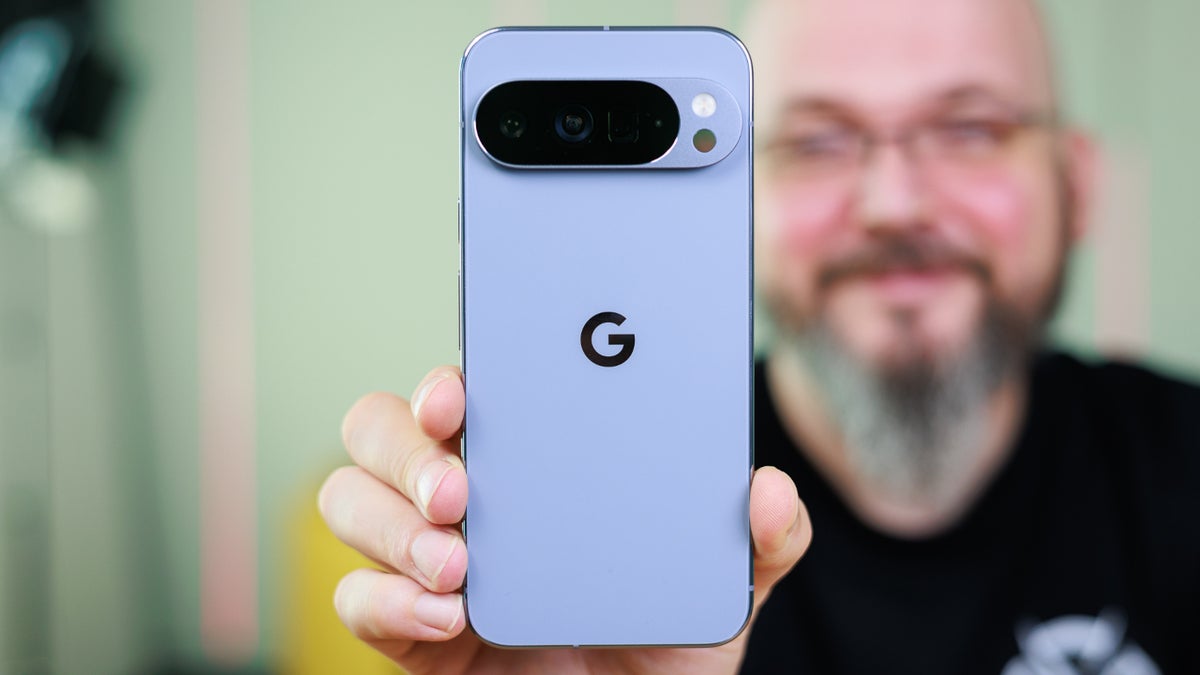
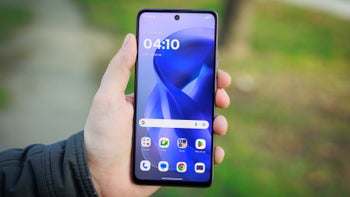
Android 17 brings more home screen customization to Pixel. | Image by PhoneArena
As a Pixel user, I don't mind seeing that Google search bar at the bottom of my home screen. In fact, I always liked the look of the Google search bar on the top of my Motorola Droid's home screen running Android 2.0.
Android has a history of showing a home screen Google search bar
Droid users had to like the Google search widget's placement at the top of the screen because the widget was permanent and could not be removed. Now, many years later, Android Authority conducted a teardown and discovered strings of code in Android 17 QPR1 Beta 2, which is an early look at the September Pixel Feature Drop.
The code mentioned things like "Customize search bar," "Search bar settings," "Show search bar," and "At the bottom of your home screen." Using Gemini and the strings of code, Android Authority was able to create a mockup of the toggle for the eagerly anticipated feature.
Why Android users don't want the Google search bar on their home screens
The settings mockup for this feature could include a toggle that users would enable if they wanted the Google search bar to appear at the bottom of their Pixel's home screen. Those who don't want the bar to appear on their Pixel handset can have it disappear by using the toggle to disable the Google search bar.
Which home screen feature would you remove on your Pixel?
40 Votes
I'd 86 the At a Glance widget.
7.5%
The home screen Google search bar.
22.5%
Both of these.
47.5%
I would not disable either one.
22.5%
Those who would prefer to remove the Google search bar from the bottom of their Pixel's home screen might be using another launcher that they like better. Another reason to remove the Google search bar is to give your Pixel's home screen a cleaner look. Another possibility is that you might opt to use the search bar in the app drawer because you would rather see the responses from that tool.
Pixel users will also be able to remove the At a Glance widget
The Google search bar isn't the only element that Pixel users might be able to remove from the home screen. The Android 17 Beta release allows users to remove the At a Glance informational widget, which is something that a number of Pixel users have wanted for years.
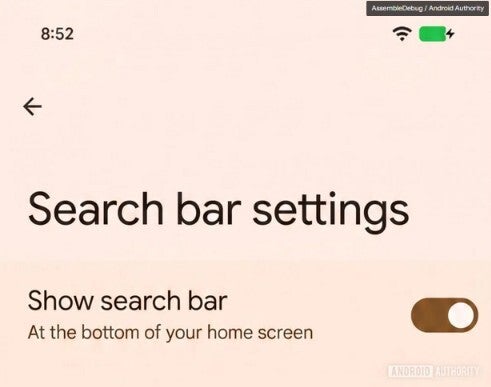
A mockup shows what the settings might look like to remove the Google search bar from the Pixel's home screen. | Image by Android Authority
I do not agree with those who would prefer not to see the At a Glance widget. The latter provides so much information that you will be alerted when an earthquake with a magnitude greater than 4.5 on the Richter scale is detected nearby.
But At a Glance does so much more as it will show you images from your doorbell camera, keep you updated on tomorrow's weather forecast, let you know how your favorite teams are doing, and keep you alerted about the market action involving your stocks. You can also track your arriving rideshare, see what calendar events are coming up while Air Quality alerts show up on the top of your screen.
Personally, I can't understand why there are Pixel users who have been demanding through the years that Google allow them to disable At a Glance. Those of you drawn to Android in general and Pixel specifically for the customization will be happy to hear that they might be able to further customize the Pixel home screen in Android 17.
When to expect the Pixel 11 line to be introduced
The Pixel 11 series is expected to be unveiled at the Made By Google event that should take place in mid-August. The line will be powered by the Tensor G6 application processor (AP), which will be manufactured by TSMC using its 2nm process node.
The Pixel 10 series showed that the line is beginning to attract more attention as the phones have become the leading AI-first handsets. The Pixel line uses AI not as a parlor trick like another leading smartphone brand, but to actually be proactive and know what info a user needs and give it to him before he asks for it.
The aforementioned other brand is supposed to offer something similar later this year, but until this company shows that it can actually deliver what it says it can, no one is actually going to believe it until he/she sees it.


Popular stories



Latest News

Things that are NOT allowed:
To help keep our community safe and free from spam, we apply temporary limits to newly created accounts: