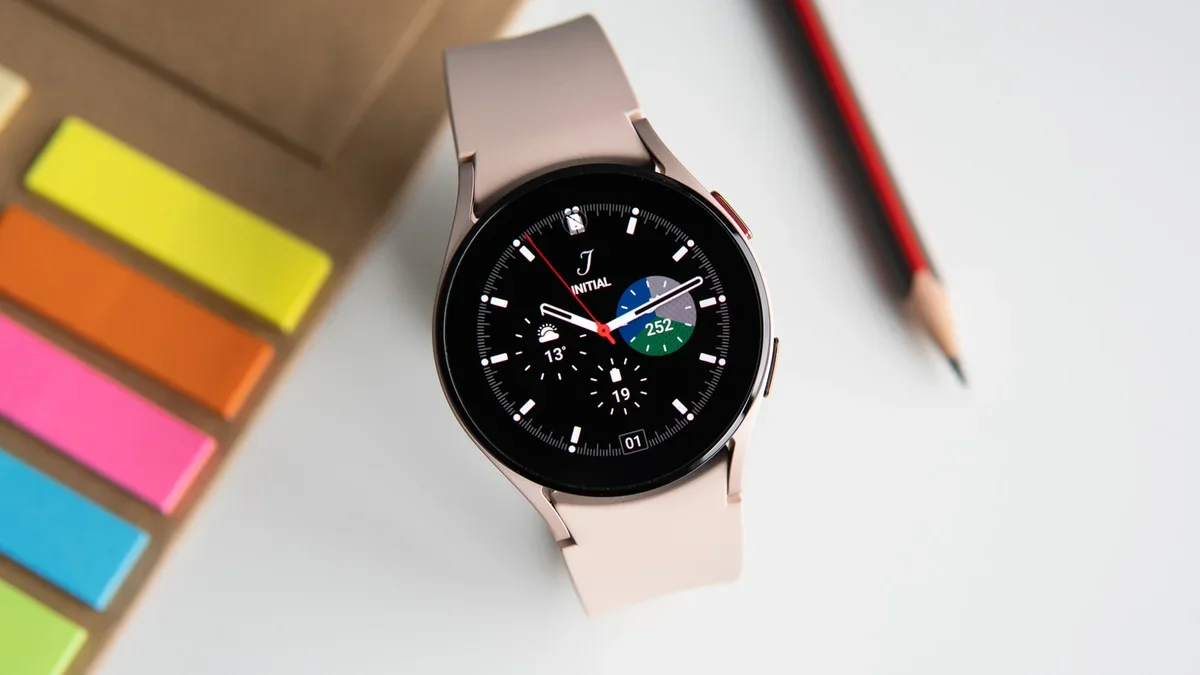
If you have noticed that your Galaxy Watch's notifications haven't stopped even after you've set them up to, you aren't the only one. A new bug is causing the "Do Not Disturb" mode to switch off on its own, but thankfully Samsung has acknowledged the glitch and provided a way to work around it.
Phantom notifications
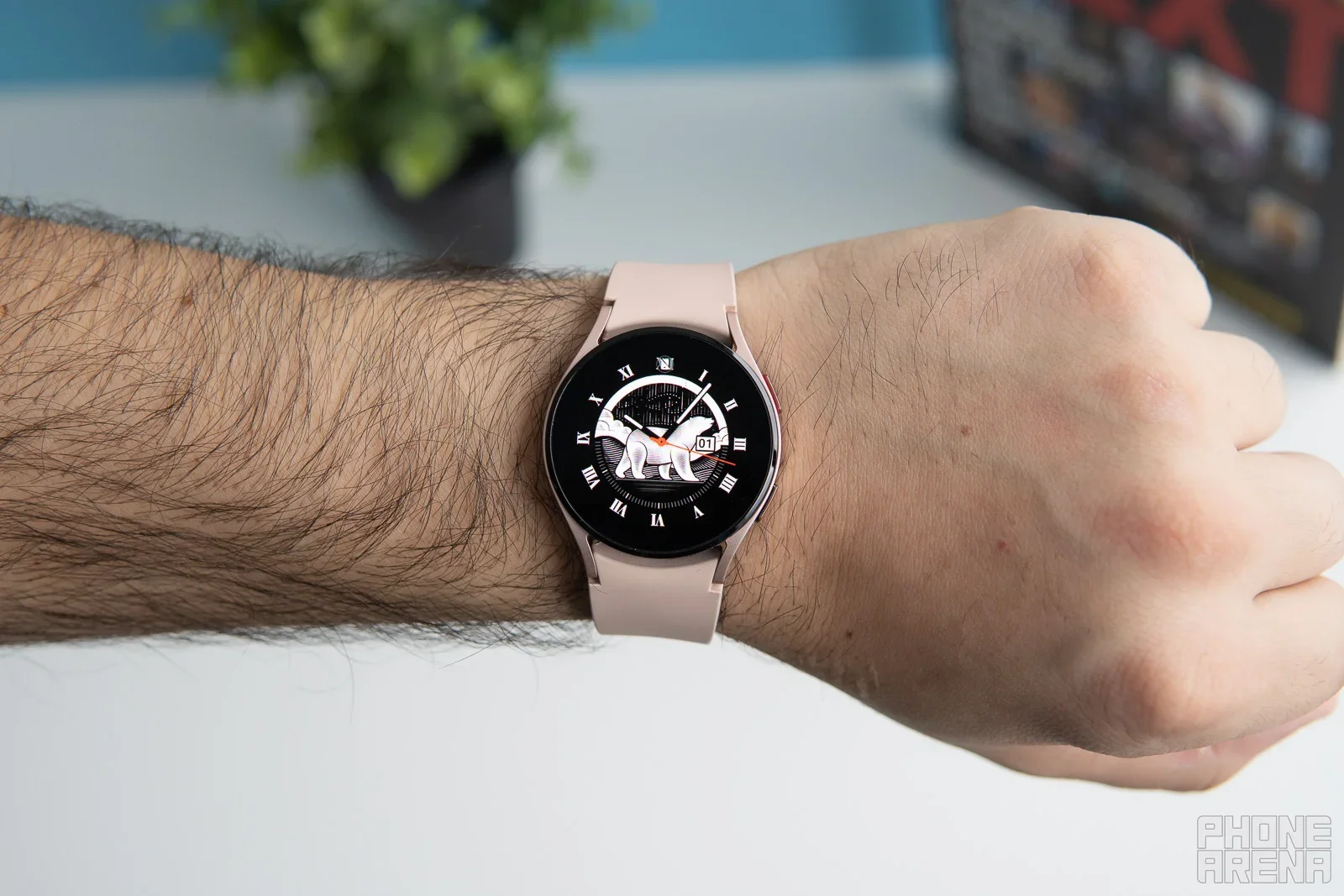
It appears that the recent update to One UI 8 on Samsung phones has brought along a bug for Galaxy Watch users. According to a new report, owners of the Galaxy Watch 4, 5, 6, 7, and even the new Watch 8 are seeing their Do Not Disturb (DND) mode deactivate itself just seconds after being turned on.
In a community post, Samsung confirmed this is happening specifically when you try to enable DND directly from the watch's Quick Settings panel and set the duration to "Until I turn it off." Instead of staying silent, the watch reverts to normal mode almost immediately. However, the company has shared a couple of temporary fixes while they work on a more permanent fix.
How to fix the DND bug temporarily
If you need your watch to respect DND mode right now, you have two simple options that bypass this glitch.
You can use your connected Galaxy phone to turn on Do Not Disturb. This will trigger the mode on your watch correctly, since the settings sync between the two devices.
You can also use the main settings on your watch instead of the Quick Settings panel. To achieve this, navigate to Notifications and toggle on Do Not Disturb from there.
For many of us, a smartwatch is as much a sleep tracker as it is a notification hub. We rely on modes like Do Not Disturb to ensure we get a good night's rest without being buzzed awake by a random email or app alert.
The issue isn't isolated to just the newest watch, as it affects models as far back as the Watch 4, which means a massive number of users are potentially dealing with this. The fact that a phone update like One UI 8 can have a cascading effect that partially cripples the functionality of your watch, serves as a dramatic reminder of how interconnected our technology has become.
How do you usually turn on Do Not Disturb?
18 Votes
I use the Quick Settings tile on my watch
11.11%
I toggle it from my phone and let it sync
33.33%
I have it set to a scheduled timer automatically
16.67%
I rarely use Do Not Disturb mode
38.89%
A temporary annoyance
Bugs are an inevitable part of modern technology, especially when major software overhauls roll out. While it is definitely frustrating to have your sleep interrupted or your focus broken, it is reassuring to see Samsung acknowledging the issue quickly rather than leaving users in the dark.
I'd say that if you rely on the Quick Settings tile for a quick theater mode or nap, this is definitely a nuisance. Hopefully, the upcoming software patch arrives sooner rather than later. Until then, make sure to keep an eye on your Galaxy Wearable app for that update notification.
Get a free Galaxy A17 with Straight Talk. To claim this deal, you need to pair the phone with activation on a Silver Unlimited Plan or higher. This tier costs $45 per month. Offer valid through 01/10/27 while supplies last online.
Johanna Romero is a Senior News Writer at PhoneArena, covering mobile technology news across Android, iOS, wearables, and the Google ecosystem she knows best. Drawing on 15 years in IT and tech support from 2007 to 2022, she brings a user-friendly eye for the practical features and lesser-known tricks readers care about. Google named her an official #TeamPixel member in 2022, and she also reviews the latest devices on her YouTube channel, JoJo the Techie.
A discussion is a place, where people can voice their opinion, no matter if it
is positive, neutral or negative. However, when posting, one must stay true to the topic, and not just share some
random thoughts, which are not directly related to the matter.
Things that are NOT allowed:
Off-topic talk - you must stick to the subject of discussion
Offensive, hate speech - if you want to say something, say it politely
Spam/Advertisements - these posts are deleted
Multiple accounts - one person can have only one account
Impersonations and offensive nicknames - these accounts get banned
To help keep our community safe and free from spam, we apply temporary limits to newly created accounts:
New accounts created within the last 24 hours may experience restrictions on how frequently they can
post or comment.
These limits are in place as a precaution and will automatically lift.
Moderation is done by humans. We try to be as objective as possible and moderate with zero bias. If you think a
post should be moderated - please, report it.
Have a question about the rules or why you have been moderated/limited/banned? Please,
contact us.












Things that are NOT allowed:
To help keep our community safe and free from spam, we apply temporary limits to newly created accounts: