Google Chrome on your phone will soon get a much needed improvement to the reading experience
No more clutter when reading articles on the go.
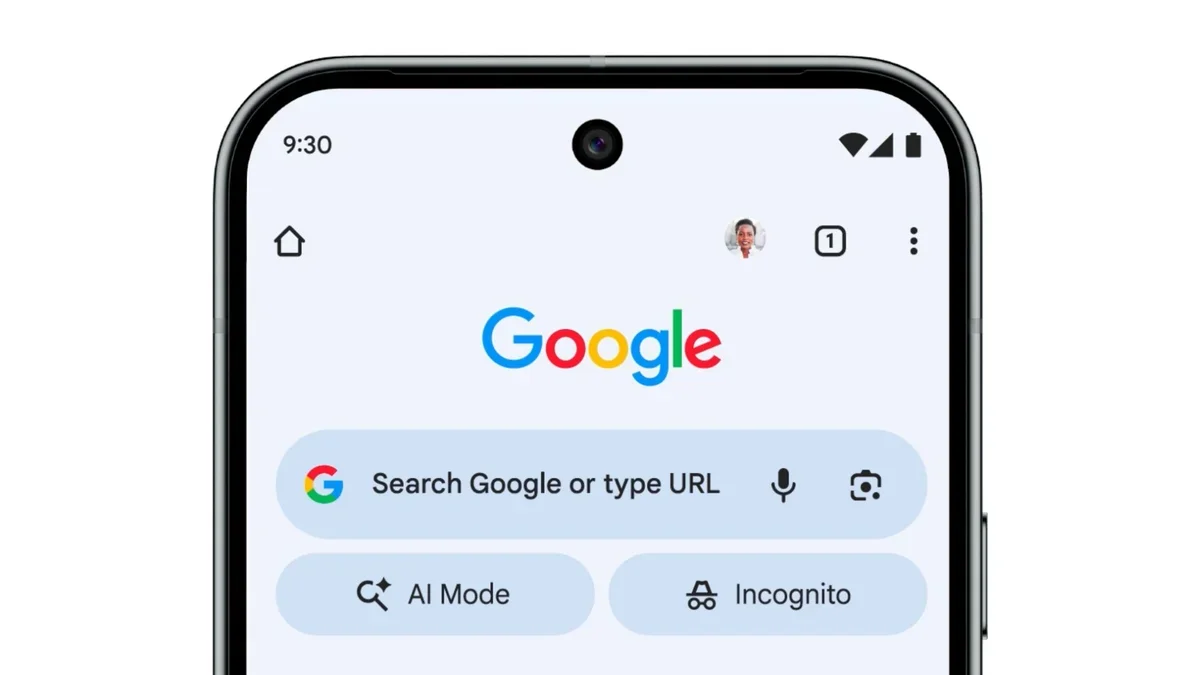
Google is rolling out a redesigned version of Reading Mode for Chrome on Android, moving the button to the main menu and giving the whole interface a cleaner look. This update makes it much easier to strip away website clutter without losing your place in the browser.
A cleaner way to read on your phone
Reading a long article on a smartphone can sometimes feel like a battle against pop-ups, ads, and weird formatting. Google knows this can be a pain, which is why a new report highlights some nice changes coming to the way we consume text on Chrome. In the past, the simplified "Reading Mode" was a bit unpredictable; a small icon would sometimes show up at the top of the screen, and clicking it would block out everything else, including your address bar.
Customizing Your View
- Background Color: You can switch the page theme to Dark, Sepia, or Light to be easier on your eyes.
- Text Size: There is a slider to make the words much larger, scaling up to 250% if you need it.
- Font Style: You have the option to toggle between different font types like Serif or Sans serif to match your preference.
Why this change is actually helpful
Chrome's old reading mode vs. new redesign. | Images credit — 9to5Google
This might seem like a small tweak, but it solves the biggest issue with the old version: consistency. Before, you never really knew if the reading button would appear. Now that it lives permanently in the main menu, you know exactly where to find it whenever a webpage gets too messy. Keeping the address bar visible is also a smart move. It stops you from feeling "trapped" in a separate reading window and makes it feel more like a natural part of browsing the web.
Do you use simplified reading views on your phone?
101 Votes
Yes, I use them for almost every article.
19.8%
Only when a website is way too cluttered.
19.8%
No, I stick to the original website layout.
18.81%
I honestly didn't know this feature existed.
41.58%
My take on the redesign
Personally, I think this is a welcome change that makes a neglected feature actually usable. I used to ignore the old reading mode because the fullscreen takeover felt a bit jarring, almost like I had accidentally opened a different app. Plus, the old button was inconsistent—sometimes it was there, sometimes it wasn't. Putting it in the menu adds one extra tap, but knowing it is always there is worth it.
I also appreciate that it doesn't hide the web address anymore. It keeps you grounded in the browsing experience. While this is currently showing up for people on the latest version of Chrome, it might take a little time to reach every single phone. It is also still behind an experimental flag (chrome://flags/#reader-mode-improvements).
If you do a lot of reading on the go, this is definitely something that will make your life a little easier. Hopefully, it makes it to the stable channel as a permanent feature soon.


Popular stories






Latest News





Things that are NOT allowed:
To help keep our community safe and free from spam, we apply temporary limits to newly created accounts: