The AirDrop-style file-sharing feature between Android and iPhone, which is currently exclusive to the Pixel 10 series, could soon arrive on older Pixel models as well.
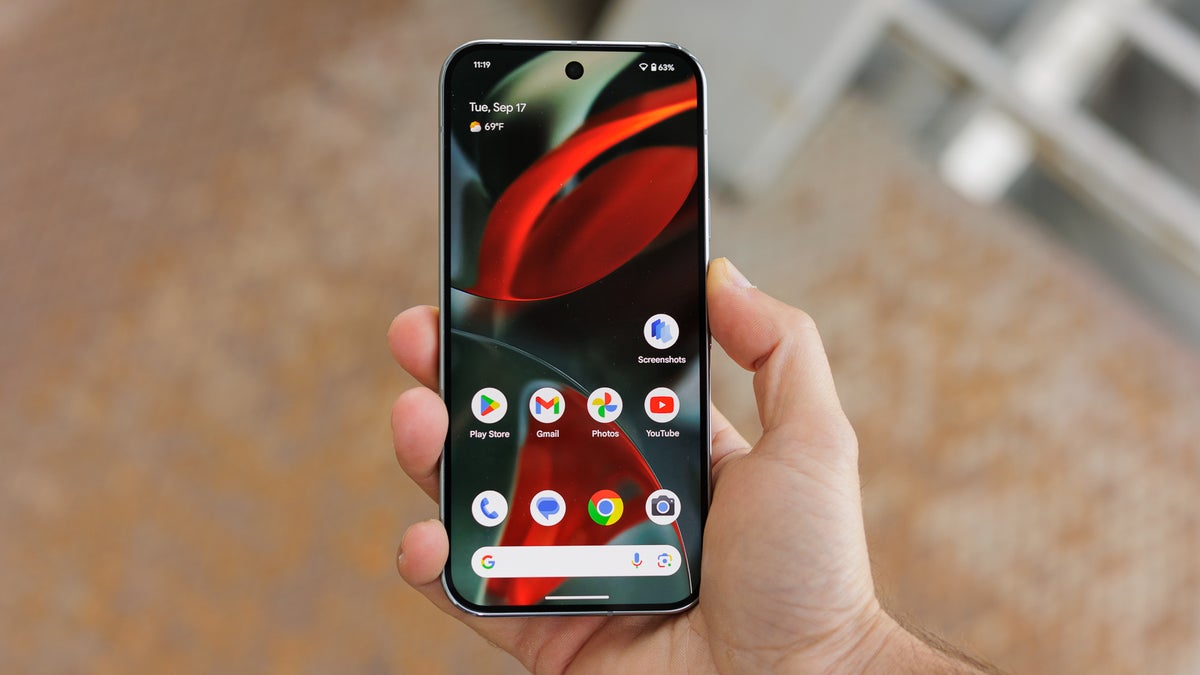
Quickly share files between Pixel and iPhone
In November last year, Google dropped an unexpected bombshell by announcing that its Pixel phones would now be able to transfer files to iPhones using AirDrop. However, the capability was limited to the latest Pixel 10 series.
Google might be looking to expand the feature to more devices, as a new report suggests it could be coming to the Pixel 9 series as well. The system files required for the feature to work have reportedly been spotted in the latest Android Canary build (ZP11.251212.007) for the Pixel 9 series.
However, it's worth noting that the required files were not found in the affordable model of the Pixel 9 lineup, the Pixel 9a. The files were also missing from the firmware of older Pixel models, including the Pixel 8 and Pixel 8 Pro.
The appearance of Quick Share files needed to send files from Android to iPhones on the Pixel 9 series indicates that Google is keeping its promise of bringing the feature to older Pixel models as well. However, it's hard to comment on when this capability will be publicly available in a stable build. One main reason behind that is that Google itself has not shared a specific timeline for when this feature will land on more Pixel devices.
Recommended For You
Still, if I had to take a guess, I would say the feature could become available with Android 16 QPR3, or Google could roll it out with Android 17. However, it will be interesting to see if the tech giant follows the same approach of bringing the feature to only a particular Pixel line again, or introduces it across multiple Pixel series phones together.
How Google made AirDrop work on Pixel phones
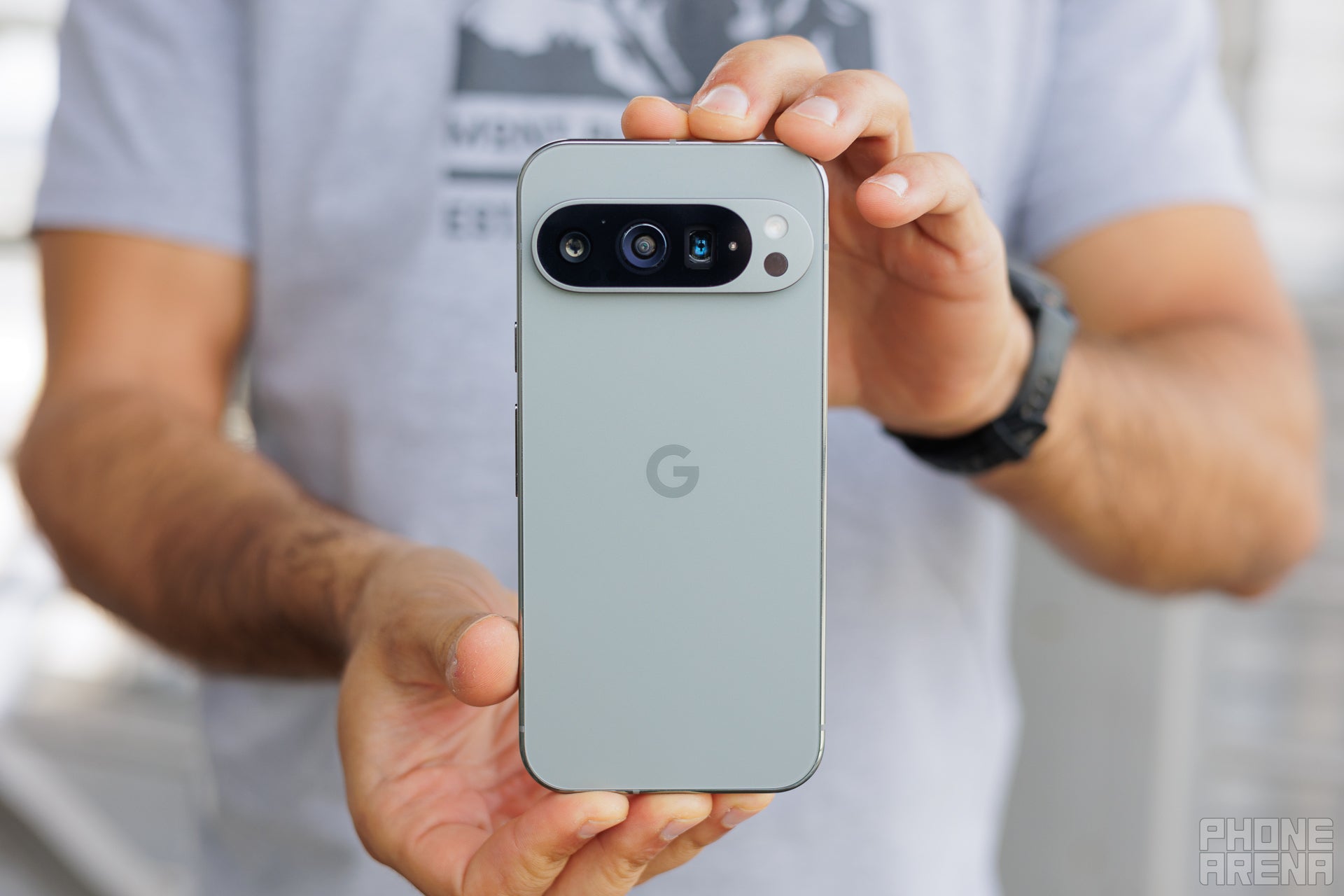
Back of the Pixel 9 Pro. | Image by PhoneArena
Since AirDrop used to be one of Apple's exclusive features, you may wonder what happened behind the scenes that now allows it to work with Pixel 10 devices as well. The major credit for this goes to the European Union.
Let's start with the basics. You've probably heard about Apple's Continuity features, which allow you to seamlessly transfer data between different Apple devices that are connected to each other. These Continuity features, like AirDrop, rely on Apple Wireless Direct Link (AWDL), one of Apple's proprietary protocols, which manages the connection between two Apple devices and shares data between them.
Since AWDL wasn't a standard that any other company, like Google, could use, the AirDrop feature was limited to Apple devices for so long. However, in early 2025, the European Union passed a ruling that required Apple to adopt the Wi-Fi Aware standard with iOS 26 and iPadOS 26 instead of its default AWDL protocol.
The Wi-Fi Aware standard has been part of Android since version 8.0. As a result, Android's Quick Share feature now works with Apple's AirDrop, provided the iPhone or iPad you're using runs iOS 26 or iPadOS 26, respectively. Since Android 8.0 is quite old, most Android smartphones today are technically capable of this feature. It's now up to manufacturers to decide when they introduce it on their devices.
Which method do you use to transfer files between iPhone and Android?
14 Votes
Through apps like WhatsApp.
35.71%
Dedicated transfer apps.
57.14%
Using cloud platforms like Google Drive.
7.14%
The old Bluetooth method.
0%
Transferring files has never been this easy
I still remember the days when my iPhone friends used to share photos with each other through AirDrop, while I stayed quiet in one corner with my Pixel 10. The only option I had was to transfer photos through platforms like WhatsApp by converting them into document format to ensure the quality wasn't lost in the transfer.
But with Quick Share's interoperability with Apple's AirDrop, I can now easily share photos and other files between my Pixel 10 and my friend's iPhone. I'm really hopeful that this feature will soon be introduced to more Pixel devices as well, especially since its files have been spotted in the Pixel 9 series too.
Mint Mobile's 6-month plans now cost $10/mo
$10
/mo
$35
$25 off (71%)
Mint Mobile is celebrating its 10-year anniversary with a special offer on its six-month subscription plans. For a limited time, you can get your preferred tier (6GB, 17GB, 23GB or unlimited) for just $10/mo. That saves you between 50% and 71% on the carrier's mobile plans, making it way easier to recommend.
Aman Kumar is a news writer at PhoneArena covering Google Pixel phones, Android features, AI-powered smartphone tools, and mobile tech news. Before joining PhoneArena, he spent over five years writing about consumer technology for publications like MakeUseOf, How-To Geek, and Guiding Tech. His current daily drivers are the Pixel 10 and Samsung Galaxy S26 Plus, while his red iPhone SE (2nd gen) remains a personal favorite. Aman also appreciates bold smartphone experiments and still considers the Nokia N-Gage one of the industry’s most iconic designs.
A discussion is a place, where people can voice their opinion, no matter if it
is positive, neutral or negative. However, when posting, one must stay true to the topic, and not just share some
random thoughts, which are not directly related to the matter.
Things that are NOT allowed:
Off-topic talk - you must stick to the subject of discussion
Offensive, hate speech - if you want to say something, say it politely
Spam/Advertisements - these posts are deleted
Multiple accounts - one person can have only one account
Impersonations and offensive nicknames - these accounts get banned
To help keep our community safe and free from spam, we apply temporary limits to newly created accounts:
New accounts created within the last 24 hours may experience restrictions on how frequently they can
post or comment.
These limits are in place as a precaution and will automatically lift.
Moderation is done by humans. We try to be as objective as possible and moderate with zero bias. If you think a
post should be moderated - please, report it.
Have a question about the rules or why you have been moderated/limited/banned? Please,
contact us.










Things that are NOT allowed:
To help keep our community safe and free from spam, we apply temporary limits to newly created accounts: