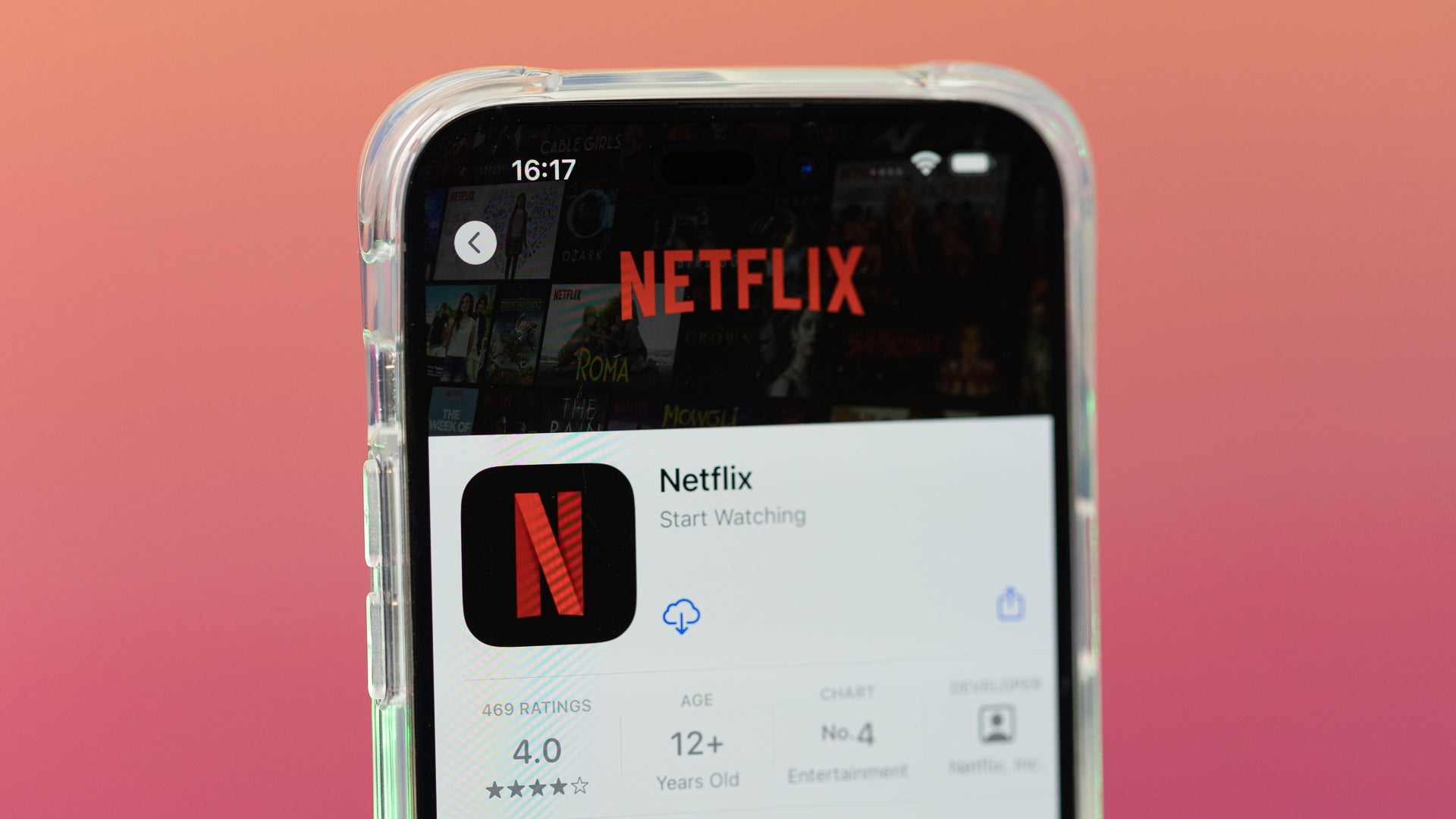
One of the easiest ways to watch a Netflix show is to find it on your mobile device and cast it to a screen nearby. However, Netflix is now killing that feature for almost every modern TV without giving any specific reason for the move.
Netflix kills casting from its mobile apps to almost all modern TVs.
You won’t be able to cast Netflix shows from mobile devices to practically any modern TV, reports Android Authority. A Netflix help page says that the app “no longer supports casting shows from a mobile device to most TVs and TV-streaming devices.” Instead, users need to resort to the remote of their TV or streaming device to navigate through the Netflix app.
The only exception is casting to older Chromecast devices and TVs that support Google Cast. Netflix clarified that only users on its ad-free plans will be able to cast to those devices. Anyone who owns a Google TV Streamer, Chromecast with Google TV, or an Android TV-powered television won’t be able to cast Netflix from its mobile app.
Not exactly a surprising move from Netflix
Netflix dropped AirPlay support years ago. | Image by Image credit – PhoneArena
As baffling as it may feel to some, that move isn’t a shocker. Netflix had already removed support for Apple’s AirPlay feature in 2019. At the time, the company said it was because it couldn’t distinguish the different devices that support AirPlay, which stopped it from providing the highest-quality viewing experience on every device.
Recommended For You
How do you use Netflix?
39 Votes
Mostly casting from my phone
10.26%
I use both the TV app and casting from my phone
7.69%
I use mostly the TV app
61.54%
I watch mostly on my phone or other mobile device
2.56%
I don’t use Netflix
17.95%
The company’s ad-supported tier, which was launched in 2022, has never supported Google Cast and Chromecast-only devices. The “Basic with ads” plan used to allow casting to Google TV-equipped devices, including both the 4K and HD versions of the Chromecast with Google TV.
It’s about the extra screens
Netflix is very strict when it comes to password sharing and using your account on TVs in different locations. Casting from your phone was the safest workaround, especially when you travel or visit friends you want to watch something with.
Now, watching Netflix on a hotel TV would be much more complicated, making me reconsider my subscription.
Tello Halloween Promo: $10GB for $10/mo
Don’t miss this scary-good deal: 10 GB for $10/mo. Save $5/mo for your first 3 months. Offer valid now through November 9, 2026.
Ilia, a tech journalist at PhoneArena, has been covering the mobile industry since 2011, with experience at outlets like Forbes Bulgaria. Passionate about smartphones, tablets, and consumer tech, he blends deep industry knowledge with a personal fascination that began with his first Nokia and Sony Ericsson devices. Originally from Bulgaria and now based in Lima, Peru, Ilia balances his tech obsessions with walking his dog, training at the gym, and slowly mastering Spanish.
A discussion is a place, where people can voice their opinion, no matter if it
is positive, neutral or negative. However, when posting, one must stay true to the topic, and not just share some
random thoughts, which are not directly related to the matter.
Things that are NOT allowed:
Off-topic talk - you must stick to the subject of discussion
Offensive, hate speech - if you want to say something, say it politely
Spam/Advertisements - these posts are deleted
Multiple accounts - one person can have only one account
Impersonations and offensive nicknames - these accounts get banned
To help keep our community safe and free from spam, we apply temporary limits to newly created accounts:
New accounts created within the last 24 hours may experience restrictions on how frequently they can
post or comment.
These limits are in place as a precaution and will automatically lift.
Moderation is done by humans. We try to be as objective as possible and moderate with zero bias. If you think a
post should be moderated - please, report it.
Have a question about the rules or why you have been moderated/limited/banned? Please,
contact us.















Things that are NOT allowed:
To help keep our community safe and free from spam, we apply temporary limits to newly created accounts: