
Samsung Galaxy Watch 3 review
We may earn a commission if you make a purchase from the links on this page.
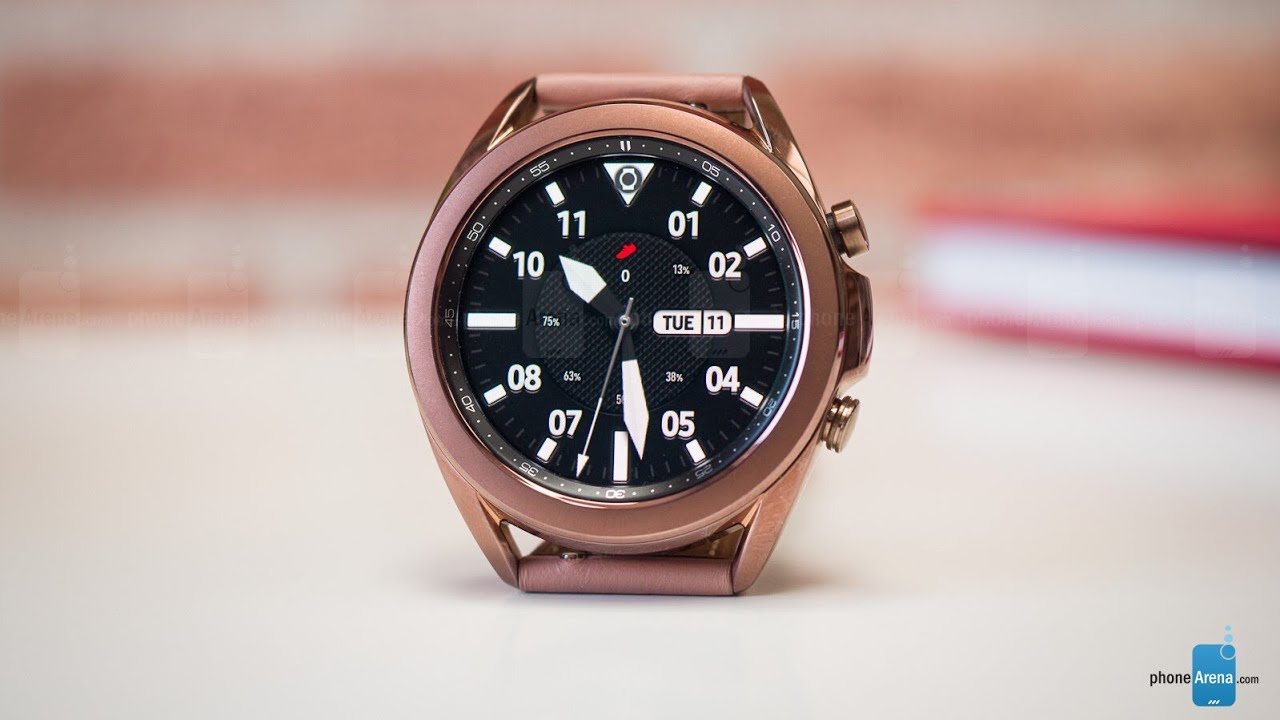

Fitness buffs will be happy to know that it supports a huge number of fitness activities for tracking, and its functionality can further be expanded by downloading apps directly on the smartwatch via the Galaxy Store. And aside from the occasional stutters and unimpressive battery life, the Galaxy Watch 3 does everything it sets out to do, and any type of user will likely find use in it.
Design & Style
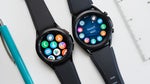
The Samsung Galaxy Watch 3 comes in three colors – Mystic Black, Mystic Silver and Mystic Bronze. It is also available in two sizes, 45mm and 41mm, and in two connectivity variants – one with Bluetooth, WiFi, and GPS, and one that adds LTE on top of that. We have the 41mm, non-LTE model in for review.
The Galaxy Watch 3 sports a rotating bezel – arguably the perfect, most convenient way to interact with a smartwatch. It feels satisfyingly smooth and responsive to use. In addition, the smartwatch has two physical buttons on its right size, with the top one serving as a "Back" button, and the bottom one used for turning the smartwatch on or going back to the home screen.
Display & Watch Faces
The colorful OLED display on the Samsung Galaxy Watch 3 is impressively bright, so interacting with the smartwatch in sunlight should never be an issue. The Gorilla Glass that covers the screen is also noticeably fingerprint-resistant, which is a welcome surprise.
In the watch options menu is also a toggle for always-on display which, when enabled, will keep your watch face visible at all times at the expense of battery life. But even with the option off, the smartwatch turns on when you lift your wrist and look at it, and is generally well capable of detecting that motion.
Software, Health and Performance
The Galaxy Watch 3 runs on Samsung's Tizen operating system, which was also used in previous Samsung Gear and Active smartwatches. And while it mostly provides a smooth and intuitive experience, there are the occasional tiny stutters when navigating through the interface. However, those are rare, barely noticeable and don't hinder the experience, so most people won't even notice anything.
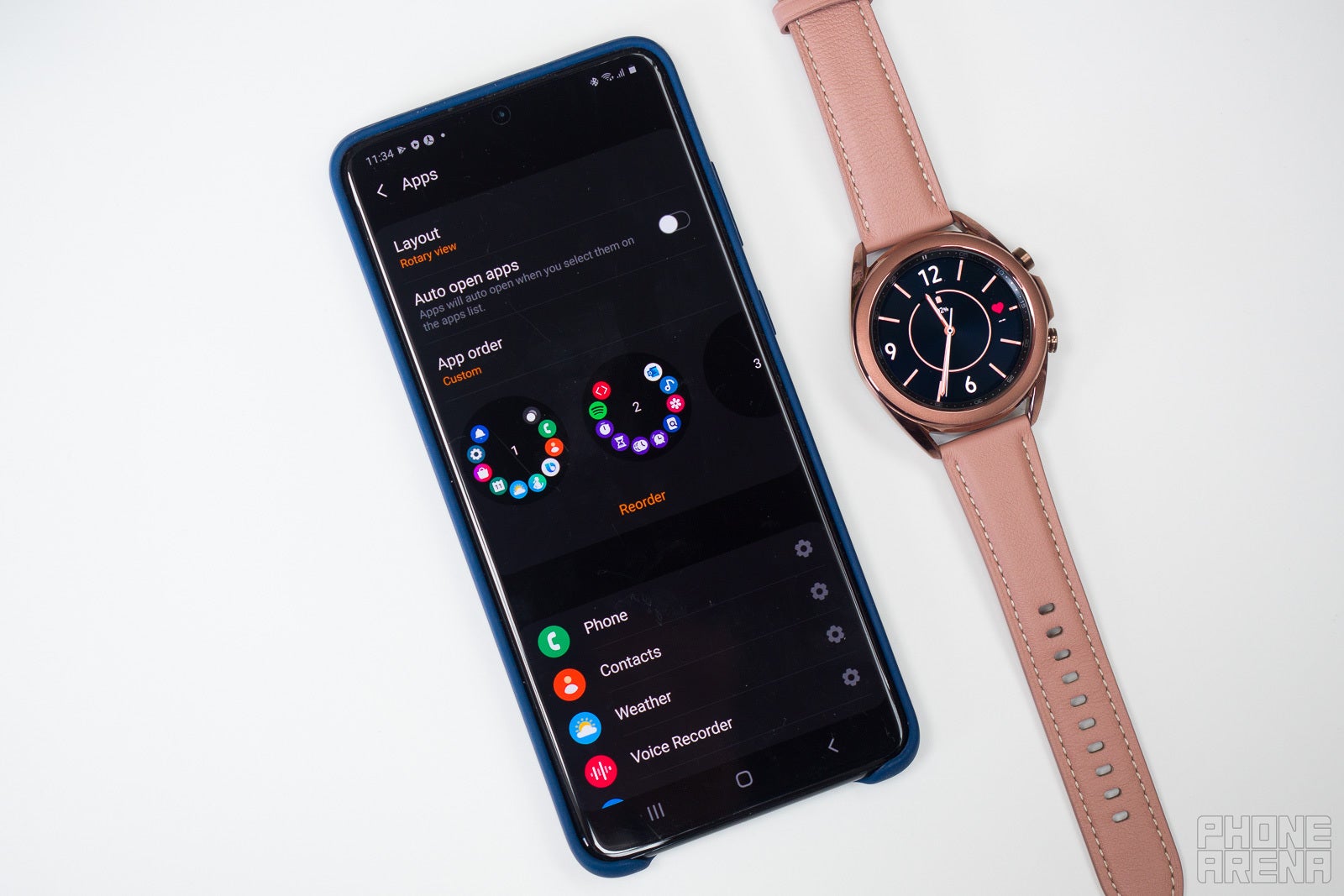
Galaxy Watch 3 pairing
Pairing the Galaxy Watch 3 is possible with both Android smartphones and iPhones. On Samsung phones, the Galaxy Wearable app will launch in order to set up, configure and update the smartwatch, while on iOS there's the alternative Samsung Galaxy Watch app which delivers a more limited set of abilities.
Galaxy Watch 3 notifications
After you enable notifications for your smartphone's apps of choice, the Galaxy Watch 3 will use haptic feedback to inform you when new ones arrive. The notification interface is quite rich in color and information. For example, during an Instagram conversation, it showed me the name and profile picture of the sender, along with some previous messages, not just the latest one.
So overall, the level of interactivity with notifications on the Galaxy Watch 3 is more than satisfactory, and all the options work surprisingly well.
Widgets
As previously mentioned, when you scroll to the right of your home screen, you'll access all of the widgets you've installed (or are pre-installed). The pre-installed ones include health, sleep and fitness tracking, weather information and music players.
Via the available "Add widget" option, you can also add an alarm, a calendar or list with upcoming events and appointments, a contacts list, reminders, food calorie tracking, heart rate monitoring and more. The widgets are all interactive and look great on the Galaxy Watch 3's OLED display.
Galaxy Watch 3 sleep and fitness tracking
The Galaxy Watch 3 comes with workout tracking support for a wide range of activities. It can time your workouts and show you a list of stats, such as distance travelled (where applicable), heart rate information, calories burned, and other useful intel. During a workout, immediate access to a music player is also always available, just in case you need an energy boost from your favorite songs.
It's also noteworthy that during swimming activities, a "water lock" feature gets enabled, and once you're done doing laps, the smartwatch goes through a short water-ejection process by producing sounds from its speaker.
For the user's safety, Samsung has implemented trip detection on the Galaxy Watch 3. Thanks to that, the smartwatch can notify an emergency contact and send them your location if it detects a fall during a workout.
Apps
Among the pre-installed apps are Bixby, Spotify, Samsung Pay, and interestingly, Microsoft Outlook. If you have the Outlook app on your phone, you'll be able to access your Outlook emails, adding to the productivity angle of the Galaxy Watch 3. You can only reply to Outlook emails with predetermined short replies, though.
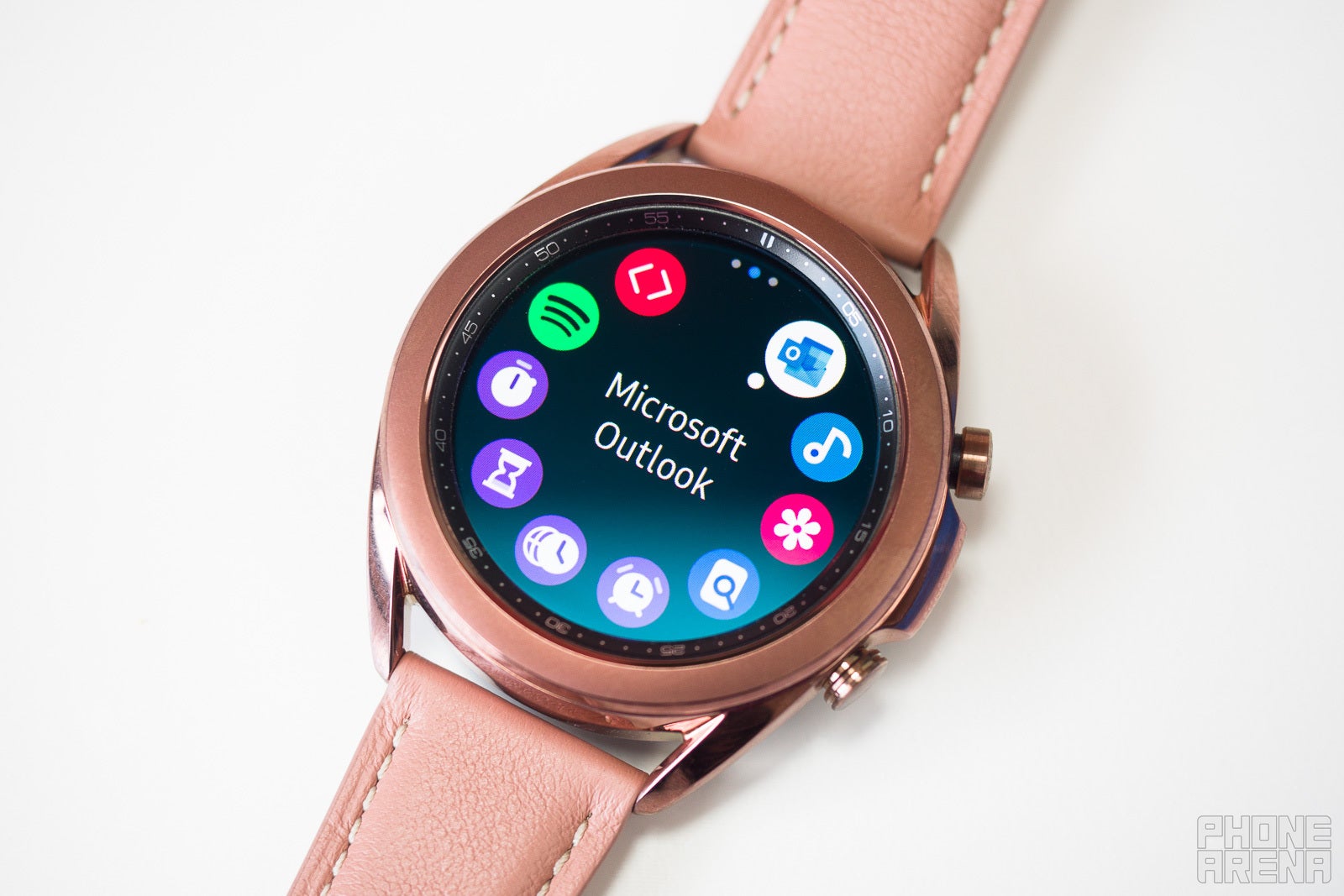
The Galaxy Store is also available on the smartwatch, allowing users to find and install other fun and useful apps on the Galaxy Watch 3. I wasn't able to find SoundCloud or YouTube, but a calculator, a remote camera control app and news apps are on there.
In the Galaxy Store list of essential apps, there's Samsung's internet browser, which is oddly fun to use on a tiny screen. For the novelty, I tried and was able to play YouTube videos on it. It was also a good opportunity to see how the speaker on the Galaxy Watch 3 sounds – quite tinny, but it gets the job done.
Another app that may prove to be useful, especially to travellers, is the Watch Translator. It will do just that – help you communicate in other languages by translating speech on the fly. It even speaks translated sentences out loud.
Samsung's email app, a GearVR controller, an Uber app and more can also be downloaded directly on the Galaxy Watch 3.
Galaxy Watch 3 battery life
The battery life on the Galaxy Watch 3 is decent, but not impressive. Power users should expect about a day on a single charge, while light users may be able to squeeze two or three days. Note that we were able to test the smaller 41mm version, so the 45mm one may have a longer-lasting battery. We also had always-on display off.
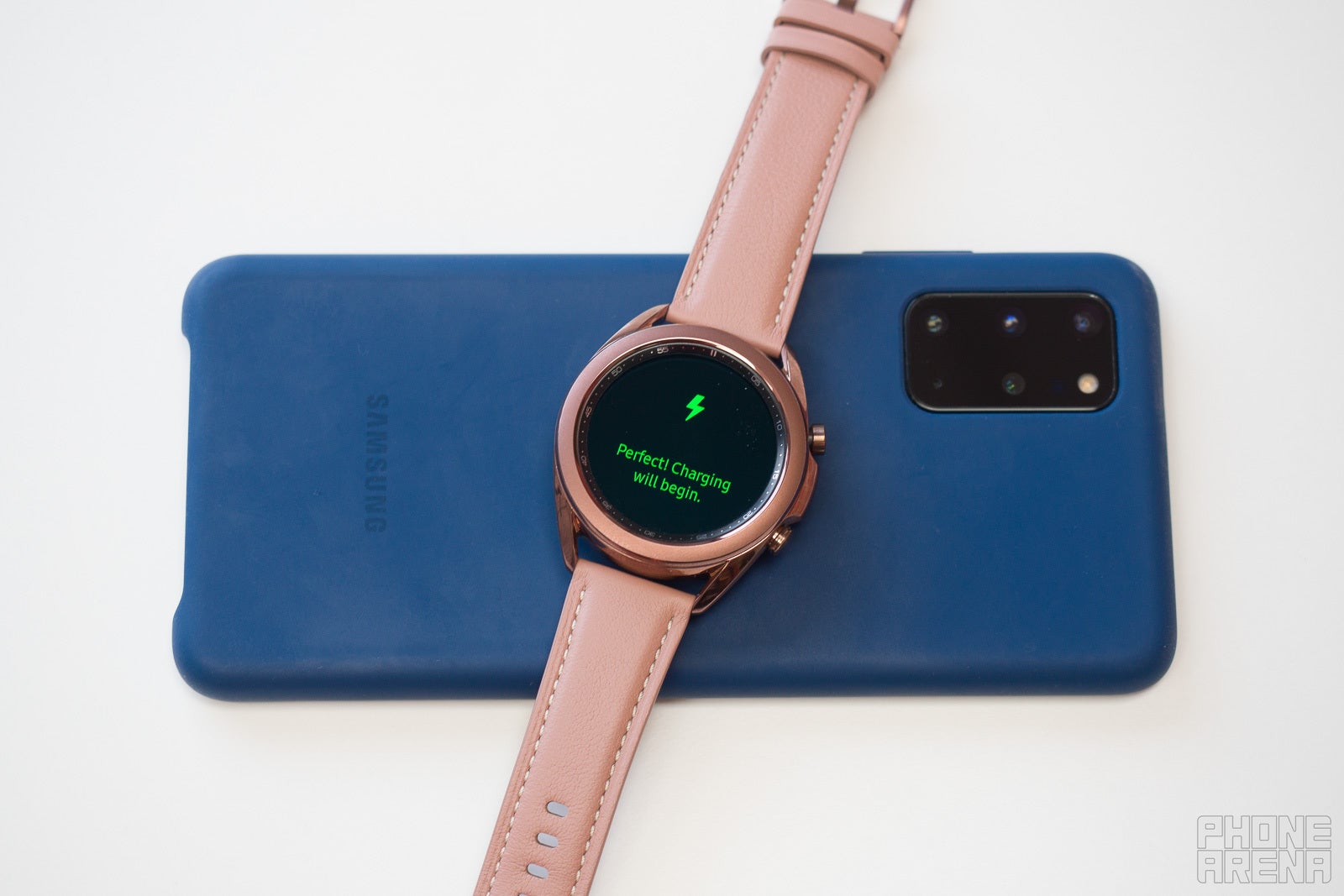
You also get cutesy greetings from a smiley face when taking your smartwatch off the charger, which adds a touch of character to the Galaxy Watch 3, and positive energy to your mornings.


Popular stories


Latest News






Things that are NOT allowed:
To help keep our community safe and free from spam, we apply temporary limits to newly created accounts: