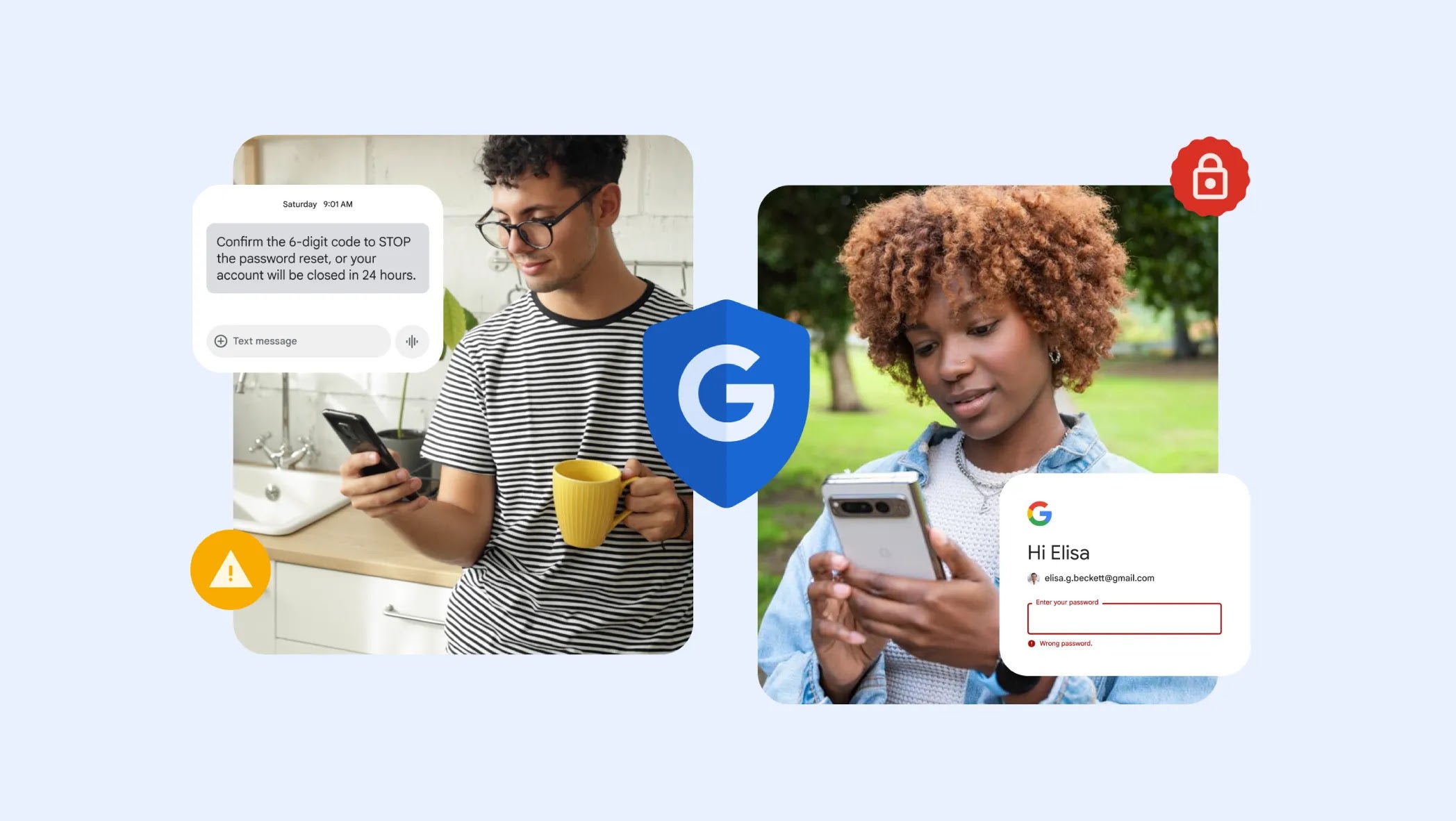
Google Messages has received plenty of quality upgrades recently. The latest one isn't as flashy as the recently introduced trash functionality or new copy system that you'll use daily. Instead, it reportedly brings a security feature designed to protect you from phishing attacks via SMS Blasters.
How is SMS Blaster able to carry out a phishing attack?
Before I talk about the update in detail, allow me to first explain the two main terms here: phishing attack and SMS Blaster. A phishing attack is a form of social engineering where bad actors portray themselves as a trusted person or authority to steal sensitive information from you. An SMS Blaster is a portable device that is usually used by malicious agents, and it impersonates a legitimate cell tower.
These devices are usually carried by criminals in backpacks or at the back of a vehicle. When activated, they force nearby devices to connect to them. They generally have a range of around 1,000 meters, meaning all devices within that range will connect to them.
Once the connection is established, the blaster forces the connected device to join its illegitimate 4G network. After this, the connection is downgraded to a 2G signal. Why 2G, you may ask? It's because 2G networks are easier to hack and conduct phishing attacks on than modern 4G or 5G networks. The blaster then sends a specific fraudulent text message to all connected devices.
Recommended For You
In a recent incident in Bangkok, SMS Blaster sent more than 100,000 text messages per hour. The scary part is that the entire process—connecting to illegal 4G signals, downgrading to 2G, and then sending the SMS—takes place in just a couple of seconds.
What's even worse is that the 2G network to which your smartphone connects during the process allows these devices to bypass spam filters in apps like Google Messages. As a result, SMS Blasters can easily send phishing scam messages directly to their targeted victims.
Should Google Messages do more to safeguard you from scam texts?
25 Votes
Its scam detection feature is enough.
8%
It should get more security-related upgrades.
76%
I'm intelligent enough to detect scam messages myself.
16%
An important security feature is on the way
A scam message received on Google Messages. | Image by Google
A dedicated code related to SMS Blaster has reportedly been spotted in the beta build of Google Messages version 20260306. This is what the code exactly reads: enable_sms_blaster_protection.
Unfortunately, nothing much has been found other than this piece of code related to SMS Blasters in this particular beta. The messaging app currently has features like Scam Detection, which uses on-device AI to identify fraud or scams in calls and messages. Whether similar technology will be used to defend against this threat will become clear in future updates.
Until a dedicated feature or toggle becomes available, the only way to safeguard yourself against this scam is to disable 2G mode on your phone. If you can't find a dedicated option on your Android smartphone, you should enable Advanced Protection mode, which will automatically turn off the 2G network on your device. On an iOS device, turning on Lockdown Mode disables the 2G connection.
Six-month unlimited plan is now 57% off
$90
$210
$120 off (57%)
Mint Mobile is now allowing you to get whichever plan you like for either three, six, or 12 months for just $15/mo. If you go for the six-month unlimited service, for instance, you'll now have to pay just $90 upfront instead of $210.
Aman Kumar is a news writer at PhoneArena covering Google Pixel phones, Android features, AI-powered smartphone tools, and mobile tech news. Before joining PhoneArena, he spent over five years writing about consumer technology for publications like MakeUseOf, How-To Geek, and Guiding Tech. His current daily drivers are the Pixel 10 and Samsung Galaxy S26 Plus, while his red iPhone SE (2nd gen) remains a personal favorite. Aman also appreciates bold smartphone experiments and still considers the Nokia N-Gage one of the industry’s most iconic designs.
A discussion is a place, where people can voice their opinion, no matter if it
is positive, neutral or negative. However, when posting, one must stay true to the topic, and not just share some
random thoughts, which are not directly related to the matter.
Things that are NOT allowed:
Off-topic talk - you must stick to the subject of discussion
Offensive, hate speech - if you want to say something, say it politely
Spam/Advertisements - these posts are deleted
Multiple accounts - one person can have only one account
Impersonations and offensive nicknames - these accounts get banned
To help keep our community safe and free from spam, we apply temporary limits to newly created accounts:
New accounts created within the last 24 hours may experience restrictions on how frequently they can
post or comment.
These limits are in place as a precaution and will automatically lift.
Moderation is done by humans. We try to be as objective as possible and moderate with zero bias. If you think a
post should be moderated - please, report it.
Have a question about the rules or why you have been moderated/limited/banned? Please,
contact us.















Things that are NOT allowed:
To help keep our community safe and free from spam, we apply temporary limits to newly created accounts: