Google Messages may soon fix a hair-pulling frustration
Google Messages may soon fix a nuisance.
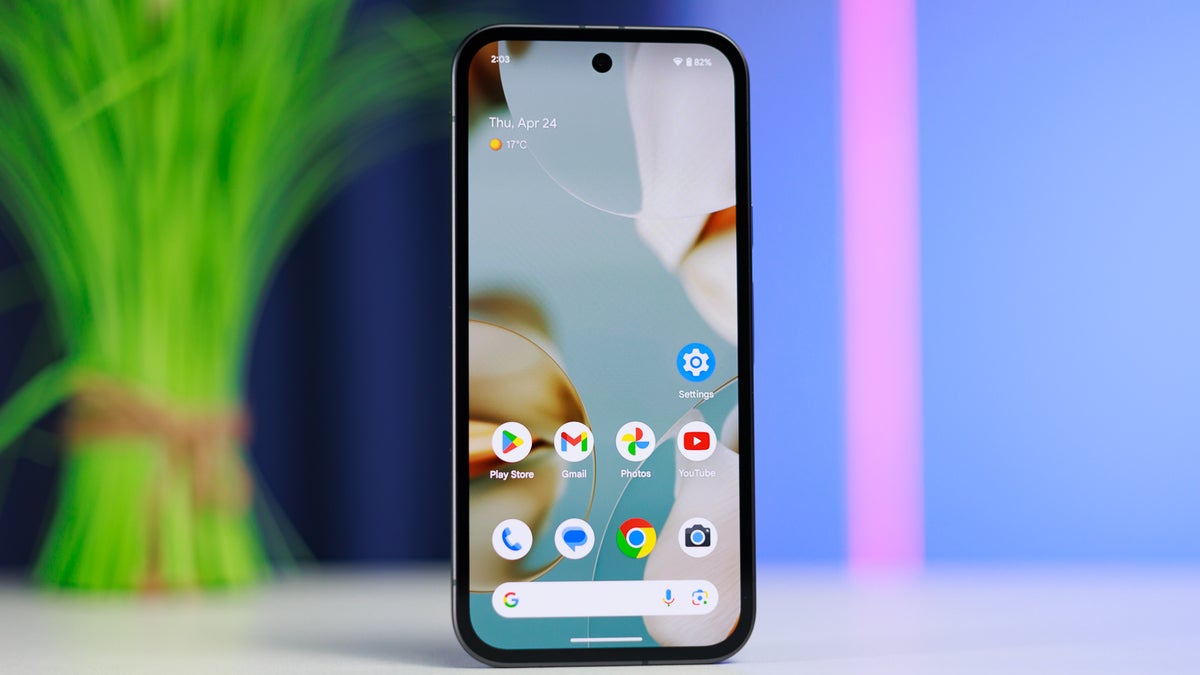
Google Messages is the default messaging app on many Android phones . | Image by PhoneArena
Copying specific parts of a text in Google Messages is currently an ordeal. Because the app lacks a native way to select text, users must copy entire messages and manually delete the excess. Google appears ready to simplify the process, making text extraction a breeze.
There's a better way
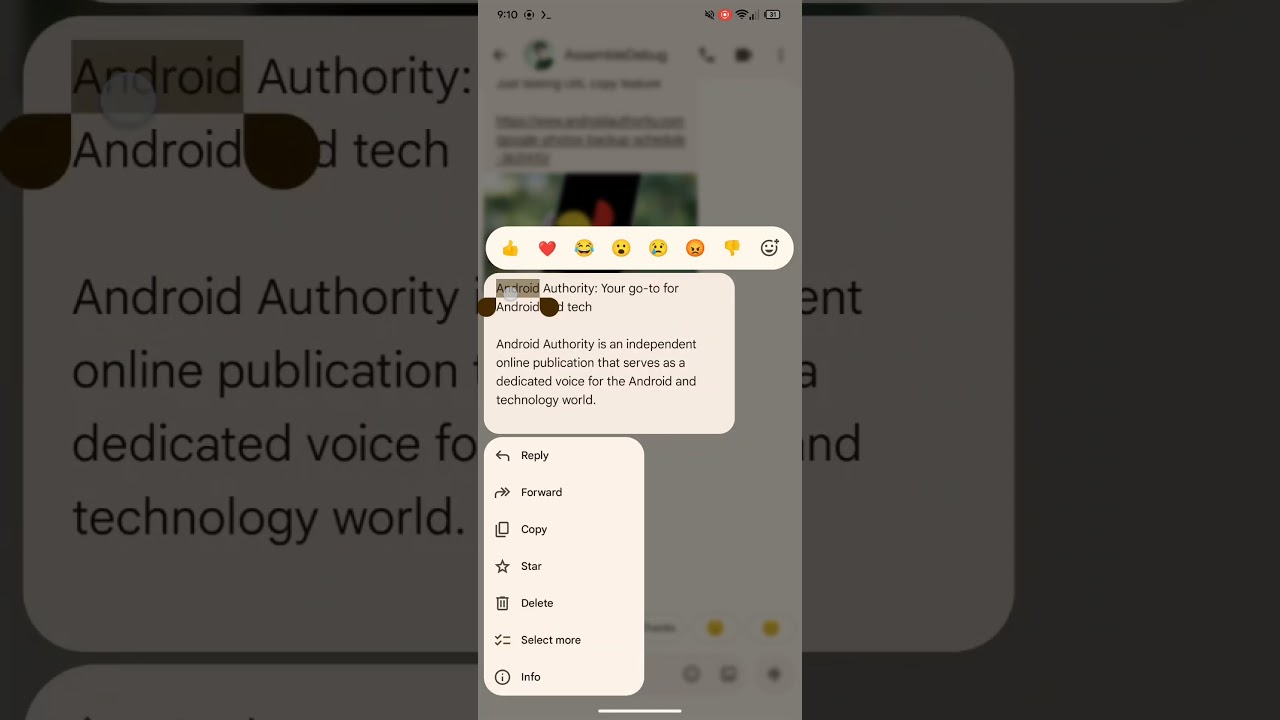

While combing through the beta version of Google Messages, Android Authority spotted a significant change to the copy function.
At the moment, when you long-press a message in Google Messages, the app only lets you copy the entire message. While that may be what you are looking for sometimes, oftentimes, people are only interested in specific parts of a message, such as a phone number, address, link, or OTP.
The outlet was able to activate a new version of the copy feature, which allows for selective text highlighting, much like copying text from a web browser. To copy a full message, the feature will work as usual.
Improving usability
Google is always working to make its messaging app more user-friendly. Just in January, the app received a new context menu, which is one-handed friendly. After the update, frequently used actions such as Copy, Delete, Reply, and Forward appear below the text when you long-press it, instead of being hidden in a hamburger menu at the top.
The new copy feature will make things easier by eliminating the need to manually extract the part of the message you are interested in.
Were you waiting for this feature?
32 Votes
Yes!
75%
I didn't know I needed it.
18.75%
No.
6.25%
Making the app better one change at a time
While changes like these might seem trivial, over time, they make the experience of using Google Messages that much better. With Google Messages being the default messaging app on almost all Android phones, the onus is on Google to provide a seamless experience for its massive user base.


Popular stories





Latest News





Things that are NOT allowed:
To help keep our community safe and free from spam, we apply temporary limits to newly created accounts: