YouTube TV gains voice control on Google Home and Google Home Mini
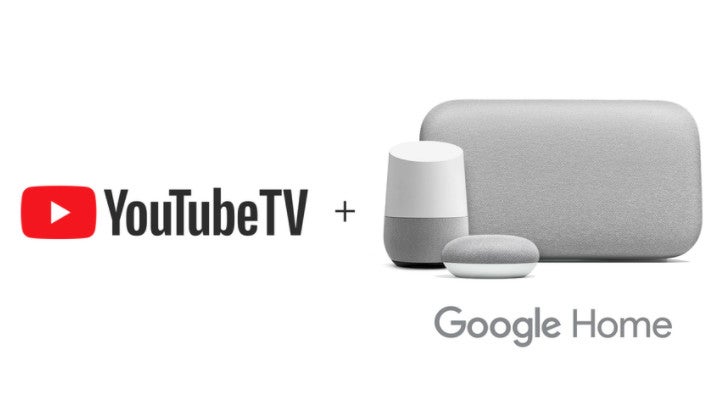
Obviously, you can only use it in those U.S. cities where Google's YouTube TV service is available, and you'll also require a subscription. If you don't have a YouTube TV subscription yet, you can get one now ($35 per month) and receive a Chromecast for free (limited-time offer).
In order to cast YouTube TV on your TV, you must set up your Google Home and Chromecast, and open the Google Home app to link the two. Then, you can use voice control to access YouTube TV programs. Simply start with “Ok Google” and ask Google Assistant to:
- Play “This Is Us;”
- Play the MLB game;
- Play MSNBC;
- Play the latest episode of “Grey's Anatomy;”
- Play last week’s “NCIS;”
- Record “Empire;”
- Play, pause, stop, rewind 15 seconds, turn captions on, or fast forward two minutes.
The new feature is available starting today in most major U.S. cities where Google has already launched YouTube TV services.
source: Google


Popular stories


Latest News
Things that are NOT allowed:
To help keep our community safe and free from spam, we apply temporary limits to newly created accounts: