
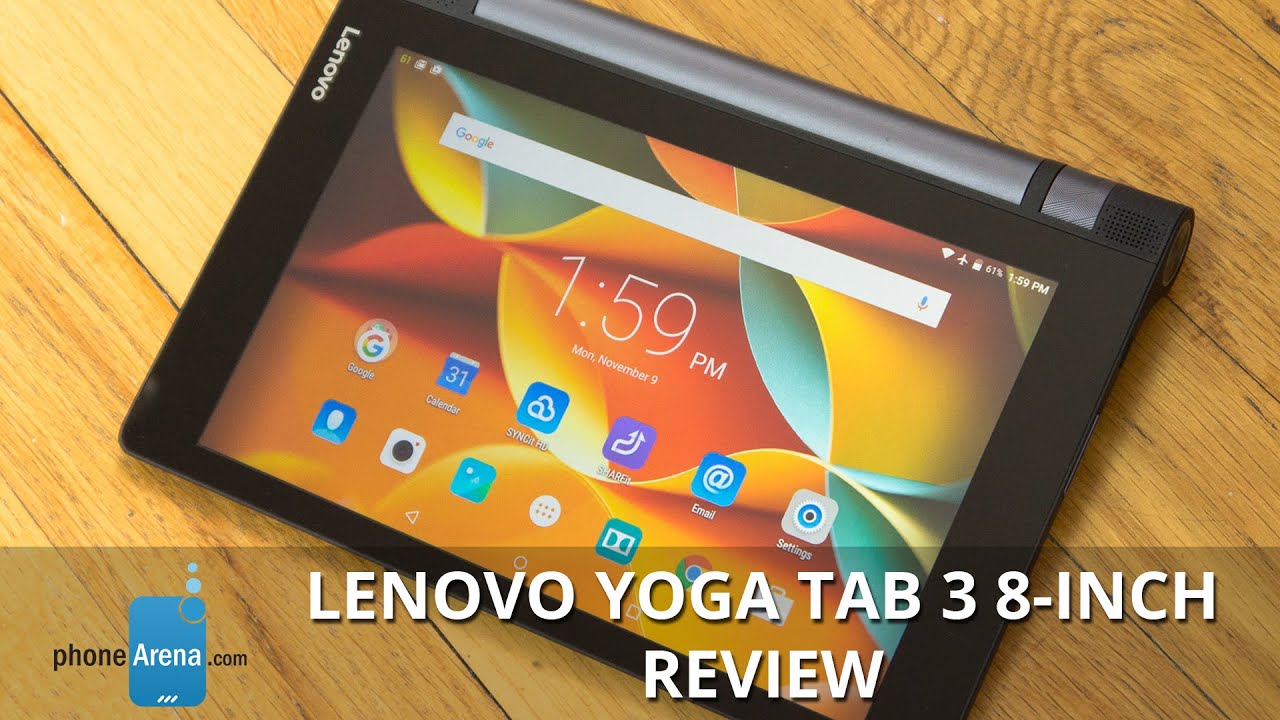
Lenovo Yoga TAB 3 8-inch Review

Introduction
- Lenovo Yoga Tab
- microUSB cable
- Wall charger
- Users guide
- Warranty information
Design
The price is cheap, but the design makes it feel like it costs more.
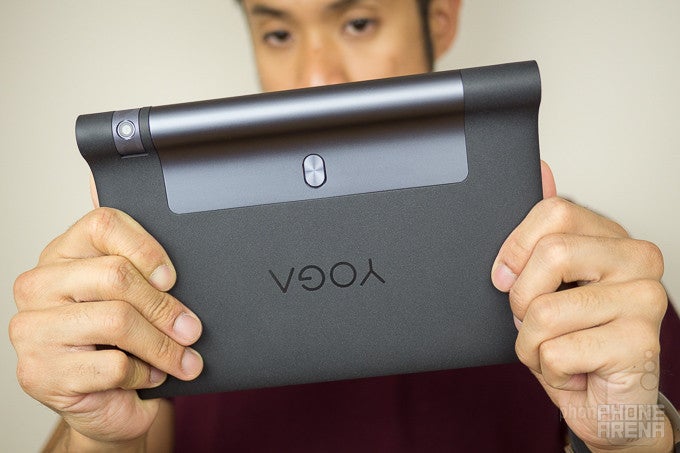
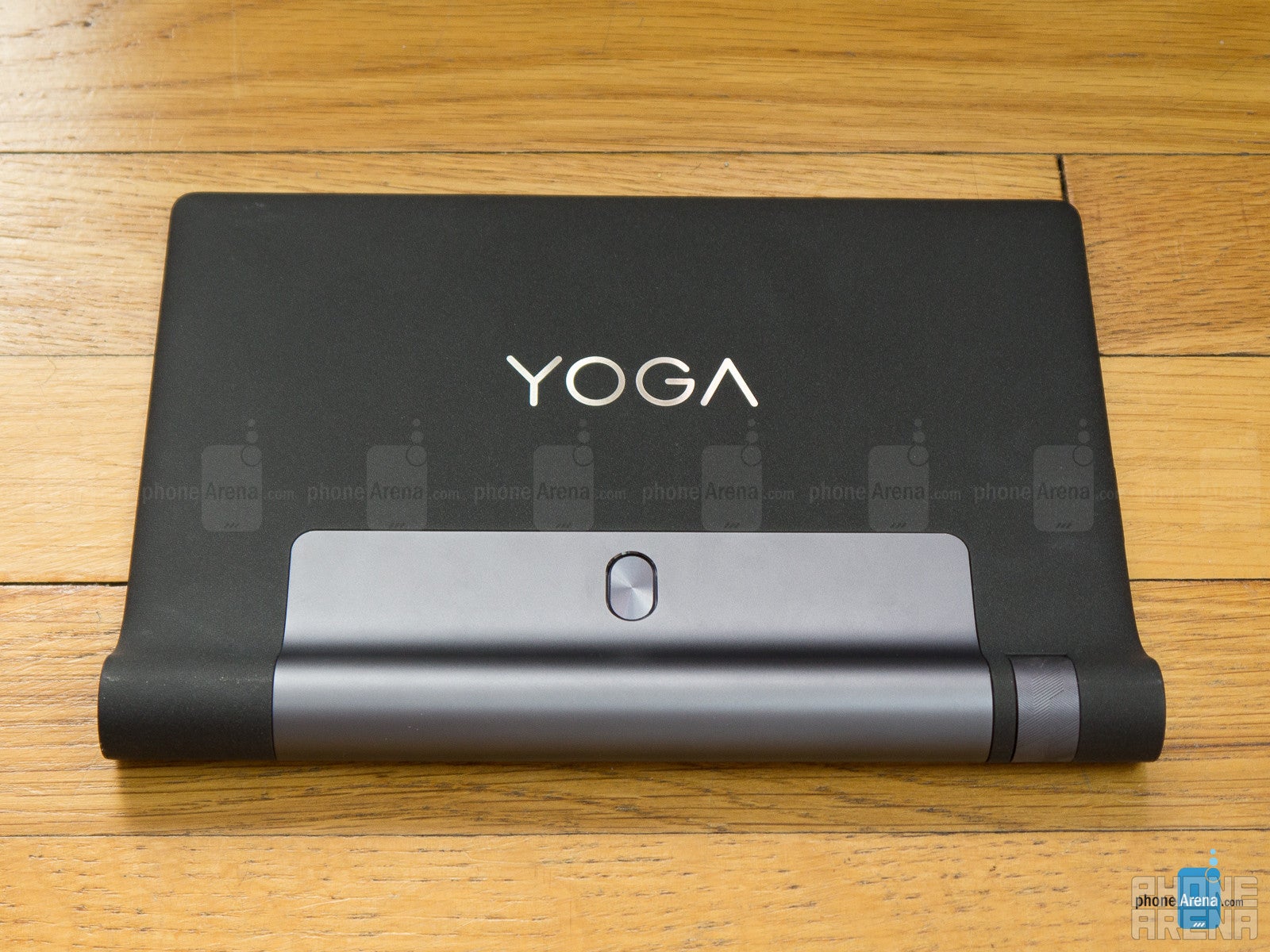
The Lenovo Yoga Tab 3 8-inch replicates the same signature design of the series, but it mixes things up a bit because the chassis is now covered in a matte finish. The tablet’s weight has also increased, for better or worse.
Changes to its design include a new spring activated system for locking its kickstand in place. It’s a small new feature we know, but something that indicates refinement to its design. Another notable shakeup is the fact that there’s now a single, rotatable camera placed on its hinge, which is useful in not only positioning it precisely for a shot, but also knowing that you’re not getting an inferior camera for selfies as well. Aside from that, it still offers the same myriad of ‘yoga’ poses with its kickstand, to better have it propped for particular occasions – whether it’s typing something up, or merely kicking back and watching a video.
Display
Sporting a lower resolution screen, everything about it screams subpar.
In reaching its inexpensive cost, Lenovo had to reduce the display’s resolution over last year’s model, matching that of the first-generation Yoga tablet. What we have here is an 8-inch 800 x 1200 IPS-LCD display that seriously sores the eyes with its fuzzier looks – it’s just nowhere as sharp as the 1920 x 1200 resolution of the Yoga Tablet 2’s screen.
Looking at the display alone with our eyes, we can tell it’s attempting to divert our attention towards its overblown colors. Some might take fancy in that, but it doesn’t really produce realistic, real-world colors.
Interface and Functionality
Bye-bye customizations, hello to a more stock-like approach.
From the looks of it, Lenovo has opted to go with a more stock-like approach with its Android 5.1.1 Lollipop experience. This makes perfect sense in unifying the tablet’s approach to offering a simple, hassle-free experience that anyone can quickly pick up on.
Processor and Memory
Stick with the easy and light operations, seeing that it strains with intensive ones.
There’s nothing pretty about the processing hardware in tow with the Lenovo Yoga Tab 3, since we all know its intentions of being an entry-level tablet. With that in mind, its quad-core 1.3GHz Qualcomm Snapdragon 210 chip with 1GB of RAM and the Adreno 304 GPU suffices for light operations, but quickly crumbles under the pressure of more intensive stuff. Case in point, gaming – just don’t even bother!
Internet and Connectivity
The screen’s resolution makes it incredibly tough to make out fine details when web sites are viewed in their entirety, but that’s something that can be quickly remedied by pinch zooming. For the most part, the web browsing experience suffices, even though it’s a bit jerky at times with its navigational controls and page rendering on the fly.
As it currently stands, the Lenovo Yoga Tab 3 8-inch is only being offered as a Wi-Fi-only variant, with no indication of carrying cellular-connected models. Much like all entry-level things, it features aGPS with GLONASS, Bluetooth 4.0, and 802.11 b/g/n Wi-Fi.
Camera
Ouch, it’s just a disappointment across the board.
The duty of snapping photos is solely placed on its single, rotatable 8-megapixel camera, which is on a swivel on its cylindrical hinge. This particular implementation is a joy in the world of front-facing cameras, seeing that selfies get the same amount of attention. Running the camera app, it’s your standard fanfare consisting of select shooting modes and manual controls, but we’d be hard-pressed to see anyone using anything except the automatic mode.
Taking photos has never been one of the series’ redeeming qualities, so that’s probably why we don’t have much expectations from this one either. Yes, you have the option to snap photos at your discretion with the Tab 3, but why do so when you probably have better things lying around? Outdoor shots captured by the camera appear over-exposed at times, light on the fine details, and have a noticeably colder color reproduction. It doesn’t get any better under low light, as digital noise, minimal details, devoid colors, and its prone to blurriness, makes it an unlikely candidate for the occasion.
Lenovo Yoga TAB 3 8-inch sample mages
Another indication of its poor performance is seen in its video recording quality, which tops out at a mere 720p – hardly the stuff of dreams nowadays. The terrible details capture of the camera just makes us want to cringe, and it doesn’t help either that its focus is slow to the adjustment. Just look away, your eyes will thank you!

Multimedia
There’s some serious substance with Dolby Atmos support enabled.
Endowed with dual front-firing speakers, there’s certainly no shortage of substance with the 73.9 output of its speakers when Dolby Atmos is enabled – albeit, there’s just a hint of strain at the loudest setting. Without it, however, it sounds extremely thin and light. Stick with the former for a more rewarding experience.
Battery
It goes the distance more than most tablets.
Conclusion
Stacking it up against its direct predecessor from last year, there are some unsavory decisions that would make almost anyone suspicious about the Lenovo Yoga Tab 3 8-inch. For starters, its specs sheet indicates that certain areas have been scaled back, indicating that it’s inferiorly spec’d to what they’ve produced previously.
Clearly, this is the kind of tablet for those who want don’t want to be burdened with a high learning curve, or just don’t want to spend a fortune. To that degree, the Lenovo Yoga Tab 3 8-inch does right by sporting a starting cost of $169.99 from the get-go, which is a bargain in the world of 8-inch tablets. If price clearly dictates your judgment, this is something that should be on your radar – just know that there are compromises in settling with it. However, if you’re able to spend just a little more, say $200, the Asus ZenPad S 8.0 would be a more attractive option.
Software version of the review unit: Android Version: 5.1.1 | Software Version: YT3-850F_150819


Popular stories



Latest News


Things that are NOT allowed:
To help keep our community safe and free from spam, we apply temporary limits to newly created accounts: