I've been a happy Oppo Find X7 Ultra user for two years now. Naturally, its successor, the Oppo Find X9 Ultra has been on my radar for quite a few weeks now. I got the chance to give it a quick spin recently and test its cameras – the thing that interests me the most about this phone.
To up the ante, I snagged the 14.6-inch Galaxy Tab S11 Ultra monster of a tablet from our office.
I decided to combine these two flagships. Taking pictures on the phone, editing on the tablet.
This has been a fascinating experience, but the process definitely has its fair share of quirks and oddities… that aren't necessarily positive.
Keeping it light
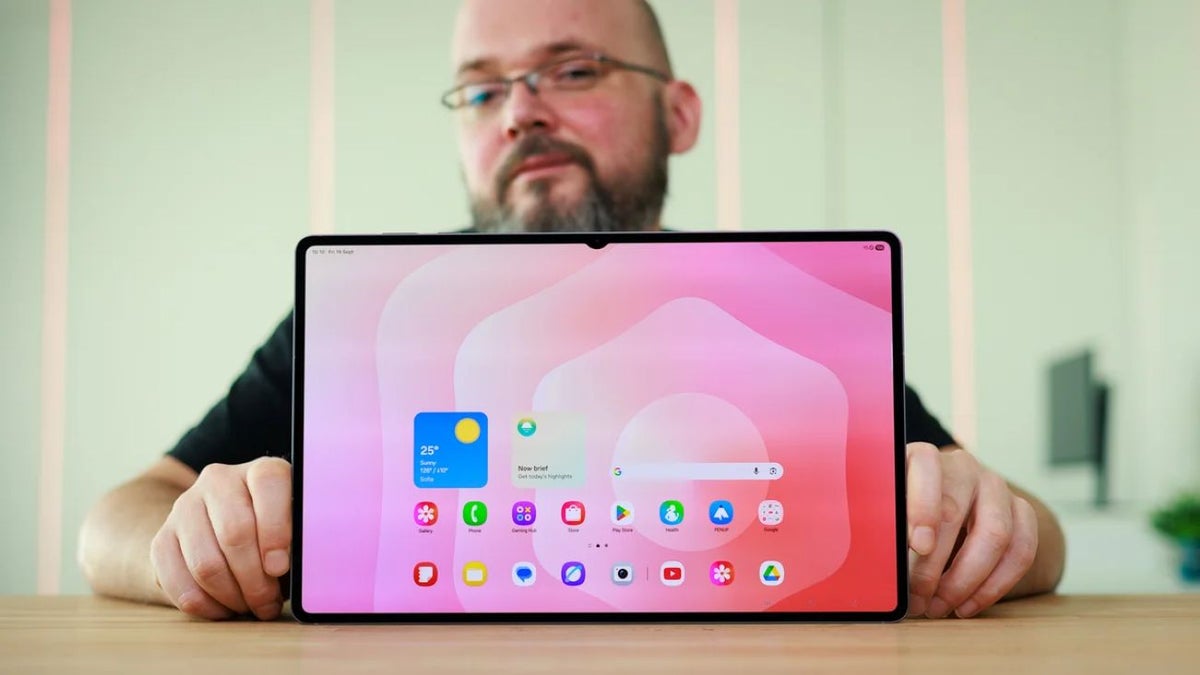
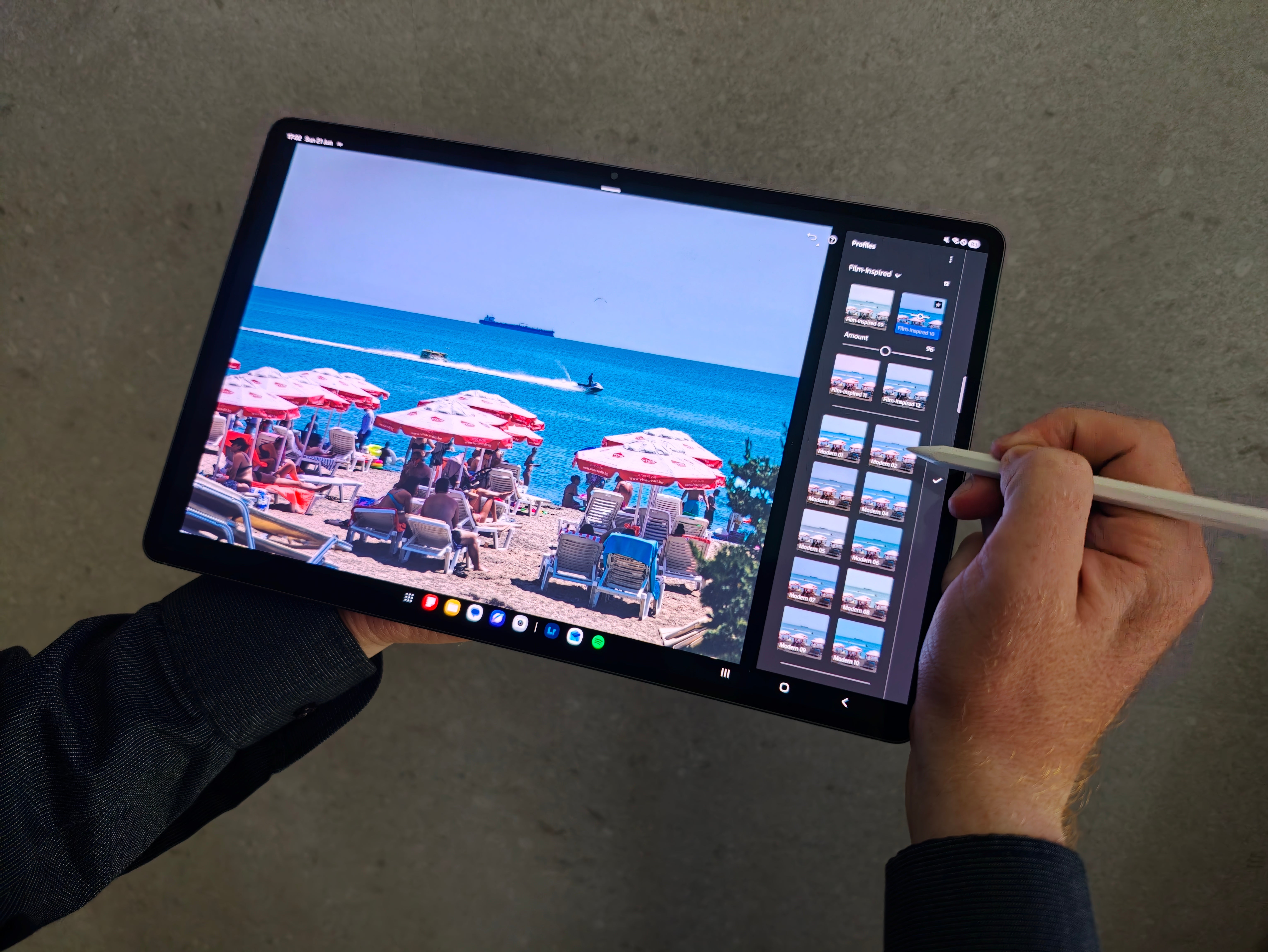
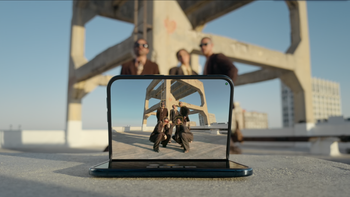
Editing on a tablet can be tricky. | Image by PhoneArena
The motivation behind this experiment is simple.
I can't stand having any sort of backpack or fanny pack on me – when I roam the streets, I only take whatever fits in my pockets. I love photography, so how do you square that one? Well, companies like Oppo have cut this Gordian knot for me.
Instead of carrying a dedicated camera, I can rely on a phone like the Find X9 Ultra to take decent enough snapshots. Sure, it can't deliver specific results (portraits, for example) like my full-frame DSLR Canon does. But compared to a point-and-shoot? Well, Oppo's flagships perform astoundingly, as I've proven more than two years ago, when I did a thorough comparison of the Find X7 Ultra vs the Panasonic TZ200.
Recommended For You
The irony is that while I love anything mobile (in Latin, "mobile" means "movable"), I can't let go of my hefty desktop PC (and probably never will). I can't trade the dedicated mouse and large monitor experience.
But I wanted to see if switching over to a tablet (and using it exclusively for photo retouch) is good enough for me.
For the purpose of my experiment, none of that matters – I get a large, bright screen to see what's going on in the pictures I took with my phone.
But, as we pointed out previously, how big is too big? With the Galaxy Tab S11 Ultra, the limit has definitely been hit. This bad boy has a nearly 15-inch screen, which is in fact larger than the laptops most companies get their employees.
While this makes for a great display experience, the tablet itself is difficult to handle, and I have relatively big hands.
I didn't carry the Tab S11 Ultra with me; I left it at the hotel since I don't have time to edit while I'm walking outside anyway. I could've gotten a laptop, since I'll be editing in my hotel room, right? Wrong. A tablet – even one as big as this one – is far more light and compact than a standard laptop. Also, there's no need for a separate bulky charger.
Only light edits
I usually take lots and lots of photos. For example, if I'm out the whole day, exploring a new city, I can easily end up with more than a thousand photos.
Taking pictures of people, cars, birds and anything else that moves requires you to press the shutter button lots of times (unless you're a master photog). In museums, if I want to take a picture, I make sure to take three or four snapshots, since the lighting conditions are not optimal and it can lead to blurry results.
Back at home, I delete the majority of those and I end up with a fraction of the starting photo pile. It's only then that the editing process starts.
Below are several snapshots that I took with the Find X9 Ultra on a quick weekend trip to the Black Sea. There's nothing special about those, nor is there any particular order.
I'll be sharing my thoughts between them:
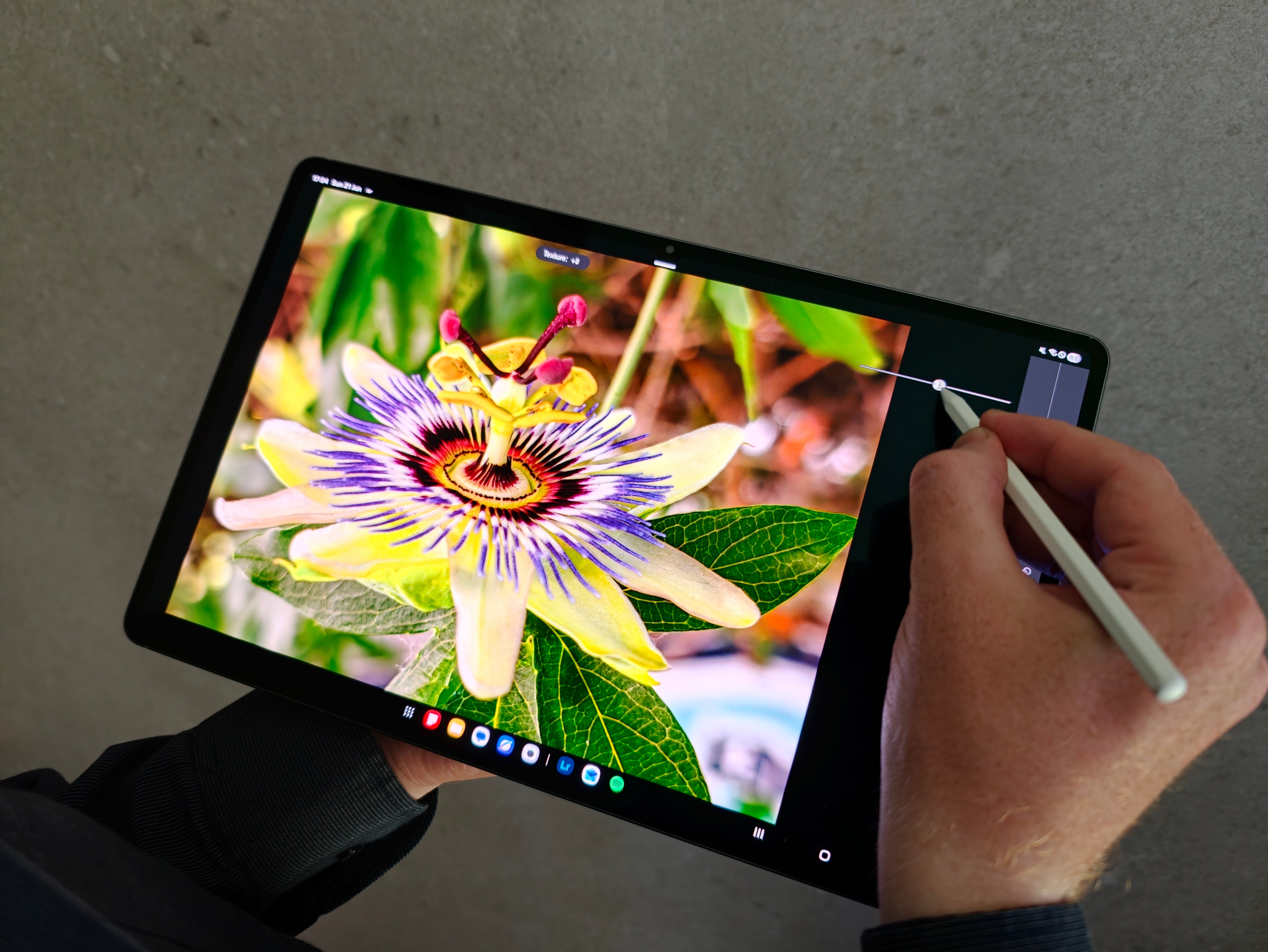
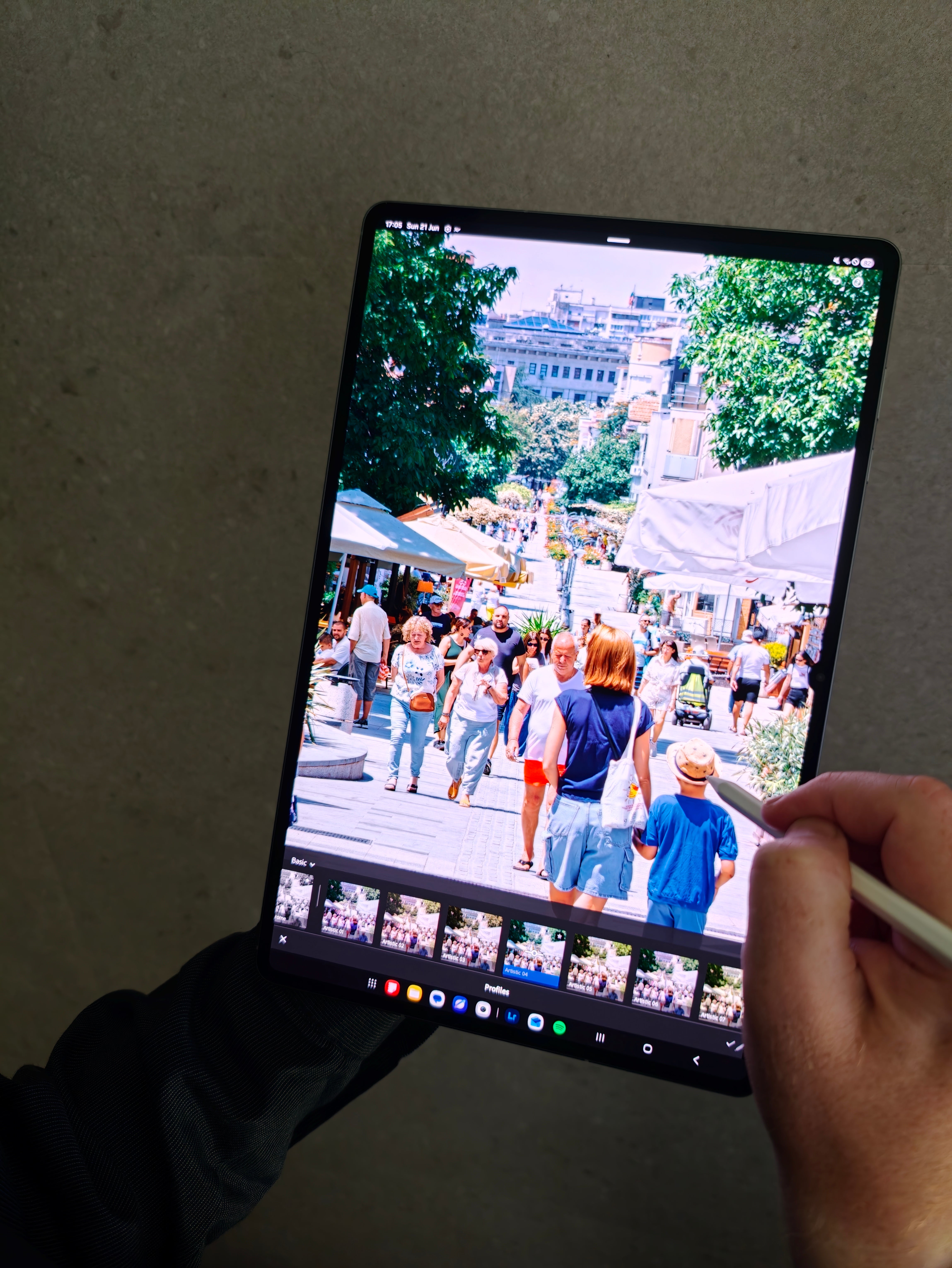
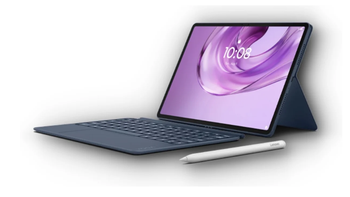
The stulys is light, though. | Image by PhoneArena
Editing on a tablet is not the same as editing on a desktop PC. Not even close. That's probably my own fault as much as the tablet's.
I've spent years editing in Adobe Lightroom with a mouse and keyboard, so my muscle memory is extraordinary. Sitting down with a stylus in my hand instead of a mouse felt surprisingly awkward. The S Pen is precise, but it's a different kind of precision. I constantly found myself reaching for shortcuts that simply weren't there.
The desktop version of Lightroom also spoils you with little conveniences that save a surprising amount of time. Hover your mouse over a preset and you instantly get a live preview without clicking anything.
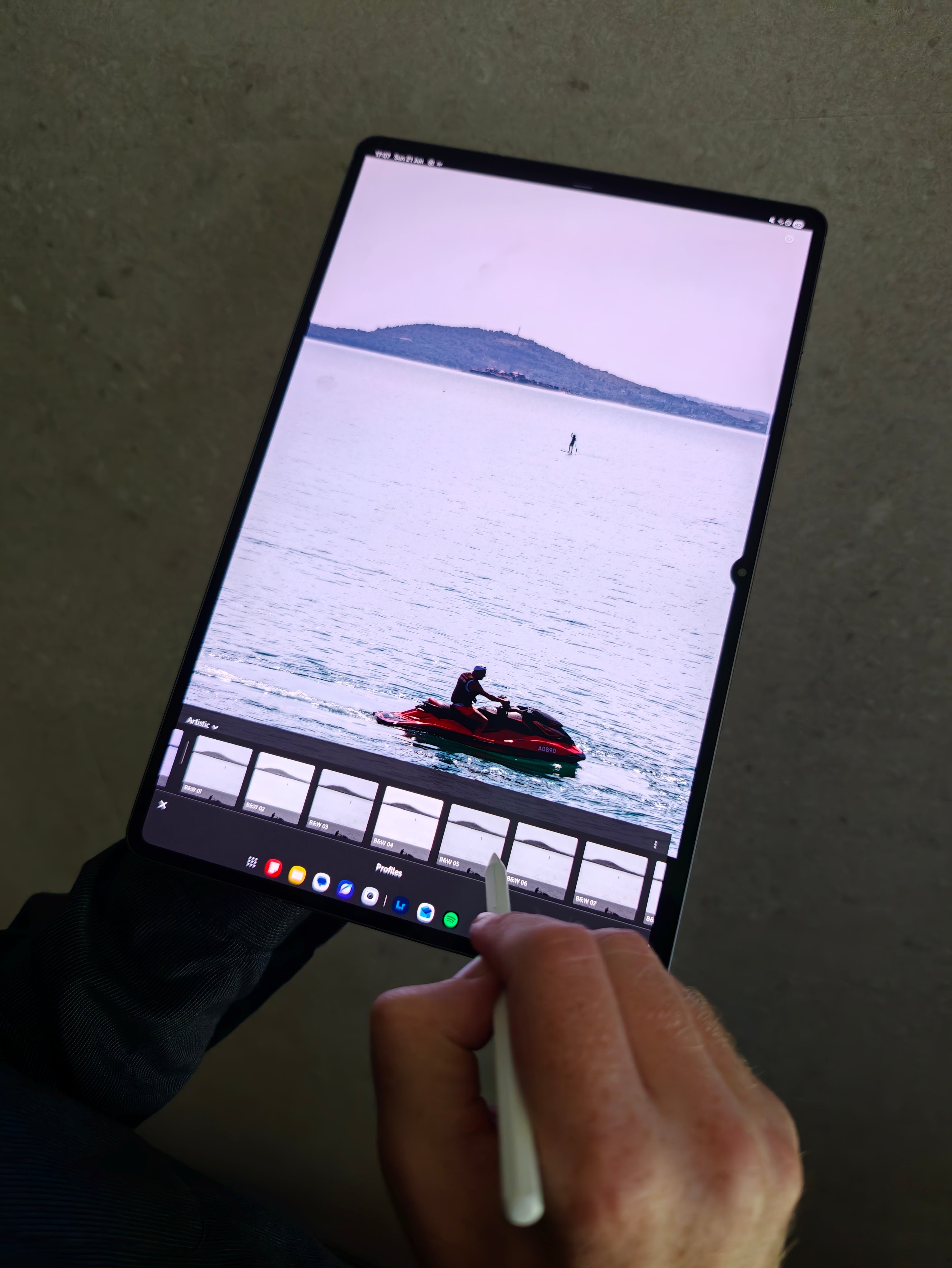
On the tablet, you have to tap each preset individually to see what it does. It doesn't sound like much, but after dozens of photos, those extra taps add up.
The same goes for white balance. On my PC, I press the W key, click on something that's supposed to be neutral white, and I'm done. There are multiple keyboard shortcuts that speed up masking, cropping, rating photos, switching tools and toying around. It makes a difference for real.
< beforeafter >
Where the tablet really shines is when it's time to pick the best photos.
Looking through hundreds of images on a phone isn't ideal because everything looks so small. A photo that seems perfectly sharp on a 6.8-inch screen can turn out to be slightly blurry when viewed on a much larger display.
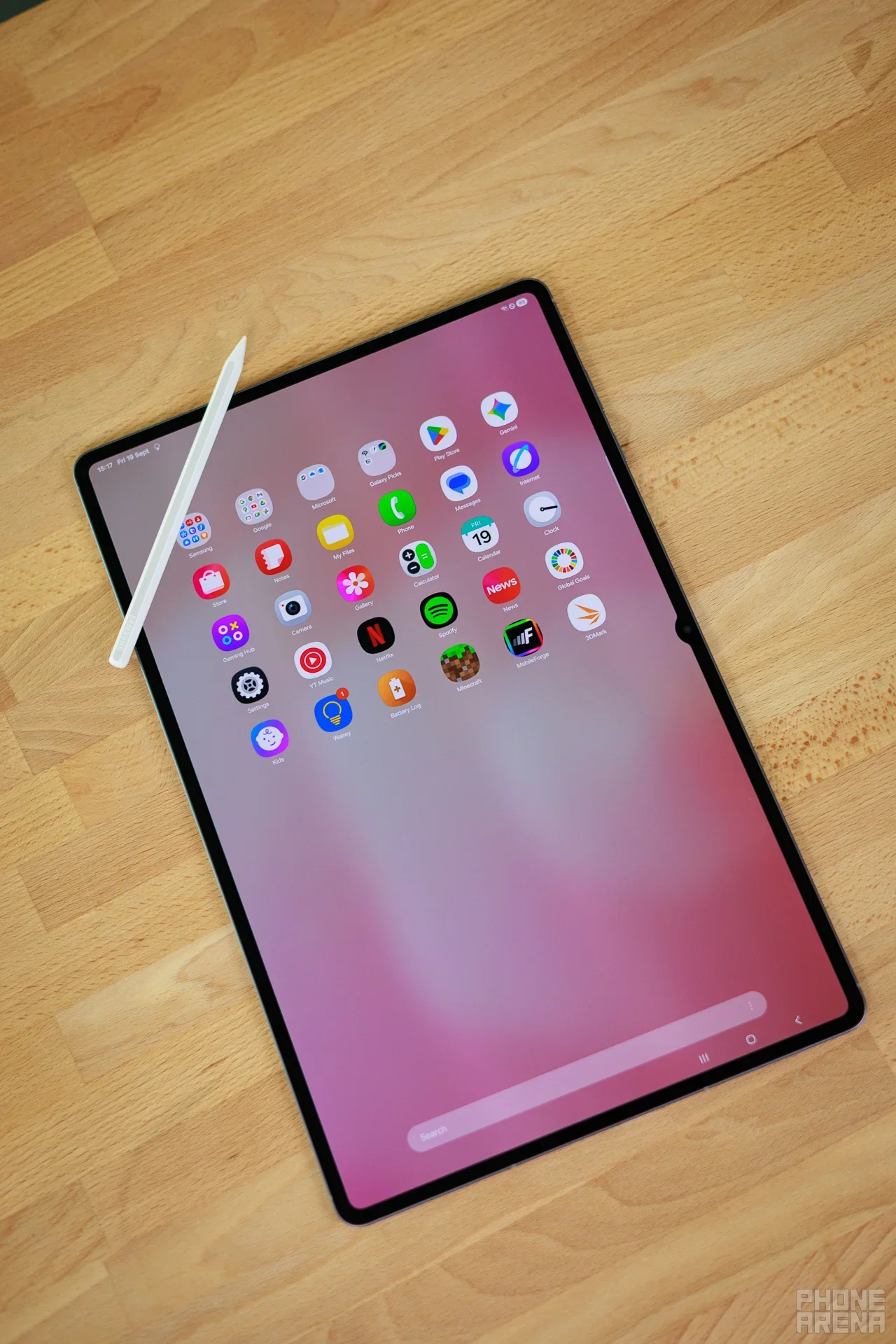
It's much easier to spot focus issues, motion blur and other small flaws on the Tab S11 Ultra's nearly 15-inch screen. In that sense, the tablet feels much closer to using a desktop monitor than a phone.
Getting the big picture. | Image by PhoneArena
One could argue that the edits I ended up making were fairly minor and that I could have achieved something similar directly on the phone. That's a fair point.
Modern phones offer excellent editing tools, and applying a filter takes just a second. The problem is that many of those filters go a bit too far.
It's easy to end up with oversaturated colors, overly aggressive contrast and shadows that have been lifted so much that the image starts looking artificial. Lightroom gives you much finer control.
Not the perfect solution for me. | Image by PhoneArena
I still can't edit on a tablet with the same speed, comfort and confidence that I have on my desktop PC. The mouse-and-keyboard workflow remains unmatched for me, and I don't see that changing anytime soon.
But despite feeling slower throughout the process, I was consistently happier with the photos I produced on the tablet than I would have been if I had edited everything on the phone alone. Maybe the only solution is to carry a dedicated tablet-compatible keyboard and mouse with me. No, I think I'll stick with my desktop for now.
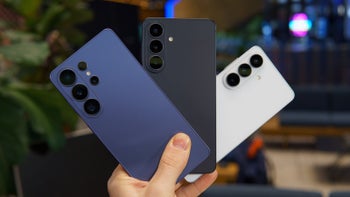
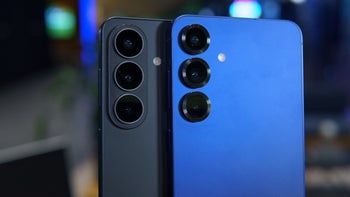
The Find X9 Ultra is a beast of a camera phone. | Image by Oppo
As far as the Oppo Find X9 Ultra goes, I can only say that it's clearly superior to my Find X7 Ultra. The telephoto shots are clearer, more natural, the colors are amazing, its low-light performance is even better and the only drawback is the €1,700 price tag that comes with it.
Free Galaxy A17 5G with Straight Talk
Get a free Galaxy A17 with Straight Talk. To claim this deal, you need to pair the phone with activation on a Silver Unlimited Plan or higher. This tier costs $45 per month. Offer valid through 01/10/27 while supplies last online.
Sebastian is one of PhoneArena’s senior opinionators. A veteran news writer with almost 20 years of experience in media and technology, he not only covers all the hot news about Galaxies and iPhones, but often provides hot takes on industry trends. He’s fascinated with camera-focused flagships from the likes of Oppo and Vivo, as well as foldable phones.
A discussion is a place, where people can voice their opinion, no matter if it
is positive, neutral or negative. However, when posting, one must stay true to the topic, and not just share some
random thoughts, which are not directly related to the matter.
Things that are NOT allowed:
Off-topic talk - you must stick to the subject of discussion
Offensive, hate speech - if you want to say something, say it politely
Spam/Advertisements - these posts are deleted
Multiple accounts - one person can have only one account
Impersonations and offensive nicknames - these accounts get banned
To help keep our community safe and free from spam, we apply temporary limits to newly created accounts:
New accounts created within the last 24 hours may experience restrictions on how frequently they can
post or comment.
These limits are in place as a precaution and will automatically lift.
Moderation is done by humans. We try to be as objective as possible and moderate with zero bias. If you think a
post should be moderated - please, report it.
Have a question about the rules or why you have been moderated/limited/banned? Please,
contact us.










Things that are NOT allowed:
To help keep our community safe and free from spam, we apply temporary limits to newly created accounts: