One UI 9 makes 13 a very unlucky number for Samsung Galaxy phone users
The stable One UI 9 update debuts on the Galaxy Z Fold 8 series and the Galaxy Z Flip 8.
We may earn a commission if you make a purchase from the links on this page.
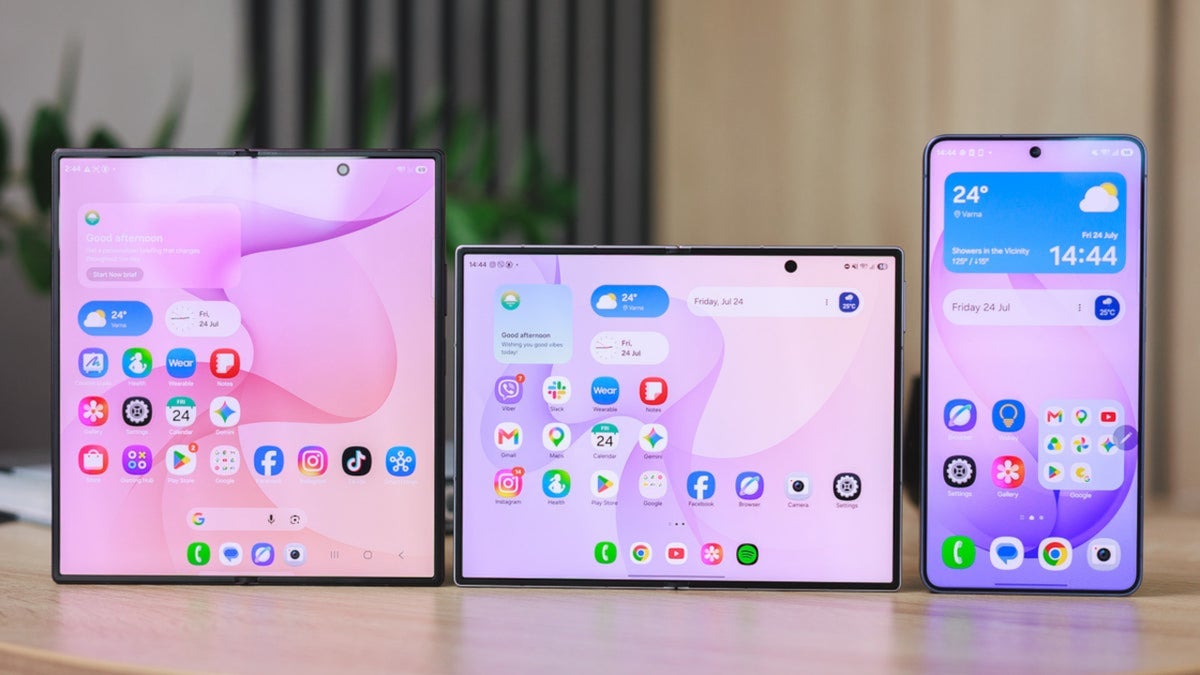
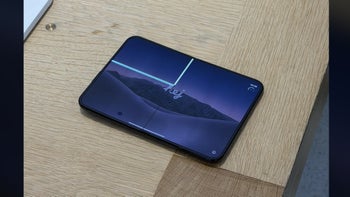
Stable One UI 9 features a change that improves the security of your Galaxy phone | Image by PhoneArena
The stable version of One UI 9 was officially released this past week. The latest version of the interface, based on Android 17, is installed out of the box on the just-unveiled Galaxy Z Fold 8, Galaxy Z Fold 8 Ultra, and Galaxy Z Flip 8. The flagship Galaxy S26 series is running the beta 4 version of One UI 9 and is expected to receive the stable version in September.
One UI 9 will make your Samsung Galaxy phone more secure
One UI 9 is bringing a major change to Samsung Galaxy handsets, one that will, in theory, make these phones more secure. Before One UI 9, Galaxy device owners could try to unlock their phones 20 times before the devices would perform a factory reset. The thing is, before One UI 9, the 20-attempt "Auto Factory Reset" setting was optional, and by default, the setting was disabled.
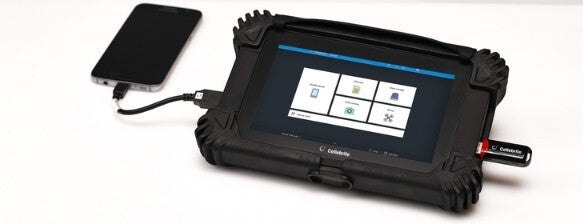
The Cellebrite machine uses brute-force to crack your phone. | Image by Cellebrite
With the 20-attempt "Auto Factory Reset" setting disabled, users had unlimited attempts to unlock their Galaxy handset. After entering an incorrect PIN, the user would be locked out and unable to try again for a few minutes. Every incorrect attempt would increase the lockout period by a few more minutes. Still, unless you toggled on the "Auto Factory Reset" setting, you could continue tapping until you guess right.
Now, that isn't very secure, so I would imagine that most Galaxy users have toggled on the 20-attempt "Auto Factory Reset" setting. Of course, if you get to 20 attempts and still haven't unlocked your phone, you will have to deal with a factory reset.
Samsung looks to protect you from brute-force attacks
With One UI 9, Galaxy phone users will not have the option to toggle off the Auto Factory Reset feature, and they will have only 13 attempts to type in the correct PIN before the phone performs a factory reset. Samsung isn't doing this to get you angry but is looking to protect your phone from brute-force attacks. These occur when a device like the Cellebrite machine is connected to your charging port and quickly runs through all possible combinations, trying to hit upon the combination that will unlock your phone.
After installing One UI 9, you will have 13 chances to unlock your phone or undergo a factory reset
Which setting do you like better?
314 Votes
Unlimited PIN attempts with escalating time penalty
45.54%
20 attempts before a factory reset takes place
27.71%
13 PIN attempts before reset, cannot be disabled
26.75%
Again, once you've installed One UI 9 on your Galaxy phone, you will not be able to make any changes to this. You will have 13 attempts to type in the correct PIN or face a factory reset. Make sure you remember your PIN.


Popular stories




Latest News




Things that are NOT allowed:
To help keep our community safe and free from spam, we apply temporary limits to newly created accounts: