Apple releases important security update for older iPhone models that you should install ASAP
Apple releases a special update as a dangerous exploit kit can learn how to access your financial apps.
Older iPhone models receive important security update. | Image by PhoneArena
Apple has released iOS 15.8.7 and if it sounds like a strangely-named build, you're exactly right. The update carries a build number of 19H411. Apple has also dropped iOS 16.7.15, which has the build number 20H380. The updates were disseminated by Apple today for older iPhone models that cannot update to more recent builds of Apple's iPhone and iPad mobile operating systems.
Older iPhone and iPad models receive a very important update that should be installed ASAP
Models receiving the iOS 16.7.15 update include the iPhone X (released in November 2017), iPhone 8 and iPhone 8 Plus (released in September 2017). These phones cannot receive updates to iOS 17 and newer. Models receiving iOS 15.8.7 will be the iPhone SE, iPhone 7, and iPhone 6S. These devices cannot be updated to iOS 16 and later. Similar updates were pushed out for certain iPad models.
For example, Apple released iPadOS 16.7.15 for the 5th generation iPad, which was launched in 2017. Also receiving the same update is the first generation iPad Pro 9.7-inch, which was released in 2016, and the first generation iPad Pro 12.9-inch, which Apple started to offer in 2015. The iPadOS 15.8.7 update is expected to be available for the iPad Air 2 and iPad mini 4.
Is this the threat that led Apple to disseminate these updates?
The iOS and iPadOS updates include security patches to shore up flawed software and bug fixes to take care of other issues affecting older iPhone and iPad units. These are important updates that you should install immediately if you receive them because without them, your older iPhone or iPad model will remain vulnerable to attackers pushing malware on your device seeking to steal your personal data.
To install the update, go to Settings > General > Software Update and follow the directions.
While we're not sure what threat, if any, Apple is looking to protect older iPhone and iPad models from, Google Threat Intelligence Group (GTIG) has discovered an exploit kit named "Coruna" by its developers. The exploit kit targets iPhone models running iOS 13 to iOS 17.2.1. These iOS builds were released in September 2019 and December 2023 respectively. This news would certainly explain why Apple felt it necessary to update older iPhone and iPad models.
Stealing the credentials of your financial apps is a major goal of this attack
All it takes to get your iPhone infected is to visit an infected website. It could be a fake crypto site or gambling site. Coruna figures out which iPhone model you have and the version of iOS you are running, It then figures out the best way to break into your phone using one of its tools from the exploit kit. The payload is pretty scary since it can decode QR codes. But even worse, it can go through text looking for specific words like "Bank Account" and then shifts from "seeker mode" into "thief mode."
Coruna can also scan your photos, and it uses OCR (Optical Character Recognition) to understand the text inside your images. This turns your photo gallery into a possible goldmine for the hackers since some people take photos of their passwords.
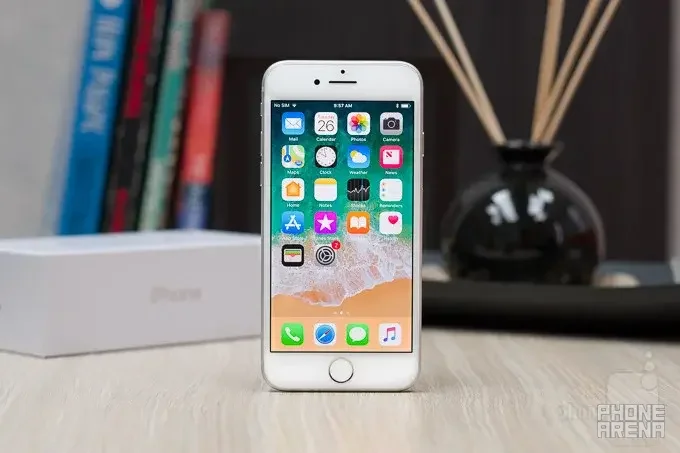
The iPhone 8 from 2017 has just received an important security update from Apple | Image by PhoneArena
At this point the hackers know the bank you use and could have your username and the answers to your security questions. Using the credentials you devised for logging into your bank, the hackers will try to enter your online banking account from another device. If the exploit kit sees that you have a specific banking app on your phone, it can download a specific module from the web that is customized to hack that app.
Interestingly, Coruna will stop attacking your iPhone if you have it in Lockdown Mode. This feature prevents your iPhone from running as it normally does. To enable it, go to Settings > Privacy & Security > Lockdown Mode. Then turn on Lockdown Mode. On the next page, scroll to the bottom and tap on Turn On Lockdown Mode. You will then need to enter your device's passcode. This is a panic button for the iPhone that you should only use when under cyberattack. Read this article for more information about Lockdown Mode.


Popular stories






Latest News






Things that are NOT allowed:
To help keep our community safe and free from spam, we apply temporary limits to newly created accounts: