Editorials · Reviewer Insight
After a week with the S26 Ultra, I’m convinced: AI photo styles aren't a gimmick anymore
Fast and convenient, AI photo styles take just 10 seconds and produce excellent results on the S26 Ultra.
This article may contain personal views and opinion from the author.
We may earn a commission if you make a purchase from the links on this page.
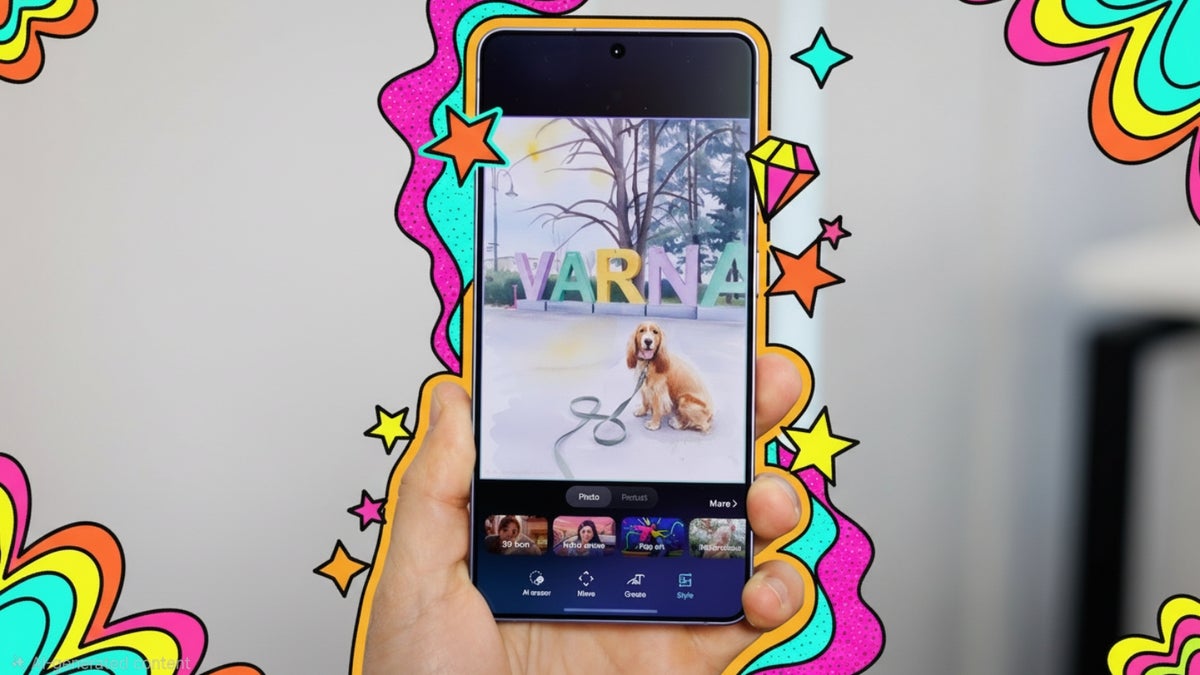
Samsung's new AI styles are conveniently built right in the Gallery app | Image by PhoneArena
After more than a week of using the new Galaxy S26 Ultra, it's not the new Privacy Display that I'm most impressed with. It's a surprising little gimmick that Samsung has finally refined to near perfection — AI editing built right in the gallery app.
Read more:
Okay, okay, before dismissing me for my childish obsession with retouching regular photos (I've literally spent hours doing this), take a look at the results.
Samsung has tinkered with AI photo editing in the past couple of years, but the results were honestly not great. The Portrait Studio option in past Galaxies was too far off reality to be useful, while this new AI model finally gives you results that are not outlandish, but actually... incredibly cool.
And sure, you can always upload your photos to ChatGPT or Gemini, or some other service, but having this built right in the Gallery app, available with just a couple of taps and taking literally 10 seconds, is a game-changer for me. The feature was actually often so fast I started wondering if it's all being processed on device, but alas, no. To use these AI photo styles, you do need an Internet connection.
With no further ado, here are the built-in styles and the results you can get with them:
3D toon style

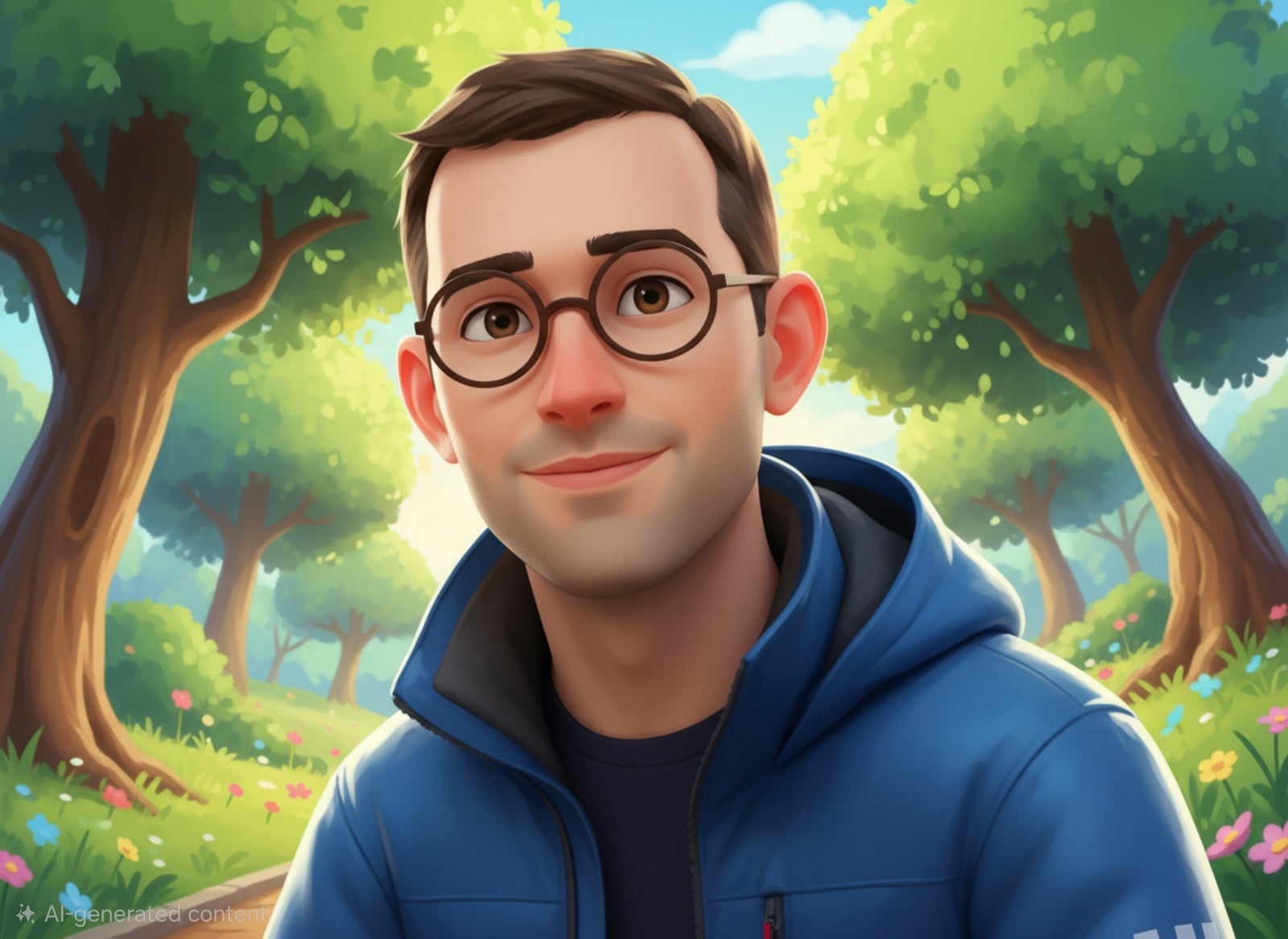
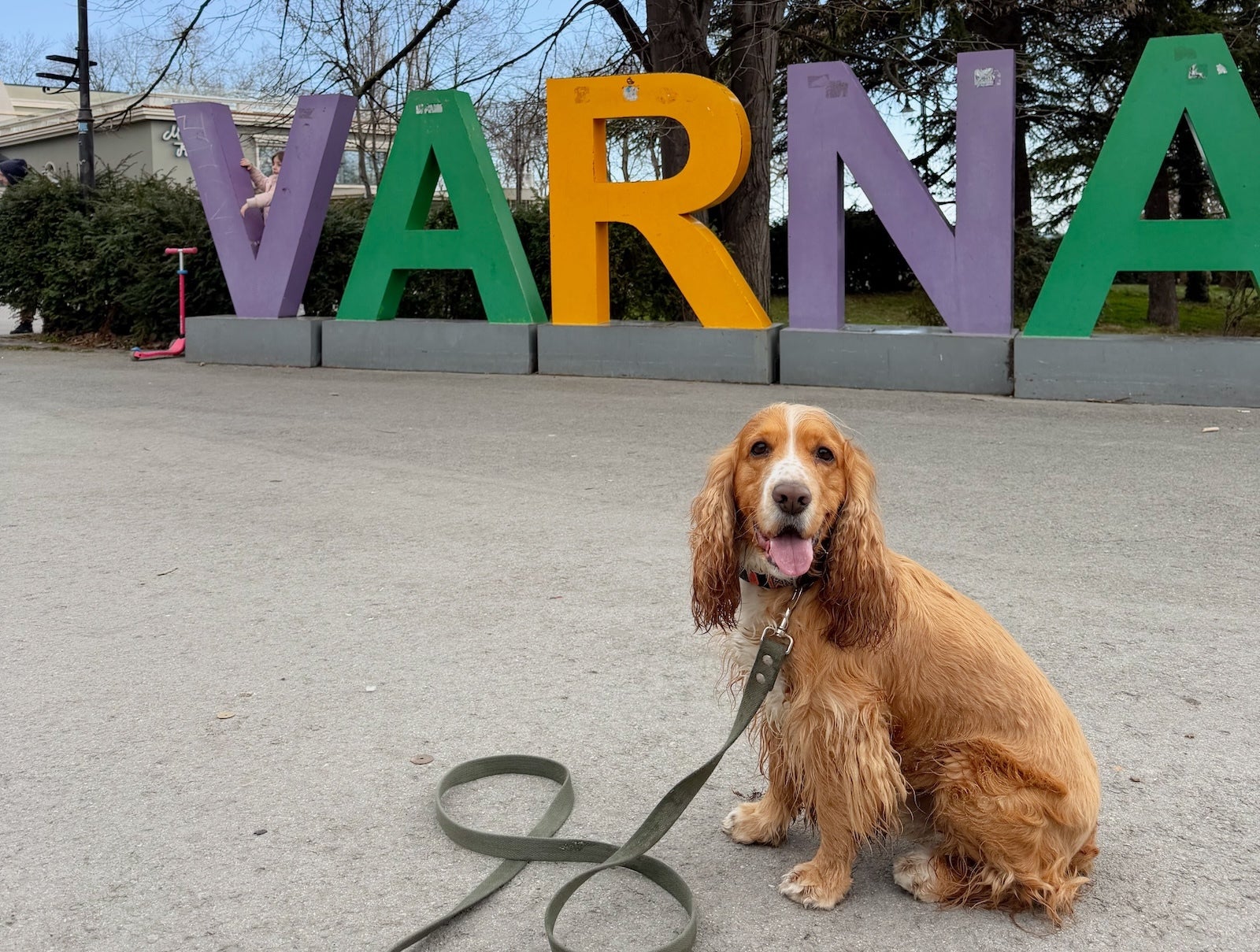
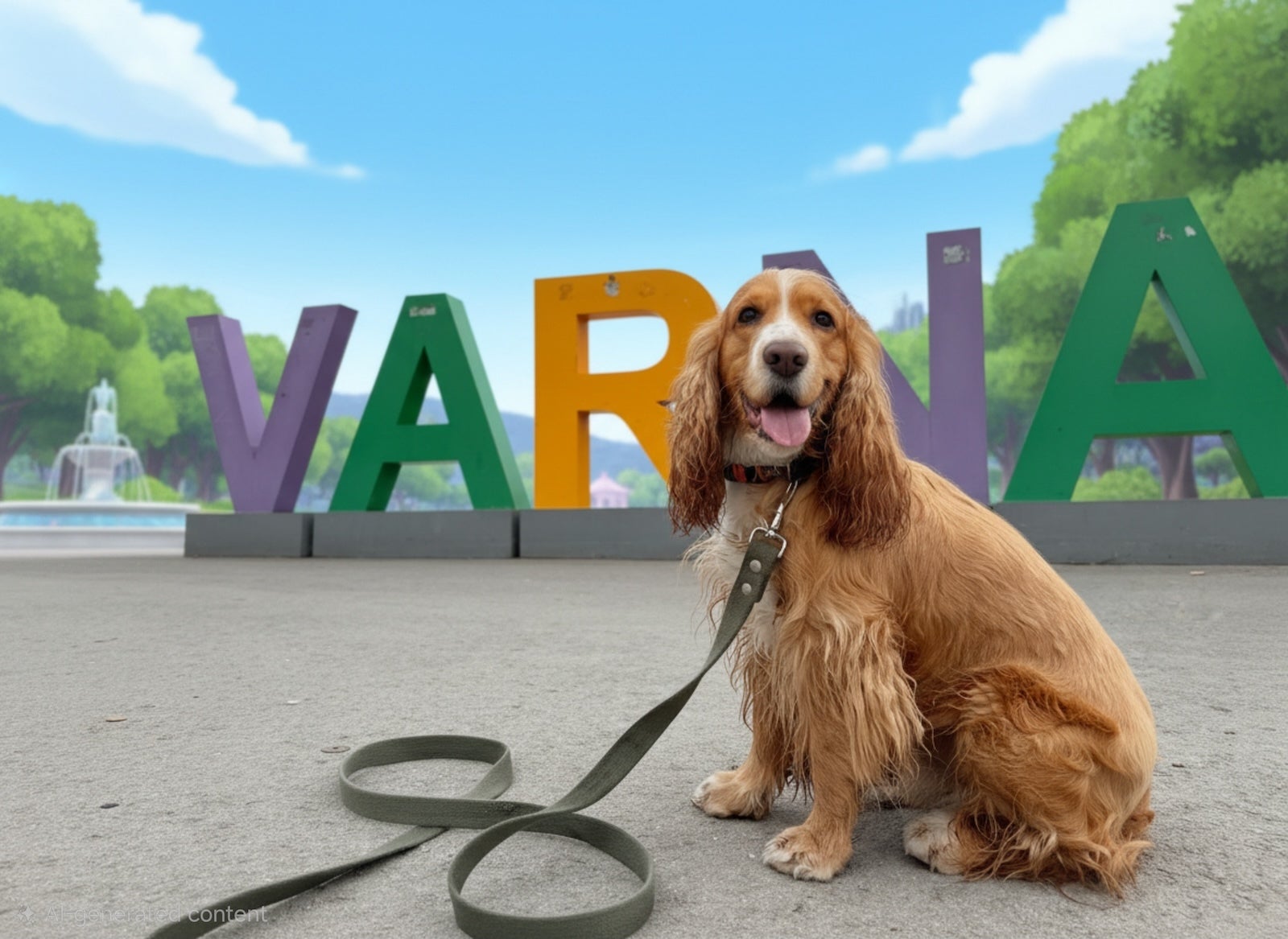
I love that all styles work with landscapes, people and pets, with some considerate limitations around nudity and other types of sensitive content. Well done!
Retro anime style

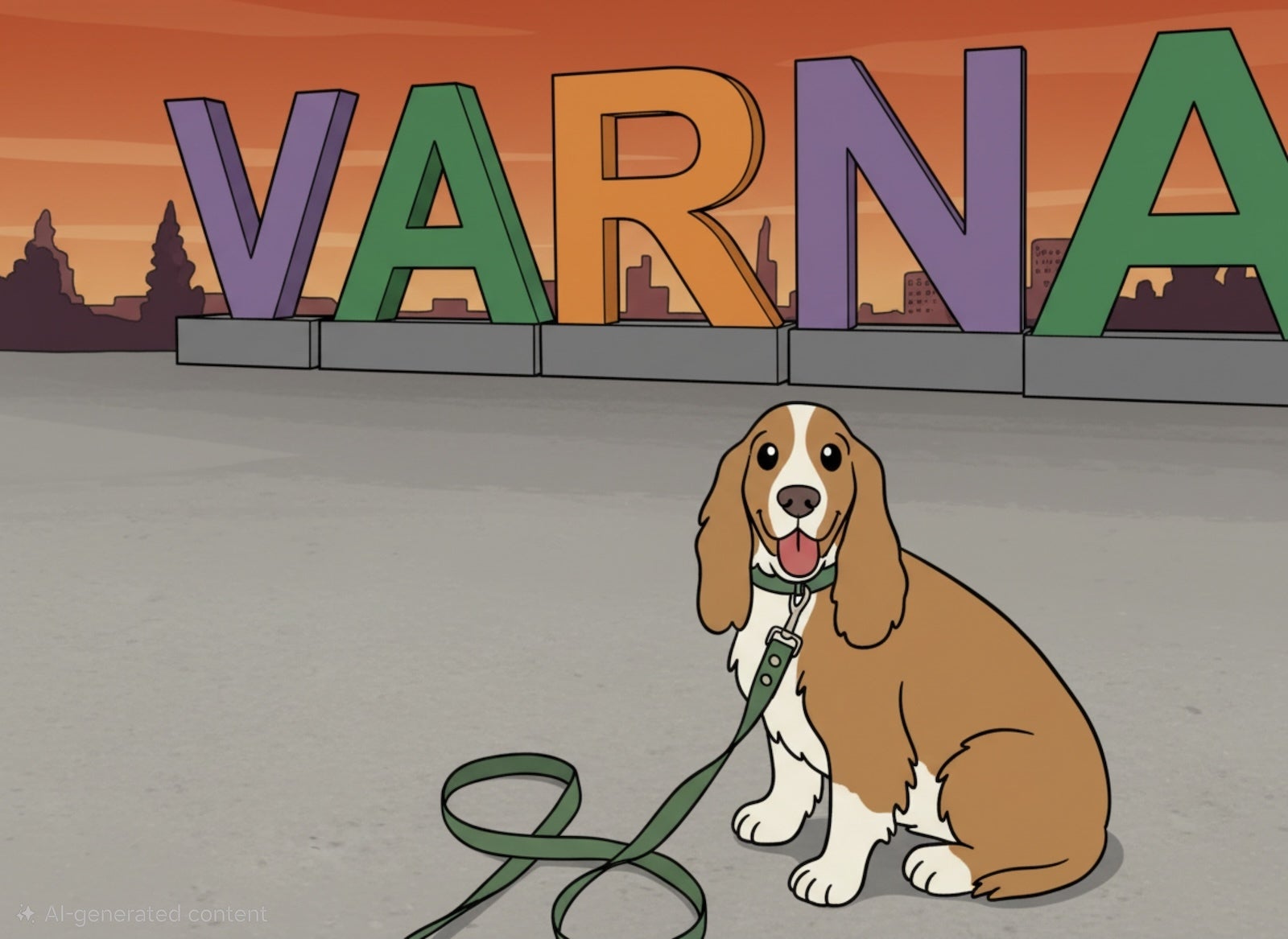
The retro anime style is not my favorite, but some people may dig this look.
Pop art
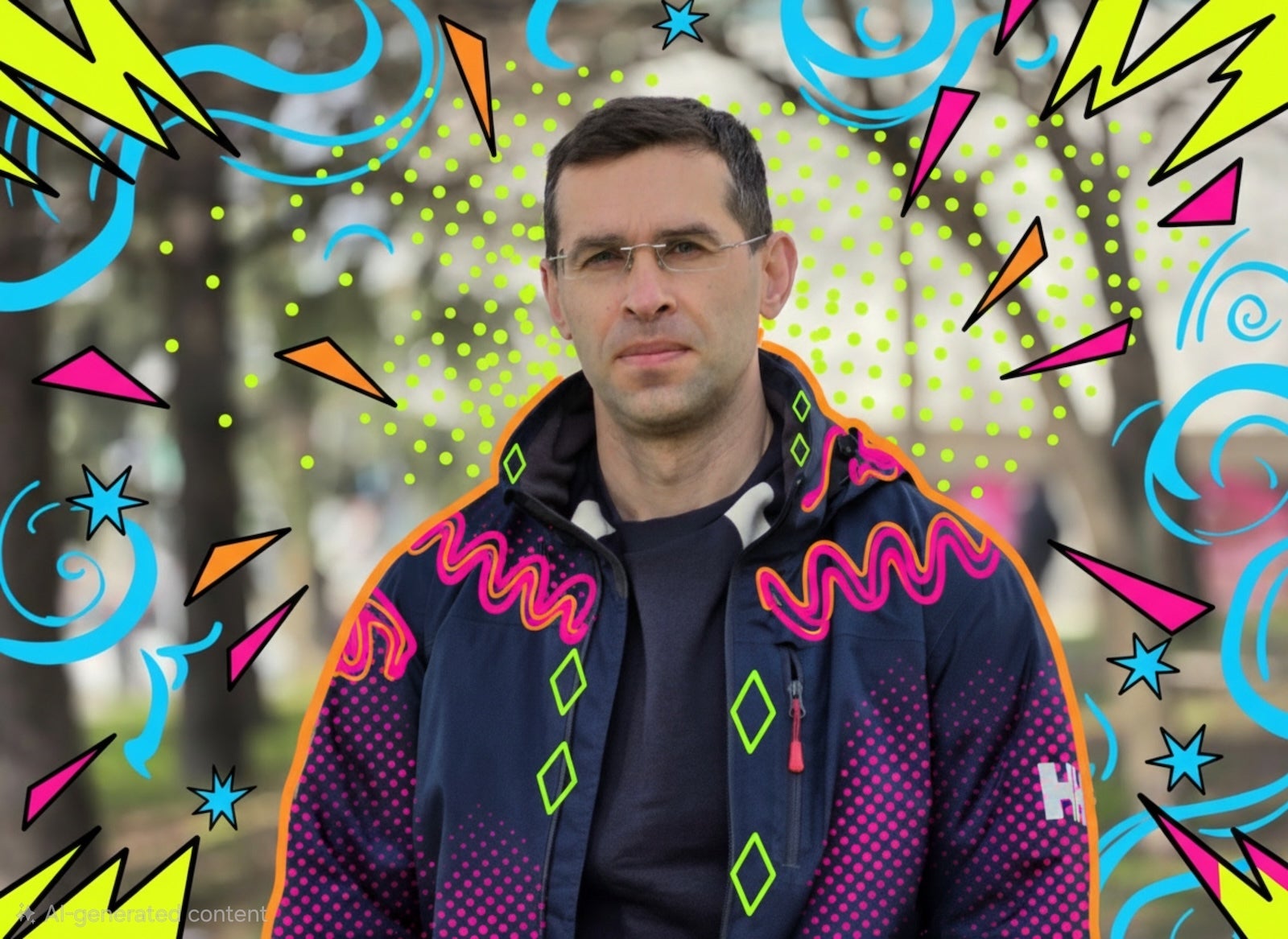
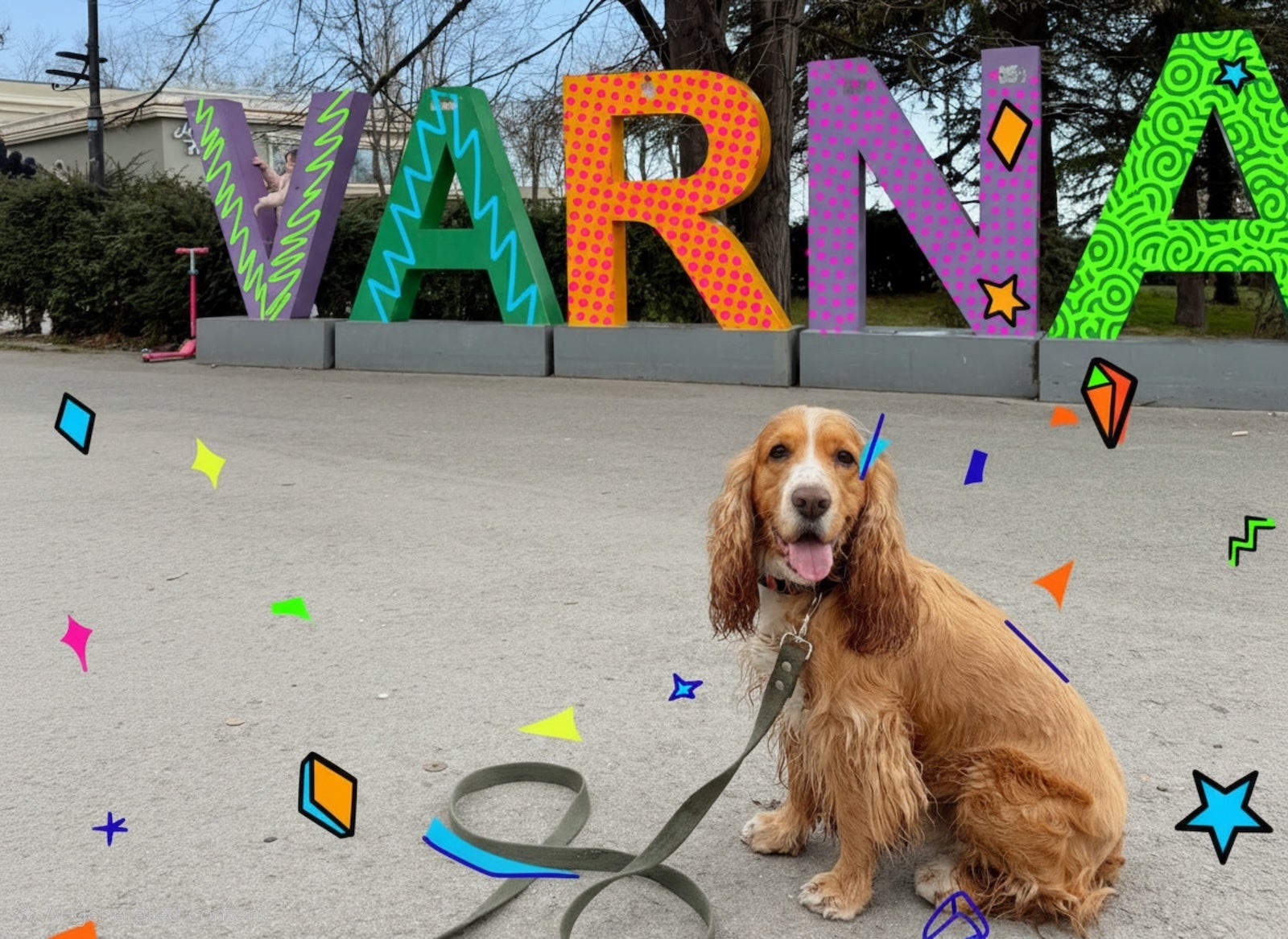
The pop art style barely changes the subject in the photo, but adds all sorts of pop art decorations to the background.
Watercolor
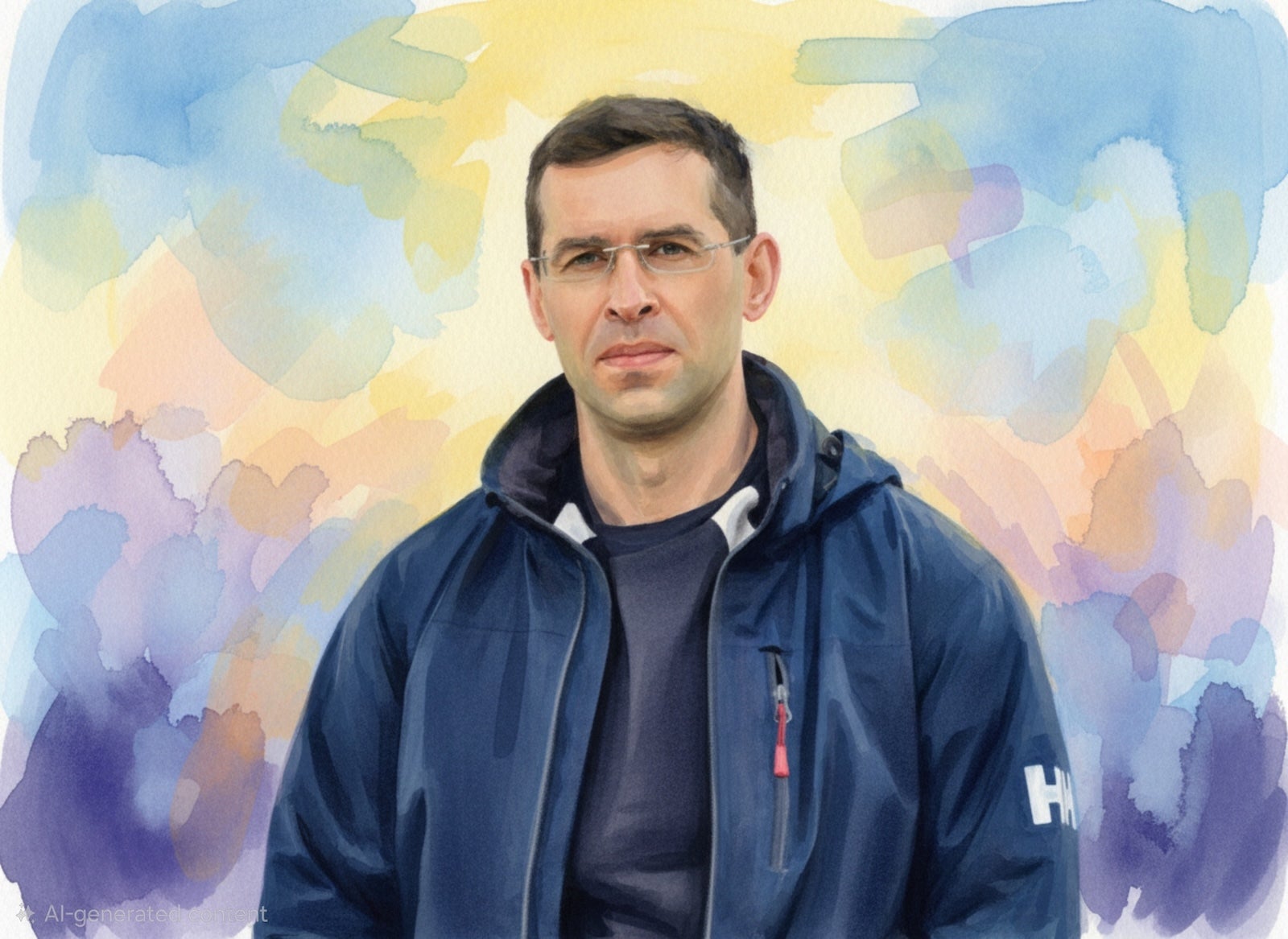
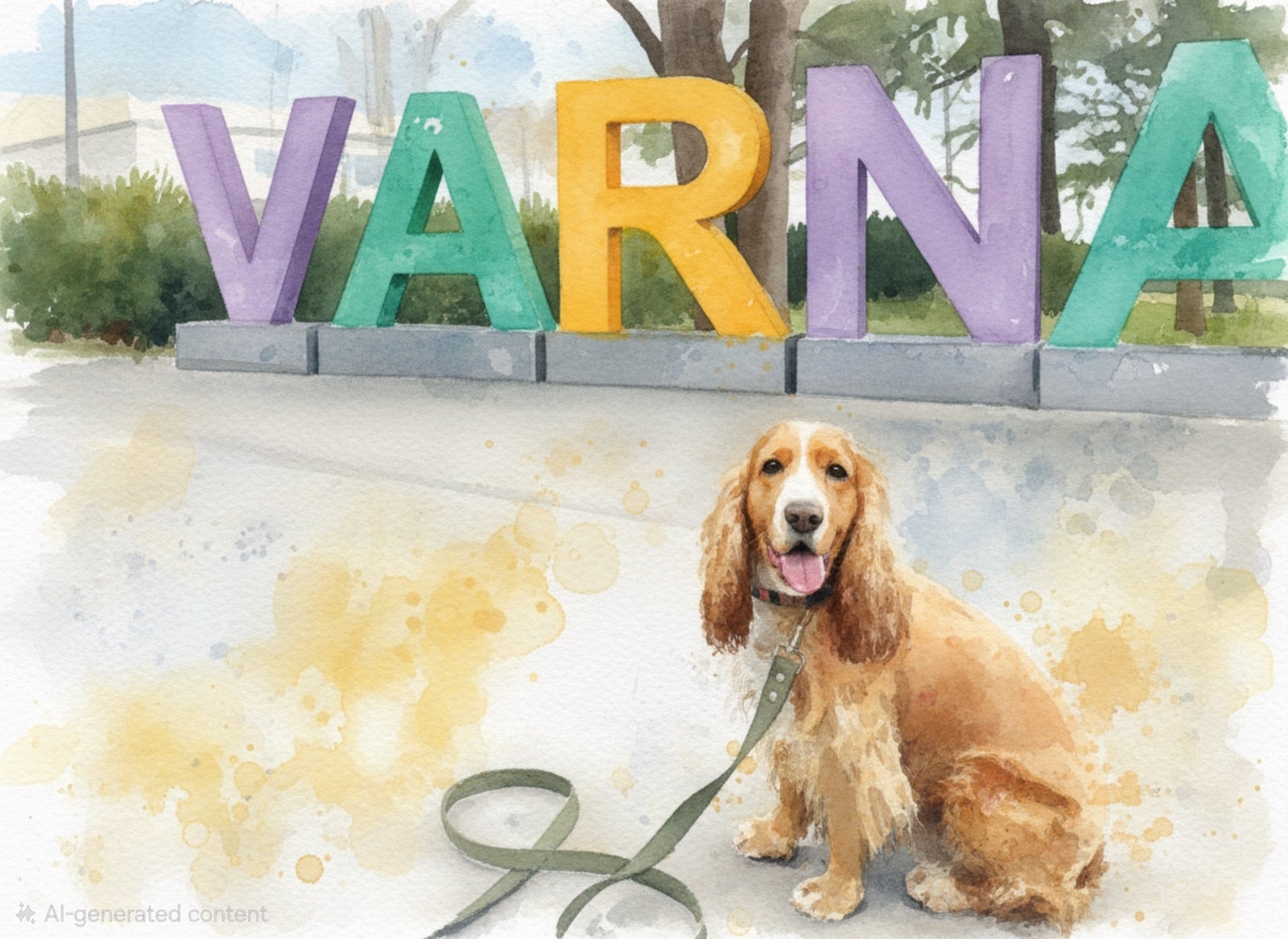
Watercolor has got to be my favorite style by far! It just captures beautiful results every single time.
Oil painting

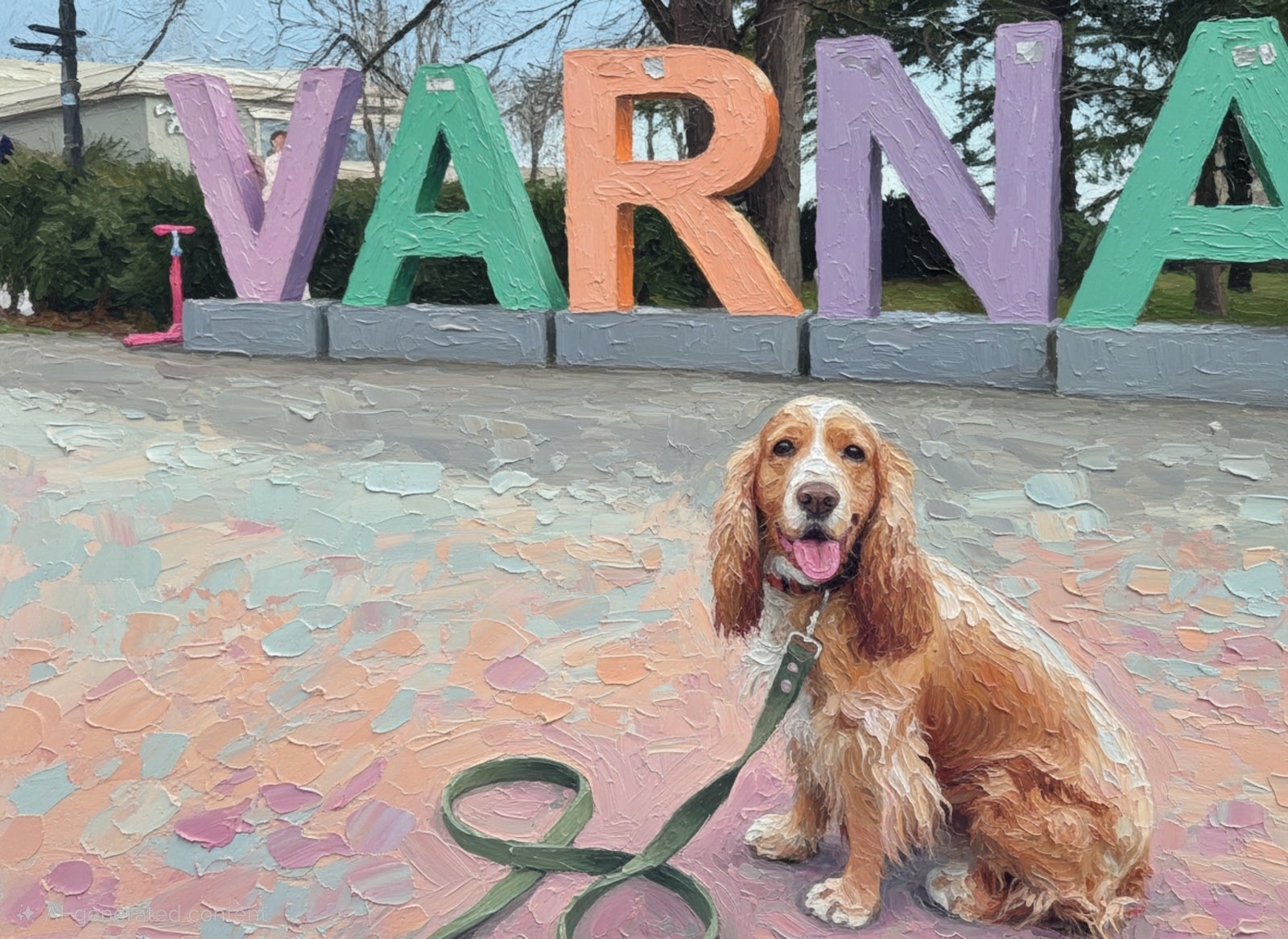
The oil painting effect is a bit more artsy and less cheerful than watercolors, but still lots of fun.
Anime
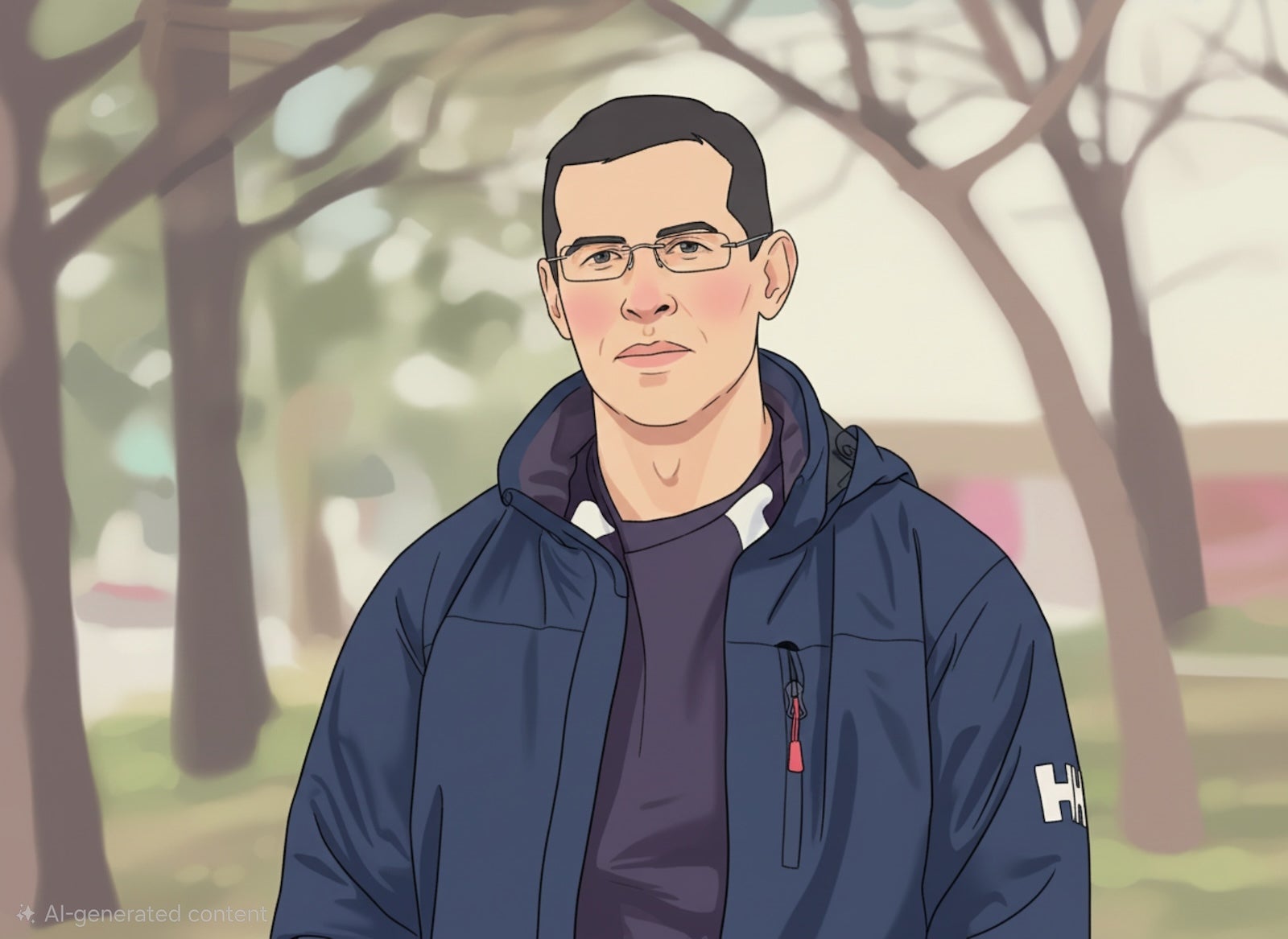
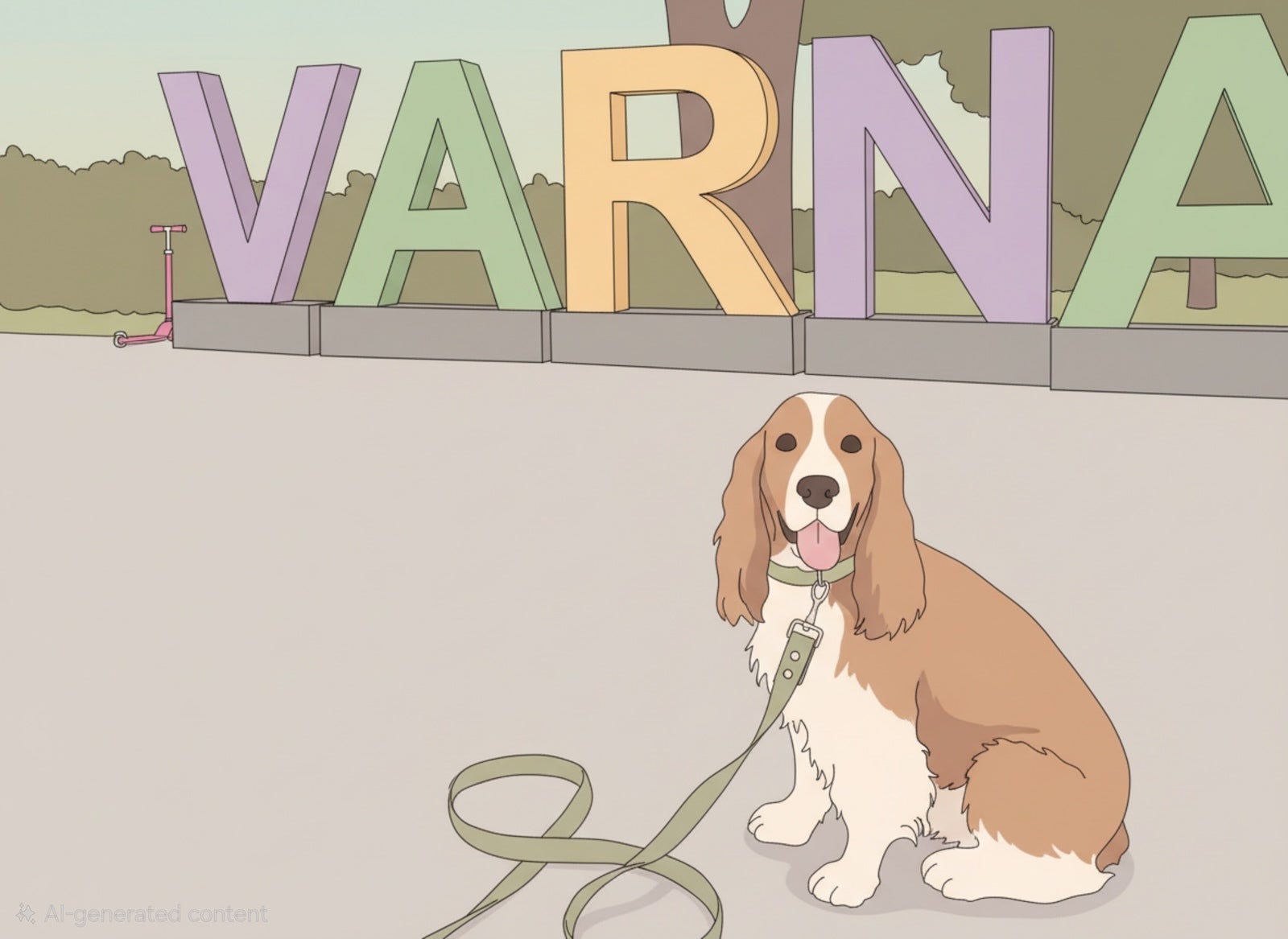
The anime style is a bit less expressive than retro anime, with more neutral, toned down colors.
Crayon

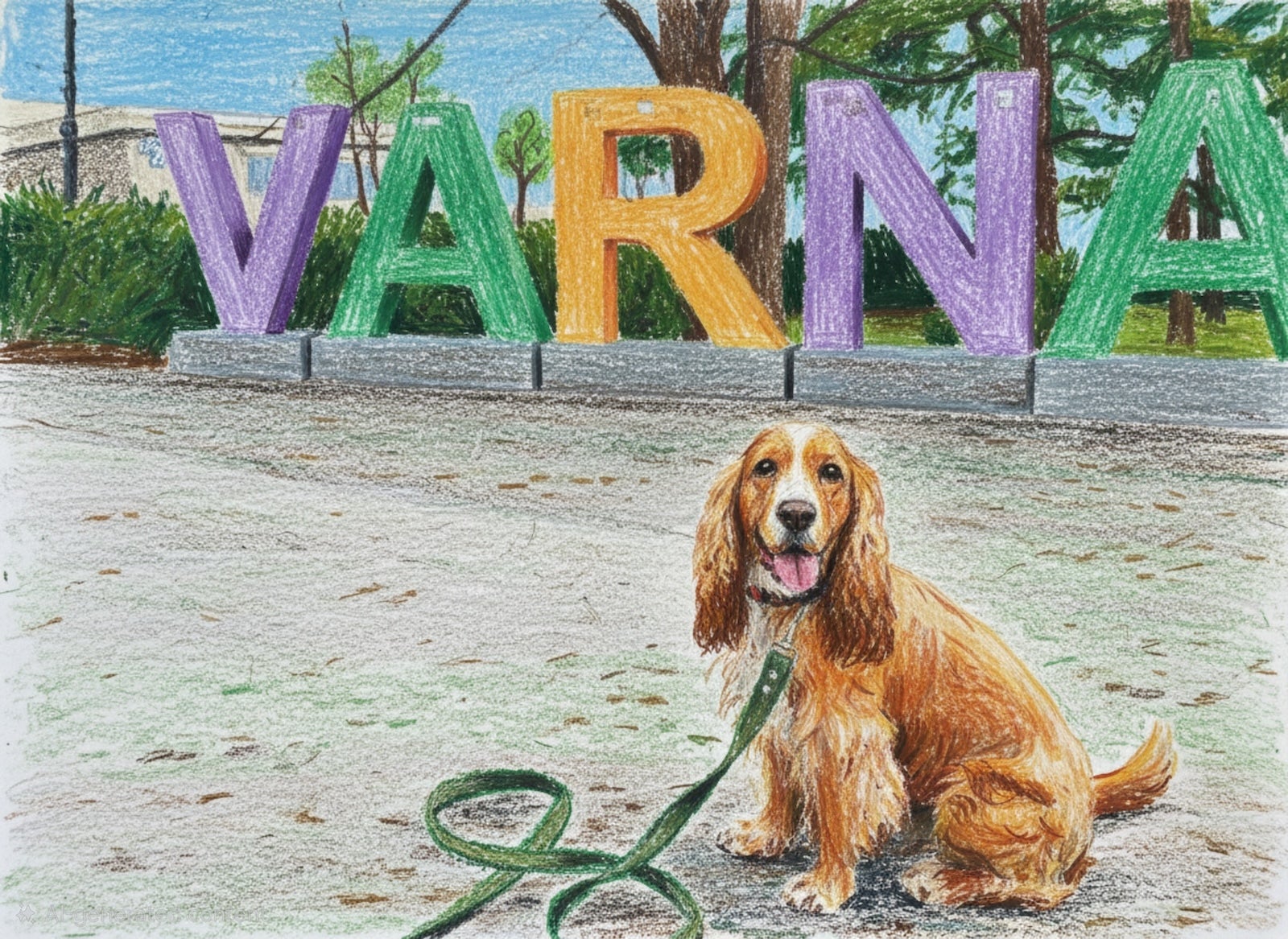
My second favorite style has got to be this childhood-inspired crayon art.
Comic
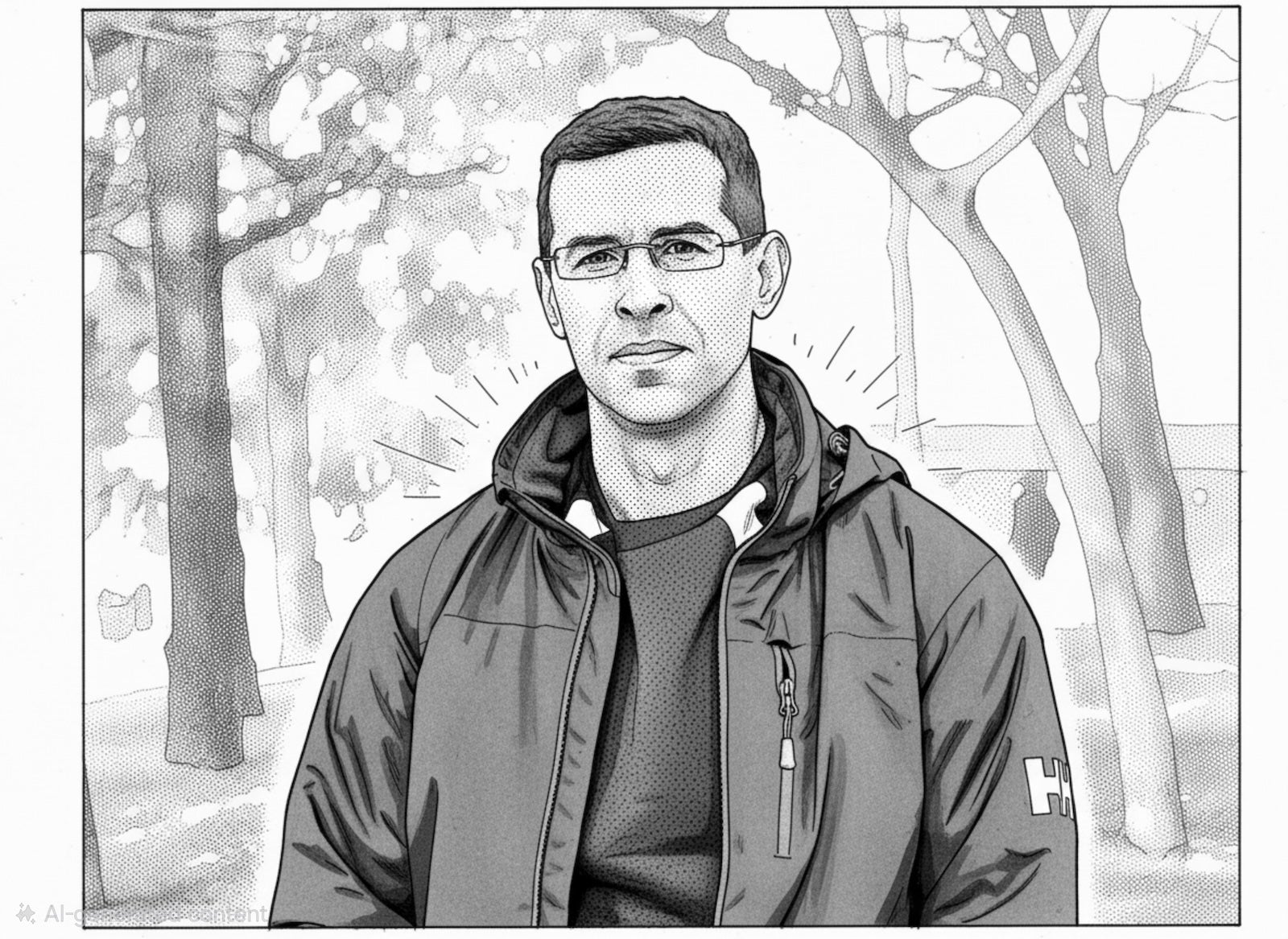
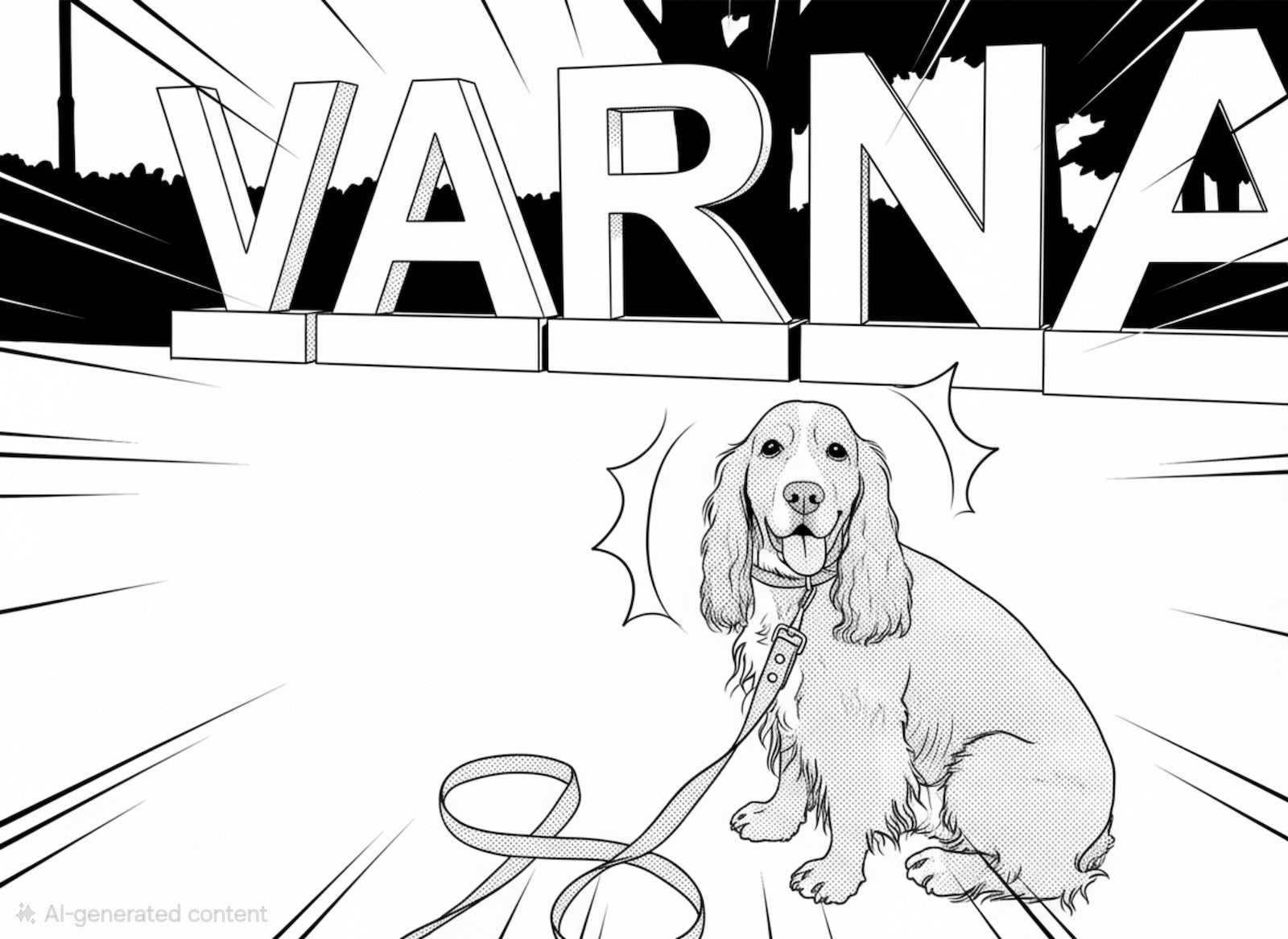
Want to turn yourself into a black-and-white comic?
Sci-fi
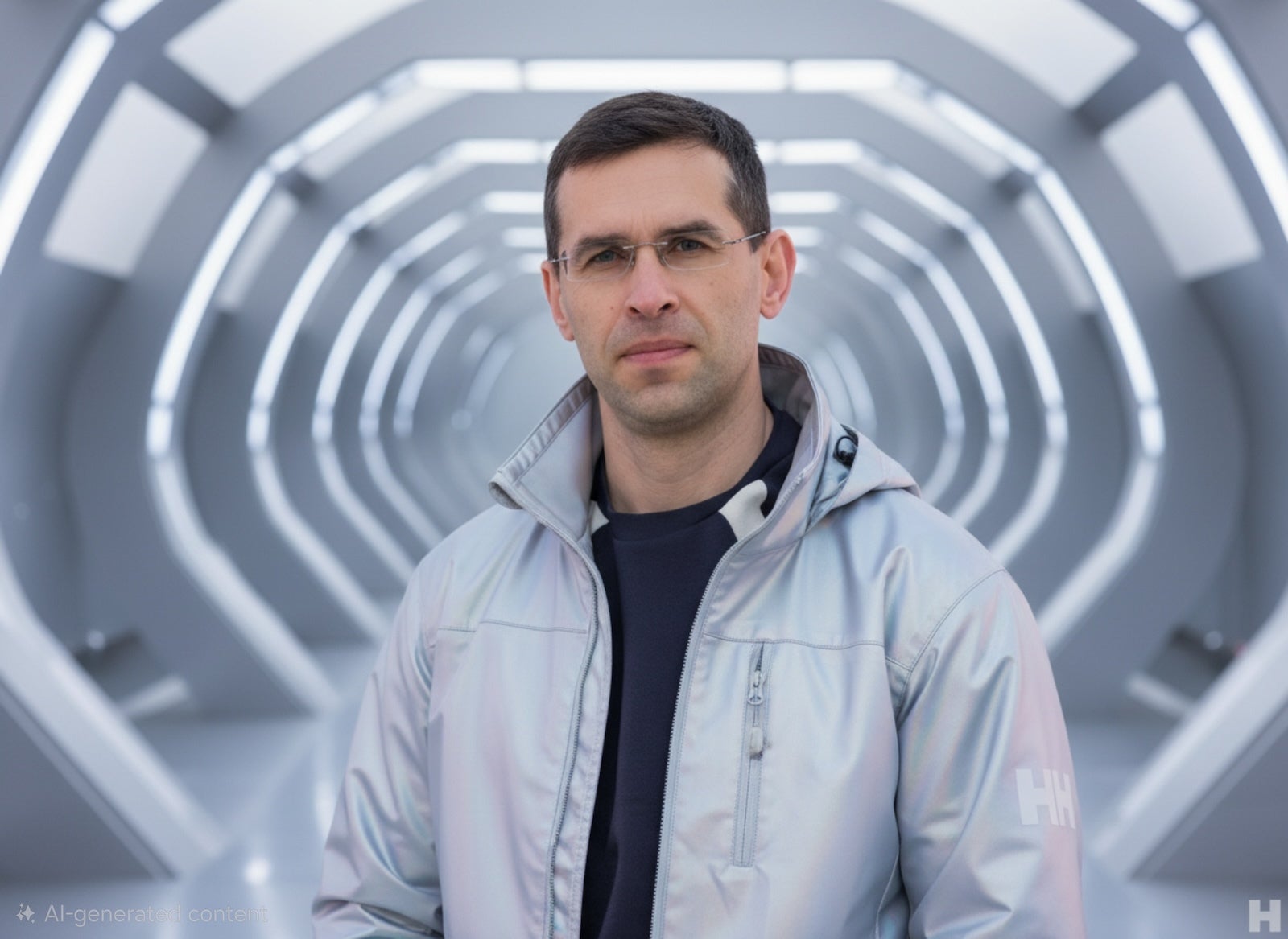
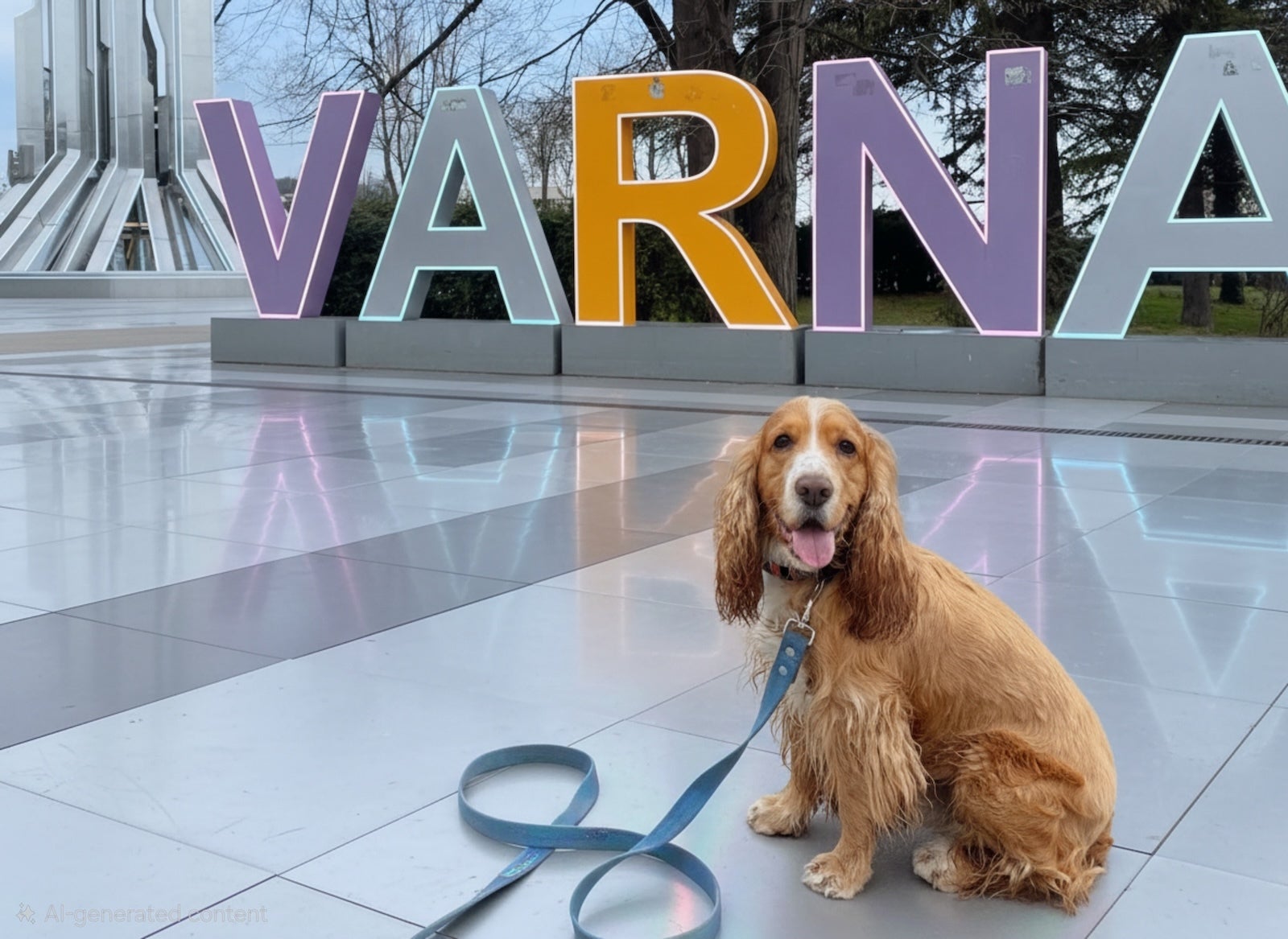
The sci-fi style adds a few tweaks, but just enough to change the mood of your photos to that of a science fiction movie.
In conclusion, AI photo editing is certainly not new, but the fact that it sticks close to the original photos and the thoughtful styles built right in the gallery app on the S26 Ultra make this so much cooler.
Samsung launched its first AI photo styles with the Fold 6 in July 2024 and later rolled them out to the Galaxy S24 series shortly after that. I wasn't too happy with the initial versions, though — the processing speed was too slow at first, the AI often struggled to maintain the subject's exact likeness and it would sometimes leave the background looking like a blurry mess. Most of that is now in the past, though.
But what do you think: are AI styles just a gimmick to you, or would you like to see other phones adopt something similar too?
- Galaxy S26 Ultra camera guide: make the most of the new Ultra camera!
- The Galaxy S26 Ultra taught me how to use AI Select, and I am not going back
- How to master the Pro mode of the Galaxy S26 camera


Popular stories



Latest News





![Another batch of Galaxy S26 series users in the US are getting a nice surprise today [UPDATED]](https://m-cdn.phonearena.com/images/article/183643-wide-two_350/Another-batch-of-Galaxy-S26-series-users-in-the-US-are-getting-a-nice-surprise-today-UPDATED.webp)
Things that are NOT allowed:
To help keep our community safe and free from spam, we apply temporary limits to newly created accounts: