
RayNeo X3 Pro review: a taste of the AR future
RayNeo's X3 Pro is a glimpse of the glorious AR future, but the short battery life is a major compromise.
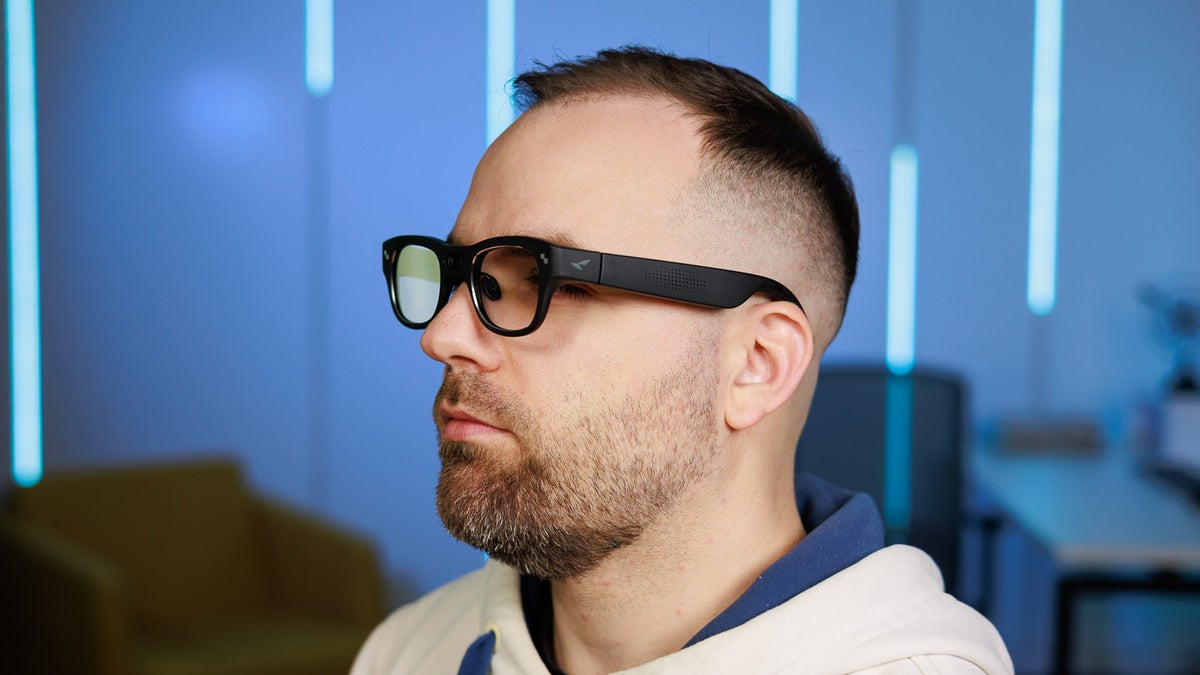
There are smart glasses like the Xreal One series or the RayNeo Air 3s Pro, which give the user a big, wearable screen to maximize their entertainment or productivity sessions, and then there are glasses like the RayNeo X3 Pro, which aim to deliver helpful everyday AR experiences. These experiences can include real-time translation, heads-up navigation, taking point-of-view photos and videos, and enabling natural, hands-free interaction with a multimodal AI assistant.
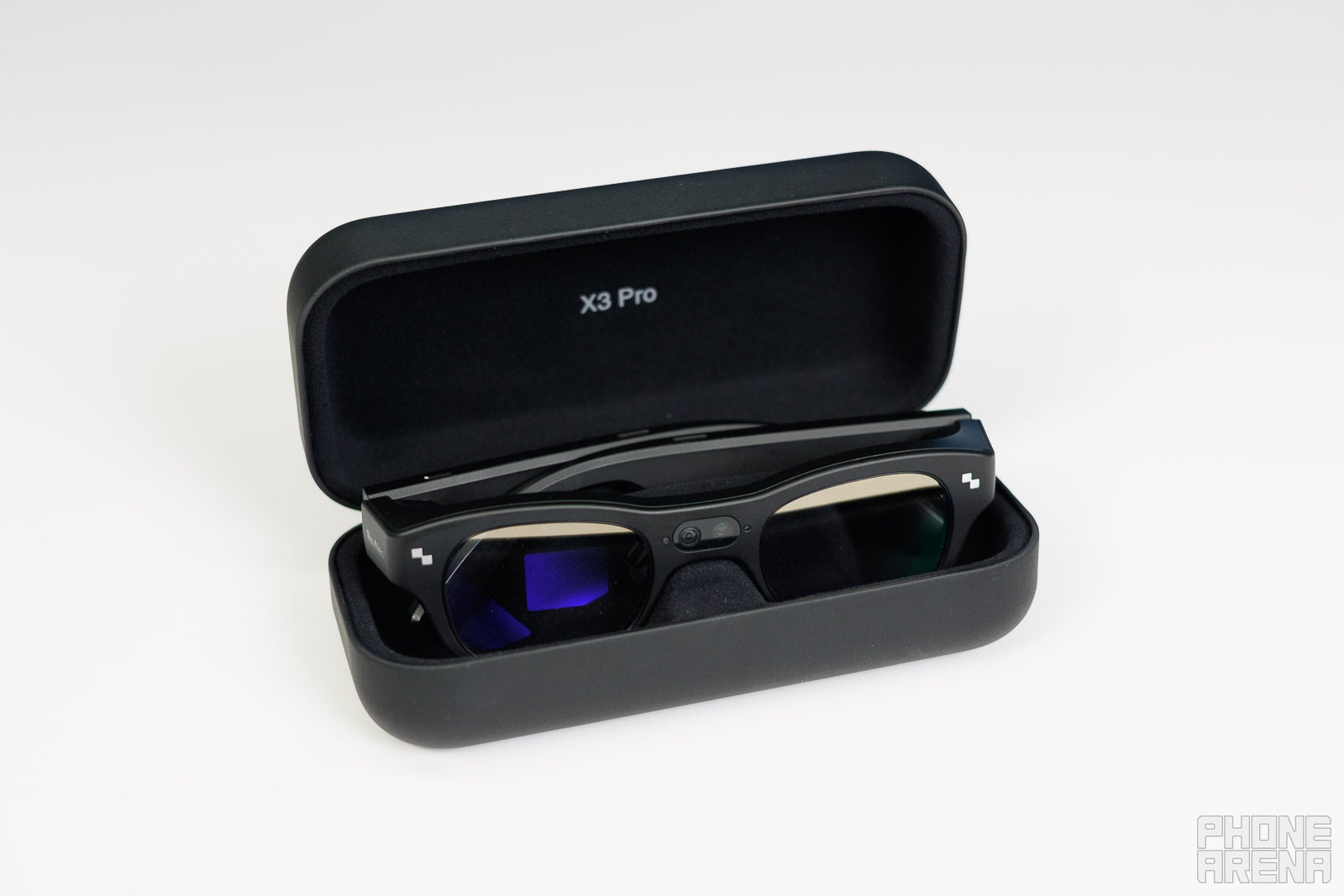
The RayNeo X3 Pro are among the first of their kind, and are perhaps most similar in type to the Meta Ray-Ban Display. These glasses feature complex display systems involving micro-projectors and 'waveguide' optical designs which guide the light from the projectors to your eyes. This sophisticated optical solution is what allows glasses like the RayNeo X3 Pro and Meta Ray-Ban Display to have almost invisible displays and to look more or less like a normal pair of glasses.
The waveguide displays
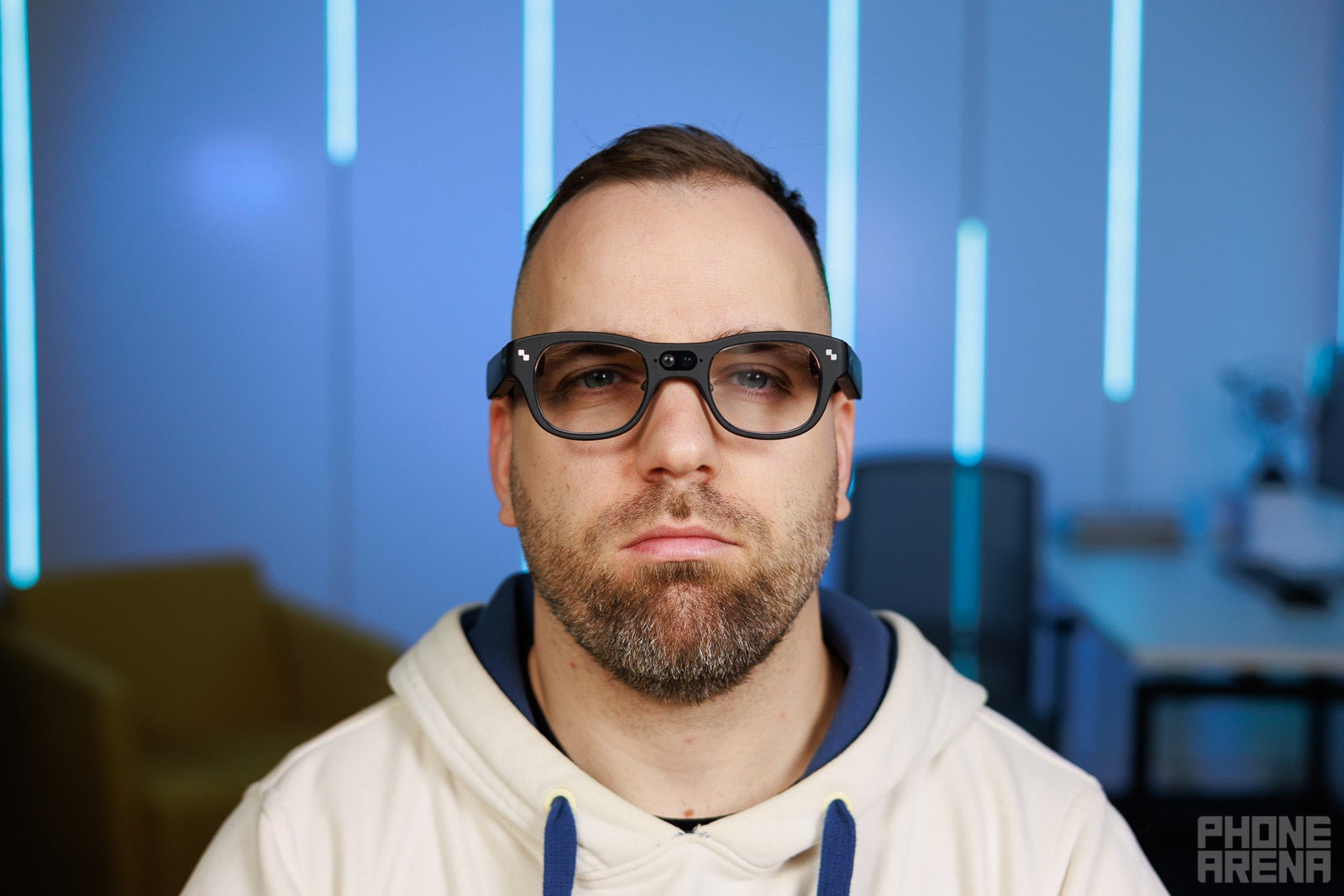
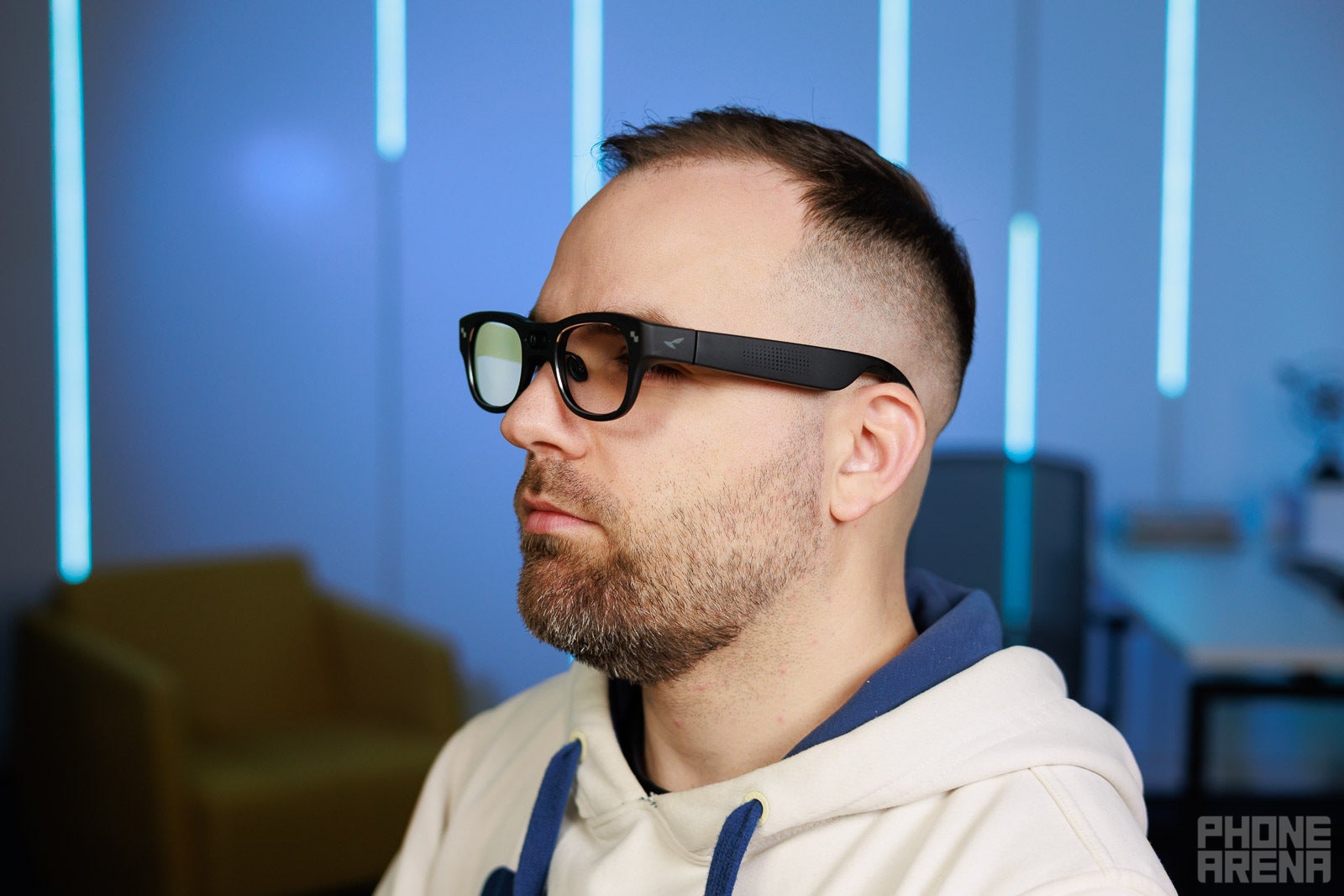
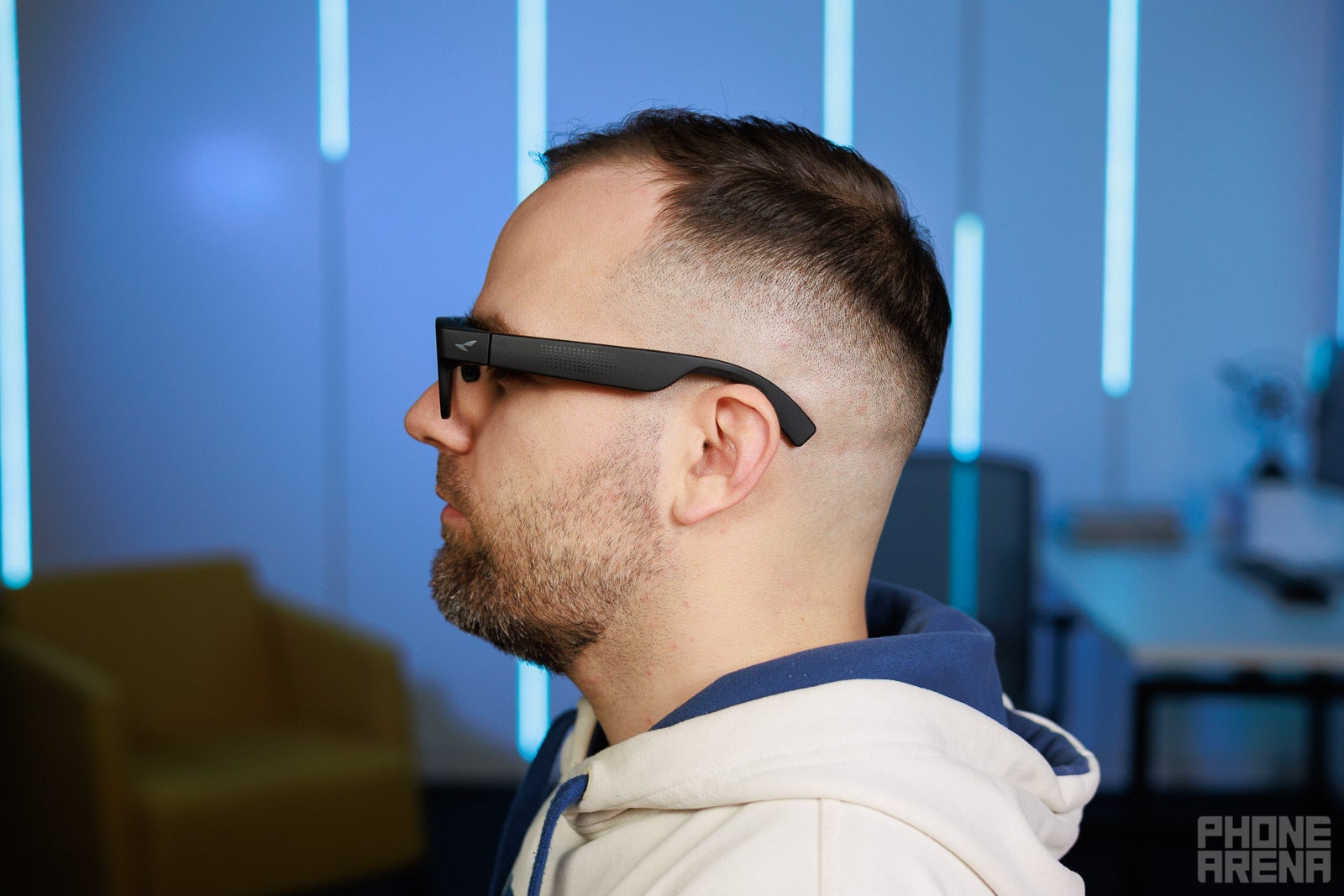
Now, unlike the Meta Ray-Ban Display, the RayNeo X3 Pro has two waveguide displays - one for each eye. RayNeo says these are "full-color" displays, but they aren't anything like your phone's rich, vibrant OLED screen. The X3 Pro can output a more limited range of colors, while the resolution isn't particularly high, either. This is normal for the tech they employ. All of that means you shouldn't expect high image quality of these glasses - visual entertainment is not their purpose, after all.
Image quality is somewhat rough, but it's enough for what these glasses aim to achieve. Come to think if it, the image quality is very respectable for displays that you can't really see unless you've put the glasses on!
The image coming from the micro-projectors is somewhat offset towards the bottom, which makes sense, as this interface is supposed to augment your reality, not replace it. However, in some situations this will be a problem. At least in my case, the bottom end of the display falls just outside my field of view, meaning I often cannot see what's on the bottom of the screen, unless I position the RayNeo X3 Pro in a somewhat odd place, like way too low on my nose, for example. RayNeo has surely tried to make the design fit all types of people and head shapes, but this is a tough thing to achieve. On XR glasses like the Air 3s Pro or the Xreal, this problem is fixed thanks to the adjustable temple angles, but this customization feature is, sadly, not available on the X3 Pro.
RayNeo X3 Pro price and release date
Expected to launch globally this month at an early bird price of $1100, the RayNeo X3 Pro are a costly pair of smart glasses, unlike XR models like the Air 3s Pro, for example, which retail at just $300, but that's the cost for the cutting-edge tech in use here.
At the moment, RayNeo is running an "Early Bird promotion" event where users who've tried the Meta Display or other display-enabled glasses can share their experiences with RayNeo, and get a bonus $100 credit towards their X3 Pro purchase. Alternatively, until Jan 5, and limited to only the first 100 customers from the US, you can trade-in a Meta Display or a RayNeo X2 and get an $800 discount, but note that this one isn't stackable with the early-bird $100 promo.
What can they do?
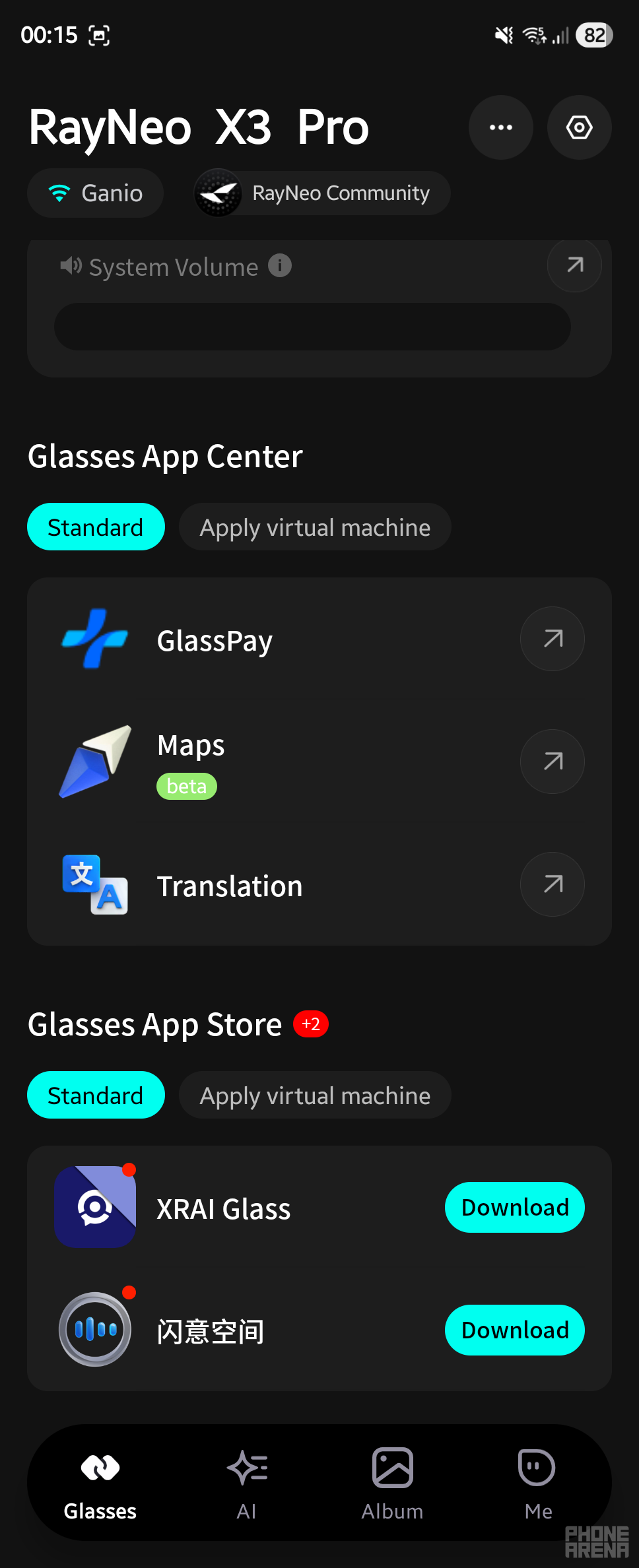
The interface is roughly divided into three portions. The central homescreen gives you a quick look at things like the time and battery life, and, most importantly, allows you to call up the AI assistant, which is powered by Gemini Live (more on that in a bit).
Using the integrated touchpad in the right-hand-side temple, moving to the left screen will bring up any recent notifications you've received. Moving towards the right will lead you to the list of available apps. There isn't a ton of available or pre-installed apps right now - just the essentials like camera, to-do, music control, translation, maps and phone. Of course, I expect the catalog of available apps to grow over the following months.
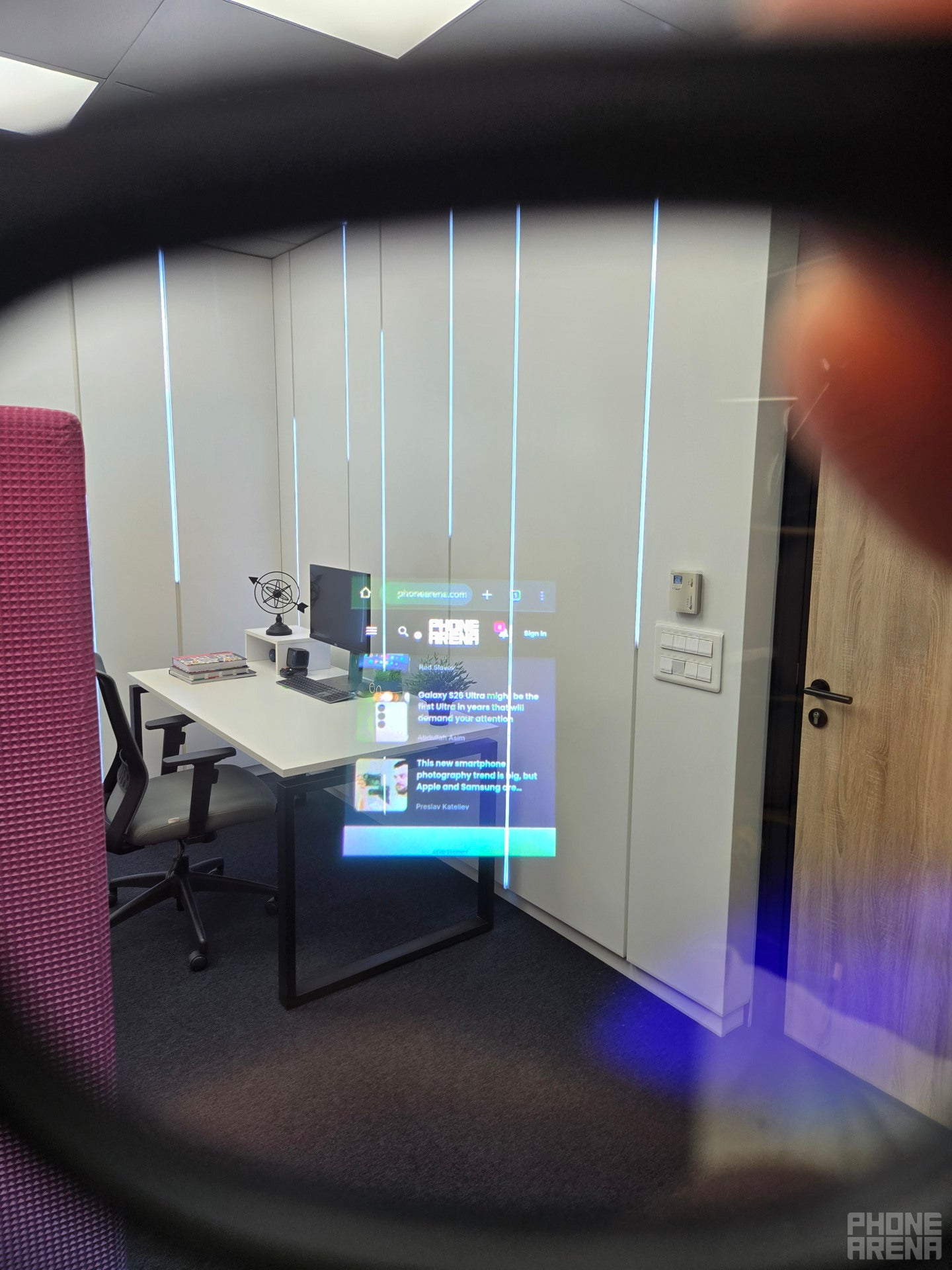
Running Chrome in the RayNeo X3 Pro - clunky, but it can be done
There is a way to side-load third-party apps, which isn't that complicated. This way, you can sideload almost any APK and run it on the RayNeo X3 Pro. And because the glasses are powered by the Snapdragon AR Gen 1 platform, the apps run fairly well. I tried running things like the Play Store (via Gbox), Chrome and YouTube Music - and they all ran fine. Not as seamlessly as on a phone, but they ran. However, there really isn't much point in using the RayNeo X3 Pro to execute such types of apps, because they simply aren't designed with such applications in mind. They are designed to be used with small, heads-up apps that bring some usefulness when merged with the surrounding environment - like navigation or the AI assistant.
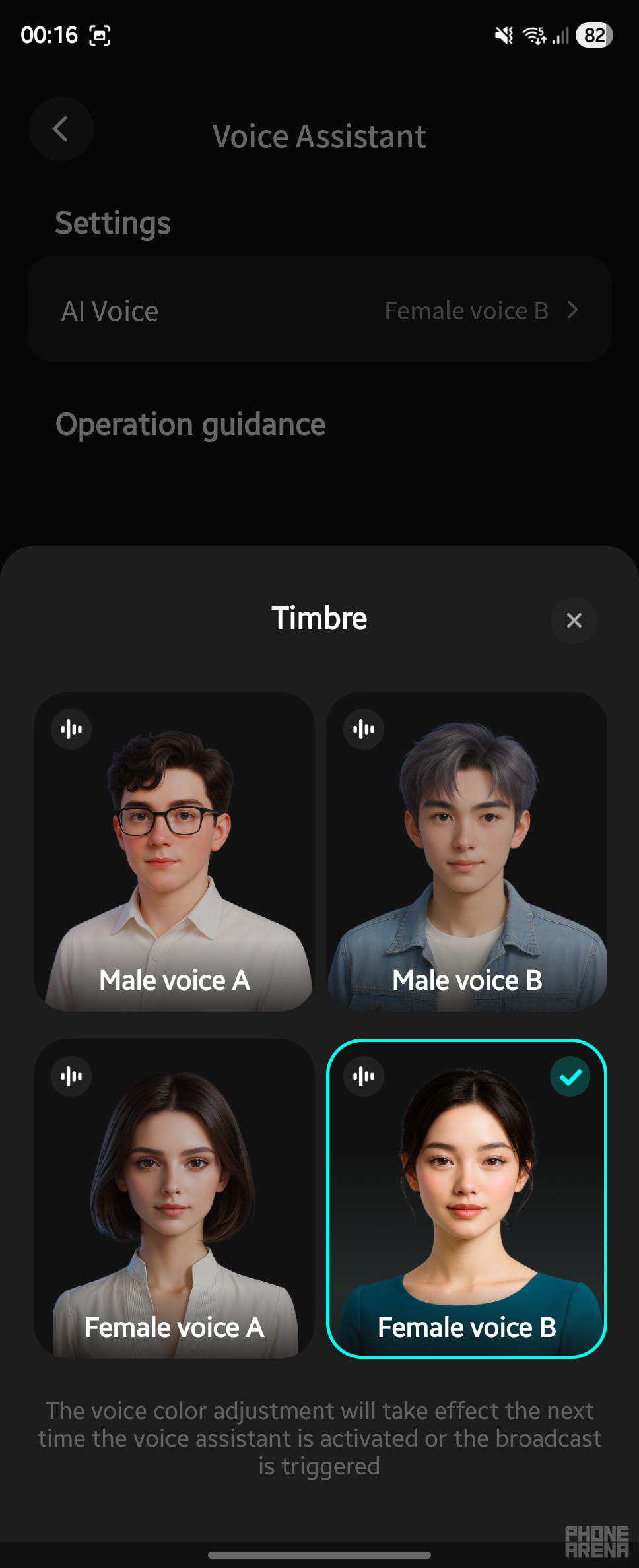
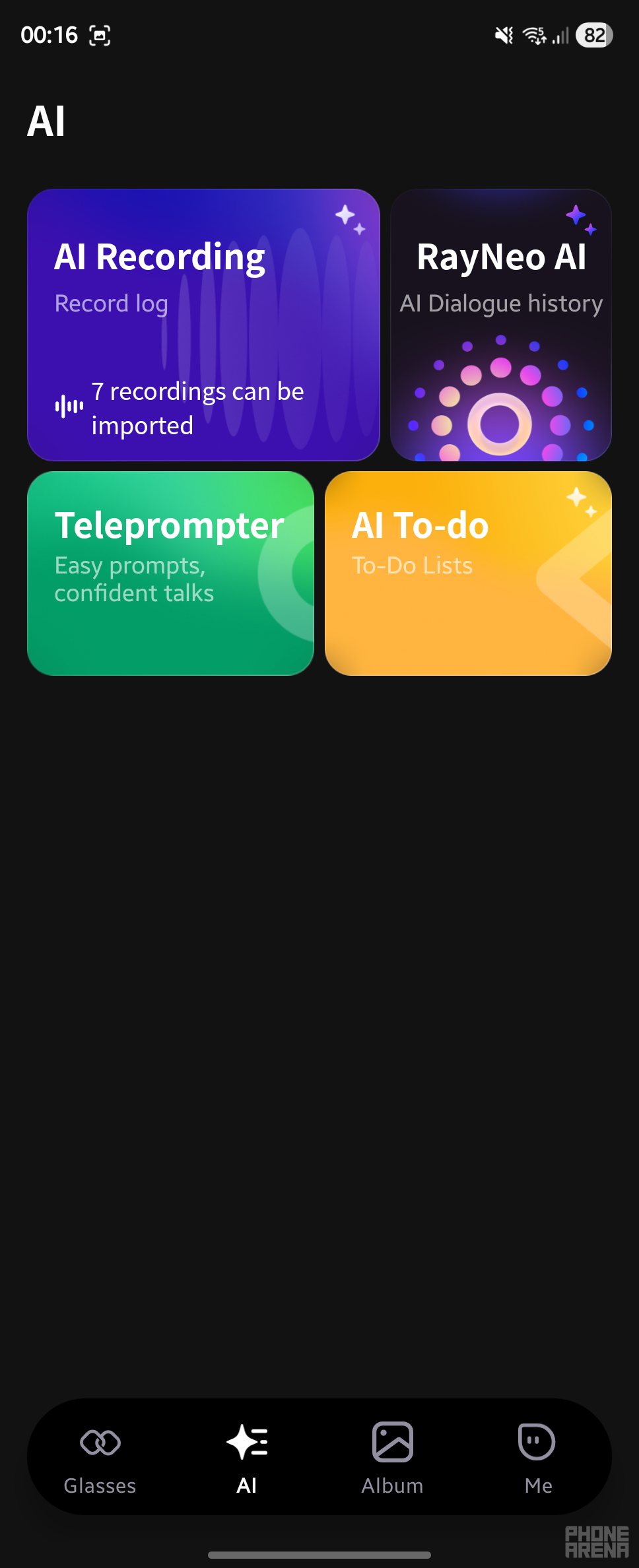
Speaking of the latter, this is one of the key selling points of the X3 Pro. Accessible with a single tap right from the homescreen, Gemini Live does a good job at audio and video intelligence. You can either talk to Gemini Live or enable video feed access so it can see what you see. The latter scenario makes it very easy and natural to converse with the AI assistant about things you're looking at. This is a killer use case for such AR glasses.
Unfortunately, Gemini Live isn't integrated with anything else in the system, so you can't use it to interact with other apps or features on the X3 Pro.
Of note is also the live translation application, which does a pretty good job at translating between a total of 14 different languages. I tried live translation (can be either text-only or with audio) between Spanish and English and between Russian and English, and in my experience, it works very well. You can also take advantage of the on-board camera to ask for a translation of a text you're looking at - either via the Translate app, or the AI assistant. This feature is also extremely neat.
Design considerations
Aside from the practical consideration where the bottom of the display falls slightly below my field of view, the RayNeo X3 Pro are fairly compact and light. Sure, they have the thick temples typical of smart glasses, but that doesn't even look that bad. What does look somewhat weird is the camera module, which is centered on the nose bridge. This front-and-center location is certainly inferior to the endpiece location of the Meta Display camera, unless a new technology is found that would allow glasses makers to hide the camera and make it near invisible.
If you can look past that imperfection, the RayNeo X3 Pro are fairly light, at 76 grams, and the nose pad is quite soft and convenient, allowing for long usage sessions.
Battery life
But while the overall design is fine for longer wearing, the integrated battery sure doesn't agree.
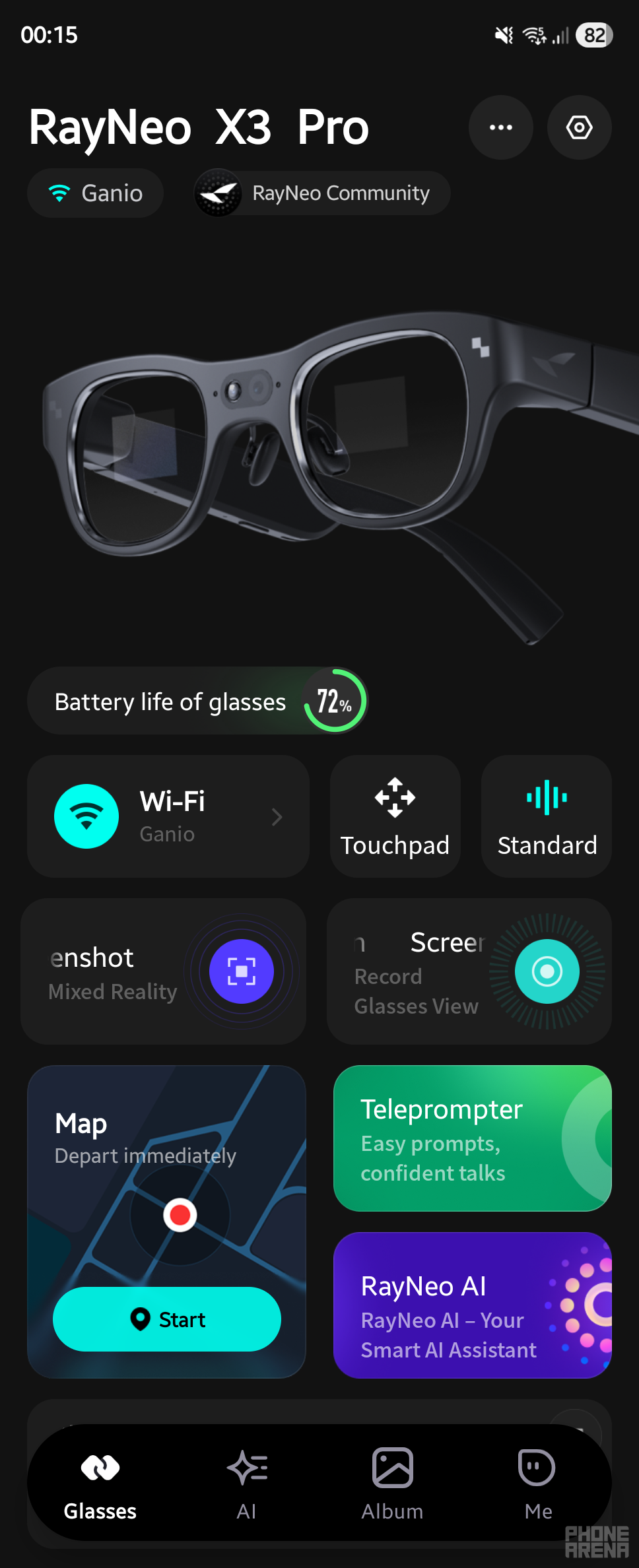
In reality, the RayNeo X3 Pro's battery life is about 40 minutes of use. This is discouragingly short – no two days about it. The good thing is that while they are asleep and on in active use, they don't lose battery power. Still, 40 minutes are 40 minutes, so prepare for active battery management.
The silver lining in this category is the fast charging, as the glasses take roughly the same time to go from 0 to 100% – roughly 40 minutes.
Summary
It's not hard to imagine an AR future, where powerful smart glasses will constantly augment the world around us, serving useful bits of information and making life easier in real time. All while lasting at least a full day.
The RayNeo X3 Pro by TCL give us a taste of that future, today, complete with all the compromises one can expect from such a forward-looking product. Their functionality and usefulness will only grow, while all the annoying drawbacks will be solved, one by one, over the following years.
At $1100, the X3 Pro are a costly purchase, but there will surely be a special audience of early adopters waiting to snatch them up, and perhaps help bring the AR future close.
For all the rest, a pair of RayNeo Air 3s Pro's or Xreal One's will be the better investment.


Popular stories




Latest News






Things that are NOT allowed:
To help keep our community safe and free from spam, we apply temporary limits to newly created accounts: