Pixel 9 gets one of Apple's most iconic features
Android's Quick Share-AirDrop interoperability is now available on Pixel 9 phones.
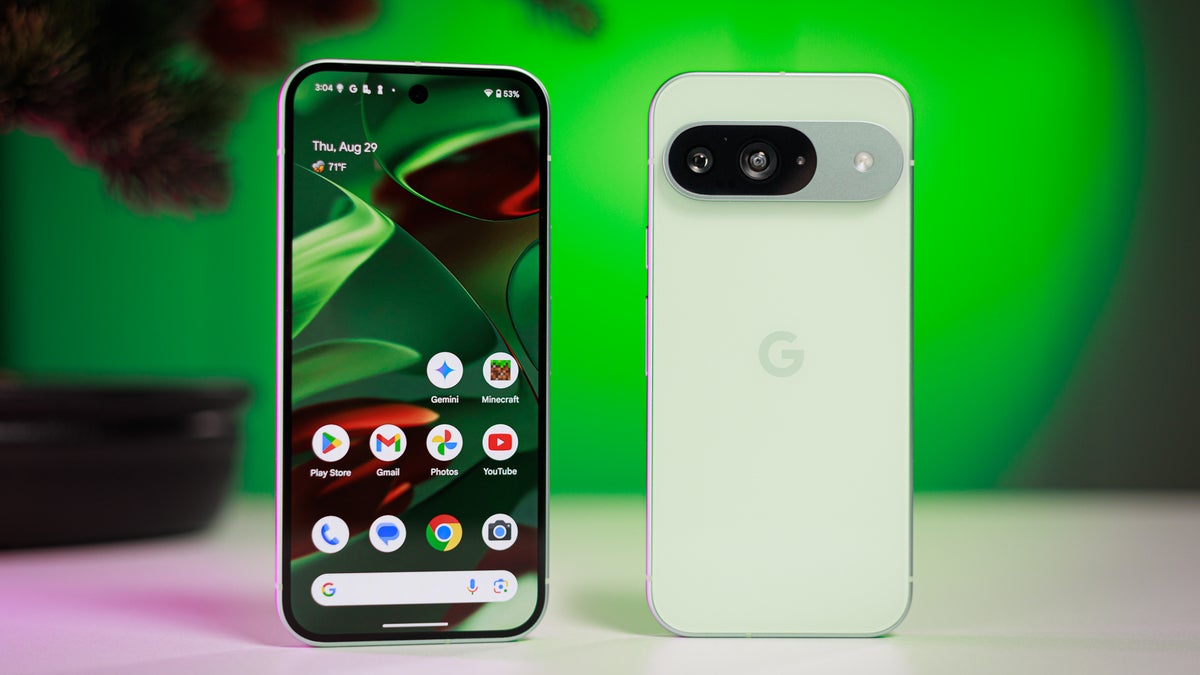
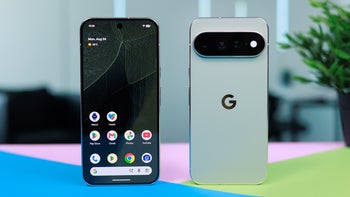
Pixel 9 in lemongrass color. | Image by PhoneArena
Quick Share in Pixel 9 is now compatible with Apple's AirDrop
A ray of hope came when the system files required for Quick Share and AirDrop to work together were found in an Android Canary build available for the Pixel 9 series. Just over a month after this was discovered, Google officially confirmed that Quick Share on Pixel 9 series phones is now compatible with AirDrop. That means you can now transfer files from the Pixel 9, Pixel 9 Pro, Pixel 9 Pro XL, and Pixel 9 Pro Fold to different Apple devices that support AirDrop, including iPhones, Macs, and iPads.
The Pixel 9a unfortunately isn't getting this upgrade yet. While there isn't a concrete reason from Google behind this move, Alex Moriconi, a communication manager at Google, reportedly said, "Looking forward to improving the experience and expanding it to more Android devices over time."
Eric Kay, who is the vice president of engineering for the Android platform, also reportedly stated that AirDrop interoperability isn't going to remain exclusive to Pixel phones. Instead, it will be rolled out to more Android devices in 2026. Both of these statements suggest that we could actually see it landing on the budget model of the Pixel 9 line soon, as well as on more Android phones.
Will you consider a Pixel over Samsung just because it has an extra ability to transfer files to an iPhone?
42 Votes
It's not big enough to choose Pixel over Samsung.
19.05%
Yes... easy file sharing with iPhone is a big deal for me.
14.29%
Samsung's ecosystem and features are still the best.
9.52%
I'm already a Pixel user.
57.14%
Sharing files to iPhone has never been this easy
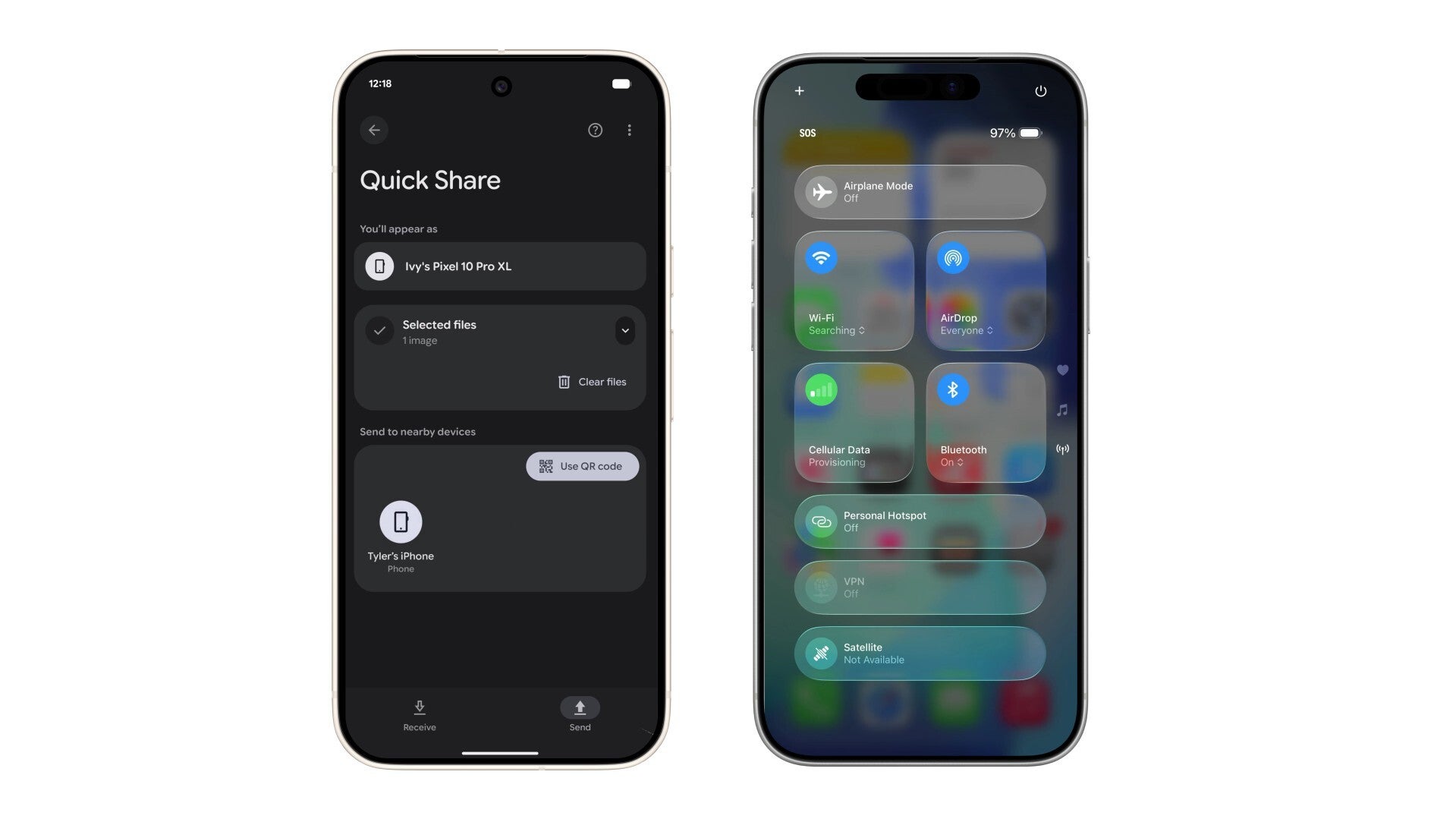
Sending files from Pixel 10 to an iPhone. | Image by Google
Now, I can officially transfer files without relying on any other workaround. And in case you are wondering how Google actually managed to bring in a feature that has been exclusive to Apple since its inception, I would recommend that you read this article. (Hint: The European Union played a major role in the whole story.)
All that said, transferring files from your Pixel 9 to an iPhone or vice versa is quite straightforward. The only requirement is that the Apple device to which you are sharing the file must have its AirDrop visibility configured to "Everyone for 10 Minutes." The same needs to be selected in the Quick Share settings on Pixel when receiving a file from an iPhone.
Once you have taken care of this, you can transfer the file the regular way using Quick Share or AirDrop. For instance, if you are sharing files from your Pixel 9 to an iPhone, you need to open Quick Share, select the file, and then choose the iPhone whose name appears under the "Send to nearby devices" section. Next, tap the "Accept" button from the pop-up that appears on the iPhone to start receiving the file.


Popular stories






Latest News

Things that are NOT allowed:
To help keep our community safe and free from spam, we apply temporary limits to newly created accounts: