Android phones just gained a critical safety tool that lets you stream video directly to 911 dispatchers. It is a massive upgrade for emergency calls that could provide first responders with the vital context they need in seconds.
See what’s happening
When you are in the middle of an emergency, describing exactly what is going on can be incredibly difficult. Whether it is shock, injury, or just the chaos of the moment, words often fail us when we need them most. To bridge that gap, Google is rolling out "Emergency Live Video" to help dispatchers see exactly what you are seeing.
The requirements
OS Version: Android 8 or higher
Core Tech: Google Play Services
Availability: Currently rolling out in the U.S., plus select areas in Germany and Mexico
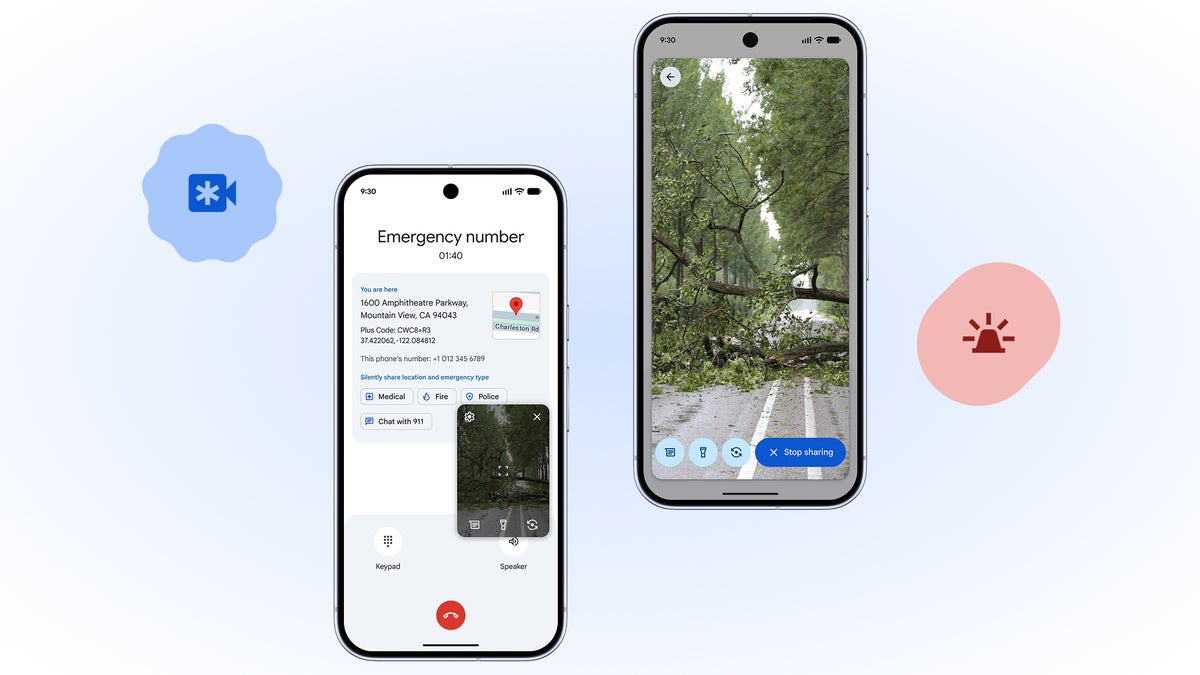
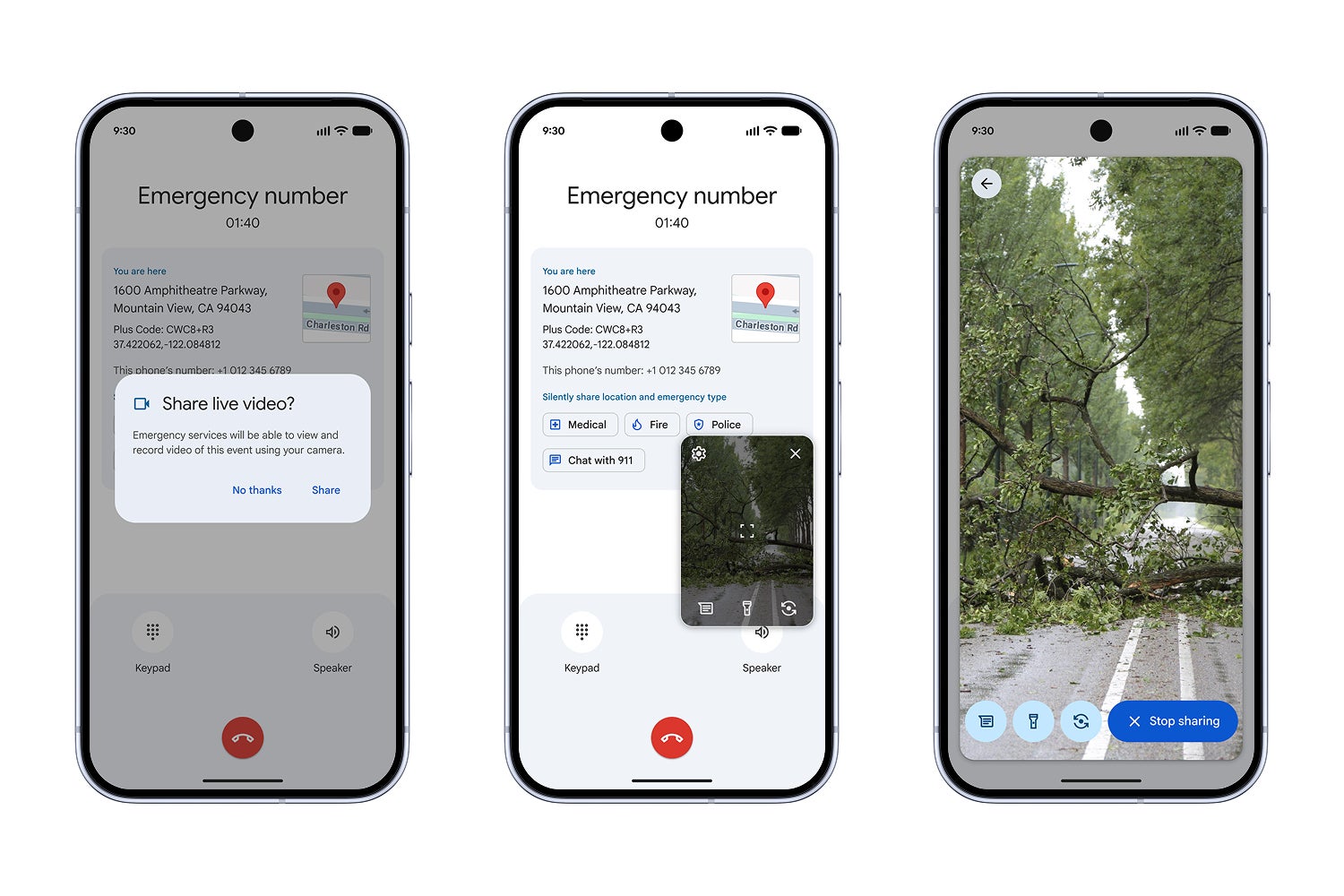
Here is how it works: you don't actually have to scramble to find a video button while you are panicking. Instead, the control is in the hands of the dispatcher. During an active emergency call or text, if the responder thinks visual aid would help, they send a request to your phone.
You will see a simple pop-up on your screen asking to share live video. With a single tap, you start streaming. It is designed to be seamless because, frankly, nobody has time to navigate menus during a crisis. The video stream allows responders to assess the situation immediately—whether it is guiding you through CPR or gauging the severity of a car crash—before they even arrive on the scene.
Recommended For You
Why this is a big deal
911 initiates the request, but the user is in control to allow it. | Image credit — Google
Visual context is everything. While voice calls have been the standard for decades, they leave a lot to the imagination. By giving dispatchers "eyes on the scene," they can provide much more accurate instructions and prepare the arriving team for exactly what they are walking into.
It is impossible to ignore the timing here, as this feature lands right as Apple is pushing similar capabilities with Emergency SOS Live Video in iOS 18. It is becoming a standard expectation for modern smartphones, and it is a relief to see Android keeping pace.
Google isn't entirely new to this concept, but the execution here is vastly improved. Previously, Pixel phones offered a feature via the Personal Safety app that could record up to 45 minutes of video and automatically back it up to your Google Cloud account.
However, that implementation was not the greatest as it relied heavily on your available cloud storage, and crucially, it was something you had to remember to trigger. This new update is far superior because it puts the request in the hands of the 911 operator, removing the burden from the person in distress.
Do you think Google and Apple are on par when it comes to emergency and accessibility features?
23 Votes
No. Google is way ahead.
34.78%
No. Apple is way ahead.
21.74%
Yes, they pretty much offer about the same things now.
43.48%
A step in the right direction
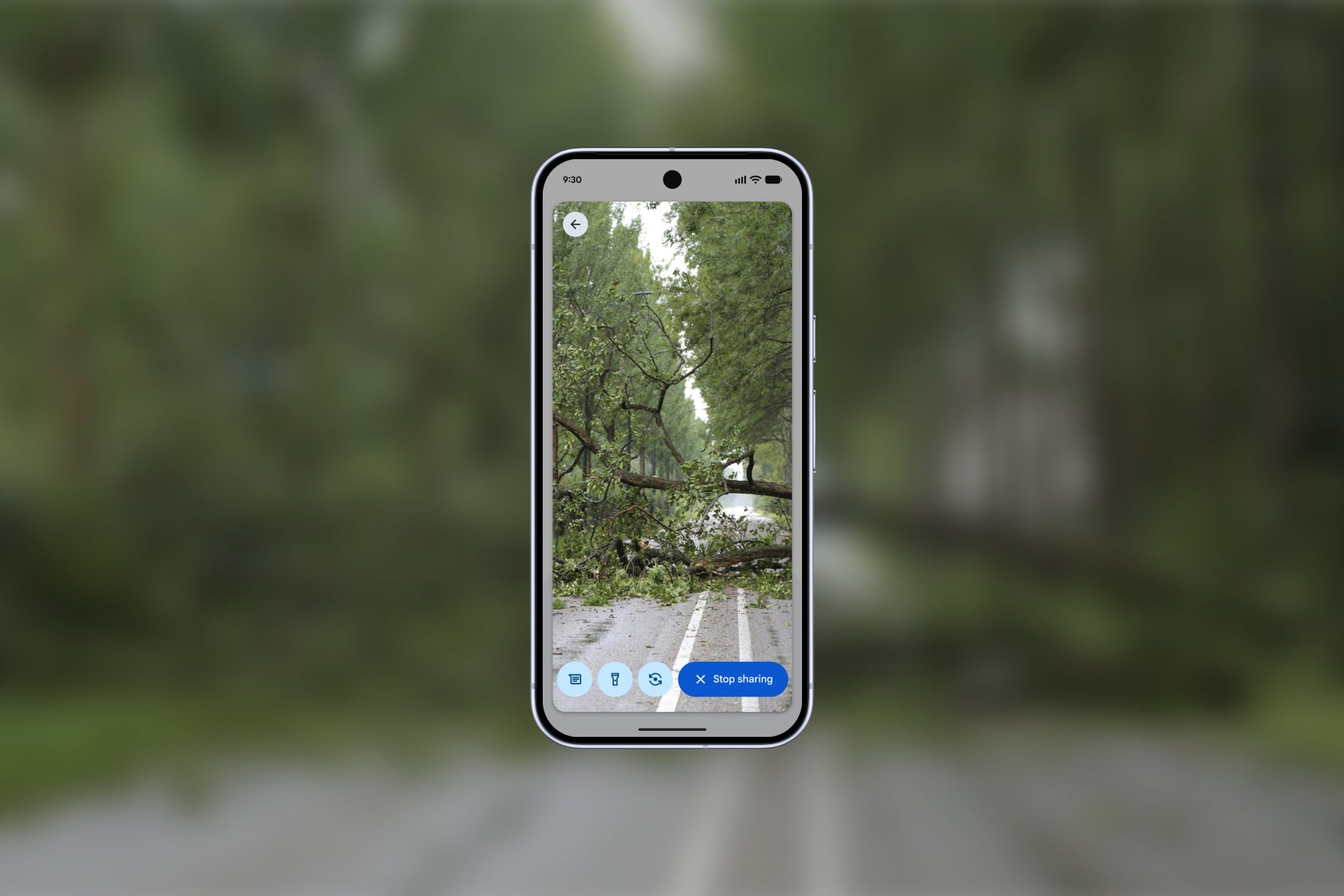
Image credit — Google
I have always been of the opinion that the best smartphone features are the ones you set up and hope you never actually have to touch. Emergency Live Video fits that bill perfectly.
What I really appreciate here is the privacy-first approach. Google made sure this is an opt-in experience during the call; your camera doesn't just turn on automatically. You have to tap to accept the request, and you can cut the feed instantly whenever you want. It solves the privacy concern while keeping the functionality accessible.
Would I use it? In a heartbeat. If I'm stuck in a situation where I can't speak clearly or need to show a dispatcher a specific injury, this tool removes the guesswork. It is one of those updates that doesn't look flashy in a changelog, but in the real world, it is arguably the most important feature update of the year — for both Google and Apple.
Johanna Romero is a Senior News Writer at PhoneArena, covering mobile technology news across Android, iOS, wearables, and the Google ecosystem she knows best. Drawing on 15 years in IT and tech support from 2007 to 2022, she brings a user-friendly eye for the practical features and lesser-known tricks readers care about. Google named her an official #TeamPixel member in 2022, and she also reviews the latest devices on her YouTube channel, JoJo the Techie.
A discussion is a place, where people can voice their opinion, no matter if it
is positive, neutral or negative. However, when posting, one must stay true to the topic, and not just share some
random thoughts, which are not directly related to the matter.
Things that are NOT allowed:
Off-topic talk - you must stick to the subject of discussion
Offensive, hate speech - if you want to say something, say it politely
Spam/Advertisements - these posts are deleted
Multiple accounts - one person can have only one account
Impersonations and offensive nicknames - these accounts get banned
To help keep our community safe and free from spam, we apply temporary limits to newly created accounts:
New accounts created within the last 24 hours may experience restrictions on how frequently they can
post or comment.
These limits are in place as a precaution and will automatically lift.
Moderation is done by humans. We try to be as objective as possible and moderate with zero bias. If you think a
post should be moderated - please, report it.
Have a question about the rules or why you have been moderated/limited/banned? Please,
contact us.














Things that are NOT allowed:
To help keep our community safe and free from spam, we apply temporary limits to newly created accounts: