Smartphone photography needs a major change before user patience runs out.
We are in the era of “AI everything”, and the place it has permeated most is mobile photography. There’s good reason for that — our super-thing super machines don’t have a lot of physical room to devote to big sensors or lenses. So, whatever the hardware can’t achieve, the software “fixes”.
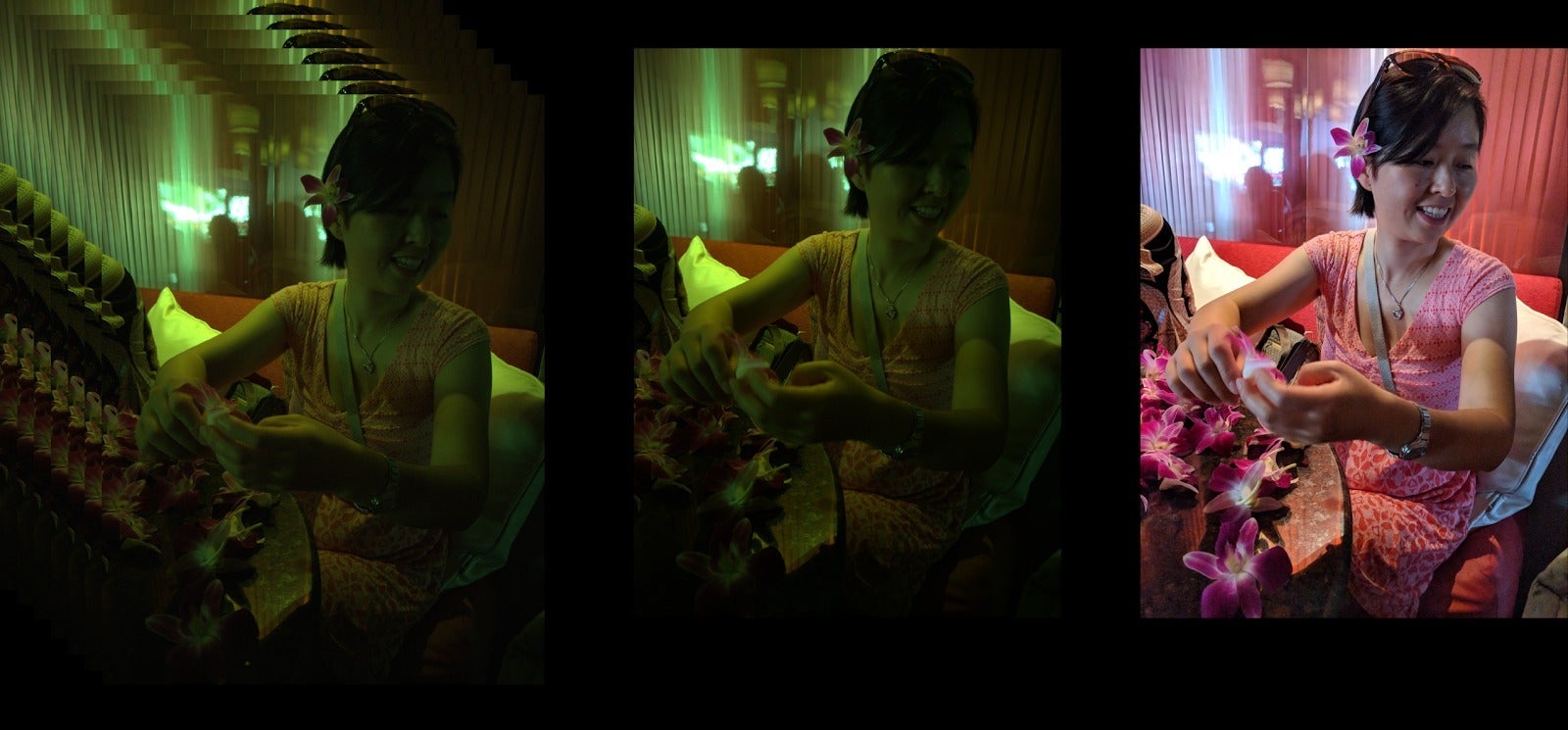
It used to be that we got some sharpening, and a lot of noise reduction. Then came simple HDR to brighten shadows and tame highlights. Then came super-complicated HDR to improve fine detail and contrast.
The final boss? AI-enhanced photos.
The first scandal was with smartphones that claimed they can take super-clear photos of the Moon. Only, it turned out that the phone’s AI would recognize that you are trying to zoom in on the moon, so it would superimpose a stock photo on it, giving you a photo that looks good but is technically not what you captured when you pressed that shutter button.
Is it a lie or is it a reimagining of the truth? The moral question has been sparking plenty of debate on forums.
But it’s gone beyond that now. I am not going to mention brands directly here, but I could swear that another phone tried to fool me in another way. I zoomed in at 100x on a storefront display and took a photo of a fridge. When the phone processed and gave me my super-clear and sharp photo, I noticed something weird. The fridge’s handle was not the same as the one I was seeing with my own eyes.
Recommended For You
To make it clear. The phone’s AI detected that I am taking a photo of what appears to be a door or fridge or some sort of appliance. It identified the “handle”. And instead of sharpening the detail in that, it just redrew (or placed a .PNG of) a handle on top of it, so it could provide a clear and sharp rendition of it. But it was not the same handle!
This is super-impressive for sure, but definitely begs the question of “What is a photo nowadays?”.
No riff-raff: we want a toggle to turn it off
Judging by comments sections under our own articles and videos, as well as various places online, it’s clear — there’s a vocal part of the community that wants the camera app to have an “AI off” toggle. And a major brand is actually complying.
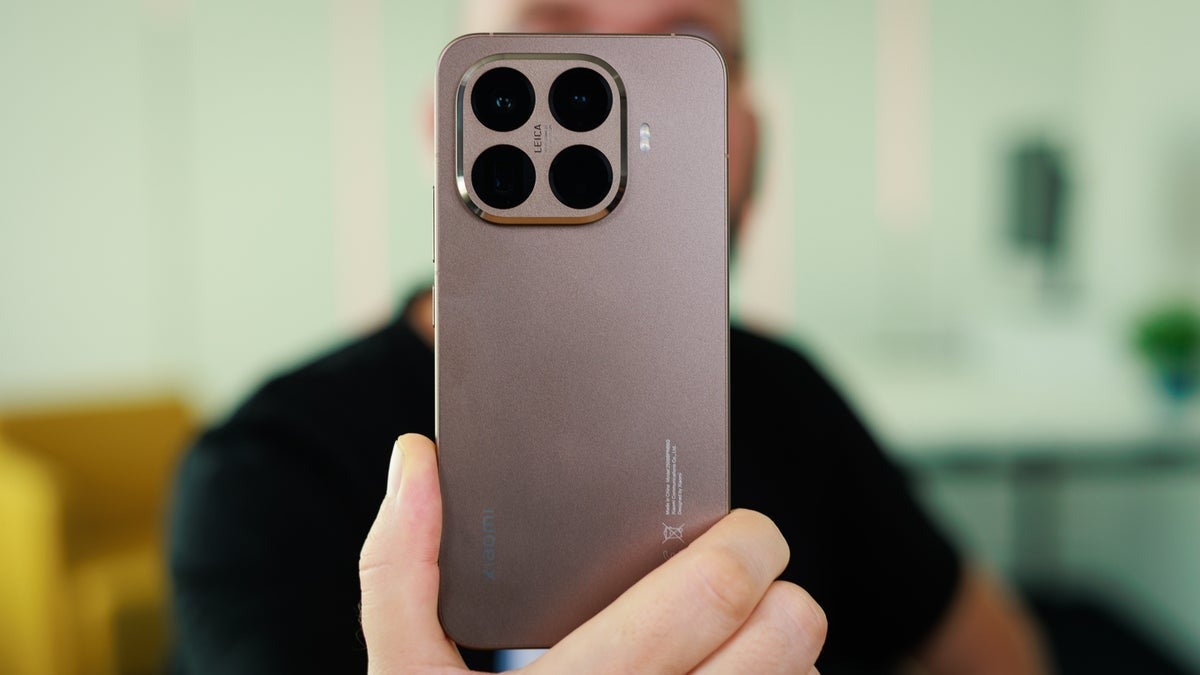
Xiaomi and its sub-brands — Poco and Redmi — have a toggle within their Camera apps to turn off (or at least tone down?) the AI enhancement. And it’s usually easy to find, as the AI icon is a persistent toggle in the viewfinder. On some HyperOS versions, it requires you to expand the extra options, and you will find it right next to the HDR toggle.
And, again, I see people praising Xiaomi for this option.
Apple has ProRAW, Samsung has Pro mode, Google has RAW. Isn’t that the same?
You would assume that choosing a RAW or Pro mode on your phone of choice, or full-res photo mode disables all the extra shenanigans and gives you a “truer” photo. Au contraire, mon ami!
How Apple does it
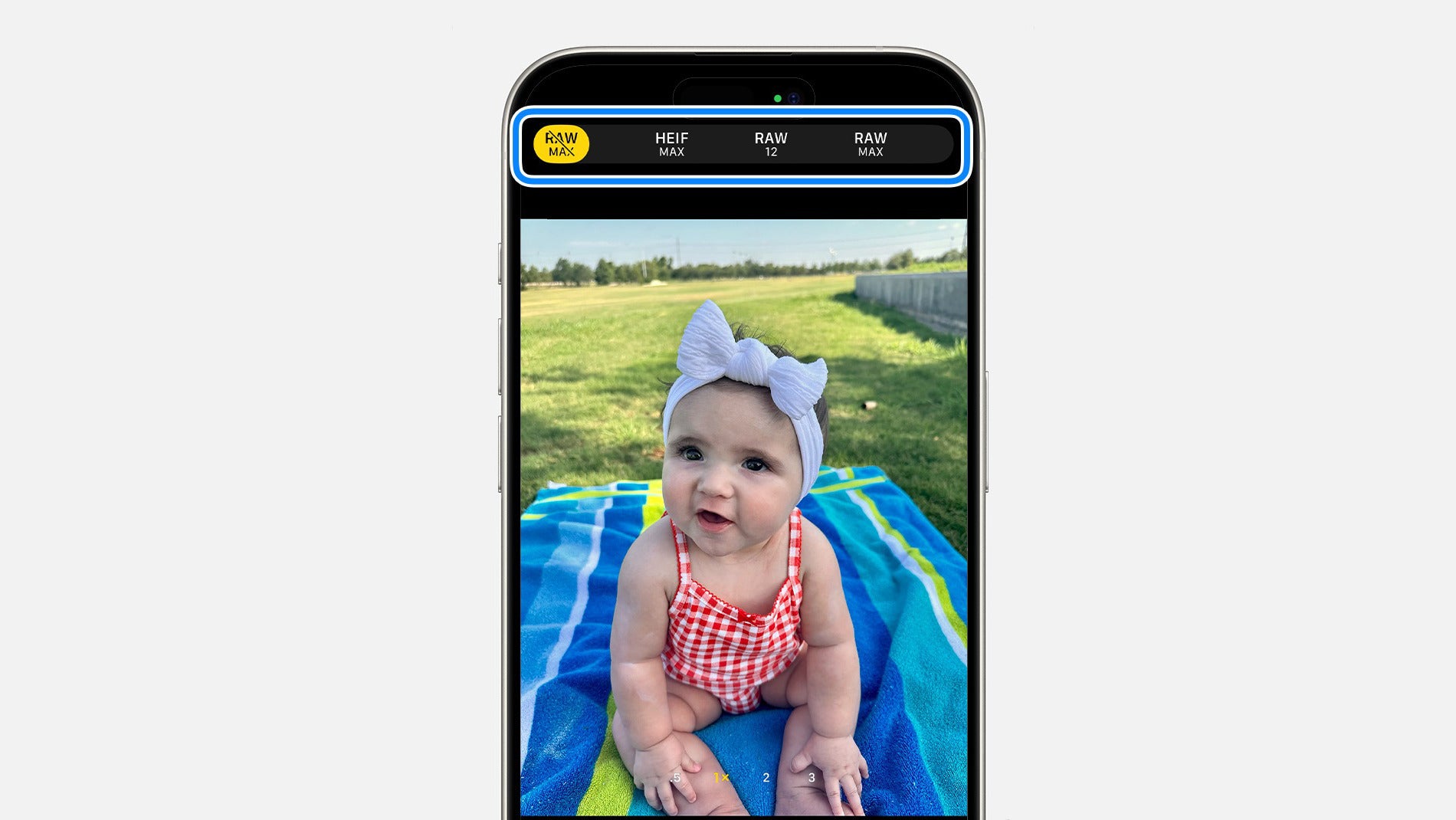
On an iPhone, ever since the iPhone 14 Pro series, turning on ProRAW and even choosing 48 MP high-res may even dial the AI algorithms up. The photos you get are, as Apple describes them, Linear DNG — an image file that's been partially processed but retains a linear response, meaning pixel values are directly proportional to light, offering more flexibility and dynamic range for editing in software like Adobe Lightroom.
So, while they give you more editing freedom and headroom, the photos still have Smart HDR and Deep Fusion baked in. The shadows are lifted and the highlights are preserved in a way that makes everything look nice and shareable, but you just can’t shave off the “AI look” no matter what you do.
How Samsung does it
On a Samsung phone you have two options and one of them is definitely “cleaner”, when speaking AI terms.
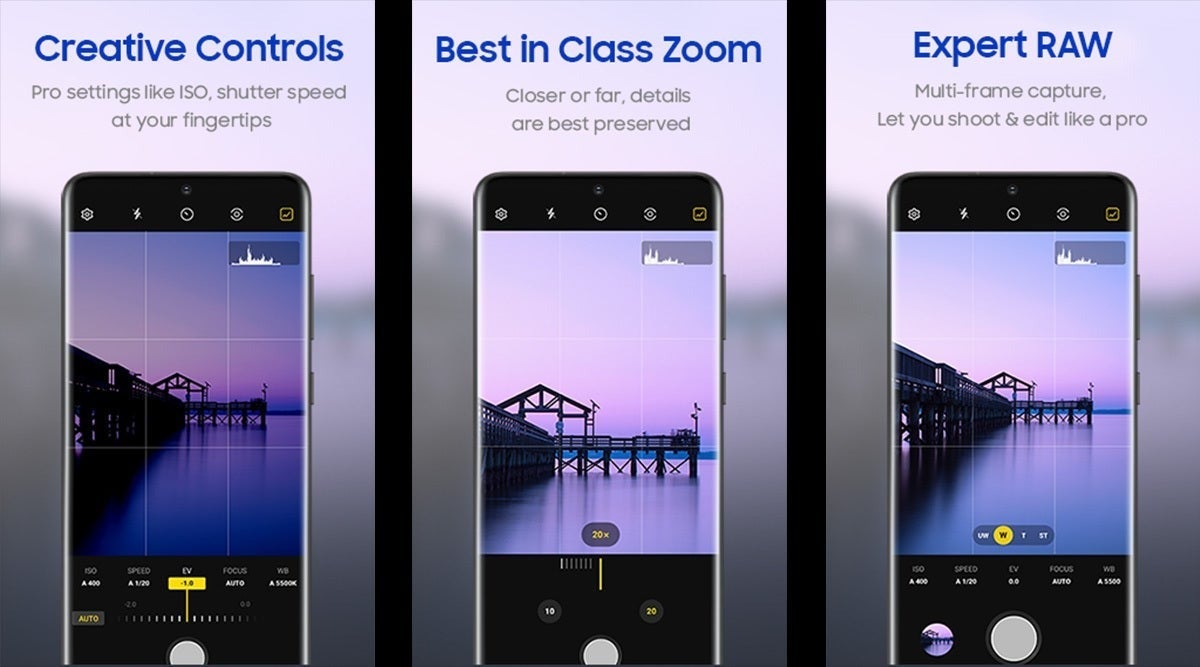
There is an Expert RAW mode for the camera, which is actually a standalone app that you have to download for models from Galaxy S20 and up. Despite it being called Expert RAW and requiring you to go out of your way to enable it (suggesting it’s a mode for enthusiasts), this is actually a more AI heavy than you’d expect.
It uses multi-frame computational photography to enhance dynamics and details, just like Google’s Smart HDR or Apple’s Deep Fusion. Yes, in the end it does give you RAW photos that are more friendly to edits, but the highlights recovery and oversharpening are there.
The silver lining — more recent editions of the app allow you to turn HDR off and to adjust the level of sharpening. How much you trust it is a matter of testing.
Contrary to what I expected, the Pro Mode that’s actually baked into the stock Galaxy Camera app is a “cleaner” mode. I have to sit down and wonder about the differences between a “Pro” and an “Expert” in modern tech lingo, but that’s for another time.
Pro Mode bypasses most "Scene Optimizer" enhancements, such as artificial color boosting, skin smoothing, and extreme HDR stacking. You can further clean it up by going into the camera’s settings and toggling Intelligent Optimization to minimum.
While multi-frame processing is baked-into the way the camera works, and you will still get some dynamics enhancement and noise reduction, this is the “fairest” you can get the camera to act. It’s capped to 50 MP max resolution, so you can’t use the 200 MP mode on Ultra models, but hey — small blessings.
How Google does it
Google’s whole brand is AI and it has placed all of its eggs in the Computational Photography basket ever since the original Pixel. When you shoot RAW on a Pixel 10, the phone is still using its HDR+ pipeline. It aligns multiple frames to make up for the small sensor size.
You can toggle Ultra HDR off to prevent the phone from artificially boosting brightness in bright areas of your photos and you can choose to shoot in RAW. The latter option will produce two photos every time you press the shutter — a doctored JPG and a DNG, which isn’t entirely free of retouching but has “more of the original sensor data”.
Is this a bad thing?
As outlined in the intro, post-processing of smartphone photos is not a bad thing. In fact, it’s desirable in most situations. Small lenses and small sensors produce noisy, drab, dark, and blurry photos. Smart HDR, Deep Fusion, and all the other shenanigans are all for the better. We all love our instantly-shareable photos to be ready as soon as we press “snap”.
But there’s a dark side to these super-bright photos. They all have “that look”. The smartphone photo look. The overly vibrant comic book colors, the super-sharp grass, the perfectly blue sky, the drawn-in looking objects.
Gen Z is rediscovering old tech
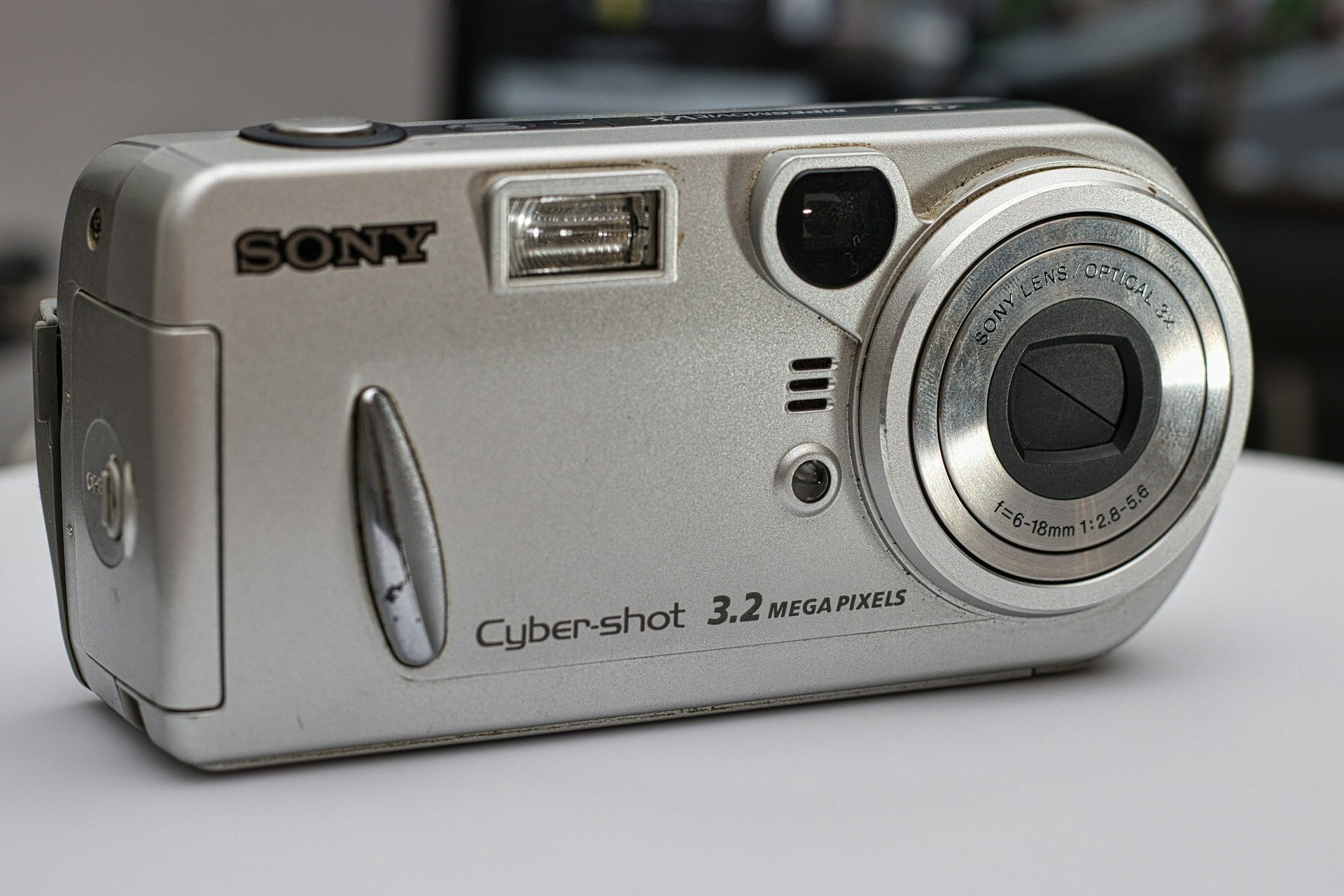
Throughout 2024 and some of 2025, the trend to find old 2000s “digicams” and use them for photos and even videos peaked among the younger generation.
For one, sure, it’s the nostalgia effect. Looking much better than any Instagram filter you can lay on top of an iPhone photo — the digicam’s footage literally comes out looking this way.
With the flash on, you get super moody photos of nightlife or parties that look more like “memories” — focused-in on an exposed subject against a dark and blurry background. Much more authentic than a “Portrait Mode” that looks pristine. Moodier, and closer to life, if you will.
It’s much more intentional, too. You have to export those photos from the camera, sort them and file them. Taking a picture that actually looks “good” with this old tech is also much more exciting to share — you pulled it off, and you can actually impress someone with it!
With a smartphone — you just press the shutter button 47 times and the photos drift off into the cloud, never to be looked at again (until Google Photos surfaces them with a “5 years ago” notification).
It’s a part of a “Dedicated Device” trend that is now picking up. Aside from hunting down digicams, young enthusiasts also like to use dedicated .mp3 players — either old iPod Shuffles and Nanos or new digital audio players that you need to fill up with your own music instead of relying on Spotify.
Love to see it! Bring back the building of albums as intentional art and say no to “fast food” singles. Anyway, I digress, this article is about cameras.
So, what can big brands do?
Let’s be real — it’d be pretty hard to fit smartphones with anything other than the CMOS sensors that they do use. Our limitations are not just physical space, but also energy requirements. And those 5,000 mAh batteries already have enough on their plate as it is.
And we don’t want our photos to come out noisy, blurry, grainy, and dark all the time. So, smartphone post-processing is not going anywhere.
But I feel like it’s going a bit too far, and it’d be nice to have an easy toggle to tone it down a bit. Or a lot. The aforementioned trend of seeking out old digicams actually spun off of another one — taking photos with old iPhones (models from iPhone 4 to iPhone 6S). Some feel that this was the “sweet spot” of smartphone photo processing.
While I personally think that smartphone photography gave us some good things in years following those models, it does go to show that the field of “downgrading” photo quality begs some exploration.
Trade in your old phone for cash at ecoATM!
Recycle your used phone and get instant cash. Find out how at ecoATM!
Preslav, a member of the PhoneArena team since 2014, is a mobile technology enthusiast with a penchant for integrating tech into his hobbies and work. Whether it's writing articles on an iPad Pro, recording band rehearsals with multiple phones, or exploring the potential of mobile gaming through services like GeForce Now and Steam Link, Preslav's approach is hands-on and innovative. His balanced perspective allows him to appreciate both Android and iOS ecosystems, focusing on performance, camera quality, and user experience over brand loyalty.
A discussion is a place, where people can voice their opinion, no matter if it
is positive, neutral or negative. However, when posting, one must stay true to the topic, and not just share some
random thoughts, which are not directly related to the matter.
Things that are NOT allowed:
Off-topic talk - you must stick to the subject of discussion
Offensive, hate speech - if you want to say something, say it politely
Spam/Advertisements - these posts are deleted
Multiple accounts - one person can have only one account
Impersonations and offensive nicknames - these accounts get banned
To help keep our community safe and free from spam, we apply temporary limits to newly created accounts:
New accounts created within the last 24 hours may experience restrictions on how frequently they can
post or comment.
These limits are in place as a precaution and will automatically lift.
Moderation is done by humans. We try to be as objective as possible and moderate with zero bias. If you think a
post should be moderated - please, report it.
Have a question about the rules or why you have been moderated/limited/banned? Please,
contact us.














Things that are NOT allowed:
To help keep our community safe and free from spam, we apply temporary limits to newly created accounts: