RayNeo Air 3s Pro review: Awesome XR glasses at a great price
RayNeo's Air 3s Pro glasses are cute, affordable and super-bright. They are a great option for a no-frills immersive XR use.
RayNeo Air 3s Pro review summary
The RayNeo Air 3s Pro are a pair of inexpensive, no-frills smart glasses that act like a large, wearable display you can use with any of your smart devices, like your phone, tablet, laptop, Steam Deck, etc.
They don’t have advanced spatial computing features like screen anchoring in space or stabilization, like some of Xreal’s latest glasses. Instead, the RayNeo Air 3s Pro, being a more affordably priced product, deliver just the essentials: a large, wearable display that always stays in front of your eyes. At that, they do a remarkable job.
They come packing a pair of very bright, clear displays that are always at the ready to maximize your entertainment or work session, all at the very affordable price of $300 (or $250 when discounted). If you’re looking for an affordable pair of display glasses for up to $300 and can live without things like 3DoF (degrees of freedom) spatial movement, the RayNeo Air 3s Pro are a great buy.
Let's dive into my Air 3s Pro review below and see what they are all about!
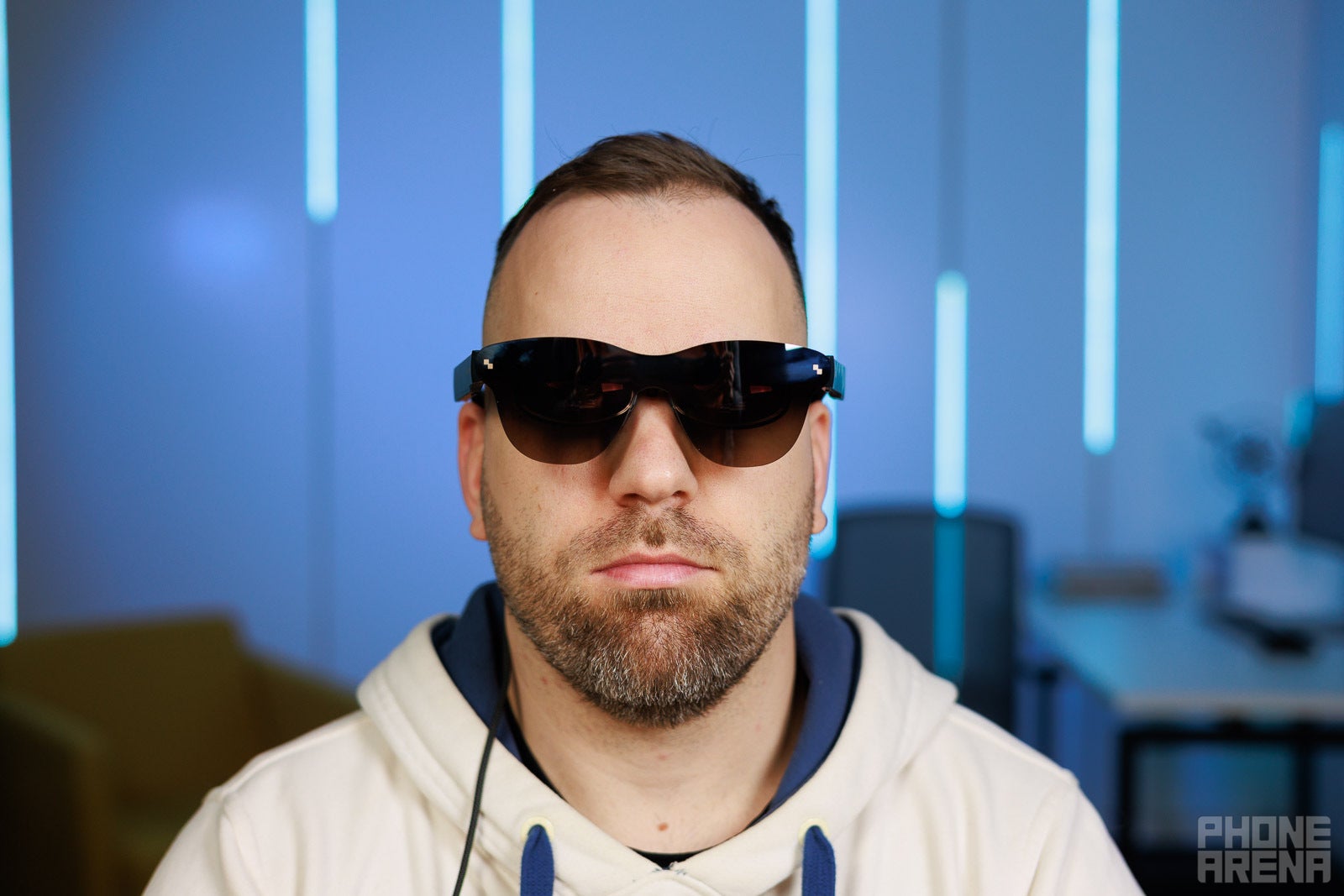
The RayNeo Air 3s Pro look quite convincing from the front
What’s the RayNeo Air 3s Pro?
The RayNeo Air 3s Pro by TCL is a pair of display glasses designed for people who want a large, private screen they can take anywhere. The types of glasses like the RayNeo Air 3s Pro are often called XR glasses or AR glasses, but it’s most technically correct to think of them as wearable displays. They do not interact with the real environment around the user like real AR headsets, and they most certainly aren’t trying to replace your phone or laptop. Instead, they act as wearable displays that you put on easily like a pair of sunglasses. And they look semi-acceptable to wear in public, unlike bulky VR headsets like the Meta Quest or the Apple Vision Pro.
Power is supplied from the connected device, which means there is no battery in the glasses, which means the weight is kept relatively low, at 76 grams – super-important for any pair of XR glasses.
Unique features of the RayNeo Air 3s Pro
The biggest improvement on the RayNeo Air 3s Pro over the Air 3s are the much brighter displays, which now go up to 1200 nits, up from the Air 3s’ 650 nits, and the Air 2s’ 600 nits. This is a very big and welcome jump in brightness – images become way more impactful when you crank the brightness up, not to mention if you happen to be using them outside or in very brightly lit environments. This is the headline feature of the Air 3s Pro and certainly worth the upgrade.
In addition, there is a new Spatial audio effect, which I couldn’t really understand. It mostly makes audio sound like it’s coming from a tube or something. It really distorts audio considerably, so I found just using the Standard audio mode best. But there is also the Whisper mode which can come in handy if you want some extra privacy.
Display and design quality
The FoV of the Air 3s Pro is still 47 degrees, which is decent, although not great. There is much technological innovation to be done on this front, but it’s mostly enough to contain the large display size, which RayNeo claims is equivalent to a 201” screen at a 6 meter distance. I can’t be sure about the exact size of the screen, but it sure is quite big.
Unfortunately, there are no options on the RayNeo Air 3s Pro to resize the screen so it can get bigger or smaller. It is what it is and you need to play with the adjustable temples and the nosepads in order to make the glasses fit as best as possible, so that the edges of the screen don’t fall outside your field of vision. With some tinkering, you should be able to fit 99% of the screen within view.
The resolution is still 1920x1080 px per eye, which is standard for these models of XR glasses. The clarity, however, is very good. I feel the Air 3s Pro look cleaner compared to the Xreal One, for whatever reason.
Of course, the next level of visual enjoyment will be unlocked when we get higher-resolution displays of about 2560x1440 px. There are no such models out there yet, though, so we’ll have to do with Full HD for the time being.
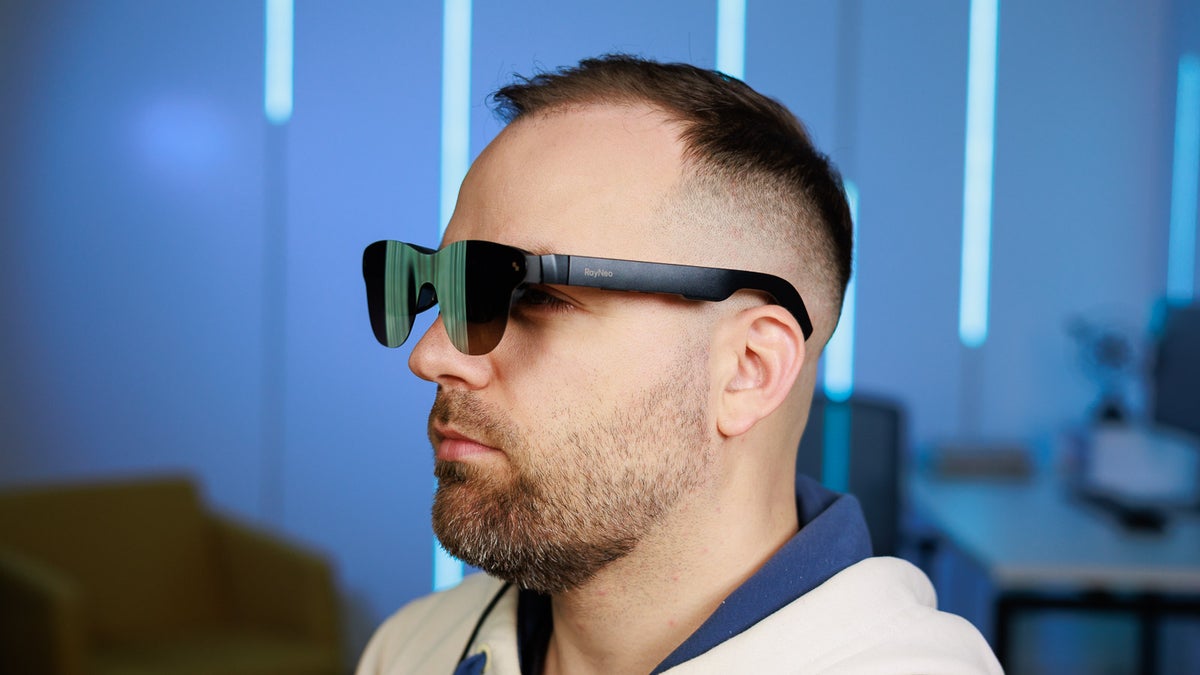
The RayNeo Air 3s Pro have the typical form-factor for such glasses – they look quite convincing from the front, but you do look kind of goofy when viewed from the side, due to the gap between your face and the glasses.
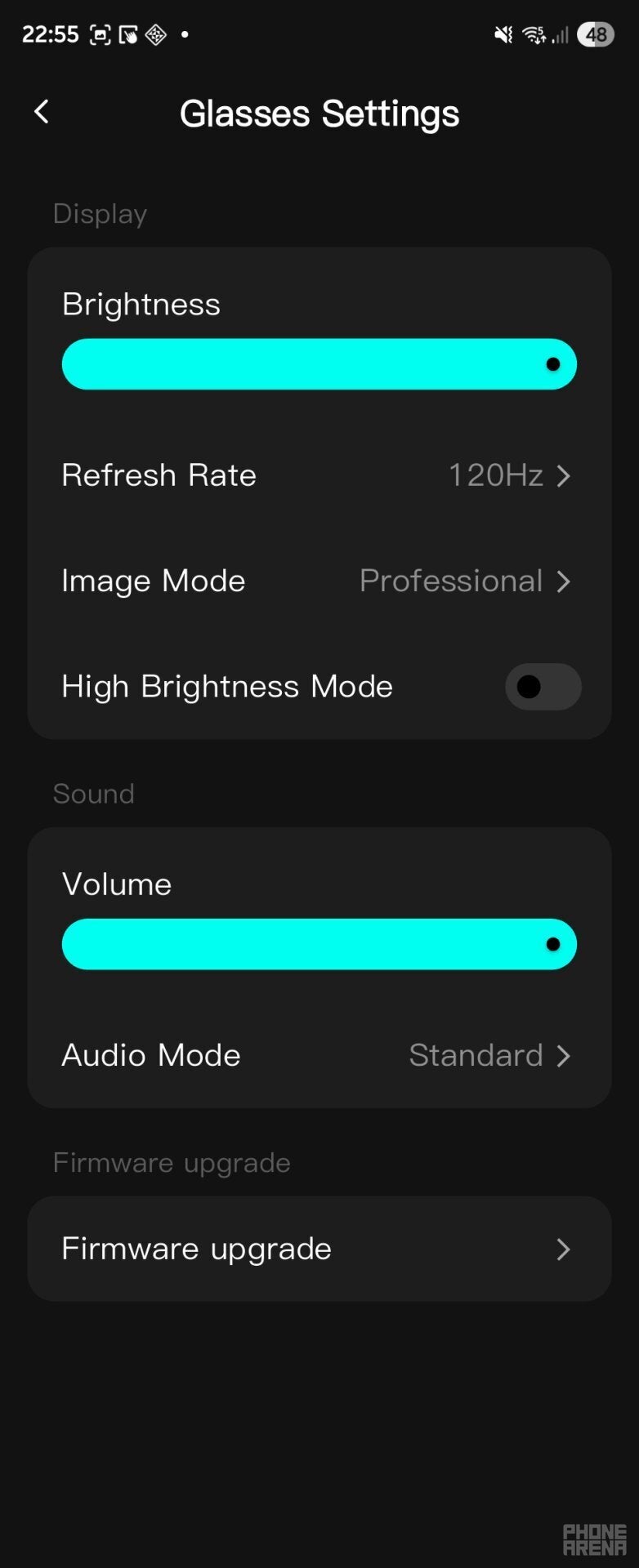
When used with a compatible device that can output 120 Hz video signal, the Air 3s Pro can support that – they default to 60 Hz, so don't forget to go into the menu and switch to 120 Hz. Speaking of the menu, there really isn't much to do there, aside from choosing an audio mode, or a color mode. The color modes are just different settings of balance, saturation, etc. I personally preferred the Professional color mode as it delivered both vibrant and natural visuals.
No advanced features, but solid essentials
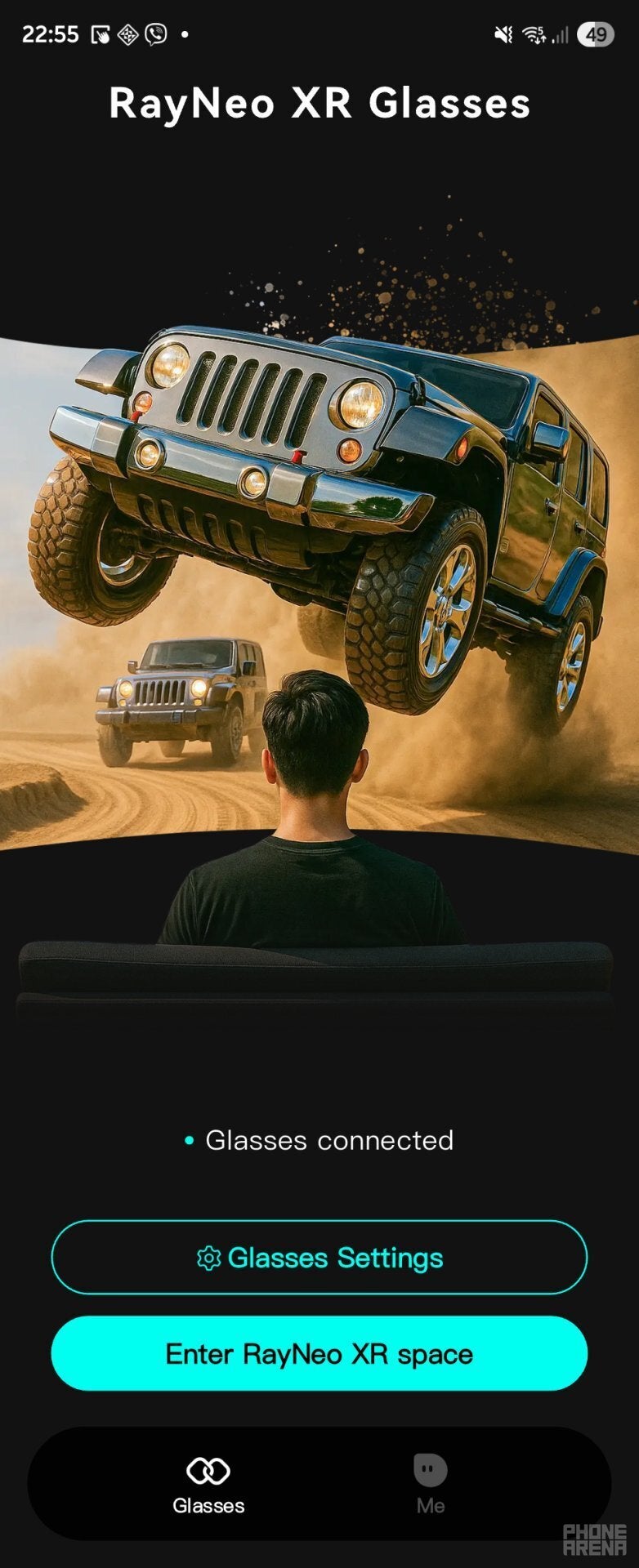
There is an app you can install on your phone to control the Air 3s Pro, but it doesn't do much. You can use it to control the same settings like audio and color that you can already control through the glasses, plus there is an "XR" space where you can play video and view images, with the option to apply a fun 3D effect to the images. It would have been nice if we could use the app to control more advanced things, like screen size.
The case that comes with the glasses is a fairly basic felt one. It's not as fancy as Xreal's leather-like cases, but it's cute and gets the job done. It also has a small velcro strap on the inside to hold the cable. It's not a perfect design, because you still have to be careful for the cable's metal parts to not touch and scratch the optics, so it'll be nice to see an upgraded version with a slightly more practical and safe design, but one that is still as compact.
Overall, the RayNeo Air 3s Pro are a great option for an inexpensive pair of XR glasses that can easily amplify your viewing experience on the go. They are still not perfect for work, mostly due to the lack of screen anchoring or an ultra-wide mode, but on the other hand – the screen clarity makes reading and web browsing quite pleasant. And when it comes to entertainment – they make games and video that much cooler than if you had to view them on a tiny phone screen. The Air 3s Pro has a solid 'Yes!' from me.


Popular stories






Latest News






Things that are NOT allowed:
To help keep our community safe and free from spam, we apply temporary limits to newly created accounts: