A bug is affecting some users of the YouTube mobile app, as it takes them out of full-screen mode and puts them into the floating mini-player. Not only is this bug messing up the visual capabilities of the streaming video app, but in some cases it is also eliminating the sound from the video.
Affected users can try to get the audio to return by restarting the video being played or by shutting down and then rebooting the YouTube app. But this is not happening for everyone. As usual, word about the bugginess of one of the core Google apps came directly from those Reddit subscribers who were impacted by the issues.
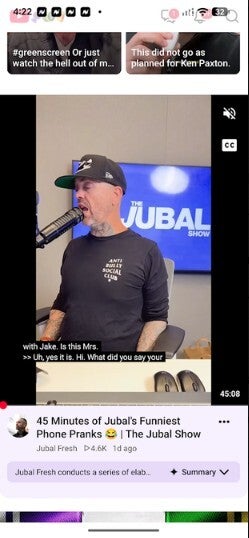
The issues were impacting both video and audio on the mobile YouTube app for both Android and iOS
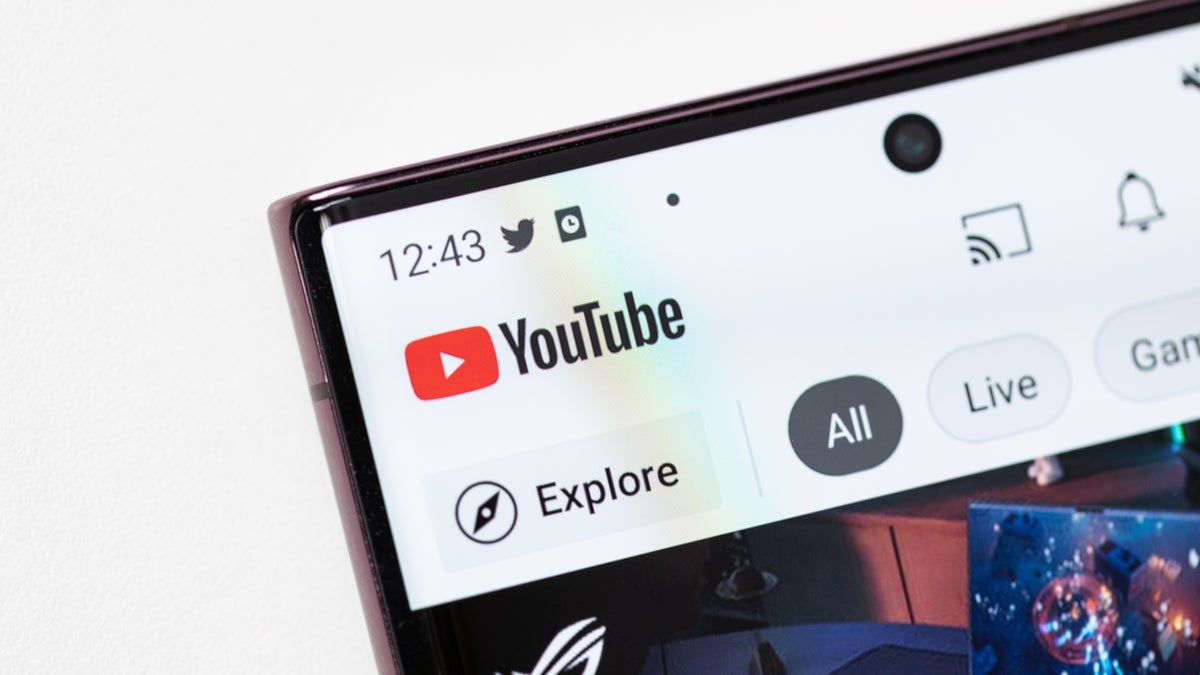
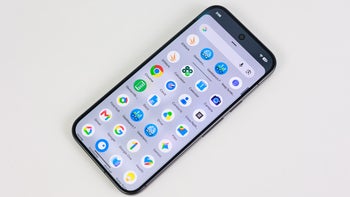
The YouTube mobile video player for Android on my Pixel 6 Pro. | Image by PhoneArena
One iPhone user said he has been experiencing "a ton of issues" with the iOS YouTube app, while another said that the latest update to the app completely "f***ed it up." On his iPhone, his videos "randomly restart themselves multiple times, especially if it’s a longer video or podcast."
Clicking on the comments section while watching a video causes it to freeze
Both iOS and Android users said that clicking on the comments section would pause the videos they were playing. One iPhone mini user complained that the YouTube app won't load on his phone. One Redditor had a great line. He said, "I honestly feel like they purposefully bug the UI just for ads so u watch the ad fully lmao."
Even trying a whole set of fixes failed to exterminate the issues
You know how sometimes an app user comes across a workaround? One YouTuber tried just about everything including:
Recommended For You
Clearing the cache
Uninstalled and reinstalled YouTube updates
Force-stopped and restarted the phone
Turned certain playback settings off and on
Reset all app preferences to make sure nothing was changed
None of these changes stopped the bugs from continuing to wreak havoc on the mobile YouTube experience.
While the YouTube app is pre-installed on Android, ever since the release of iOS 6 in 2012, iPhone users have had to install the app on their handset via the App Store. If your Android device is missing the YouTube app, you can add it by visiting the Play Store.
Personally, I've been lucky having failed to experience these bugs
Interestingly, as a long-time mobile YouTube user (dating back to using the YouTube client on the OG iPhone) and as one who does often employ the app, I have yet to come across any of these bugs on my Pixel 6 Pro running Android 17, and my iPhone 15 Pro Max powered by iOS 27.2.
It would be nice if Google could figure out what is causing these issues to happen. If you find yourself unable to enjoy watching YouTube using the mobile app, you could use the browser on your handset and try the desktop version of YouTube.
You'll be doing yourself a big favor by viewing these articles:
Get a free Galaxy A17 with Straight Talk. To claim this deal, you need to pair the phone with activation on a Silver Unlimited Plan or higher. This tier costs $45 per month. Offer valid through 01/10/27 while supplies last online.
Alan, an ardent smartphone enthusiast and a veteran writer at PhoneArena since 2009, has witnessed and chronicled the transformative years of mobile technology. Owning iconic phones from the original iPhone to the iPhone 15 Pro Max, he has seen smartphones evolve into a global phenomenon. Beyond smartphones, Alan has covered the emergence of tablets, smartwatches, and smart speakers.
A discussion is a place, where people can voice their opinion, no matter if it
is positive, neutral or negative. However, when posting, one must stay true to the topic, and not just share some
random thoughts, which are not directly related to the matter.
Things that are NOT allowed:
Off-topic talk - you must stick to the subject of discussion
Offensive, hate speech - if you want to say something, say it politely
Spam/Advertisements - these posts are deleted
Multiple accounts - one person can have only one account
Impersonations and offensive nicknames - these accounts get banned
To help keep our community safe and free from spam, we apply temporary limits to newly created accounts:
New accounts created within the last 24 hours may experience restrictions on how frequently they can
post or comment.
These limits are in place as a precaution and will automatically lift.
Moderation is done by humans. We try to be as objective as possible and moderate with zero bias. If you think a
post should be moderated - please, report it.
Have a question about the rules or why you have been moderated/limited/banned? Please,
contact us.






Things that are NOT allowed:
To help keep our community safe and free from spam, we apply temporary limits to newly created accounts: