No data lost. Switch faster to iPhone 17 with MobileTrans
MobileTrans makes switching phones easy as one-two-three.
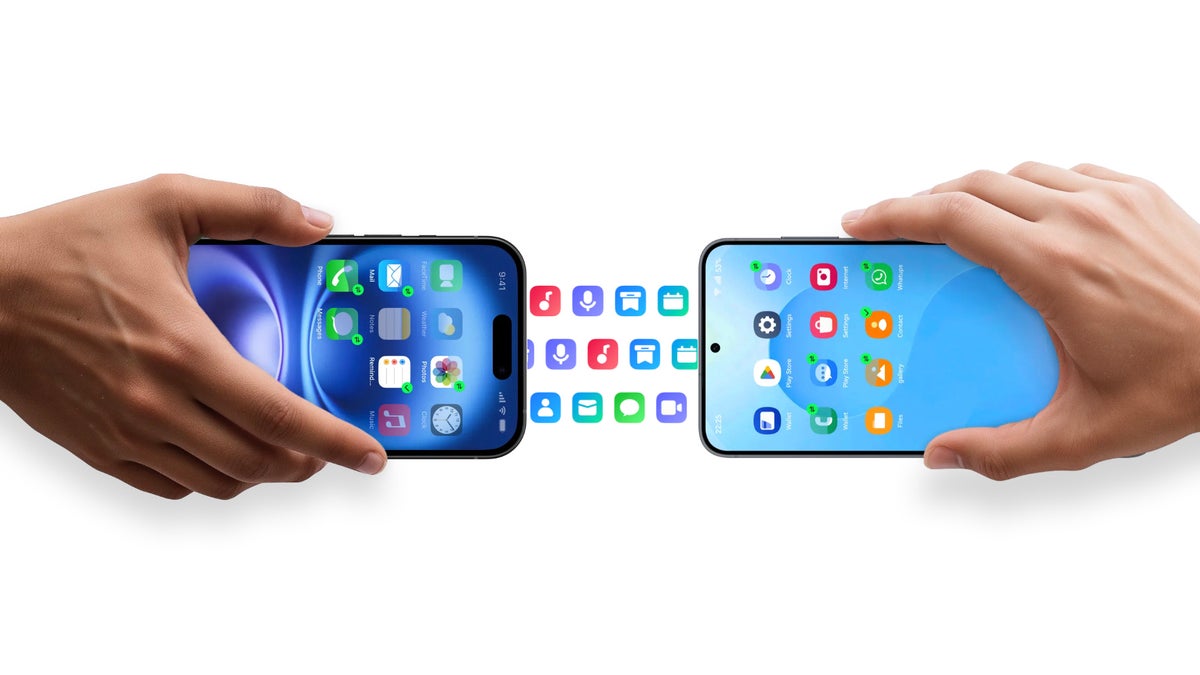
This story is sponsored by Wondershare. PhoneArena's opinions in this article have not been affected in any way!
What is Wondershare MobileTrans?
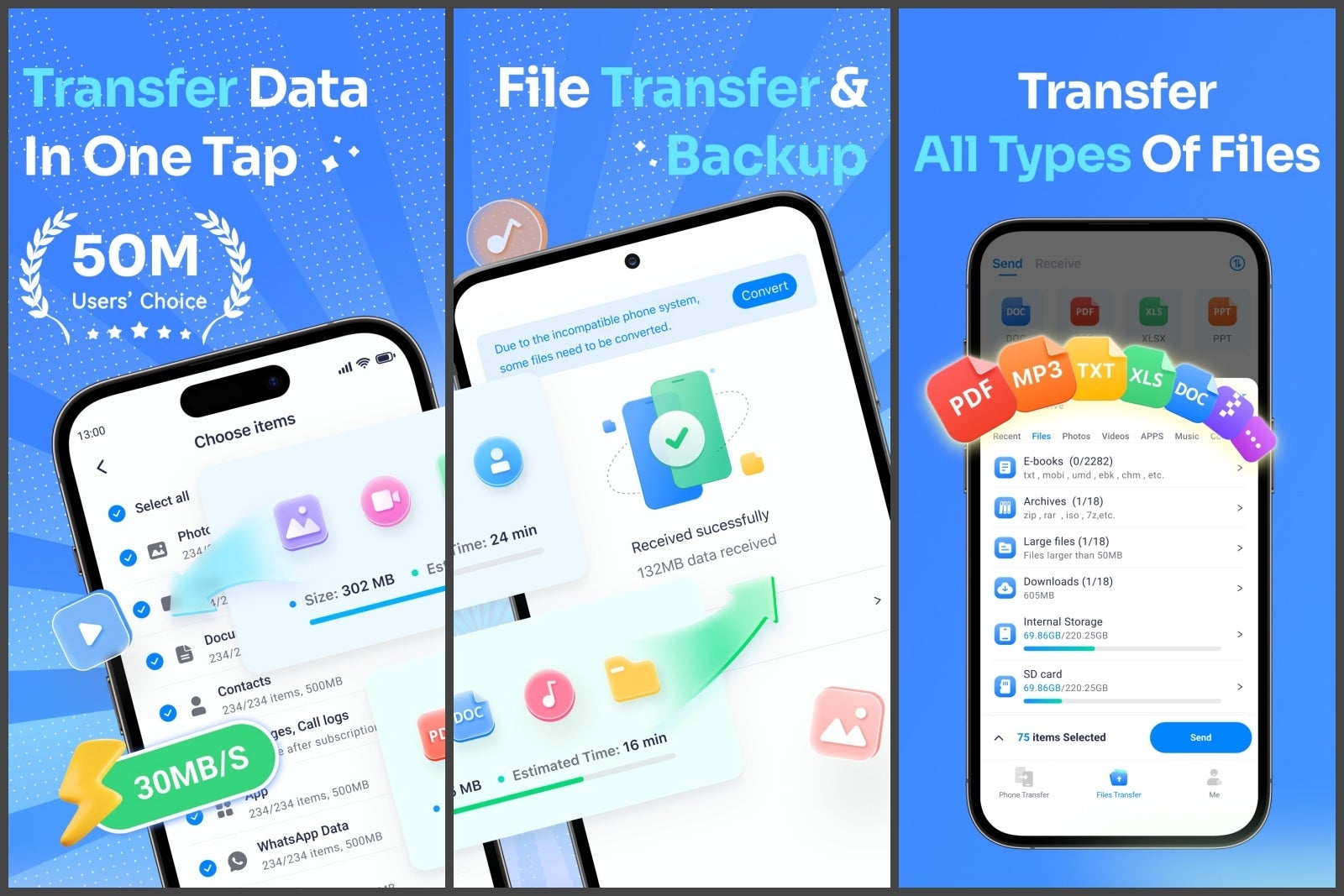
Think of it as your personal moving crew for digital life. It copies your contacts, messages, photos, music, videos, and even app data from one phone to another. And yes, it works cross-platform — iPhone to Android, Android to iPhone, even Android to Android if you’re hopping between Galaxies and Pixels.
Yes, it can transfer your WhatsApp messages, but it does you one better — it can merge chat histories between platforms. Since apps like WhatsApp had their databases separate for the longest of times, you couldn’t just move from iPhone to Android and bring everything along (and vice-verse).
Even better — attachments like images, videos, and voice notes are exactly where they should be — still in your chat history.
Visit Wondershare MobileTrans here
Do you need a computer to use MobileTrans?
Not necessarily. There’s a desktop version for when you want the full “plug and go” experience, but there’s also a mobile app that lets you transfer phone-to-phone via cable or wirelessly — just look for MobileTrans in the App Store and Google Play Store. Handy if your laptop’s typical use is to gather dust, and you aren’t sure if it’s even going to boot.
That can take a good while, so make yourself a coffee and let MobileTrans do its thing. It’ll still be less of a hassle if you had to do all this manually (and potentially forgot half the things you wanted to move).
Try for free — you can backup your phone now!
MobileTrans runs on a freemium model. You can download it and perform a backup on your computer, then you are free to browse the backed files to see if it truly is capable of grabbing everything you need. The free version also offers photo and video transfers in limited numbers, you can convert .HEIF files to .jpg or .png to see if it’ll work, or manage duplicate contacts.
Does Wondershare MobileTrans work with iPhone 17?
Yes, the app is consistently supported and kept up to date with the newest devices and software. So, Wondershare MobileTrans is prepared to transfer your data to that shiny new iPhone Air, too!
Download Wondershare MobileTrans
The WhatsApp transfer can be bought separately
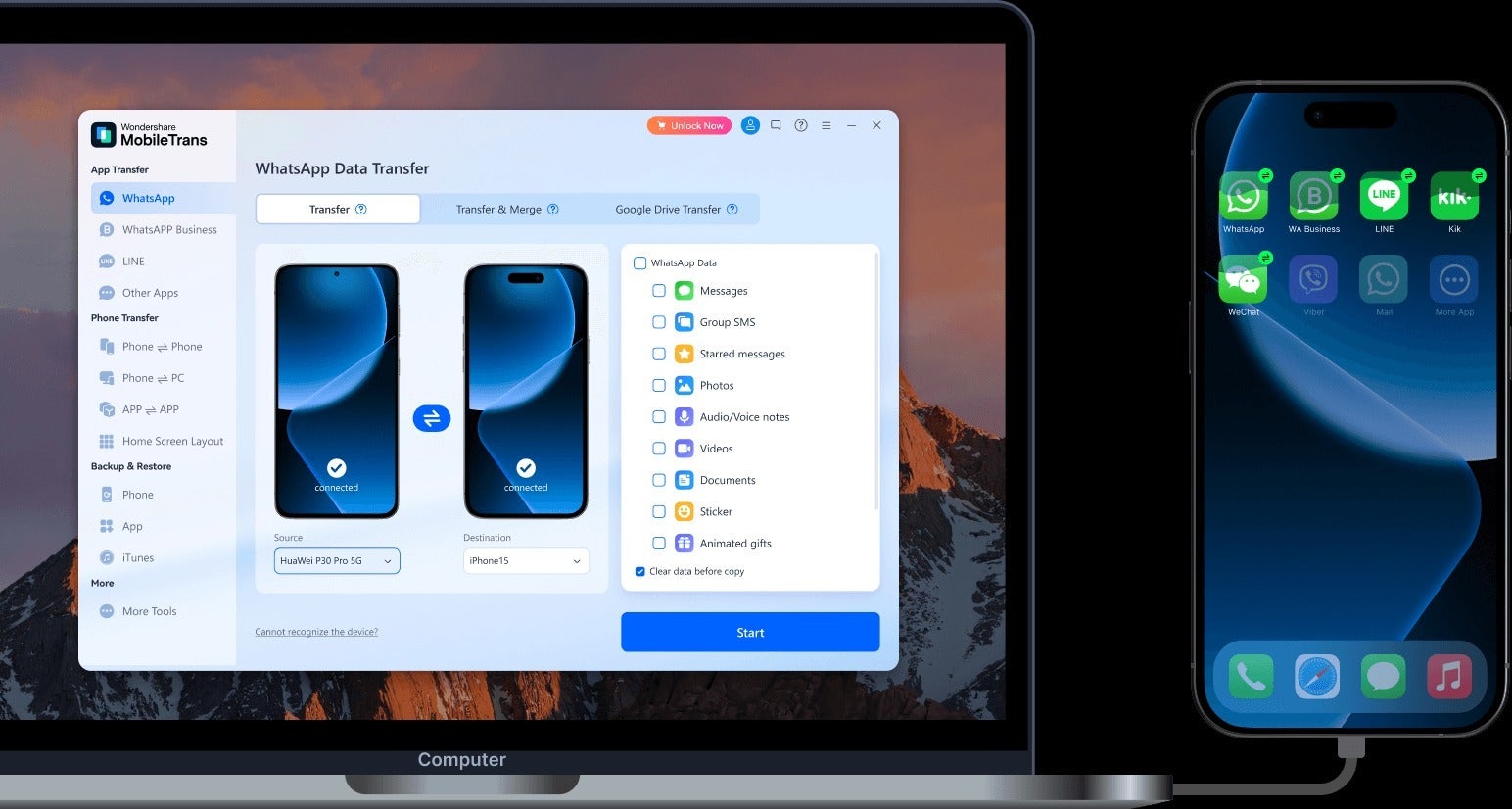
If you only want the killer feature — the full WhatsApp transfer package, you can get only that via a forked WhatsApp plan. It’s a good option if you already are the proud owner of a few devices that you have set up, and you just want your chats to be “on the same page”.
Conclusion
Switching phones is inevitable. Wanting to try the platform that’s “on the other side of the fence” is pretty natural in 2025 when phone makers are making such killer devices. Being limited by the dread of transfers is stifling.
So, Wondershare MobileTrans adequately fills that gap and allows you to try what those competing phones have going for them. Want to try a foldable? Or maybe you wonder how that Camera Control button feels? Well, fear the switch no more!
Visit Wondershare MobileTrans here


Popular stories






Latest News






Things that are NOT allowed:
To help keep our community safe and free from spam, we apply temporary limits to newly created accounts: