Google is fixing one of the most annoying Google Calendar features, after years of complaints. Don't you just hate it when you organize a meeting and then your inbox gets absolutely flooded by RSVP emails and automatic responses? The latest update solves this issue.
Google rolling out a new Calendar setting
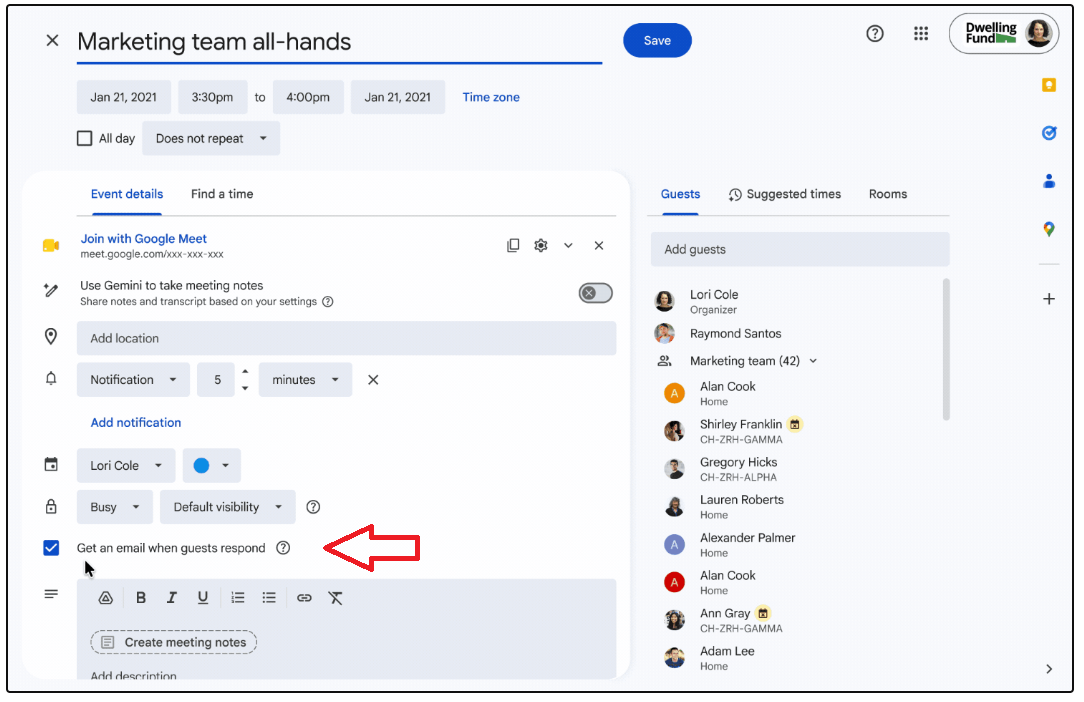
The new 'Get an email when guests respond' checkbox. | Image by Google
Knowing who will attend your event and who's going to miss it can be quite useful, but if you send invites in bulk to a huge number of users, the answers could overwhelm your inbox. Up to now there was no way to disable RSPV mail, but Google is rolling out a new setting.
We’re introducing a new per-event setting in Google Calendar that allows meeting organizers or their delegates to decide whether or not to receive RSVP emails and automatic responses, such as out-of-office messages and vacation responders.
- Google Workspace Updates blog
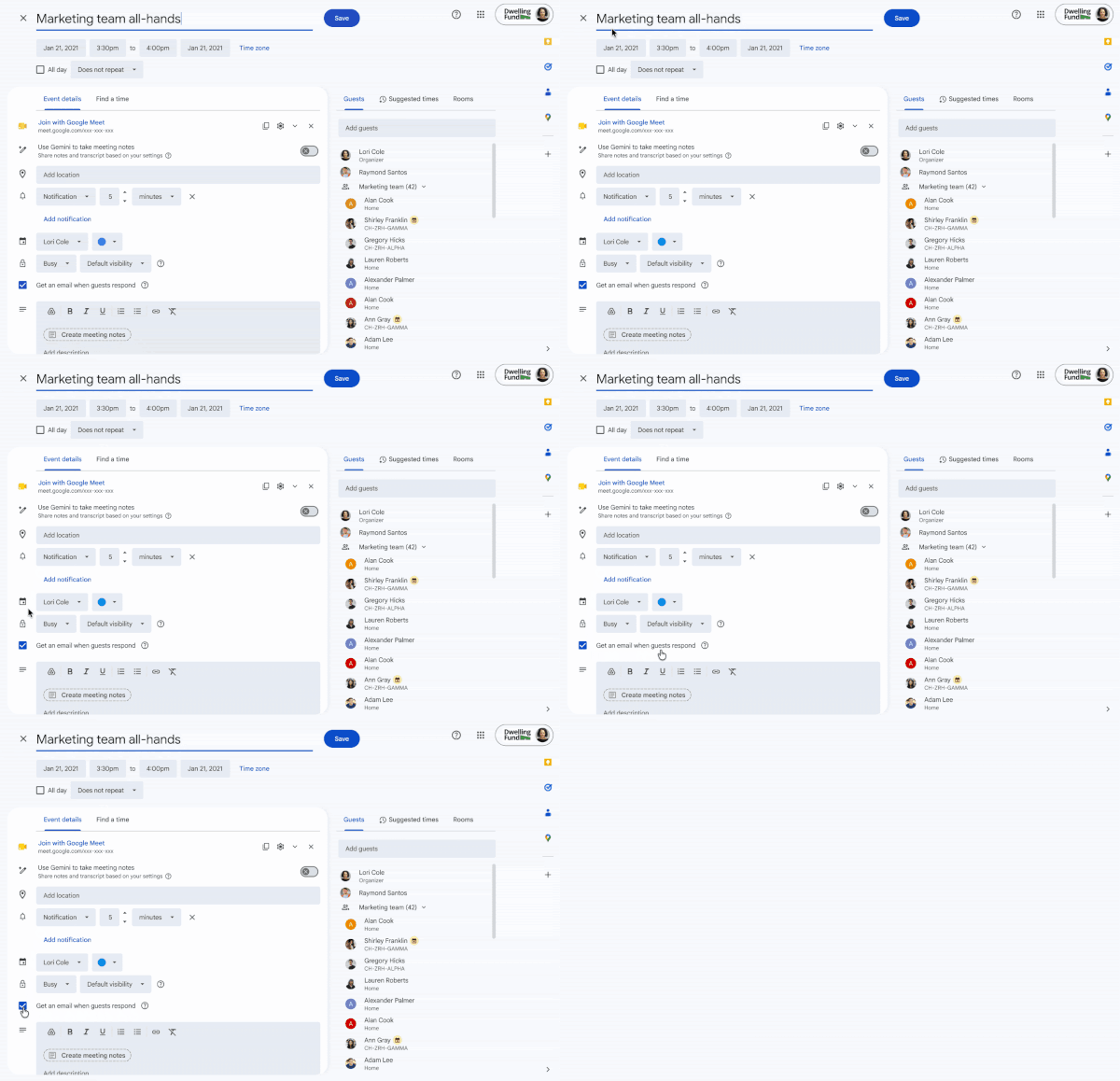
The update adds a tick box titled "Get an email when guests respond," and this option appears above the meeting description.
The setting is on by default, but you can now uncheck it and save yourself from out-of-office mail spam.
Have you ever gotten overwhelmed by automatic mails after setting up a meeting in Google Calendar?
3 Votes
"Get an email when guests respond" checkbox
You can find the checkbox above the meeting description. | Image by Google
Google detailed what happens when you uncheck the box on its official blog. Here's a breakdown:
Organizers will not receive RSVP emails from attendees using Google Calendar, but their RSVP status will still show up on the Calendar event.
Organizers will not receive RSVP emails from attendees using third-party calendar tools (e.g. Outlook), and their RSVP status will not show up on the Calendar event.
Organizers will not receive any email auto-replies.
So, if you organize a large meeting and you're not particularly interested in who's going to attend, this feature could be a lifesaver. If you're setting a recurring event, the setting can be applied once, and it will affect all meetings in the series.
Google is going to distribute this one as a gradual rollout, meaning starting August 28 the users should start getting the option in their calendar settings. This could take up to 15 days, but the full rollout should finish around September 13.
The setting will be available to all Google Workspace customers, Workspace Individual subscribers, and users with personal Google accounts.
Free Galaxy A17 5G with Straight Talk
Get a free Galaxy A17 with Straight Talk. To claim this deal, you need to pair the phone with activation on a Silver Unlimited Plan or higher. This tier costs $45 per month. Offer valid through 01/10/27 while supplies last online.
Mariyan, a tech enthusiast with a background in Nuclear Physics and Journalism, brings a unique perspective to PhoneArena. His childhood curiosity for gadgets evolved into a professional passion for technology, leading him to the role of Editor-in-Chief at PCWorld Bulgaria before joining PhoneArena. Mariyan's interests range from mainstream Android and iPhone debates to fringe technologies like graphene batteries and nanotechnology. Off-duty, he enjoys playing his electric guitar, practicing Japanese, and revisiting his love for video games and Haruki Murakami's works.
A discussion is a place, where people can voice their opinion, no matter if it
is positive, neutral or negative. However, when posting, one must stay true to the topic, and not just share some
random thoughts, which are not directly related to the matter.
Things that are NOT allowed:
Off-topic talk - you must stick to the subject of discussion
Offensive, hate speech - if you want to say something, say it politely
Spam/Advertisements - these posts are deleted
Multiple accounts - one person can have only one account
Impersonations and offensive nicknames - these accounts get banned
To help keep our community safe and free from spam, we apply temporary limits to newly created accounts:
New accounts created within the last 24 hours may experience restrictions on how frequently they can
post or comment.
These limits are in place as a precaution and will automatically lift.
Moderation is done by humans. We try to be as objective as possible and moderate with zero bias. If you think a
post should be moderated - please, report it.
Have a question about the rules or why you have been moderated/limited/banned? Please,
contact us.










Things that are NOT allowed:
To help keep our community safe and free from spam, we apply temporary limits to newly created accounts: