How the Samsung Galaxy S26 replaced my entire PC for a week
Samsung's DeX lets you bring your work with you anywhere, any time.
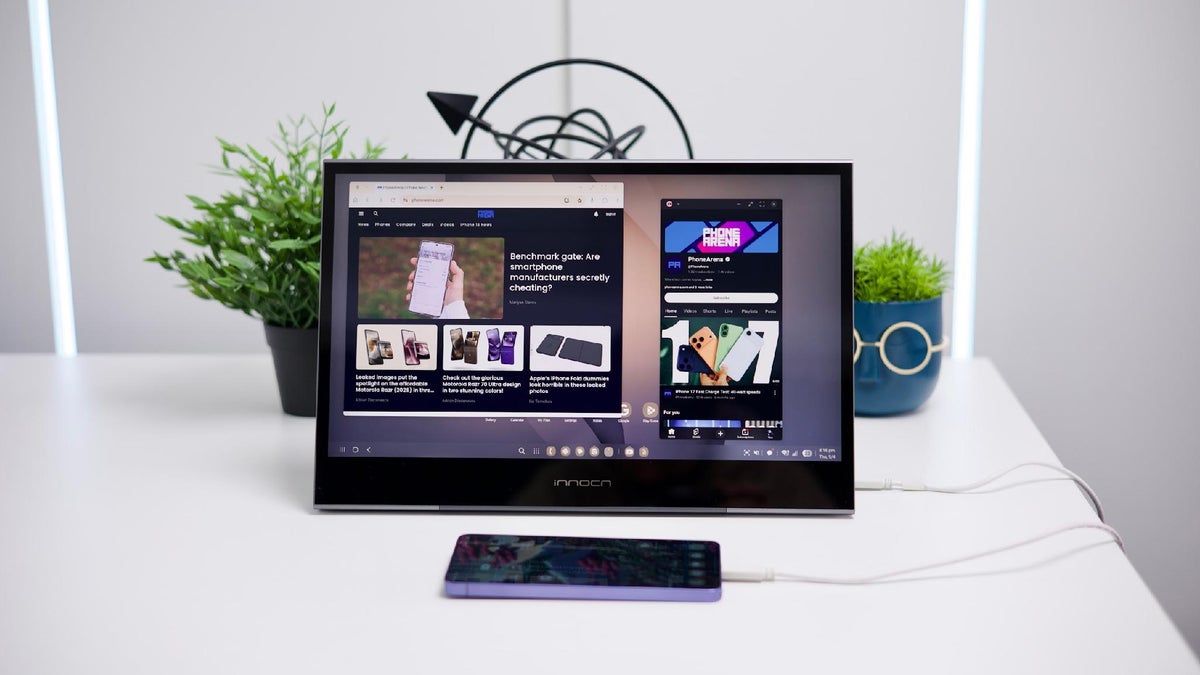
My mobile workstation | Image by PhoneArena
Sponsored content created with Samsung.
Disclaimer
Still, it was a small dock that you could carry with you anywhere, and transform any desk into a workstation. Which was basically the “mobile dream”.
Fast-forward to 2026, and DeX is a fully integrated function of your Galaxy S26 Ultra. Plug it into a hub or straight into a monitor (either via USB-C to HDMI, or a monitor that accepts USB-C), pull out a Bluetooth keyboard, and you are set. A mouse is optional — the Galaxy phone’s screen can transform into a touchpad!
Some days, the only thing I carry into the office is a Galaxy phone
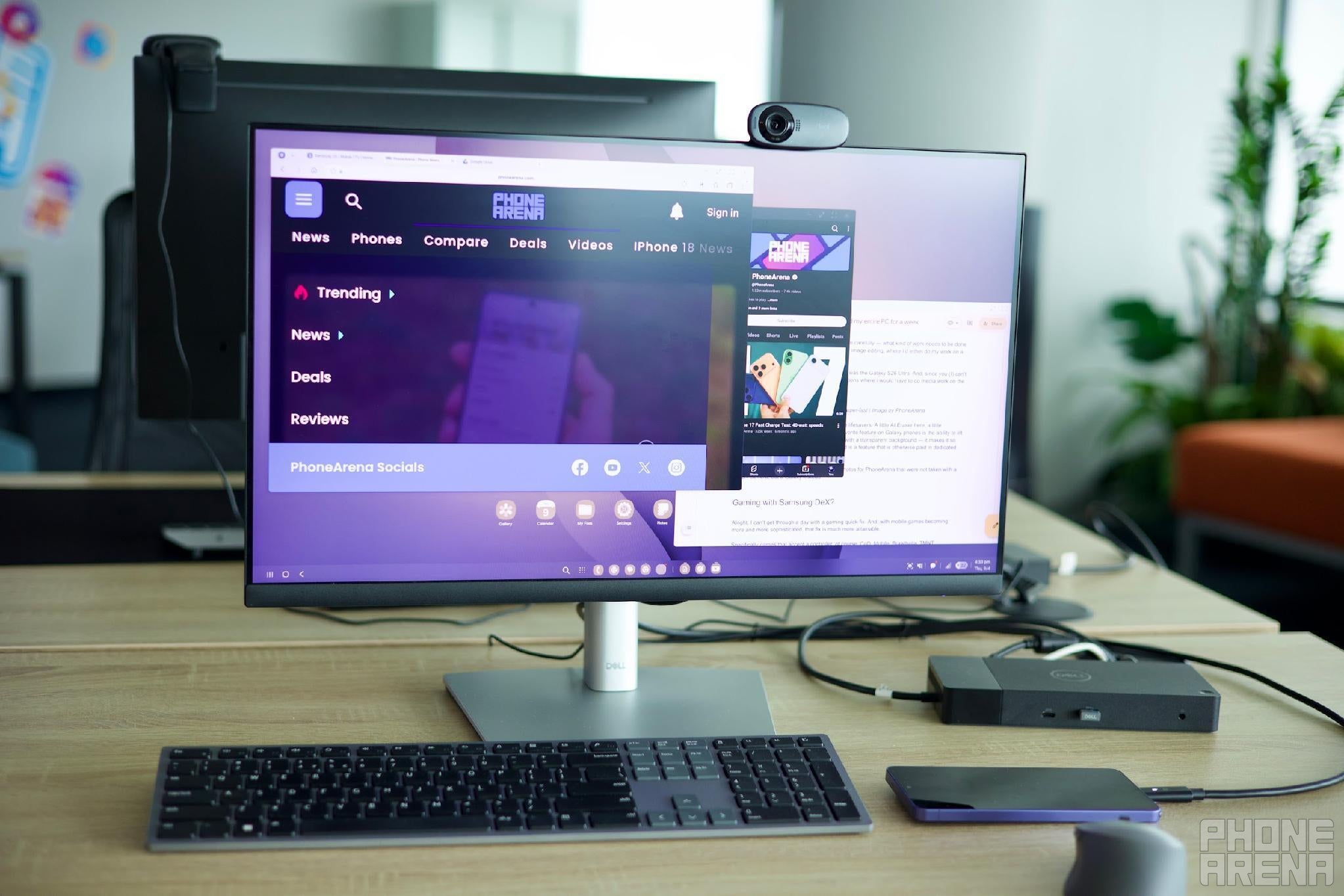
As long as you have a setup, you have a machine to run it | Image by PhoneArena
I’ve done this experiment multiple times over the years, so I am no stranger to it. Our office is equipped with hubs that connect to external monitors, keyboards, and mice. Whether I’m testing a Galaxy Fold, or the newest Galaxy S phone, I always sneak in days when I am not lugging a laptop with me.
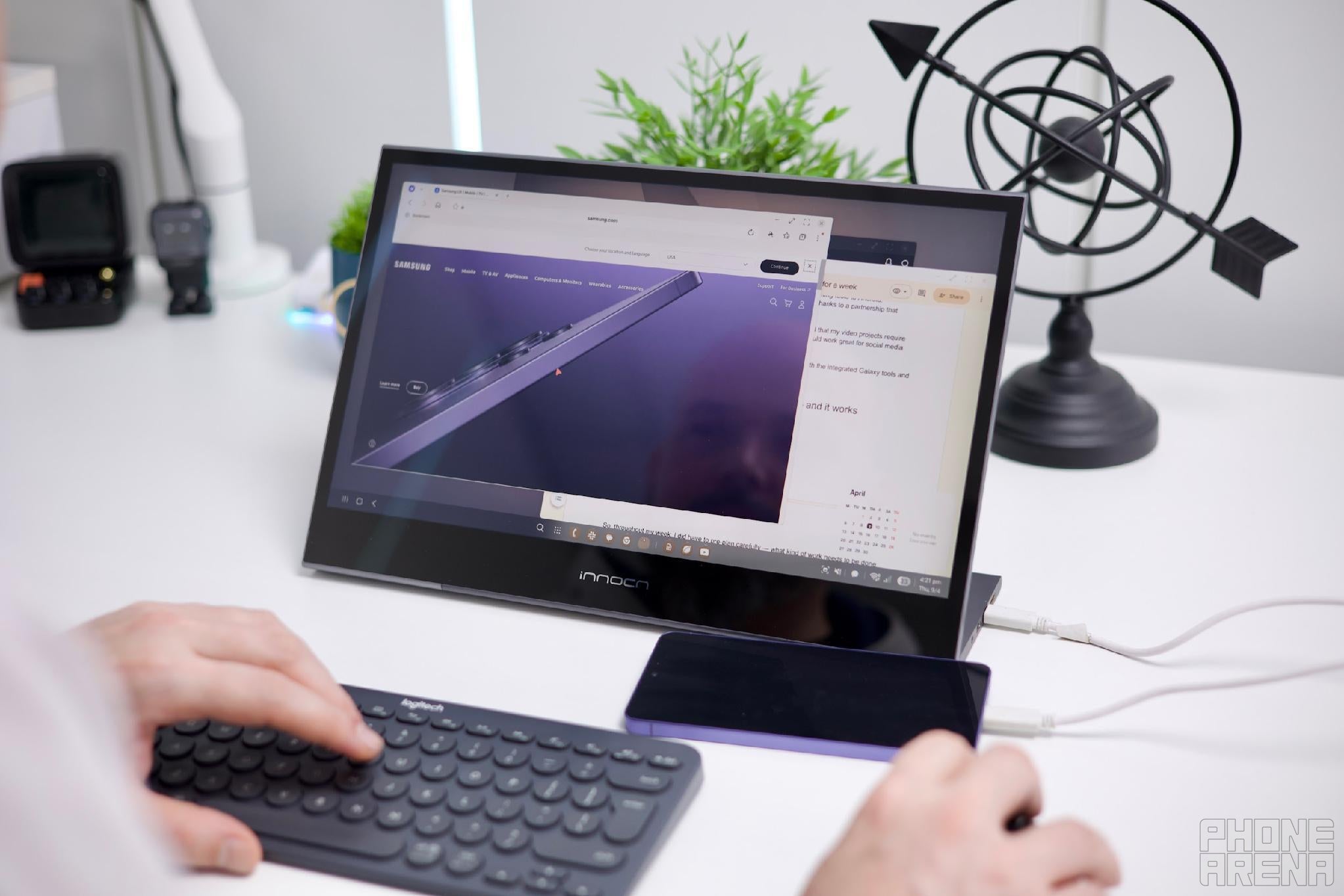
DeX giving me the full Desktop Experience | Image by PhoneArena
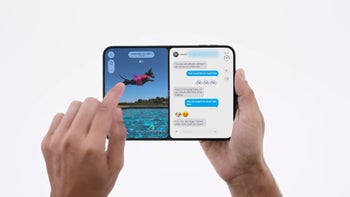
And what I really like is that you can still use the phone screen for content. You can choose to “send an app to the second display”. This will offload the app window from your main screen and move it over to the phone. For example — if you are binging YouTube while working in a window-heavy environment already, you can move the video to the phone’s screen.
Since my job consists of browsing the Internet endlessly, writing heaps of text, and shuffling through emails, DeX on the Galaxy S26 Ultra delivers all the core essentials that I need. I can have multiple app windows floating on screen and I can have all my dozens of tabs open in the browser, which feels no different from a desktop one. All the while listening to my favorite music as I zone in.
So, do I even need a laptop?
Even though I’ve talked up DeX, it does still have some limitations. It excels at basic tasks, and for workdays that require prep, initial research, and just text-churning — it does just fine.
This article that you are reading? It’s currently being written on a Galaxy S26 Ultra in DeX, connected to my external monitor and a Bluetooth keyboard.
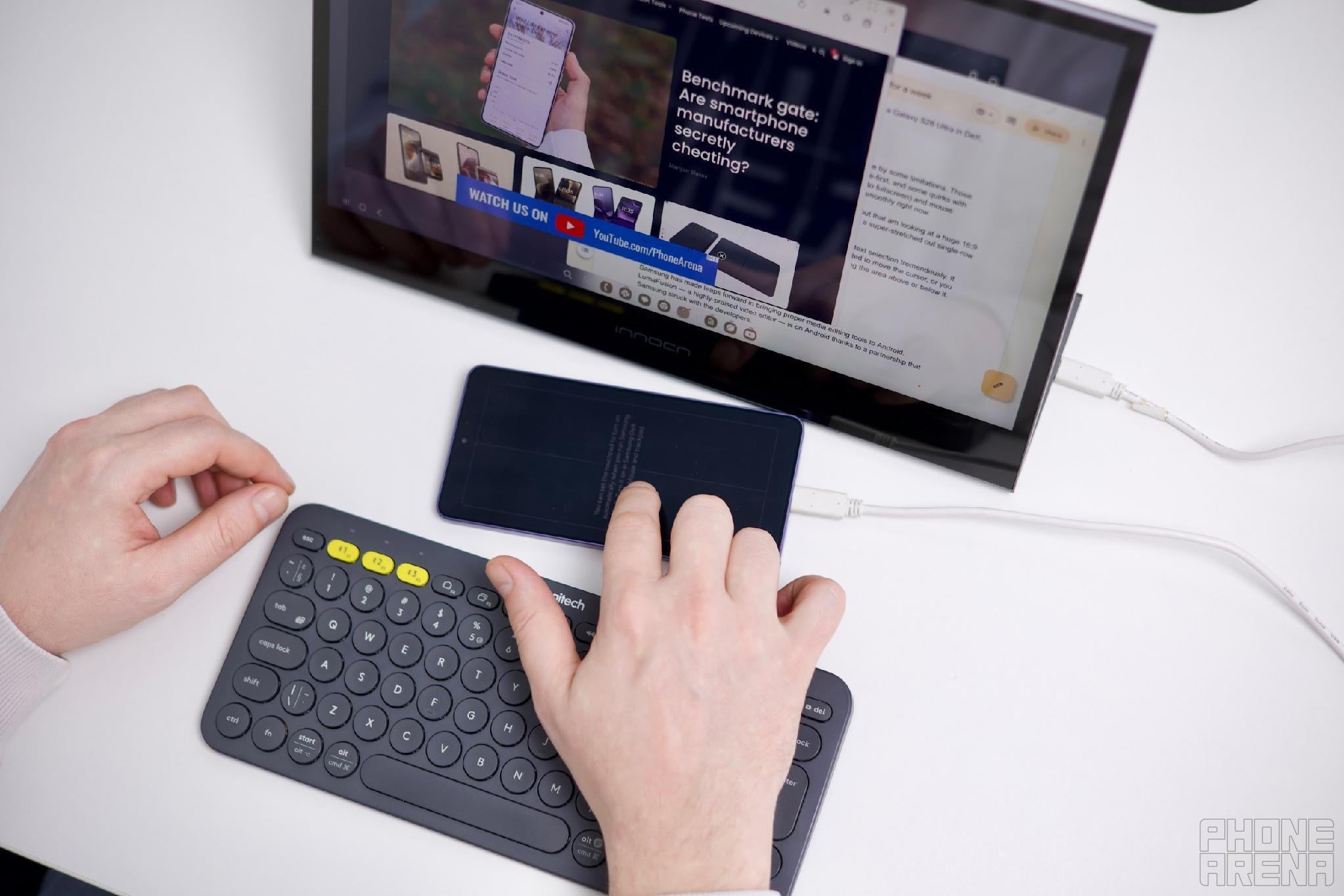
Fits in any bag | Image by PhoneArena
However, ultimately, it does run on Android, so it needs to abide by some limitations. Those being the apps available, the file management being too mobile-first, and some quirks with window management (the windows are too eager to expand into fullscreen) and mouse accuracy — Android just doesn’t accept mouse signals super smoothly right now.
Sometimes, Android’s adaptable app resizing just can’t figure out that am looking at a huge 16:9 display, and I get my YouTube app or Google Search results in a super-stretched out single-row view.
But I would be remiss not to note that Samsung has improved text selection tremendously. It used to be that you would highlight a word when you only wanted to move the cursor, or you couldn’t accurately highlight an entire sentence without grabbing the area above or below it. Now, it’s as smooth and accurate as would expect it to be!
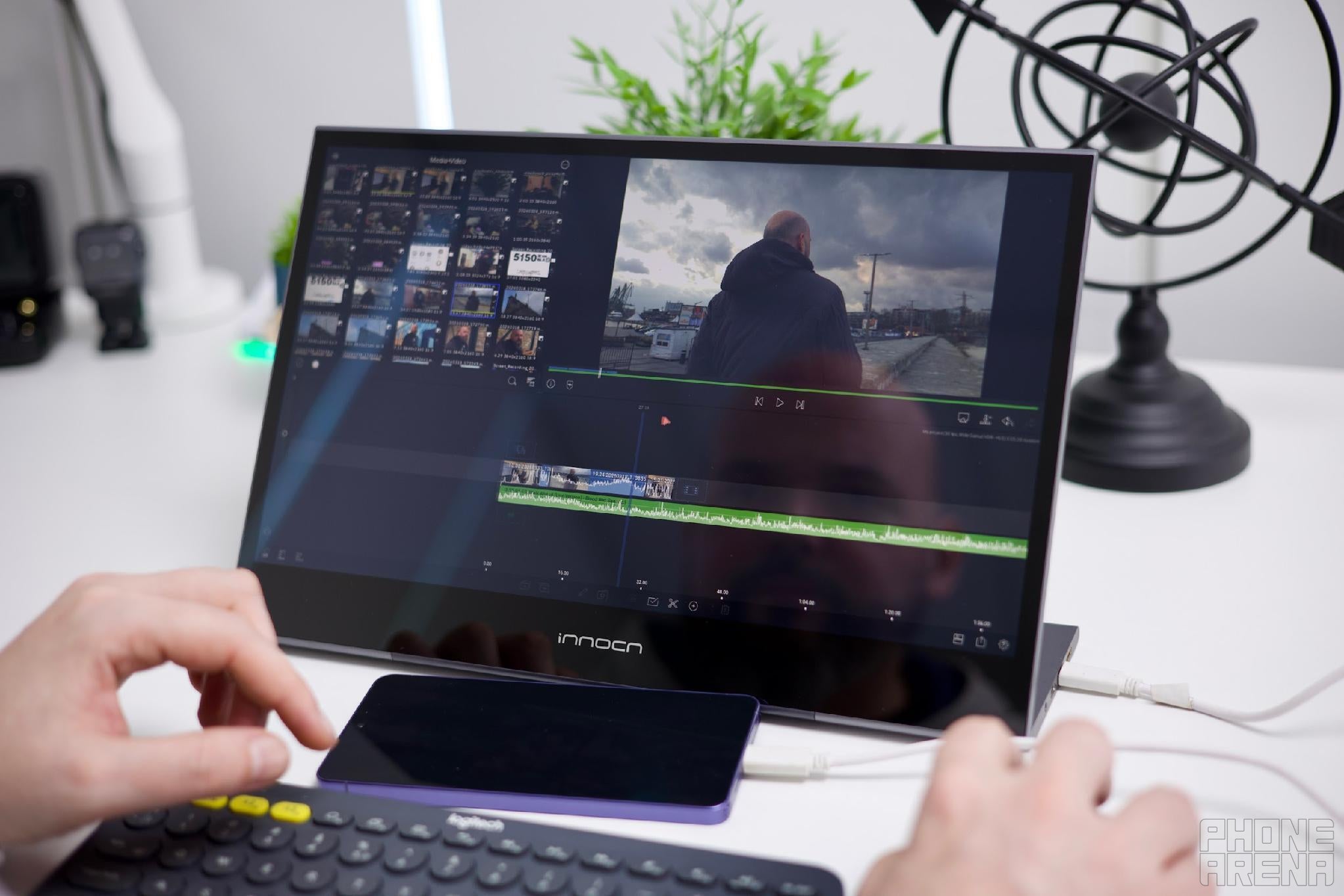
Full-out video editor | Image by PhoneArena
Samsung has made leaps forward in bringing proper media editing tools to Android. LumaFusion — a highly-praised video editor — is on Android thanks to a partnership that Samsung struck with the developers.
But, in fairness, I have not moved my workflow to it, as still find that my video projects require multiple timelines, effects, and an overall heavier system. It could work great for social media and influencer short content, though!
For image editing like thumbnails and touch-ups, I can work with the integrated Galaxy tools and Canva to get the thumbnail job done in no time.
I found the best balance is “hybrid work” — and it works surprisingly well
So, throughout my week, I did have to pre-plan carefully — what kind of work needs to be done when. I’d have a day for the photo shoots and image editing, where I’d either do my work on a desktop or offload it to a colleague.
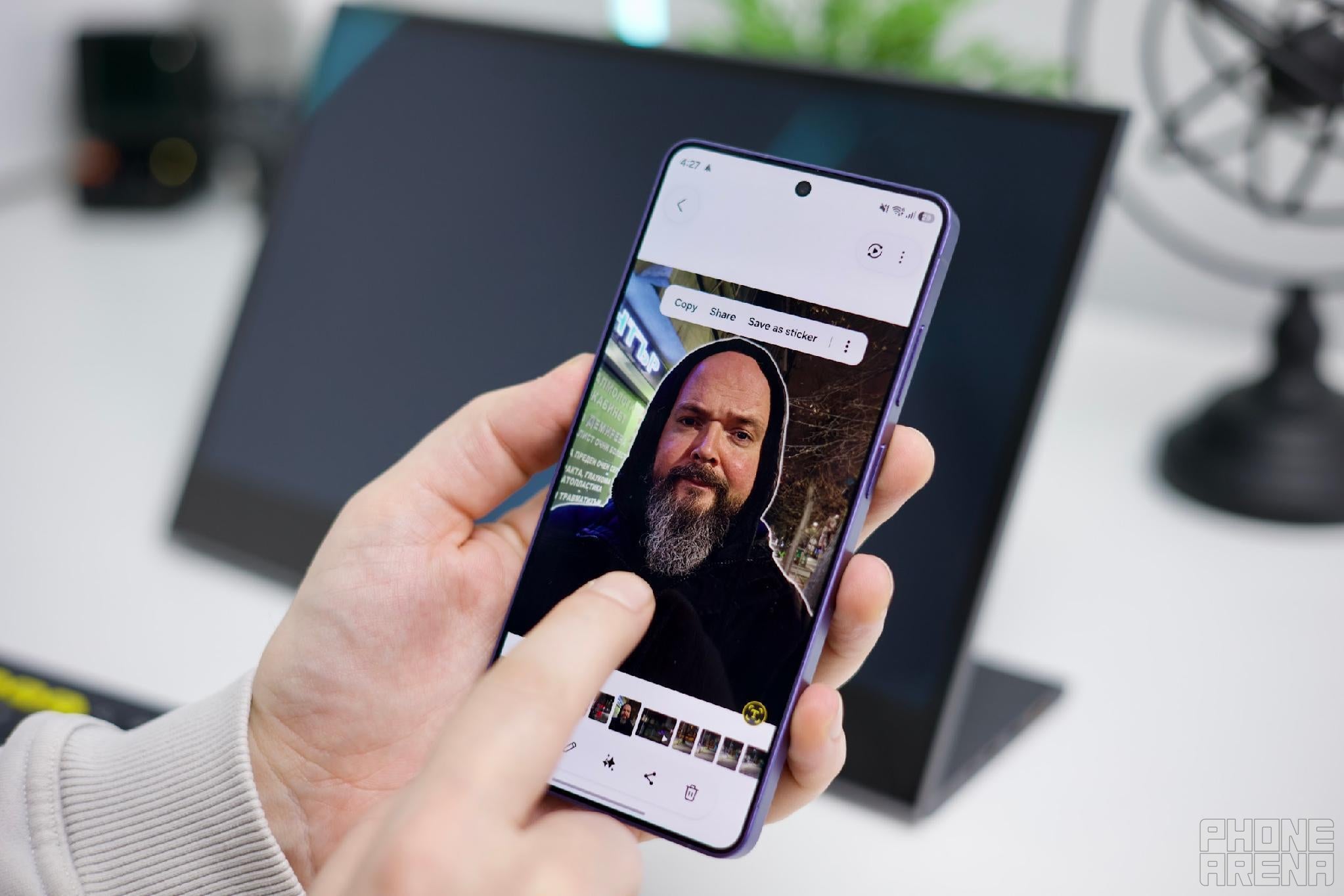
Remove the background, make a thumbnail super-fast | Image by PhoneArena
This is where I found the Galaxy AI[1] tools to be lifesavers. A little AI Eraser here, a little Reflection Remover there. My hands-down favorite feature on Galaxy phones is the ability to lift a subject from a photo and turn it into a PNG with a transparent background — it makes it so much easier to make YouTube thumbnails and is a feature that is otherwise paid in dedicated apps.
Also, don’t tell my boss, but there are some photos for PhoneArena that were not taken with a DSLR camera, but a Galaxy instead.
Gaming with Samsung DeX?
Alright, I can’t get through a day with a gaming quick-fix. And, with mobile games becoming more and more sophisticated, that fix is much more attainable.
Is Samsung DeX on the Galaxy S26 Ultra useful?
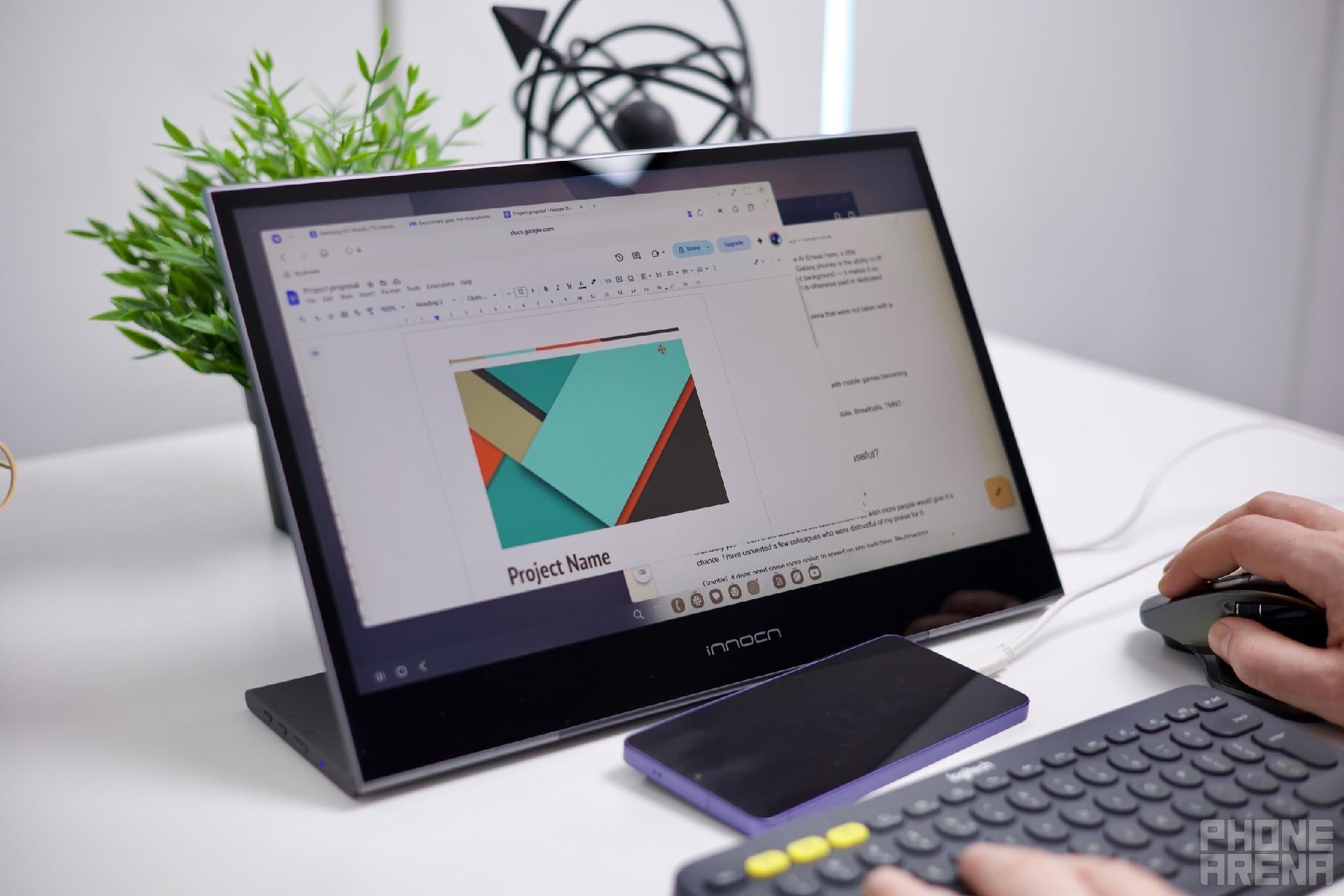
The tools you need are getting smaller | Image by PhoneArena
Ultimately yes — DeX is the future and the future is now. I do wish more people would give it a chance. I have converted a few colleagues who were distrustful of my praise for it.
Granted, it does need some more polish to speed up app switching, file-browsing,
But ultimately I think that it’s the underlying Android software and app ecosystem that needs expanding. Now that Google is also focusing on the desktop feel of Android, it’s only going to get better.
[1] Samsung account and network connection required for certain AI features


Popular stories

Latest News

Things that are NOT allowed:
To help keep our community safe and free from spam, we apply temporary limits to newly created accounts: