Google Photos just brought its wild AI photo generator to iPhone and iPad in the US
Like it or not, AI is creeping to yet another essential Google app.
After existing as an exclusive Android feature for months, Google Photos' fresh new "Create with AI" templates are finally rolling out to the iPhone and the iPad in the US.
This release follows a community blog post from a week ago and essentially means that Google Photos users willing to leverage the power of AI can now easily transform their photos into unique collages and other intriguing creations. Google will be providing a steady supply of AI templates for the app so that you always have something fresh to try out when you feel creative.
This feature will essentially allow you to "lift" a person or a face from any of your photos and automagically blend it into an AI-generated image. Some existing templates are "Turn into a collectible figurine", "Make a winter wonderland holiday card", "Create a professional headshot", "Create a cozy cabin holiday card", and so on.
It's not only the US that scores this new feature, though, as it is also rolling out to other iPhone users in Argentina, Bangladesh, Brazil, Colombia, Egypt, India, Indonesia, Japan, Mexico, Pakistan, the Philippines, and Türkiye.
Do you use AI generation with your personal photo library?
9 Votes
Yes, all the time!
33.33%
Occasionally do, but not on the regular
22.22%
No, no more AI slop, please.
44.44%
How to use the new Create with AI feature in Google Photos?
It's pretty simple and straightforward to get started with Google Photos AI creations. First and foremost, however, make sure that you have the latest version of Google Photos installed on your iPhone or iPad (you can do that by checking out the app's page in the App Store on your respective device).
What you need to do is head to the "Create" on the app's bottom bar, then the "Create with AI" button will be highlighted at the top of the new page that pops up. From there, you will be able to browse the featured or all available templates and continue with the creation process.
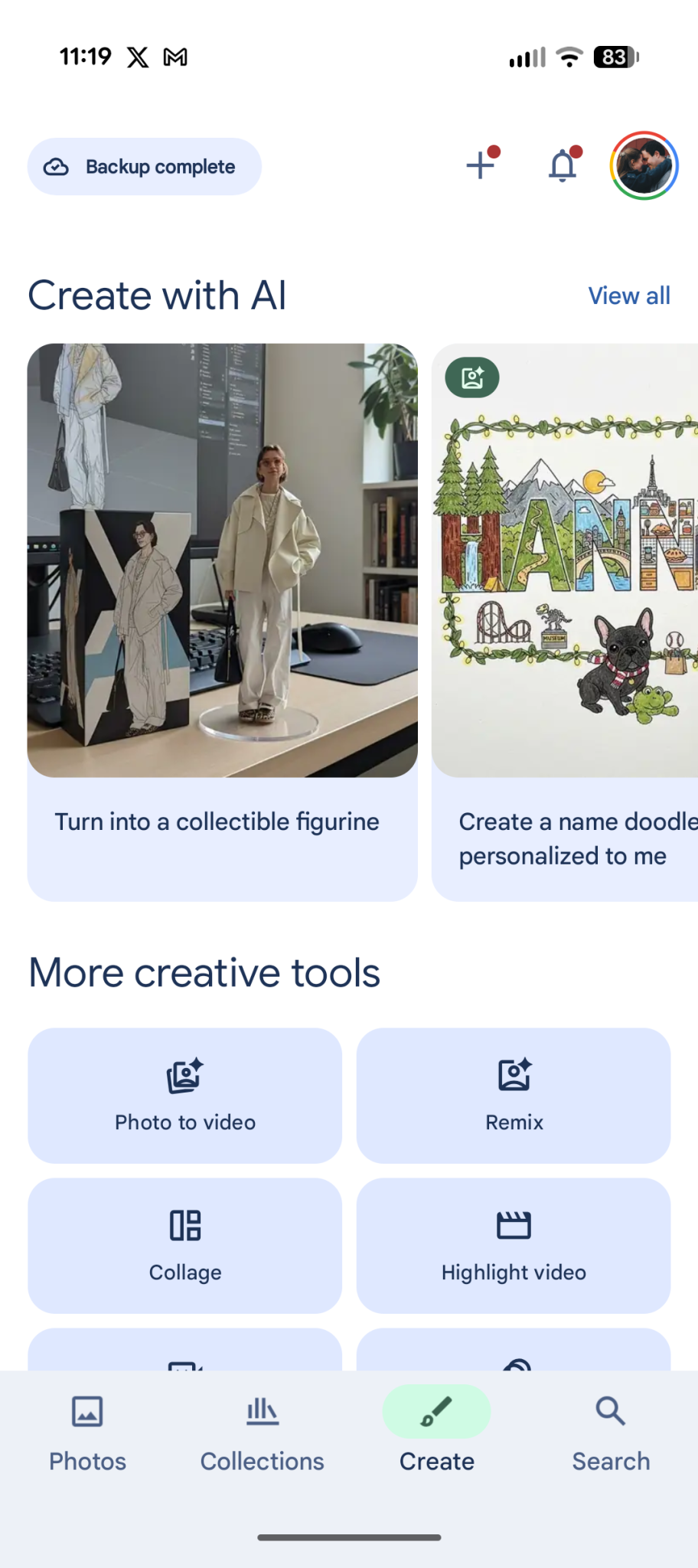
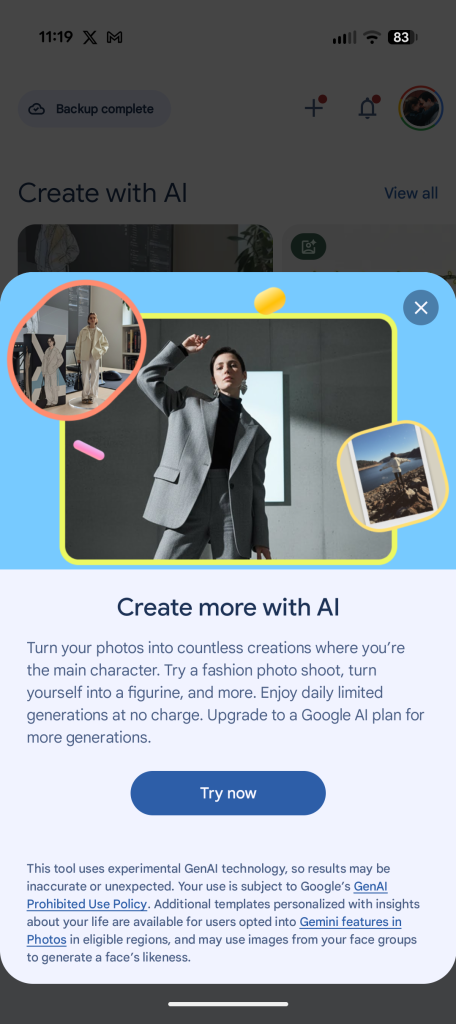
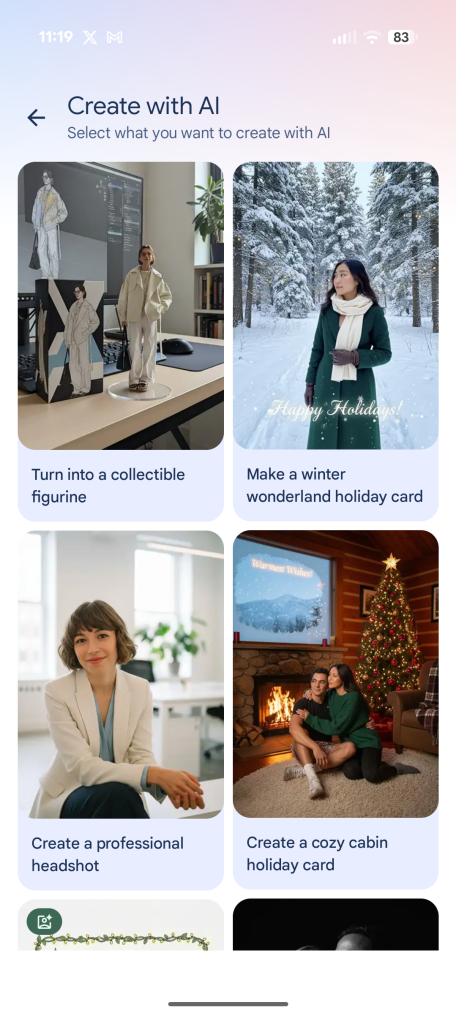
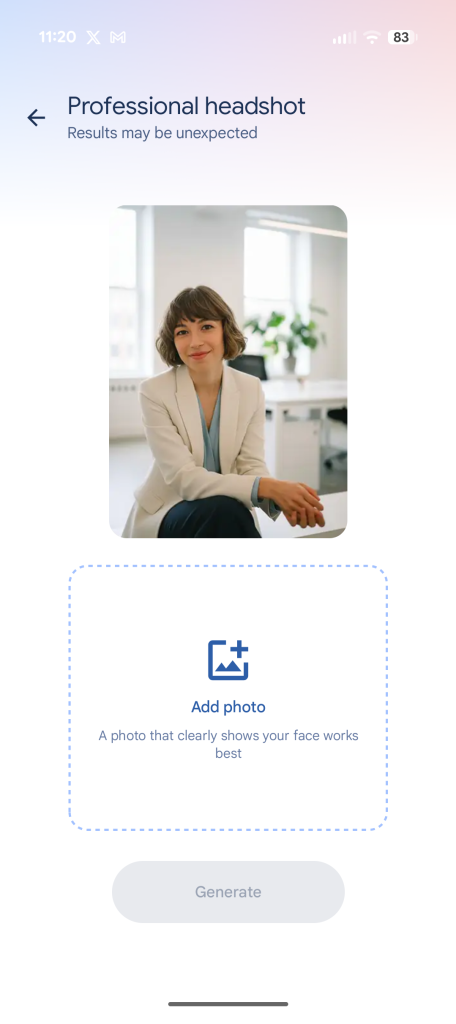
There are two types of templates: personalized and non-personalized. You can start generating the former type almost immediately, as these don't require you to choose one of your photos, whereas the latter type absolutely needs a reference photo from your library to be selected.
If you don't like the result you're presented with, just tap the "Regenerate" button, and a new one will be generated promptly.
Sounds cool, but definitely not my cup of tea
Create with AI in Google Photos sounds like it would be up many iPhone users' alley, as it will provide them with an even easier way to manipulate their photos and turn them into intriguing creations. If that's something you'd love to do, then absolutely do so. No harm done, live and let live!
I have to admit, I don't use Google Photos, neither for backup nor for any of its other features, as I'm self-hosting my family's entire photo library in Immich. There, I have tight control of where my data is stored, who has access to it, and exactly what features I have access to. It's one way to weather the AI storm that has been battering from all different platforms, apps, and features out there.


Popular stories






Latest News
Things that are NOT allowed:
To help keep our community safe and free from spam, we apply temporary limits to newly created accounts: