How to change to dark theme (aka dark mode) on OnePlus Two
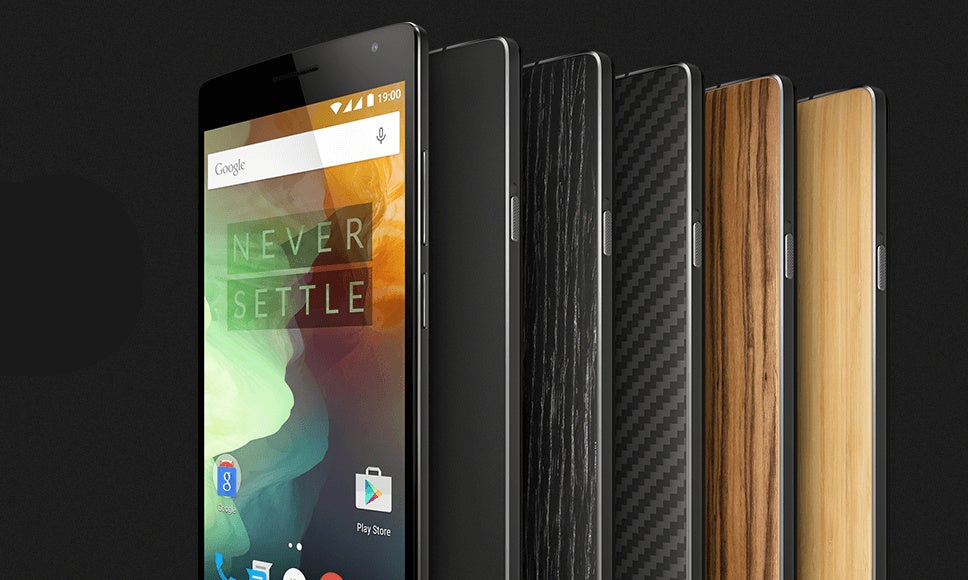
Android 6.0 Marshmallow comes with a brand new dark UI theme that switches the light backgrounds in places like the app drawer and settings to a dark background that is much less stressful on the eyes, especially if you tend to use your phone a lot in the dark.
Dark theme is great for night use of the phone
While this latest version of Android is yet to come on any actual devices in its final form (the first ones to get it will be the Nexus 5X and Nexus 6P in about a week), this one particular feature is already available on one device: the OnePlus Two.The OnePlus Two runs on its custom Oxygen OS 2.0 based on Android 5.1 Lollipop, and overall it looks like a very clean build of Android, close to vanilla. The dark theme option can be easily switched on and off in settings (we do wish it was available for quick access via the notification shade, though). Just follow the steps right below to turn dark theme on and off on the OnePlus Two.
How to change to dark theme (aka dark mode) on OnePlus Two


Popular stories



![T-Mobile is down for many users across the nation right now [UPDATED]](https://m-cdn.phonearena.com/images/article/181747-wide-two_350/T-Mobile-is-down-for-many-users-across-the-nation-right-now-UPDATED.webp)


Latest News





Things that are NOT allowed:
To help keep our community safe and free from spam, we apply temporary limits to newly created accounts: