The Google Wallet travel hack you need to save $45 before your next flight
Skip the TSA's expensive new verification fee.
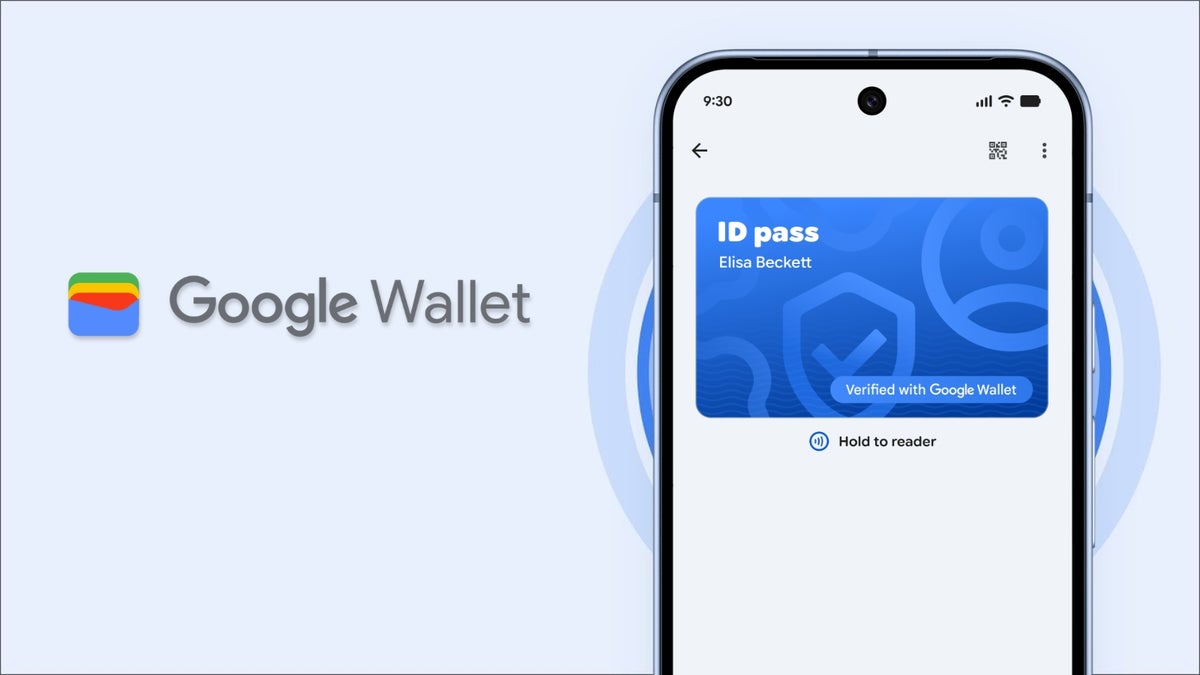
Effective February 1, travelers in the U.S. will be charged a $45 fee when passing through TSA security checkpoints if they don’t have a federally compliant ID, such as a Real ID or a passport. Android users, however, can avoid this additional fee by creating a digital ID pass using Google Wallet, which is available now.
The TSA is launching a "ConfirmID" fee that will be charged to travelers who don’t have a federally compliant ID, meaning those who don’t have a Real ID or a passport. The $45 fee is intended to cover the additional time it takes to verify identities using alternative methods, which can take up to 30 minutes. Even if you do have a Real ID, this fee is a reminder that if you’re using a standard driver’s license, you might still be charged this fee if you don't have it with you while traveling.
If you would rather not pay the extra fee, you can create a digital ID pass using Google Wallet using your U.S. passport information. Here’s what you do:
We have been hearing about the Real ID deadline being extended multiple times, so it's technically old news at this point. However, the problem now is that the TSA is putting a price tag on it. It’s no longer just a fee of $45, which only gets you a 10-day pass, but also a possibility of missing your flight because of the lines at manual verification checks.
If you’re one of those people putting off a trip to the DMV to get a Real ID card, now is your chance to get your phone to do something besides scroll through social media. The process of creating an ID pass using Google’s service is super simple, even the part about locating the chip in the back of your passport. Just a note, though: this is not a replacement for your driver’s license but simply a stopgap measure until you get your Real ID card.
Personally, I think this should be done right away. Even if you think you are compliant, this is a lifesaver in case you ever lose your wallet while traveling. Not only is this safe and encrypted, but you can potentially save you from a disaster at TSA security lines.
What’s changing with the new fees at the TSA
The TSA is launching a "ConfirmID" fee that will be charged to travelers who don’t have a federally compliant ID, meaning those who don’t have a Real ID or a passport. The $45 fee is intended to cover the additional time it takes to verify identities using alternative methods, which can take up to 30 minutes. Even if you do have a Real ID, this fee is a reminder that if you’re using a standard driver’s license, you might still be charged this fee if you don't have it with you while traveling.
How to set up your Google Wallet digital ID pass
If you would rather not pay the extra fee, you can create a digital ID pass using Google Wallet using your U.S. passport information. Here’s what you do:
- Download Google Wallet, then click on the Add ID button.
- Click ID Pass to start the process.
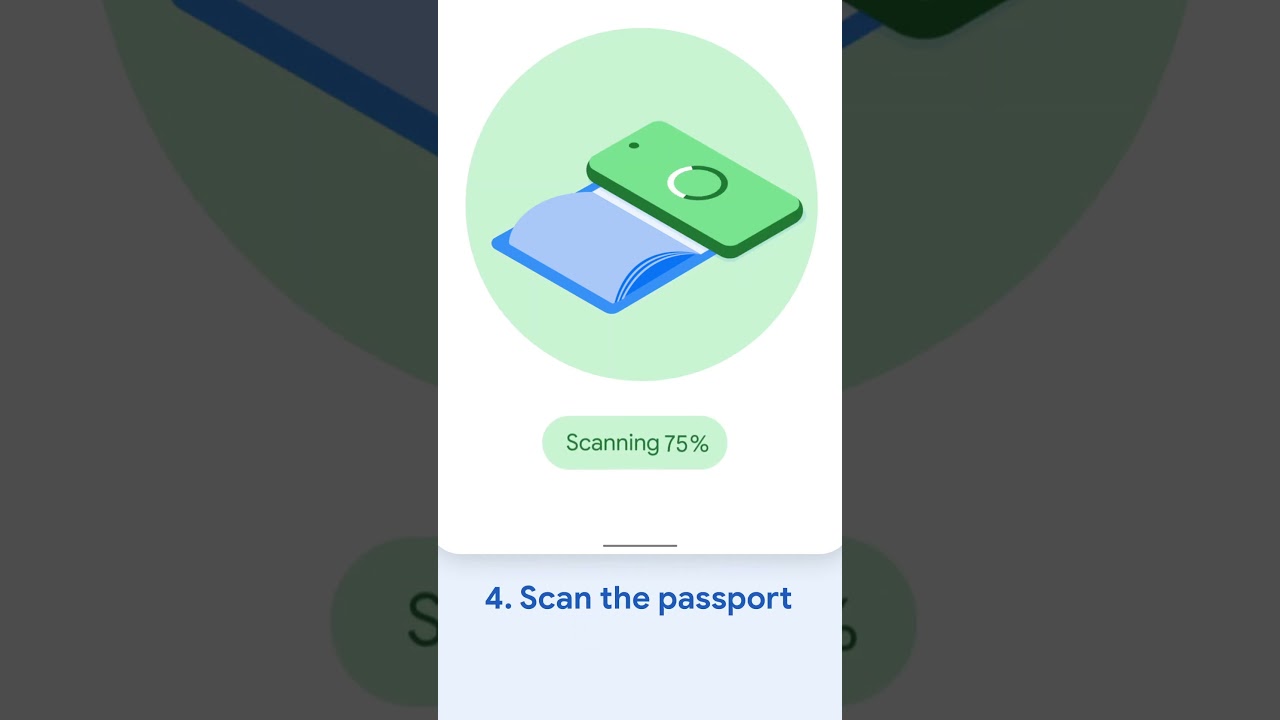
- Scan your passport's info when prompted.
- Locate your passport's security chip, which is located on the back cover.
- Place your phone over the security chip to scan the information.
- Perform an identity check by following the prompts to scan your face.
- After a few minutes, your encrypted ID pass will be ready to be used at over 250 TSA checkpoints.
Why this travel shortcut matters now

We have been hearing about the Real ID deadline being extended multiple times, so it's technically old news at this point. However, the problem now is that the TSA is putting a price tag on it. It’s no longer just a fee of $45, which only gets you a 10-day pass, but also a possibility of missing your flight because of the lines at manual verification checks.
This Google Wallet perk allows anyone with a U.S. passport to create an ID pass even if their state still does not have a mobile driver’s license feature. It should be noted that iOS has the same feature for iPhone users.
How do you plan to handle the new TSA requirements?
12 Votes
I already have my physical REAL ID ready to go.
66.67%
I'm setting up my digital ID in Google Wallet right now.
0%
I'll just stick to using my physical U.S. passport.
16.67%
I'm still waiting for my state to issue mobile licenses.
16.67%
Skipping the TSA fee
If you’re one of those people putting off a trip to the DMV to get a Real ID card, now is your chance to get your phone to do something besides scroll through social media. The process of creating an ID pass using Google’s service is super simple, even the part about locating the chip in the back of your passport. Just a note, though: this is not a replacement for your driver’s license but simply a stopgap measure until you get your Real ID card.
- Google Wallet expands capabilities with digital IDs, state-issued ids, and enhanced transit features
- Google Wallet adds Driver's License and Digital ID support for more U.S. States


Popular stories






Latest News



Things that are NOT allowed:
To help keep our community safe and free from spam, we apply temporary limits to newly created accounts: