Editorials · Insider Reaction
A leaked image of the Galaxy S26 Ultra's key feature suggests it might be more than just a gimmick
You could have multiple customization options rather than just one simple toggle.
This article may contain personal views and opinion from the author.
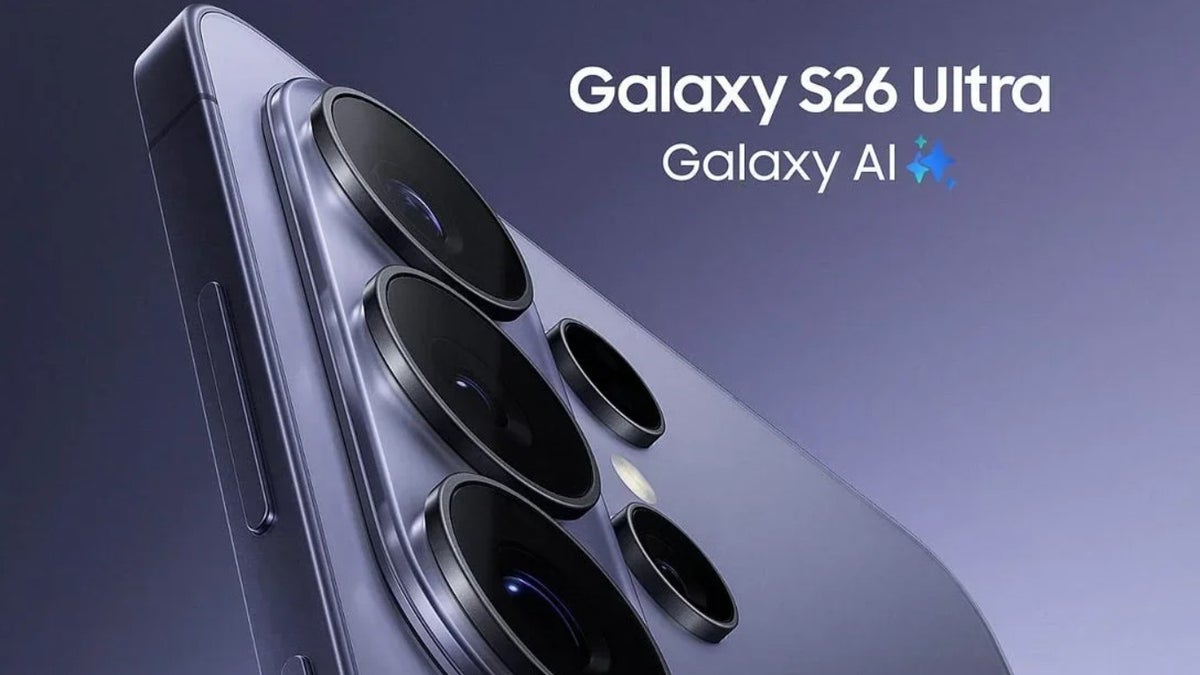
Rear cameras of the Galaxy S26 Ultra. | Image by Evan Blass
There's plenty of manual control
Initially, it was speculated that it would make the entire screen invisible from side angles, but recent reports suggest that it will only work on those areas of the screen that show confidential data. I'm confident that this is exactly how the feature will function based on two images of the privacy display window that have been shared by reliable tipster Tarun Vats. Interestingly, the same images were shared back in October last year, when very little was known about this feature, by another leaker.
Anyway, the image suggests that you will get many manual controls for this feature, and I think that's actually a suitable approach. There's an "Auto privacy" toggle, which I believe most S26 Ultra users will use. As per its description, enabling this will automatically turn on the privacy display feature when you are in a crowded place or using sensitive apps like a banking app.
This toggle appears to be largely beneficial, as you won't have to manually enable this feature every time. However, there could be one downside as well. It might always track your location to know when you are travelling in a crowded place. This could harm your privacy and could also affect the device's battery life.
Then there's a "Maximum privacy" toggle, which will reduce your screen brightness more than usual when the privacy display feature is active. I think having this feature enabled would mainly help in packed places like inside a metro, where anyone could easily sneak a peek at what you are looking at on your device.
You could also get a dedicated privacy triggers section that would contain a few other options related to the upcoming feature. The section reportedly contains toggles for screen lock, images, notifications, picture-in-picture, and public places. I believe all these options could really turn out to be helpful (if they actually come).
I would always keep the screen lock toggle enabled, as it will ensure that no one nearby can see the PIN, password, or pattern I'm entering to unlock my S26 Ultra. The notification toggle will make sure that only the top portion of the smartphone's screen (which typically displays notifications when they arrive) remains hidden from people next to you. The picture-in-picture toggle will allow you to obscure the picture-in-picture window. The images toggle, on the other hand, will likely keep your private images safe from prying eyes.
Will you consider buying the Galaxy S26 Ultra just for the Privacy Display feature?
145 Votes
Yes... it's a key feature of the upcoming phone.
26.9%
I don't think it's that big of a feature.
24.83%
The Ultra isn't getting any other major upgrades, so, no.
29.66%
I'd rather apply a third-party screen protector.
3.45%
I'll make my decision after looking at the phone's price.
15.17%
There could be changes
The next S26 Ultra will have a privacy feature that keeps people from peeking at your screen. pic.twitter.com/tFcgeFpCqG
— A (@Nomoreultra) October 2, 2025
It's really going to be a great addition to the Galaxy S26 Ultra, and the Korean giant has already shared a video on how it will help you in real life. You can imagine the importance of this feature by the fact that Apple is reported to use it in one of its upcoming products.


Popular stories
Latest News

Things that are NOT allowed:
To help keep our community safe and free from spam, we apply temporary limits to newly created accounts: