Apple is adding a macOS feature that you should definitely use to extend your MacBook's battery life
Keep your MacBook's battery healthy for a long long time.
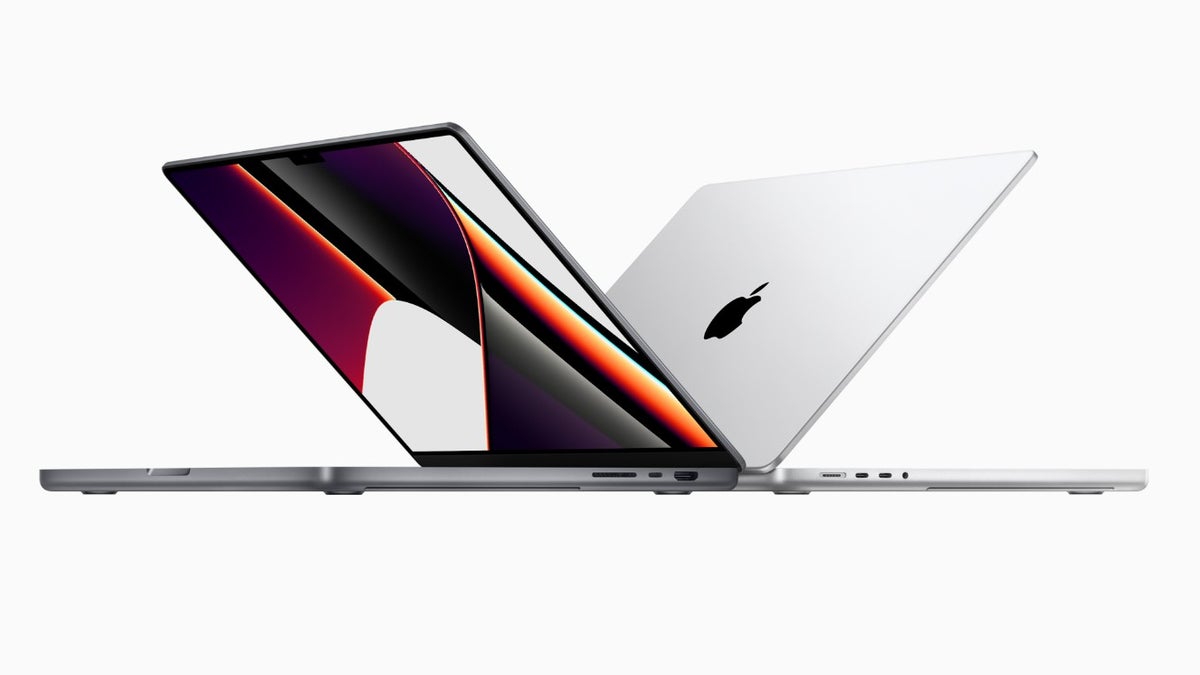
Apple MacBook Pro. | Image by Apple
Control how much you want your MacBook to charge
The Charge Limit feature was basically introduced to keep the battery healthy for a long time. As it turns out, the lithium-ion battery used in Apple products like iPhones experiences the most stress when it is constantly fully charged. This constant stress could adversely affect its health, ultimately preventing it from delivering peak performance for a long time.
Limiting the battery charge to anywhere between 80% and 100% slows down its aging, which is highly influenced by the amount of stress it experiences. Since the battery ages more slowly, it will remain healthy for a long time and subsequently will be able to offer peak performance for years.
All that said, the battery health management feature is now coming to MacBooks as well. It is currently available in the macOS 26.4 beta update and can be enabled by opening the Settings app, selecting the Battery option, and clicking the info icon next to Charging.
Which of these practices do you think really helps keep your device battery healthy?
17 Votes
Maintaining its charge between 20-80%.
41.18%
Avoiding exposure to extreme temperatures.
5.88%
Using certified chargers.
0%
Using features like Optimized Battery Charging.
11.76%
All of the above.
41.18%
Keep the device battery healthy for a long time
OH MY GAWD ! ! ! ! ! !
— Mr. Macintosh (@ClassicII_MrMac) February 16, 2026
Charge limit option added in Tahoe 26.4 Beta!!!!! pic.twitter.com/SxNgMV3YsP
However, it's important not to get confused between the exciting Optimized Battery Charging and the upcoming Charge Limit option. If you have the Optimized Battery Charging option enabled, your Mac will learn from your daily charging routine to prevent the battery from getting fully charged. Until it is needed for use, based on your charging habits, the laptop will only charge up to 80%. The Charge Limit option, on the other hand, will enforce a hard restriction on the limit you choose, between 80% and 100%.
As aforementioned, the new feature is available in the beta update. The issue with beta updates, however, is that they might be unstable. So, if you really want to give it a try on your MacBook, you can download the beta update. Otherwise, I would recommend waiting until the macOS 26.4 stable build is released, which, if I have to guess, could happen in late March or early April.


Popular stories






Latest News






Things that are NOT allowed:
To help keep our community safe and free from spam, we apply temporary limits to newly created accounts: